
From Figma to WordPress: Learn UiChemy Step by Step
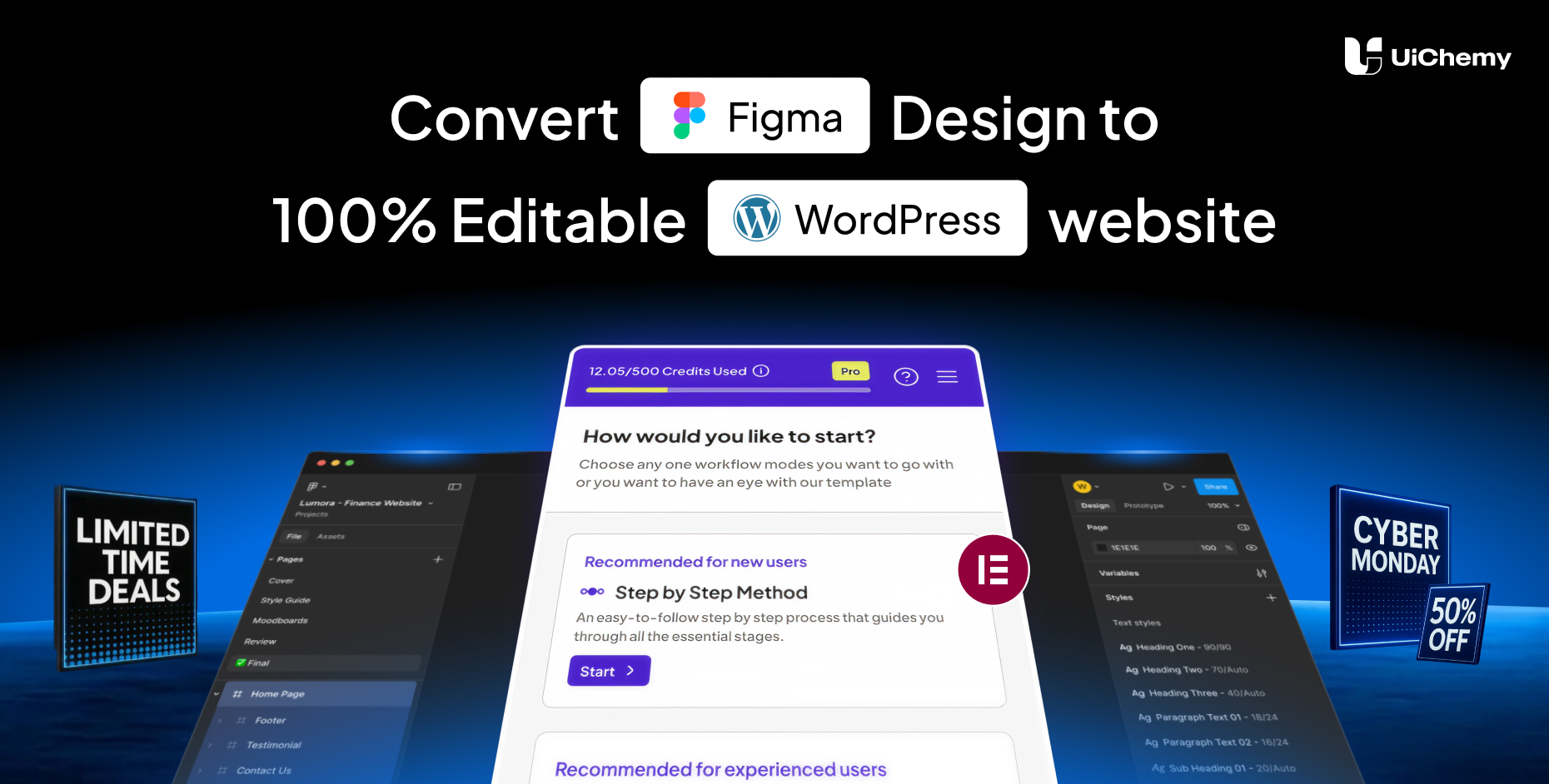
About Course
UiChemy can feel powerful at first, and this course is created to help you start with confidence and move forward step by step.
This course takes you from getting started with UiChemy to confidently converting complete Figma designs into fully responsive WordPress pages using Elementor. You don’t need to figure things out on your own, every module is explained in a clear, guided way so you understand what to do, why it matters, and how it affects your final output.
You’ll begin with the basics like installation, activation, and site connection, then slowly move into preparing your Figma designs, structuring pages and sections, handling images and multimedia, and working with absolute and overlapping layouts. As you progress, you’ll learn how to avoid common mistakes and follow best practices that make your designs convert smoothly.
The course also shows you how to use tagging, responsive settings, global styles, and conversion options correctly, along with different export methods like direct import, copy mode, and JSON downloads. Throughout the course, you’ll find practical tips and real-world guidance to help you build projects faster and more professionally.
By the end of this course, you’ll go from learning UiChemy basics to building polished, pixel-perfect WordPress pages from Figma, confidently and efficiently.
If you’re a designer, developer, or agency, this course helps you build Figma-to-WordPress projects with confidence, and create pixel-perfect, responsive websites like a pro using UiChemy.
Course Content
Module 1: Introduction to UiChemy
-
Lesson 1: What is UiChemy?
-
Lesson 2: Why Use UiChemy?