


UiChemy Education
Stay informed with our latest UiChemy tutorials u0026 upates
Subscribe to Our Email Updates Today!
Course 1: Foundations of UiChemy & Figma Structure
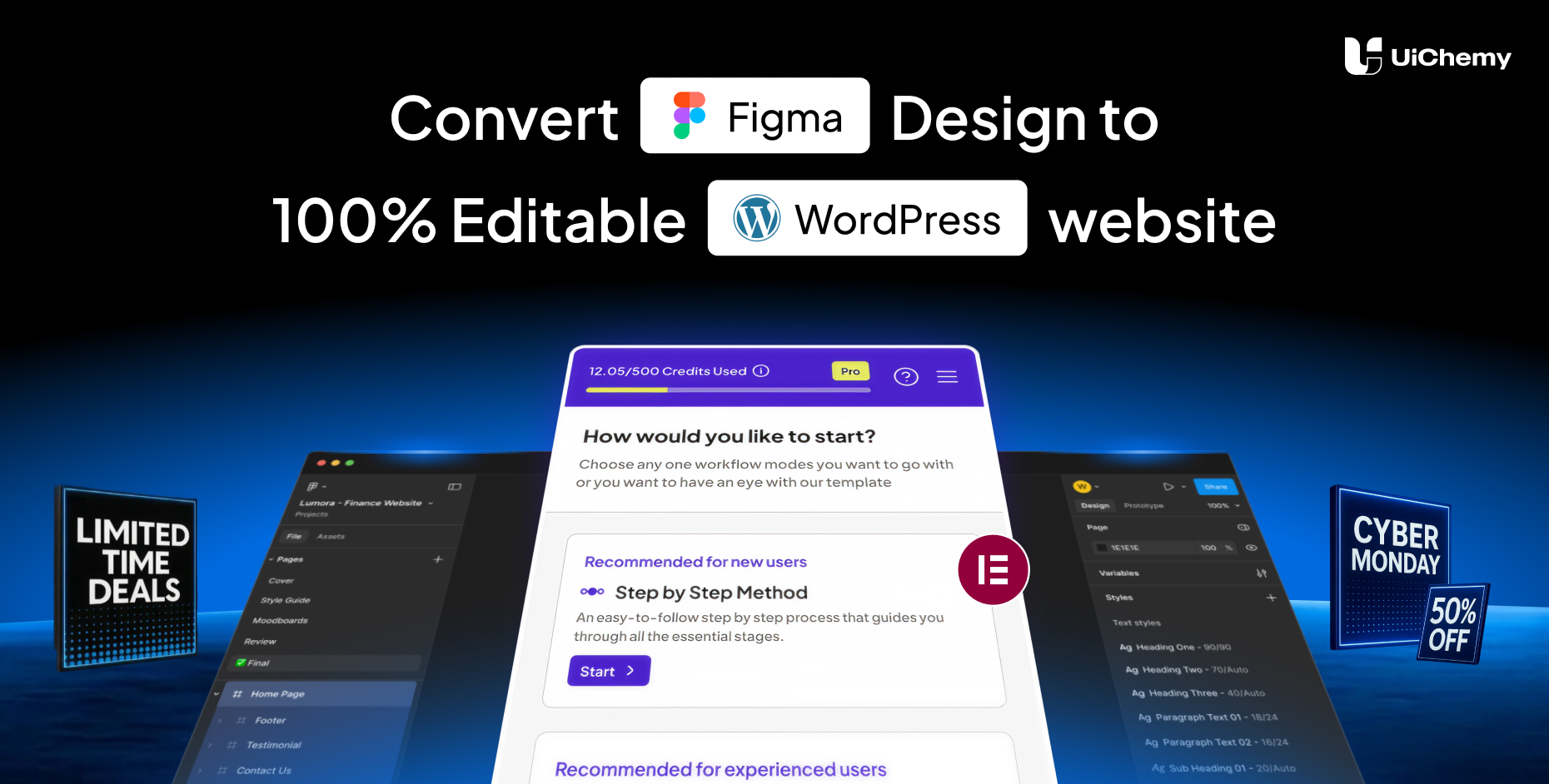
Convert your Figma designs to WordPress effortlessly! With full support for popular builders like Elementor, Gutenberg, and Bricks, you can turn your designs into live, responsive websites in minutes.
Course 2: Design Optimization & Troubleshooting
Convert your Figma designs to WordPress effortlessly! With full support for popular builders like Elementor, Gutenberg, and Bricks, you can turn your designs into live, responsive websites in minutes.
Course 3: UiChemy Plugin Mastery & Conversion Control
Convert your Figma designs to WordPress effortlessly! With full support for popular builders like Elementor, Gutenberg, and Bricks, you can turn your designs into live, responsive websites in minutes.
Frequently Asked Questions
For any further help, reach us at u003ca href=u0022mailto:[email protected]@posimyth.comu003c/au003e u003cbru003eor connect via live chat.
• Select Page or Frame – Choose the frame you want to export.
• Optimize Multi-Layer Media – Lock key assets like images, icons, or masked groups.
• Widget Tagging Mode – Pick Auto (Container, Image, Heading, Text) or advanced tagging to define how elements convert.
• Manage Auto Layout – If your design isn’t already structured, UiChemy will optimize it.
• Tag Widgets – Tag additional widgets like Buttons, Carousels, or Galleries.
• Responsive Manager – Control responsiveness through font-size, line-height, padding, flex-gap, etc.
• Sync Global Styles – Map your Figma colors and typography to your WordPress site.
• Conversion Settings – Finalize export preferences like image options and layout behaviors.
Each of these phases is designed to give you control, confidence, and clarity during export.

1300+ Figma Templates & Sections
for Best UiChemy Conversions





Convert Your Non-AutoLayout Design Into AutoLayout in Just 3 Steps