As Seen On
0K+
Figma Designers are using UiChemy to Convert Figma to WordPress
0+
Elementor Widgets Supported for Design Tagging
0K+
Figma Pages Have Been Converted Around the World.
0+
Pre-Designed Figma Templates & Sections to Save Time on Design Creation
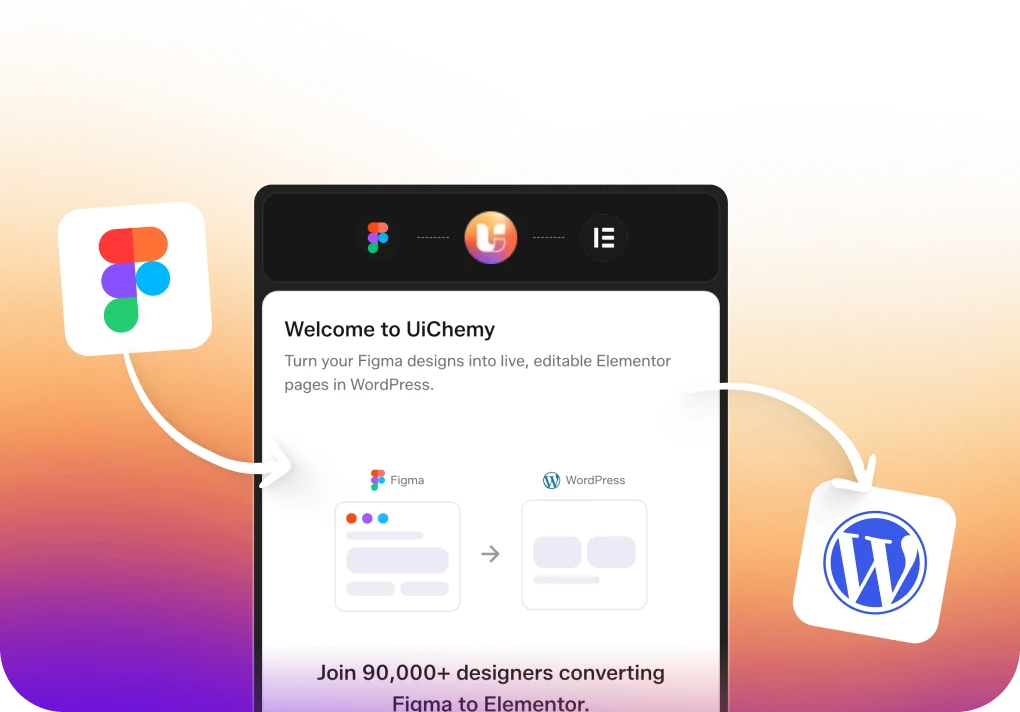
Bring Your Figma Design to Reality in Just a Few Clicks with UiChemy


Everything Under One Figma Plugin to Streamline Your Design Process Like Never Before
Choose Your Preferred Import Method
You decide how to bring your design into WordPress. Select between Direct Import or Copy to Clipboard to paste into your editor manually.
All New Step by Step Guided Flow
Experience the enhanced way to sync Figma styles with Elementor. From colors and typography to container widths, UiChemy 4.0 ensures every design detail is carried over with precision and consistency.
Lock Multi-Layer Vectors for Better Performance
Unnecessary vector layers can slow you down. We’ve made it easier to lock and optimize them so your designs stay fast, light, and conversion-ready.
Figma AutoLayout 4.0 Compatibility
Enjoy seamless integration with Figma’s AutoLayout 4.0, ensuring your responsive designs are preserved during conversion.
Smart Image Compression
Export images in modern formats like PNG, JPEG, AVIF, and WEBP with adjustable quality settings. UiChemy compresses images during export, giving you lighter files, faster load times, and smooth uploads to WordPress.
Optimize Relume Designs
Enjoy seamless integration with Figma’s AutoLayout 4.0, ensuring your responsive designs are preserved during conversion.
Express & Optimize Convert Mode
Speed up the export process with Express Mode or optimize your designs step by step with our guided optimizer
Import Multiple Pages at Batch
Save time by exporting multiple pages from Figma to WordPress in one go, streamlining your workflow.
Direct Import from Figma to WordPress website
Export your designs directly to your WordPress site with ease, skipping the need for manual uploads.
Global Color Sync with Page Builders
Easily maintain consistent color schemes by syncing your Figma colors directly to Elementor. No more manual updates or mismatched shades—just seamless integration for a unified design. Coming soon to Gutenberg & Bricks
Global Typography Sync with Page Builders
Ensure your typography is consistent across your entire website by syncing text styles from Figma directly to Elementor. This feature eliminates the hassle of reapplying fonts and text sizes, giving your site a polished and professional look.
Auto Fetch Design Values from Figma
Avoid manual entry with UiChemy’s smart auto-fetch feature. It automatically detects all Font Sizes, Padding, Line Height, and Flex Gap values from your Figma file, including styles and variables. Making responsive setup faster and more accurate.
Choose Elementor Editor Version (Coming soon)
UiChemy supports both the Classic Elementor Editor V3 and the New Editor V4 built with a CSS-first system. Simply select which version your site uses. This helps UiChemy generate fully compatible layouts for your chosen Elementor environment.
Tag Widgets on Figma for Best Conversion
Tag design elements with page builder widgets to assign widgets to particle design, by default UiChemy assigns images, text to all sections to ensure accurate conversion to 100% page builder editable components.
Multi-Domain Site Connectivity
Manage multiple domain sites effortlessly by connecting them directly through the plugin.
Section Replacement & Addition
Easily replace or add sections to your current page without affecting the rest of your content.
Manual Design Import with JSON
Use JSON files for manual import of your designs, offering flexibility and precision.
SEO-Friendly Export Generation
Benefit from clean, SEO-friendly code that helps your site rank better in search engines.
Multiple Page Builder Support
Convert your Figma designs for use with popular page builders like Elementor, Bricks, and Gutenberg.
Flexible Page Publishing Options
Choose flexible page publishing options to publish designs as different types of pages or templates.
Header & Footer Template Export
Export your Figma templates directly as header and footer elements, simplifying site-wide updates.
Flexible Figma to WordPress Conversion Settings
Easily customize how your Figma designs are converted to WordPress. Control image exports, adjust scale, find SVGs, and set responsive widths—all to ensure your design translates perfectly to your site.
Global Boxed Width Container Sync
Keep layouts consistent across all devices with our new global container setting, giving you full control over your site’s width.
Directly Copy and Paste
Sections from Figma to Elementor Page Builder
Convert your Figma designs for use with popular page builders like Elementor, Bricks, and Gutenberg.
Directly Copy and Paste
Sections from Figma to Gutenberg Page Builder
Choose to update the current page or publish a new one, giving you control over site updates.
Directly Copy and Paste
Sections from Figma to Bricks Page Builder
Export your Figma templates directly as header and footer elements, simplifying site-wide updates.
95% Responsive Conversion
Ensure your WordPress site looks great on any device with our 95% responsive conversion process.
1300+ Library of Pre-Designed Figma Templates
Access over 1300 pre-designed Figma templates to kickstart your projects and save time.
From Figma to WordPress – Step by Step
Easily follow each step to convert your Figma design into a fully functional layout inside Elementor. From frame selection to widget tagging, global styles, and final export, UiChemy gives you full control at every stage.
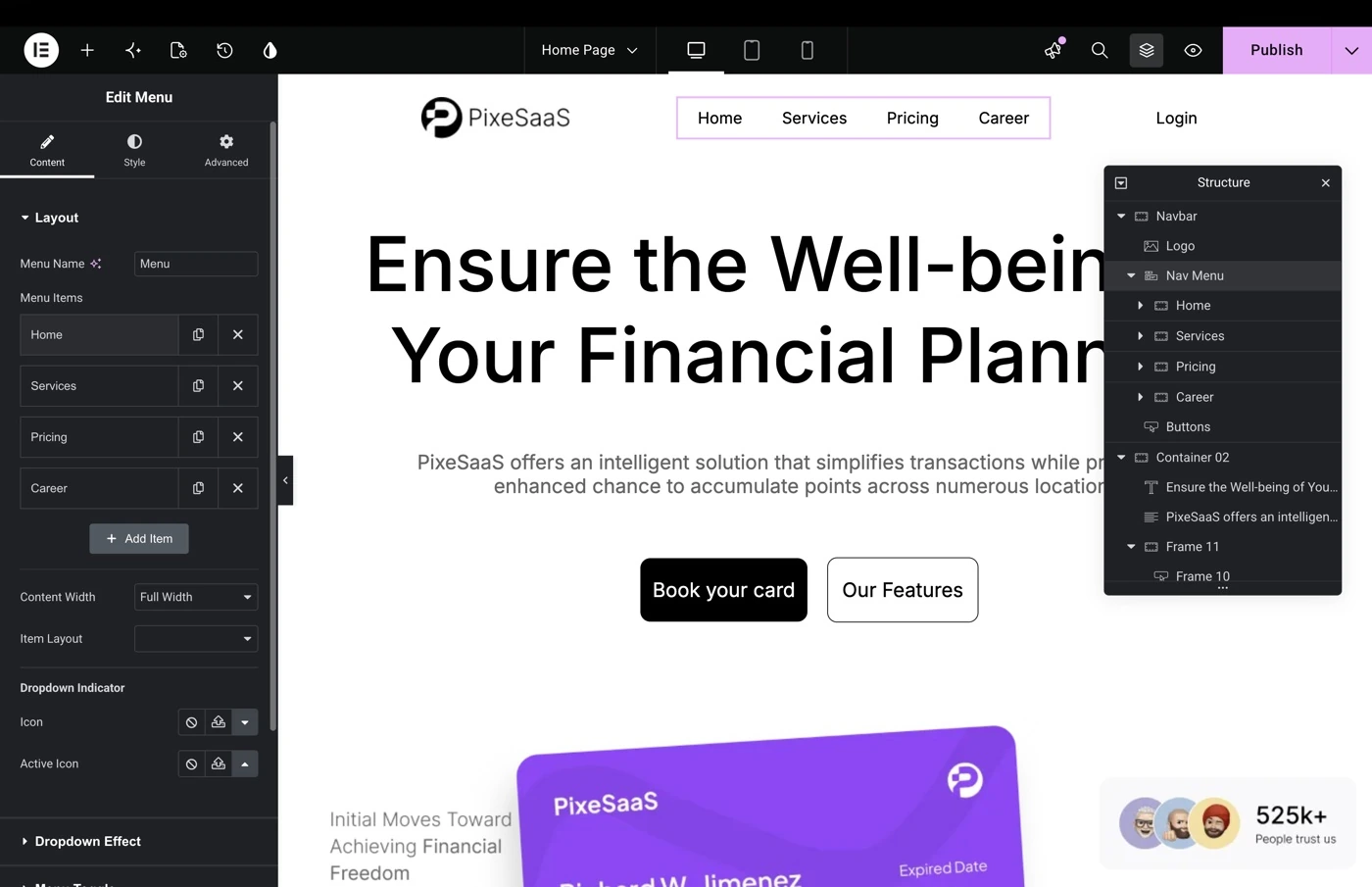
Tag Elementor Widgets
Directly in Your Figma Sections
By tagging, you can specify exactly how each section should convert into Elementor, saving you from manually building it later. This ensures a pixel-perfect import of your Figma design directly into the Elementor Page Builder.
UiChemy Saves Up to 70-80% of
Your Web Designing Time
Without UiChemy

With UiChemy


Without UiChemy

With UiChemy


Without UiChemy

With UiChemy


Without UiChemy

With UiChemy


Without UiChemy

With UiChemy


Real Voices, Real Results: See How the Community Loves UiChemy
From rave reviews to user-made tutorials, explore how thousands of designers are sharing and celebrating UiChemy.
Watch & Learn UiChemy: Explore Our Detailed
Walkthrough Videos
Frequently Asked Questions
For any further help, reach us at [email protected]
or connect via live chat.
• Select Page or Frame – Choose the frame you want to export.
• Optimize Multi-Layer Media – Lock key assets like images, icons, or masked groups.
• Widget Tagging Mode – Pick Auto (Container, Image, Heading, Text) or advanced tagging to define how elements convert.
• Manage Auto Layout – If your design isn’t already structured, UiChemy will optimize it.
• Tag Widgets – Tag additional widgets like Buttons, Carousels, or Galleries.
• Responsive Manager – Control responsiveness through font-size, line-height, padding, flex-gap, etc.
• Sync Global Styles – Map your Figma colors and typography to your WordPress site.
• Conversion Settings – Finalize export preferences like image options and layout behaviors.
Each of these phases is designed to give you control, confidence, and clarity during export.
Convert Your Non-AutoLayout Design Into AutoLayout in Just 3 Steps