4.9/5Loved by 90K+ designers, freelancers & agencies

The AI-First Visual Editor
Built For fig2wp figma icons ucwr wordpress WordPress.

UiChemy Composer is a new kind of WordPress builder. Describe the page you want and it writes real HTML, CSS and JS, then hands you a visual editor to change every line of it. No widget schema, no frozen markup, no export you can never touch again.

Real HTML, CSS and JSEdit by hand or by promptRuns inside ElementorSimple and Developer modesBring your own key or agentGlobal variables and classesNothing locked to our serviceReal HTML, CSS and JSEdit by hand or by promptRuns inside ElementorSimple and Developer modesBring your own key or agentGlobal variables and classesNothing locked to our serviceReal HTML, CSS and JSEdit by hand or by promptRuns inside ElementorSimple and Developer modesBring your own key or agentGlobal variables and classesNothing locked to our service

Why a new editor

Every builder ships a page.
Almost none ship one you can still change

WordPress can generate a page in seconds now. Six weeks later the client wants one heading changed, and you're re-prompting the whole layout, because nothing in that file has a name. Composer was built for the part that comes after.

Frozen markup

It looks right. Then you move one section and the whole layout shifts.

Fresh bread, baked

every morning.

A neighborhood bakery, open seven days a week.

empty
moved one section

Layout shifted

6 elements moved with it

The re-prompt loop

Changing one line means restating the entire page and hoping.

AI chat
4th attempt

Make the hero heading smaller

Rebuilt the page: 38 blocks

Same page. Just the heading.

Rebuilt the page: 38 blocks

Only the heading. Don't touch the layout.

Rebuilt the page: 38 blocks

Only. The. Heading.

Same change, fourth try

Whole page rewritten each time

Nobody can maintain it

Unnamed divs, inline styles, no system. Your team can't open it. Your client certainly can't.

ElementsStylesLayers
hero0 of 0
<divclass="w-full flex flex-col">
<divclass="flex gap-4 px-6 py-12">
<divclass="w-full max-w-none">
<divclass="flex-1 min-w-0">
<spanstyle="font-size:42px;line-height:1">
<divclass="mt-2 flex items-center">
<divclass="relative w-full">
<divclass="w-full flex flex-col">

No named classes

Nothing here to search for

Meet UiChemy Composer

One Widget. Real Code. Edited Live.

Add the Composer widget once. From then on, AI builds sections as genuine, editable code, and you change any line by hand or by prompt.

1

Install The UiChemy Plugin

Add UiChemy to your WordPress site and activate it.

2

Add The Composer Widget

Drop the Composer widget into your page, once.

3

Connect Claude From Your Terminal

Run one command to link Claude to your site.

4

Describe And Build

Ask in the Composer chat. It builds the section as real code, right inside your builder.

1

Install The UiChemy Plugin

Add UiChemy to your WordPress site and activate it.

2

Add The Composer Widget

Drop the Composer widget into your page, once.

3

Connect Claude From Your Terminal

Run one command to link Claude to your site.

4

Describe And Build

Ask in the Composer chat. It builds the section as real code, right inside your builder.

Real class system

Changes stay consistent across the whole site.

Global colors & variables

Simple globals, changed once.

Layers & assets manager

Everything organized, like a proper editor.

Featherlight output

Only the code you build ever ships.

The design decision

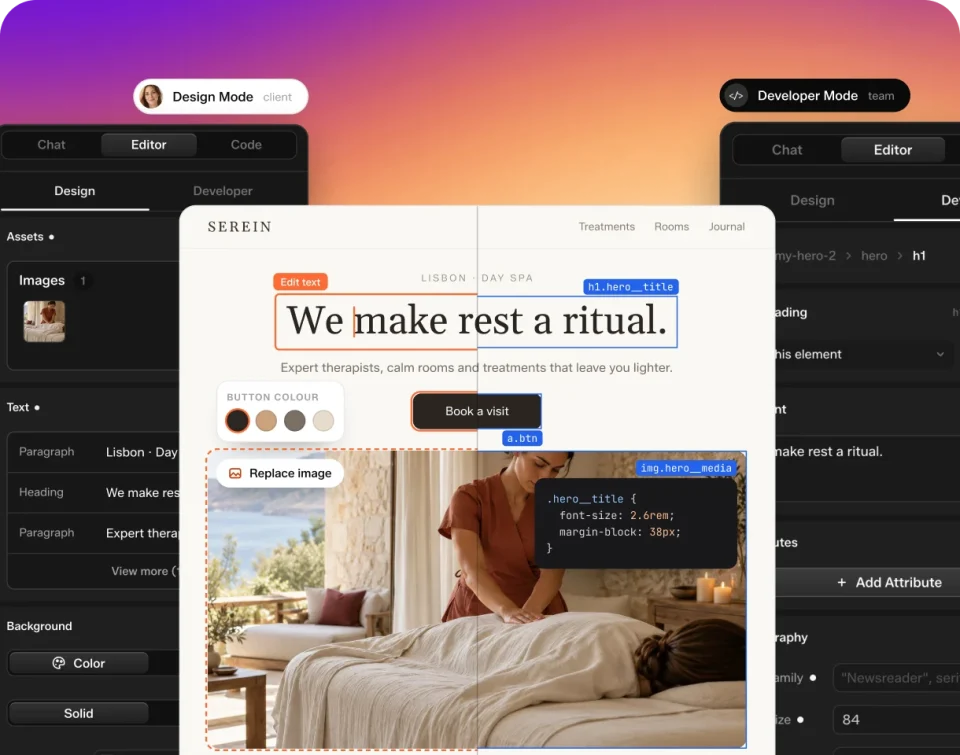
Code underneath. A visual editor on top.

Every other builder stores your page as a PHP widget schema, a format no AI was trained on and no developer can read. Composer builds in HTML, CSS and JS instead, and puts the visual editing layer over that. Which is why the same section opens two different ways, depending on who's in it.

UiChemy Composer's Design Mode panel, showing a section's content and style fields beside the live page

Design Mode

Text, images, links, colors, spacing. On the page, where you can see them. No code on screen, nothing to break. This is what you hand the client.

UiChemy Composer's Code panel, showing the section's real HTML beside the live page

Developer Mode

The class editor, the code for this section, this page and the whole site, the layers panel, and the global variables. The same file, opened by someone who wants it.

AI, on your terms

Use your own AI. Or don't use AI at all.

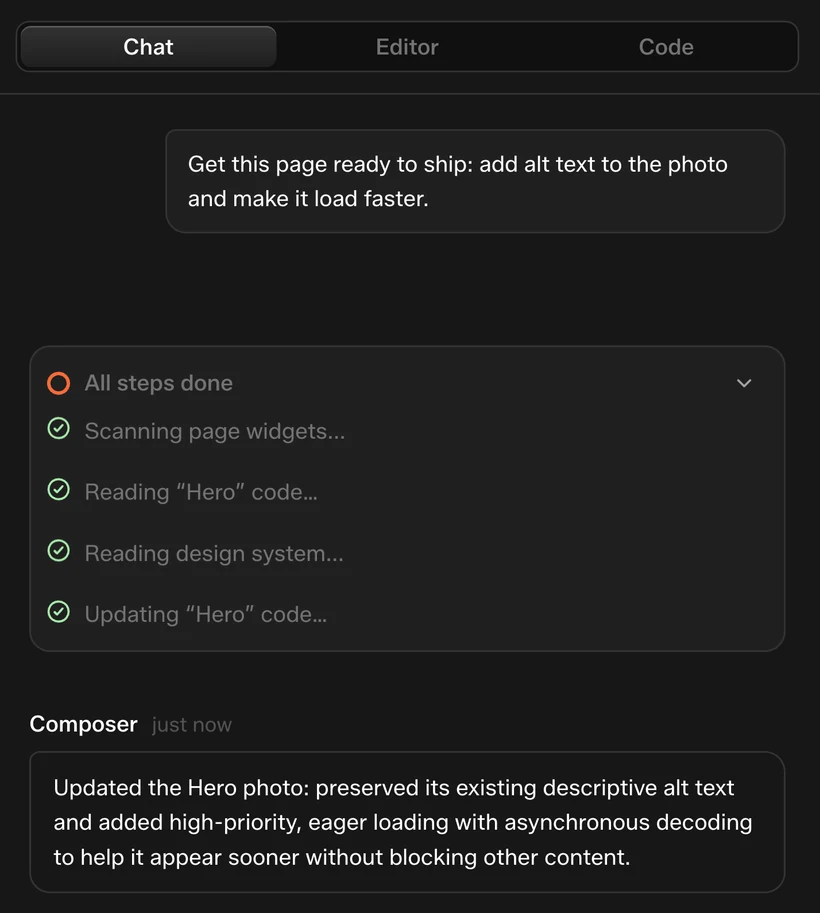
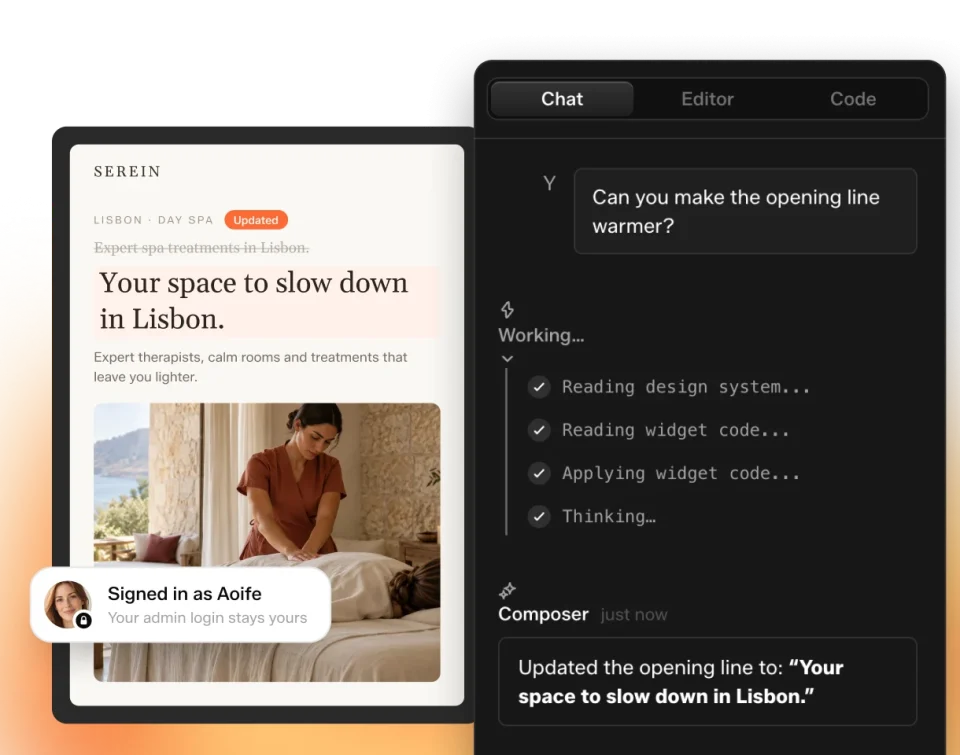
Chat on the canvas with the full page and site in context. Connect the Claude subscription you already pay for through the CLI, or drop in your own API key. Or ignore all of it and build by hand. Composer is a visual editor first, and it works with the AI switched off.

Chat on the canvas

Prompt a new layout, change an existing one, or make a static page dynamic.

UiChemy Composer's chat panel open beside a page, working through a request to create a hero section
A hero section circled by hand on the live page, with a note bar open underneath to describe the change

Draw and comment

Circle the thing on the page, write what’s wrong, and it changes.

Composer's provider list, with Anthropic and Google still to connect and OpenAI opened onto its API key field

Your subscription or your key

Connect your own agent through the CLI, or use an Anthropic, OpenAI or Google key.

3 skills, 100+ actions

How to build a site, how to build a store, and the actions an agent needs to actually do it.

The three skills as tiles (figma-to-wordpress, code-to-wordpress, brief-to-wordpress) over a stack of the prompts they answer
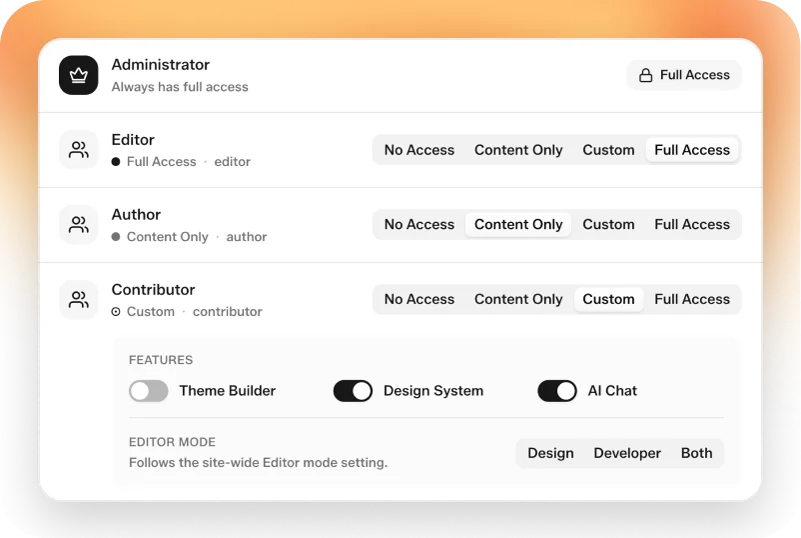
The plugin's User Roles screen, with Administrator locked to full access and the other roles set to no access

Role manager

The role manager decides what each user role can even see. Give a client Design Mode on the front end and nothing else.

Theme builder

Header, footer, archive, single, product, search and 404. A full theme builder, built in, with no Pro add-on to buy.

Dynamic content

Every WordPress field, plus ACF, JetEngine and Metabox. Visual query builder and loop builder.

Forms

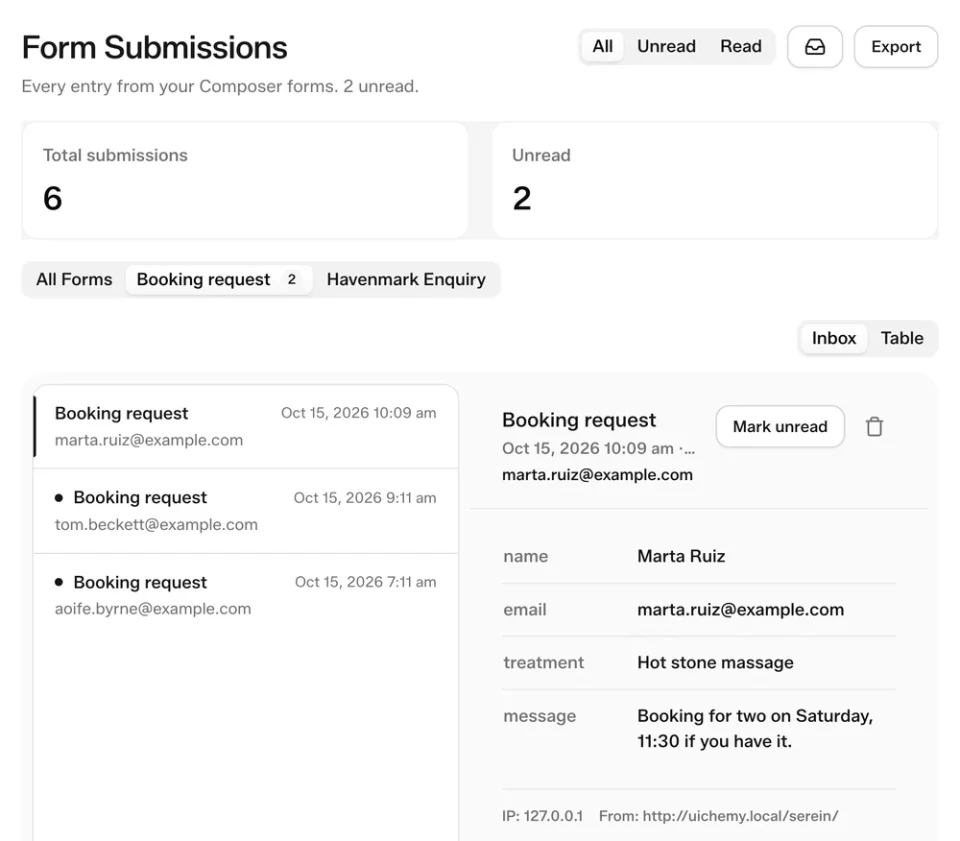
Describe the form, get a working one. Any element can become a field. Submissions land in your dashboard.

WooCommerce

Products, variations, pricing, stock, gateways, shipping. One prompt to a store that can take an order.

Feature directory

Eight categories. One canvas.

Everything Composer does, grouped. Every card opens the matching section of the features page.

The canvas

Front-end and back-end editing, Design and Developer modes, layers, history, GSAP and WebGL.
Read more

AI & agents

Chat on the canvas, draw-and-comment, your own CLI or API key, 3 skills and 100+ actions.
Read more

Design system & brand

Global colors, classes and variables. Import a brand, export it to the next project.
Read more

Dynamic content & data

Every WordPress field plus ACF, JetEngine and Metabox. Query builder, loops, theme builder, WooCommerce.
Read more

Forms

Describe it and it's built. Any element becomes a field. Submissions in your dashboard.
Read more

Anywhere in WordPress

Composer sections render natively in Elementor and Gutenberg today. Bricks and Divi coming.
Read more

Agency & delivery

Role manager, front-end-only handover, white label.
Read more

Performance & ownership

Global, page and section code splitting. Real code, in your own database.
Read more
Fast, and yours

It’s just code. That’s why it’s fast, and why it’s yours

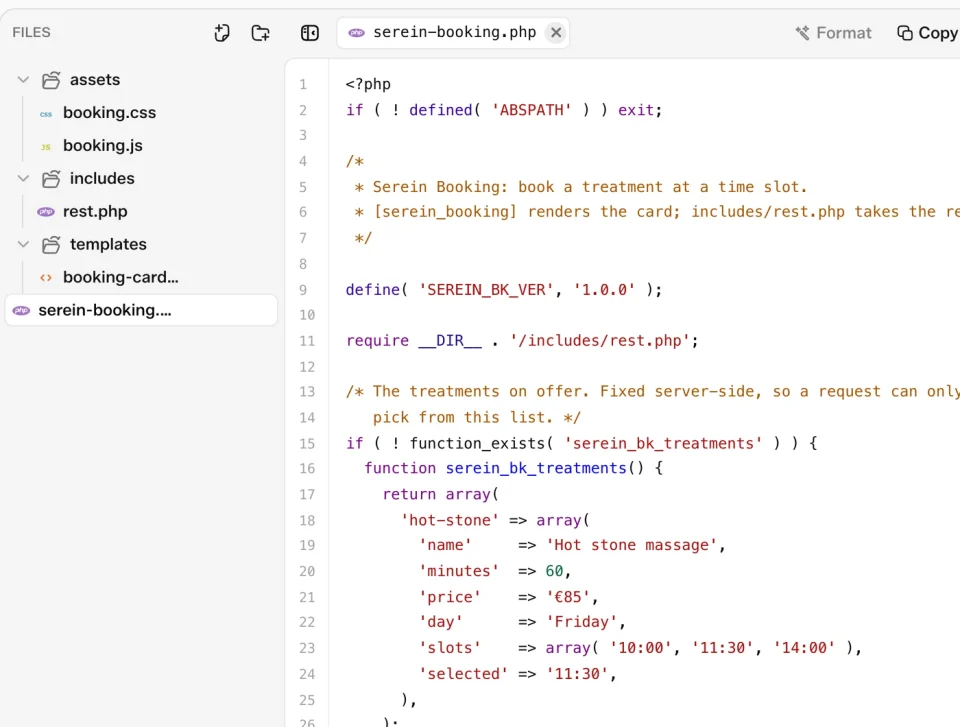
Code is split three ways (global, page and section), so a page loads its own CSS and JS and nothing else’s. In our own testing that lands 90+ on Google PageSpeed. And because the output is real HTML, CSS and JS sitting in your database on your hosting, you can open it, read it and take it with you.

90+on Google PageSpeed, in our own testing
Loaded on /pricingNetwork
global.cssSite-wide tokens and classesloaded
page.cssThis page onlyloaded
section-pricing.cssNot on this pageskipped
section-gallery.jsNot on this pageskipped
Dependent
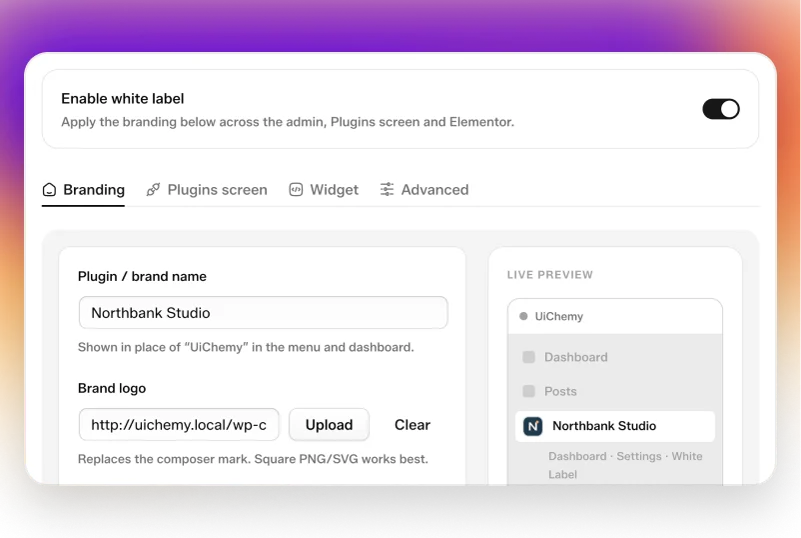
Owned: UiChemy Composer
The code
Markup you can’t read, let alone edit
Real HTML, CSS and JS in your own database
What loads
A wrapper stack loading on every page whether you use it or not
Only the code this page uses actually loads
Where you edit
A dashboard you don’t own, holding the site you sold
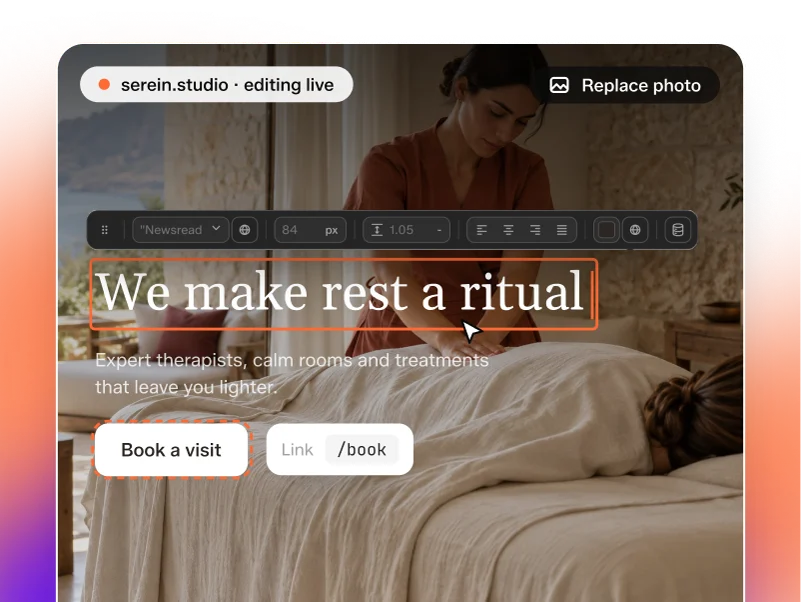
The canvas open, section being edited live
If you stop paying
License expired: site gone
License expired: site still running

Readable code, your database, your hosting, and a license that can lapse without taking the site down.

From the community

See The Real Pages Designers Ship With UiChemy

Real pages, real reviews, and the Figma files behind them. See how designers moved their work into WordPress, in their words.

FAQ

Frequently Asked Questions.

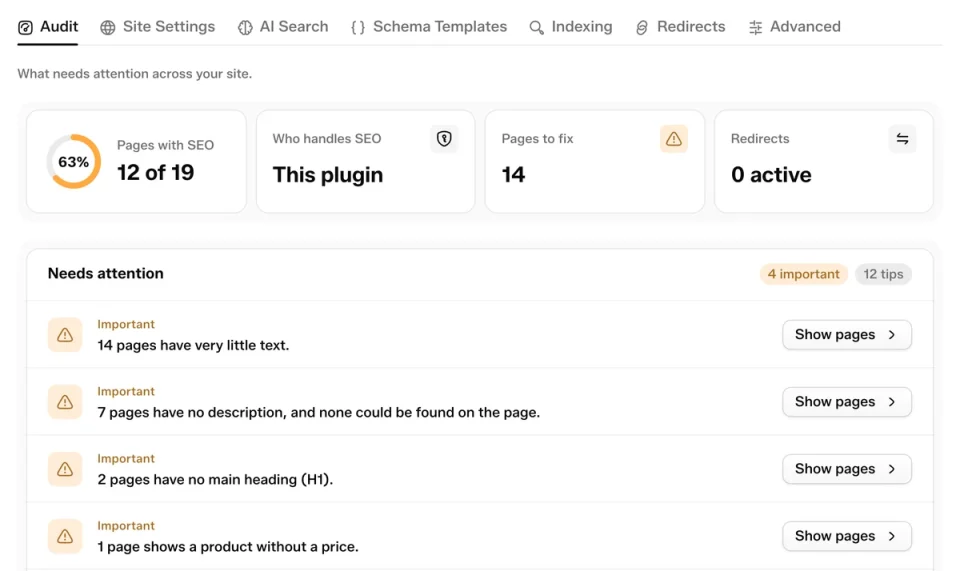
An AI-first visual editor for WordPress. You describe a page, Composer writes real HTML, CSS, and JS, and you edit it on the page: visually in Design Mode, or in the code itself in Developer Mode.

Page builders store your page as a widget schema, so what you build only exists inside that builder. Composer builds in HTML, CSS, and JS and puts the visual editor on top, so the output is code first and a canvas second.

Yes. Everything Composer generates is raw HTML, CSS, and JS that lives in your own database, on your own hosting. Nothing is locked to our service.

Real, structured, editable code, not a baked screenshot. Move any section and the layout holds.

No. Design Mode is text, images, links, colors, and spacing in plain fields on the page. Developer Mode is there when you want the code.