



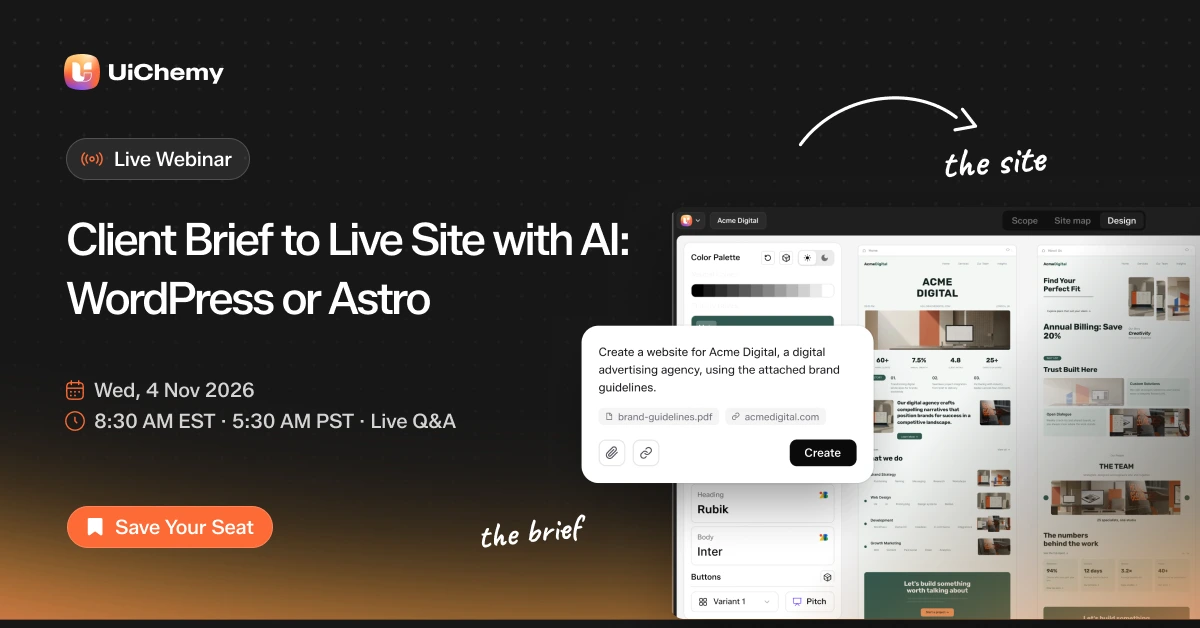
UiChemy live webinar: Client Brief to Live Site with AI, WordPress or Astro. Wed 4 Nov 2026, 8:30 AM EST
Live webinarWordPress · Before vs After AI

Starts in8d00h00m00s

Free live webinarThu 19 Nov

WordPress Before AI vs After AI:
Upgrade How You Build Sites,
Minus the Plugin Stack

See the old way of building a WordPress site, one plugin per job, then the new way: describe the site to AI, finish it visually, and add custom features without another plugin.

Thursday, 19 Nov 8:30 AM EST 45 min incl. Q&A

8:30 AM EST · 5:30 AM PST

Save my free seat Hosted live bythe UiChemy team

Register for free

Get the join link, a reminder before we go live, and the replay.

Add a question for the live Q&A
4.9/5 from builders using UiChemyFree · Privacy policy
Can’t make it live? Replay for everyone who registers Built live on WordPress
Free webinar · Thu 19 NovSave my seat

What you’ll see live

How the stack is changing, shown live.

We start with the old way of building a WordPress site, plugin by plugin. Then we build one the new way, step by step on screen, including the custom parts. You leave with a workflow you can try on your next project.

Thursday, 19 November 20268:30 AM ESTFree
  1. 00:00

    The old way: a plugin per job

    A page builder, a header and footer plugin, forms, SEO, custom fields, performance. We map what each one is there to do.

    Before
  2. 00:05

    The new way: start from a description

    We describe the site in plain words and watch AI draft real, editable pages.

    After
  3. 00:15

    Finish it visually

    We change layout, text and styles on the page, the way a client would.

    After
  4. 00:22

    Header, footer, forms, SEO and fields

    The jobs that usually need a plugin each, handled in one place.

    After
  5. 00:28

    Build the missing piece yourself

    Need something custom? We describe a small feature to AI and ship it as a module, instead of installing another plugin. This part uses Module Studio, which is in Beta and part of UiChemy Pro.

    Custom
  6. 00:33

    When a dedicated plugin still wins

    Honest notes on where a purpose-built plugin is still the better call, such as WooCommerce for a store, backups and security.

    Reality check
  7. 00:37

    Your questions, live

    Open Q&A to close. Questions sent with your registration go first.

    Q&A

Times are approximate and the order may change. We’ll keep time at the end for Q&A.

FAQ

The webinar, answered

Still have a question?Ask it when you register

Yes. The session and the replay are both free. You don’t need a UiChemy plan to watch.

Yes. Register with your email and we’ll send you the full recording after the session, whether or not you joined live.

Yes. We keep time at the end for live Q&A. You can also send a question with your registration and we’ll start with those.

After you register we email you the join link, plus a reminder shortly before we go live. Nothing to install.

No. Just watch. If you want to try it afterwards, UiChemy Free is on WordPress.org.

It depends on the site. On the builder side, one tool can cover the page builder, header and footer, forms, SEO, custom fields and basic performance settings. For anything custom, you can build your own small feature instead of adding a plugin. A store still runs on WooCommerce, and for backups and security a purpose-built plugin is often still the better call. We go through each one live.

Your own code, kept as files inside WordPress: a single snippet in PHP, HTML, Twig, CSS or JavaScript, or a multi-file module that works like a small plugin. You choose where it runs and who sees it, and you can export it as a standalone plugin. It is in Beta, so we show it as it works today.

No, watching is free. Much of the build runs on UiChemy Free. A few parts, such as AI Chat inside the editor, image optimisation and Module Studio, need UiChemy Pro, and we label each one on screen.