
Casa Nopal
7 copiesBuild Casa Nopal, a warm Mexican restaurant website with menus, dish pages, journal and catering layouts. The static prompt recreates the frontend design. The WordPress prompt adds reservations, QR ordering, kitchen display, owner dashboard, custom fields and SEO. WordPress setup requires UiChemy Pro; production PHP modules need owner approval.
More prompts

Showing 3 prompts
Now put it in WordPress
You have a site. Now make it yours.
An AI build gives you a front end and stops there. UiChemy turns it into native, editable WordPress you own, in the builder you already use.
Get StartedFrequently asked questions
What does the Casa Nopal prompt build?
Build Casa Nopal, a warm Mexican restaurant website with menus, dish pages, journal and catering layouts. The static prompt recreates the frontend design. The WordPress prompt adds reservations, QR ordering, kitchen display, owner dashboard, custom fields and SEO. WordPress setup requires UiChemy Pro; production PHP modules need owner approval.
Which AI tools does the Casa Nopal prompt work with?
It's written for Claude. Paste the whole prompt into Claude and it builds the complete site for you, then bring the result into WordPress with UiChemy. This prompt also has a WordPress version: with the UiChemy MCP connected, Claude builds the page straight into WordPress.
How do I turn the result into a WordPress site?
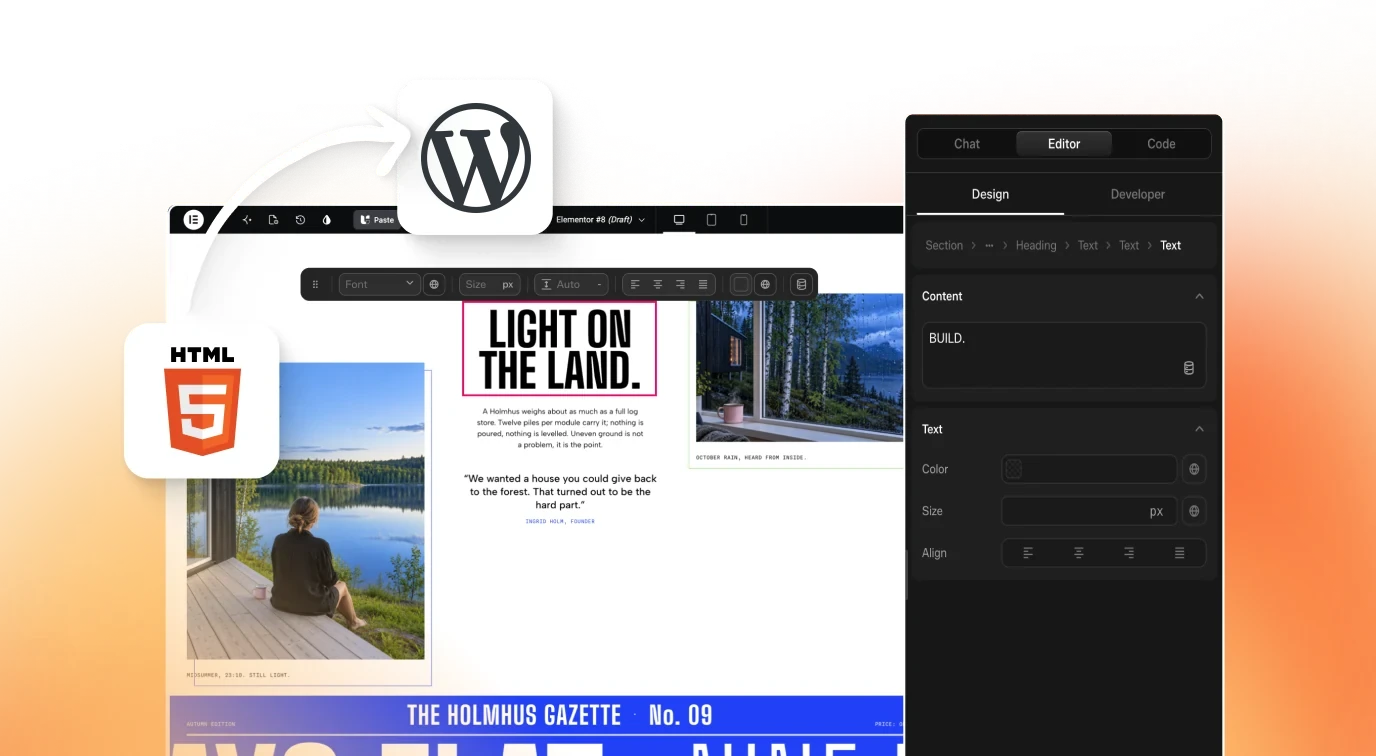
After the AI builds your site, UiChemy Composer rebuilds it as native, editable WordPress in Elementor or Gutenberg (Bricks coming soon) — you own it and edit it in your builder. See AI to WordPress.
Is the Casa Nopal prompt free?
Yes — it's free to copy, no account needed.
Can I edit the website after it's built?
Yes. Once it's in WordPress with UiChemy, every section is native and editable — no re-prompting, no lock-in.