
ORBIX | AI Automation
4 copiesBuild a responsive landing page for an AI automation company. Visitors scroll through a blue planetary orbit, explore an animated workflow dashboard, and compare monthly and yearly plans. The template includes a solutions grid, customer reviews, pricing details and FAQs for teams explaining how their software works.
More prompts
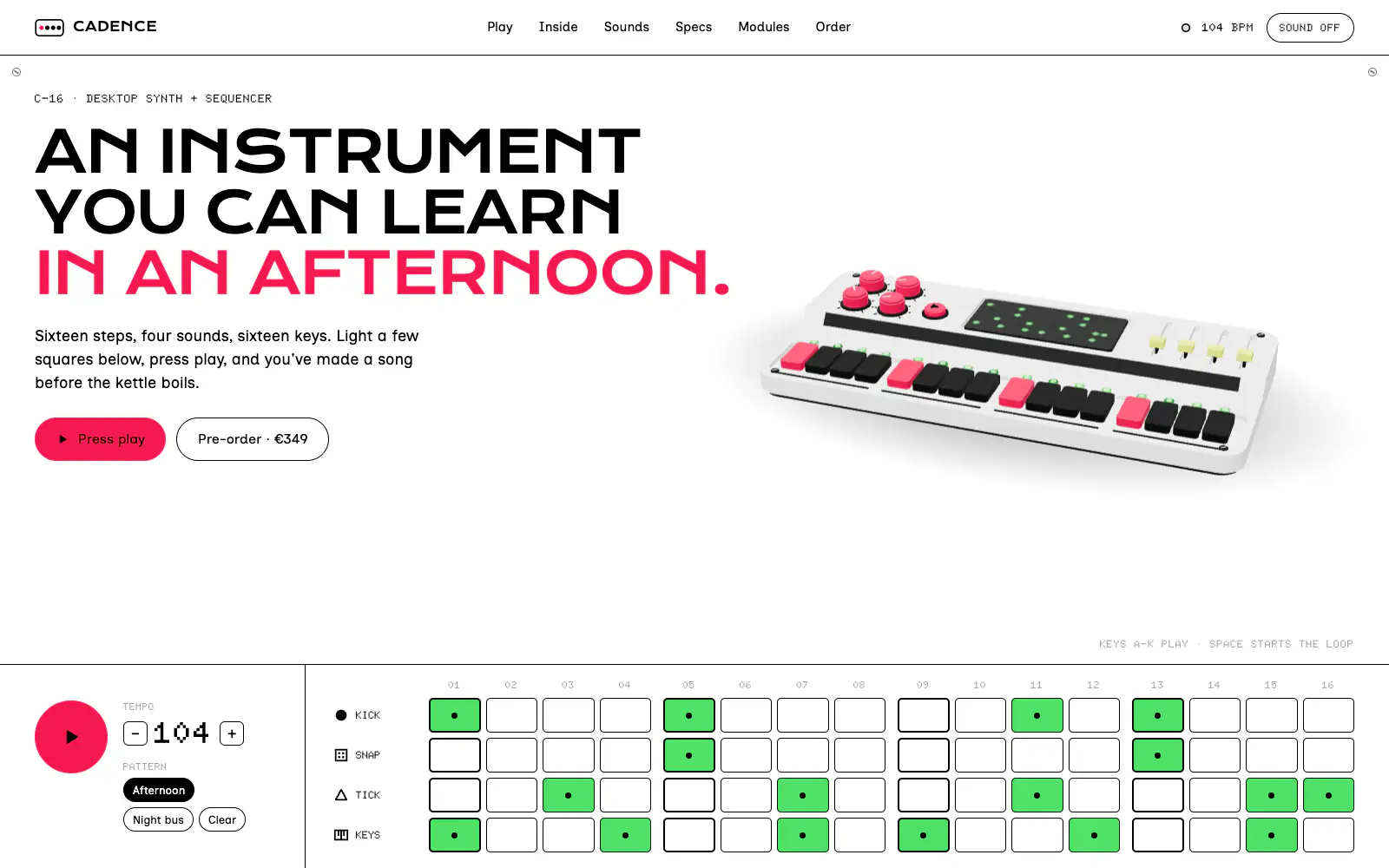
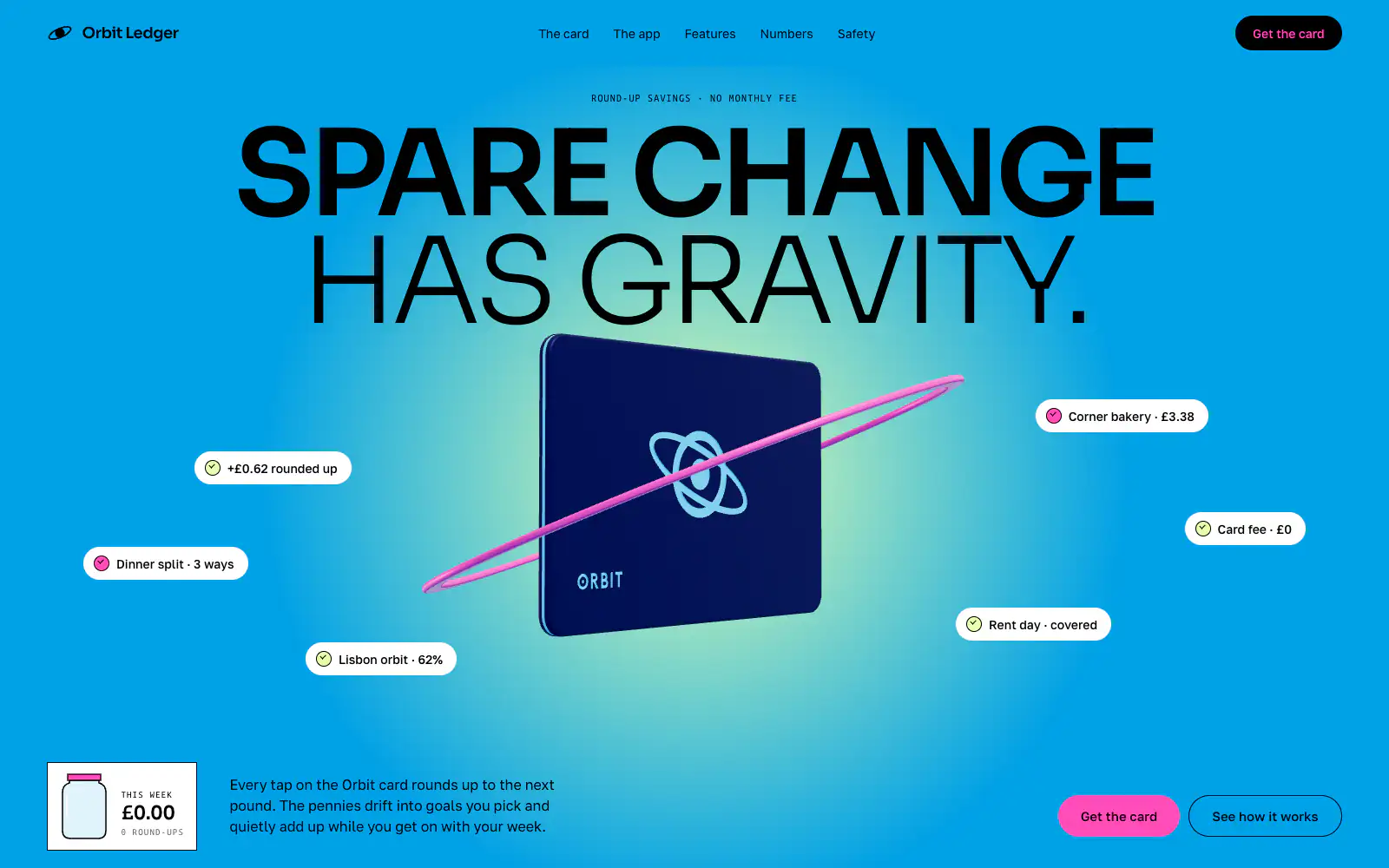
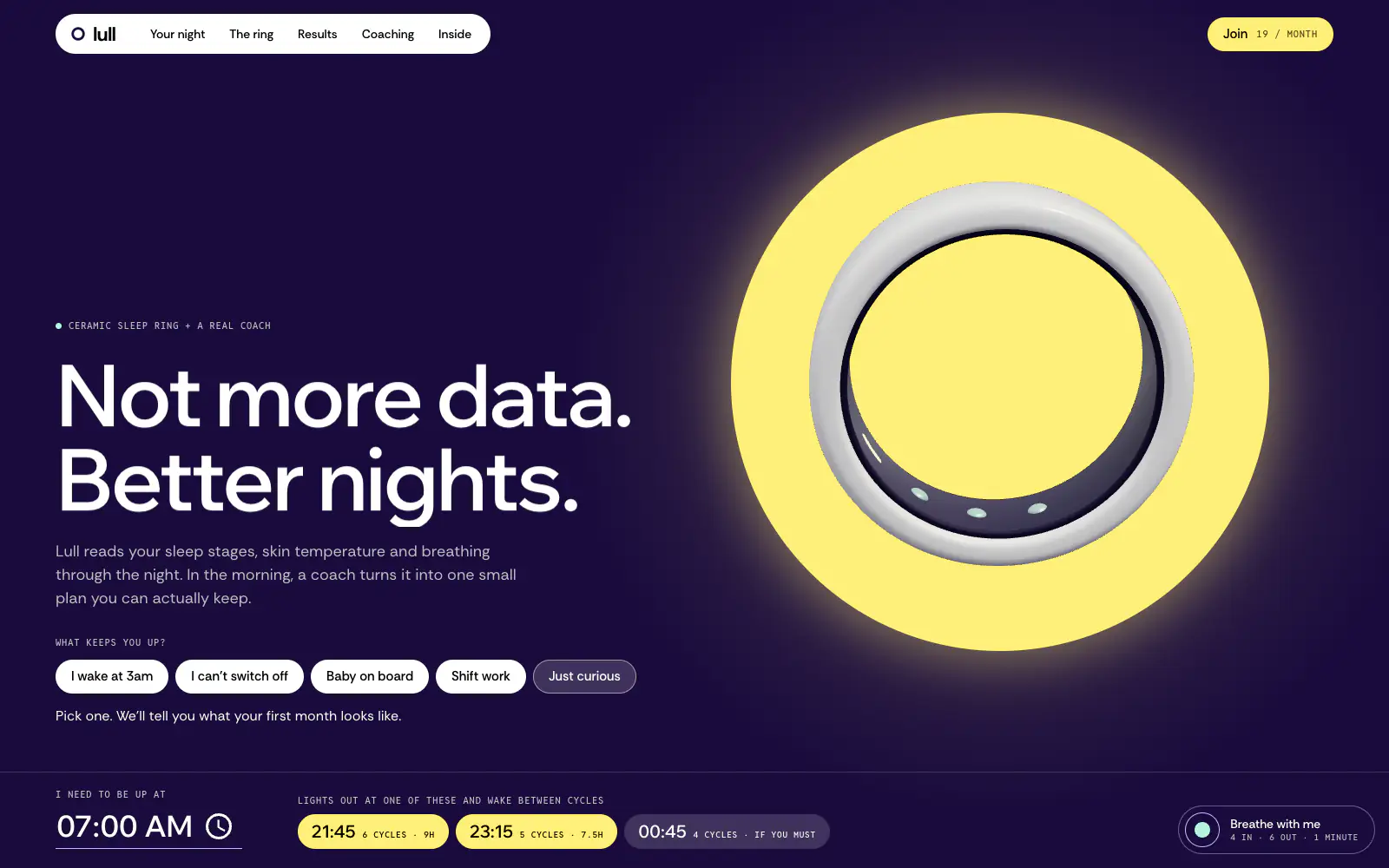
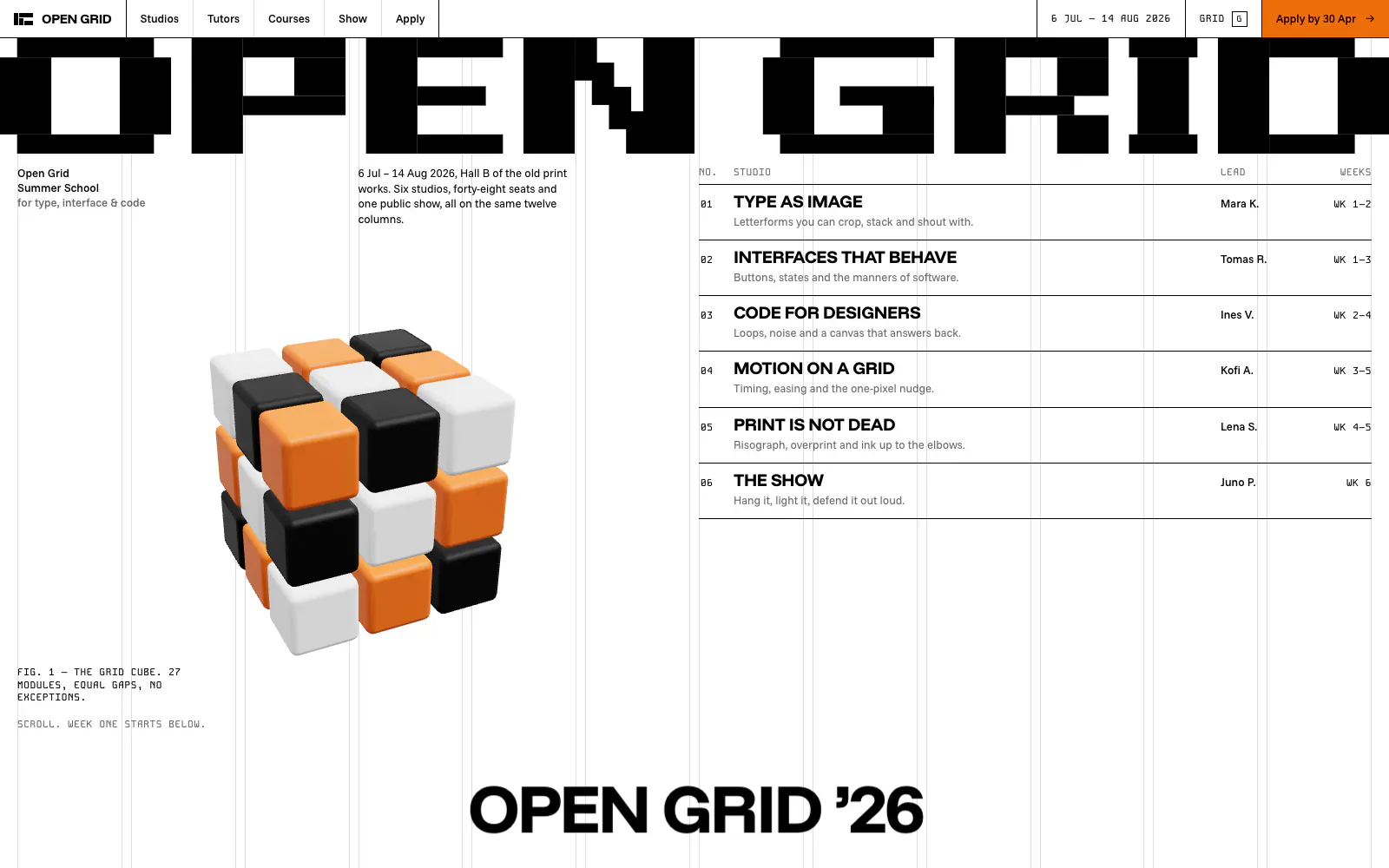
Showing 6 prompts
Now put it in WordPress
You have a site. Now make it yours.
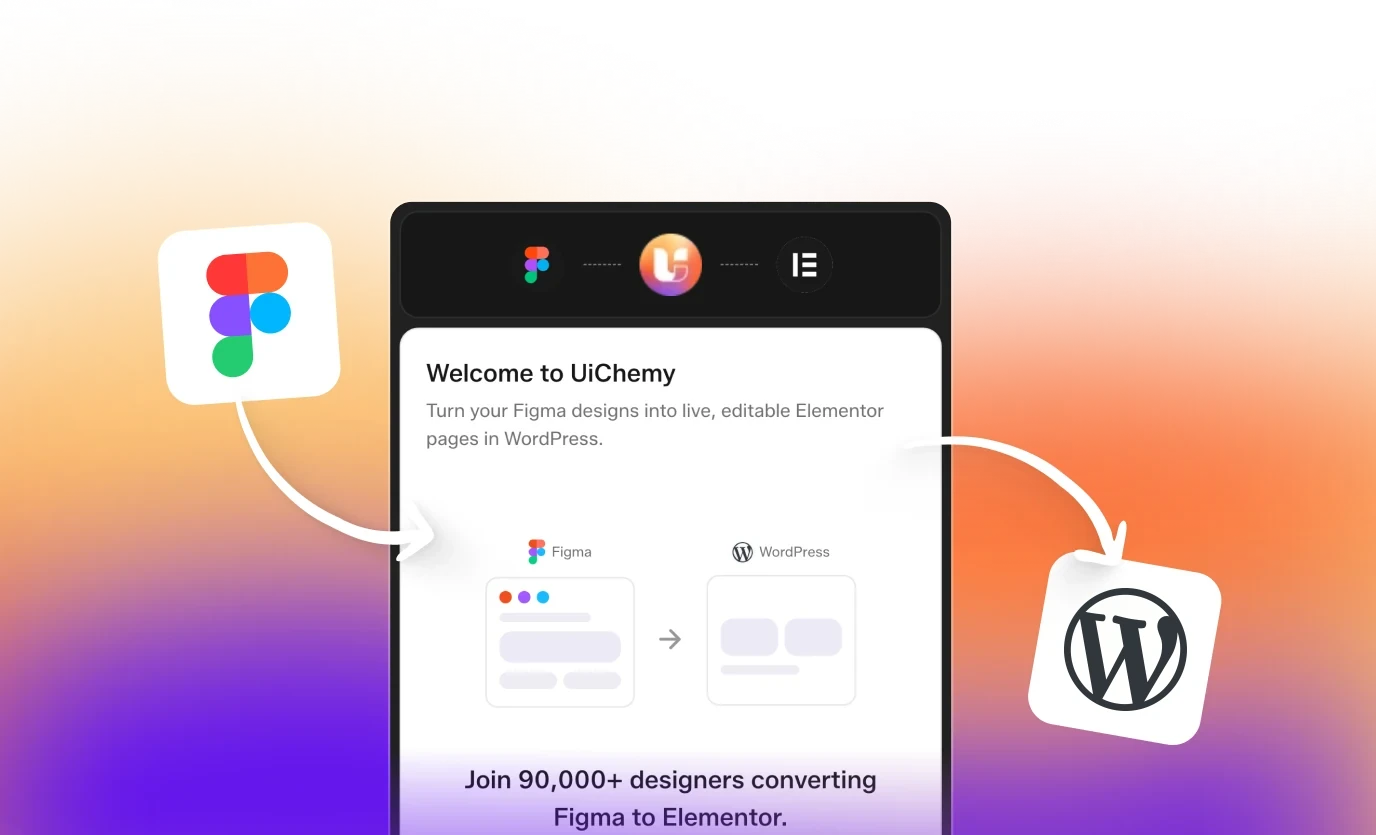
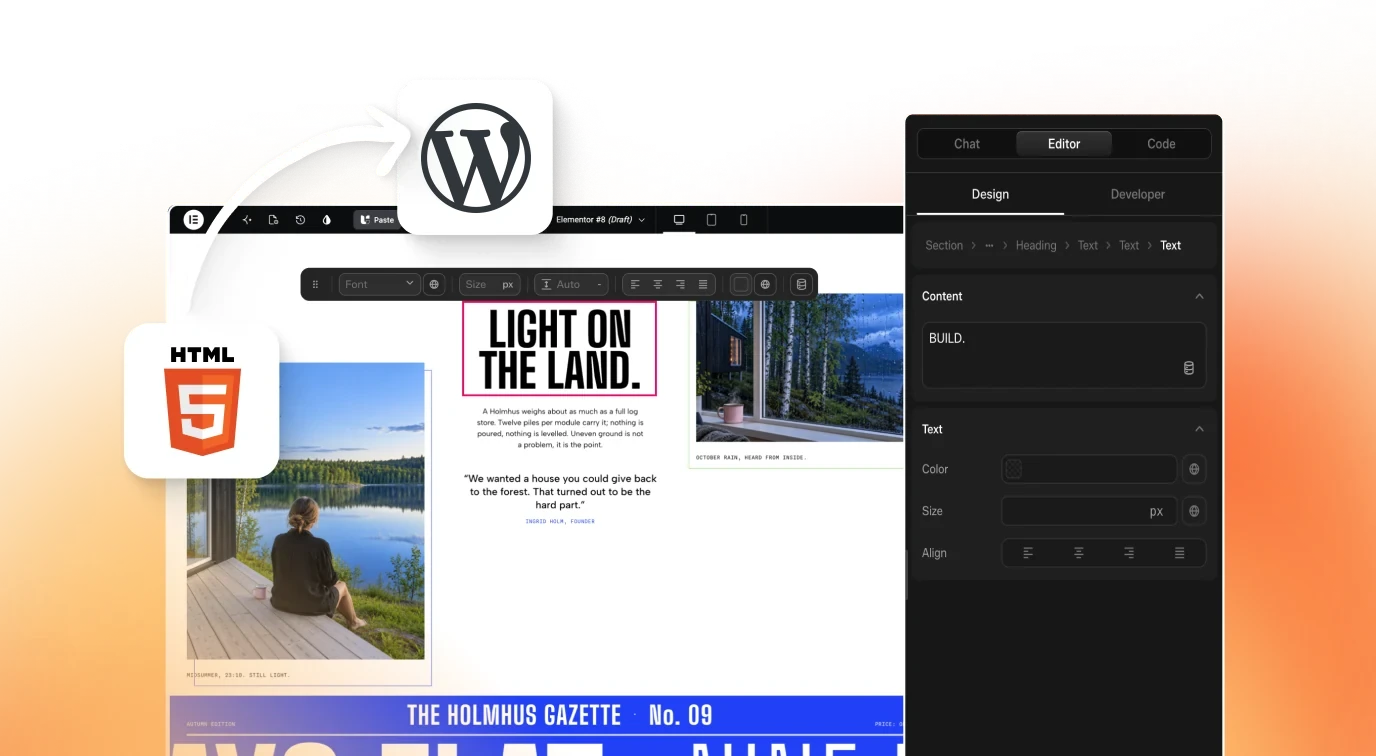
An AI build gives you a front end and stops there. UiChemy turns it into native, editable WordPress you own, in the builder you already use.
Get StartedFrequently asked questions
What does the ORBIX | AI Automation prompt build?
Build a responsive landing page for an AI automation company. Visitors scroll through a blue planetary orbit, explore an animated workflow dashboard, and compare monthly and yearly plans. The template includes a solutions grid, customer reviews, pricing details and FAQs for teams explaining how their software works.
Which AI tools does the ORBIX | AI Automation prompt work with?
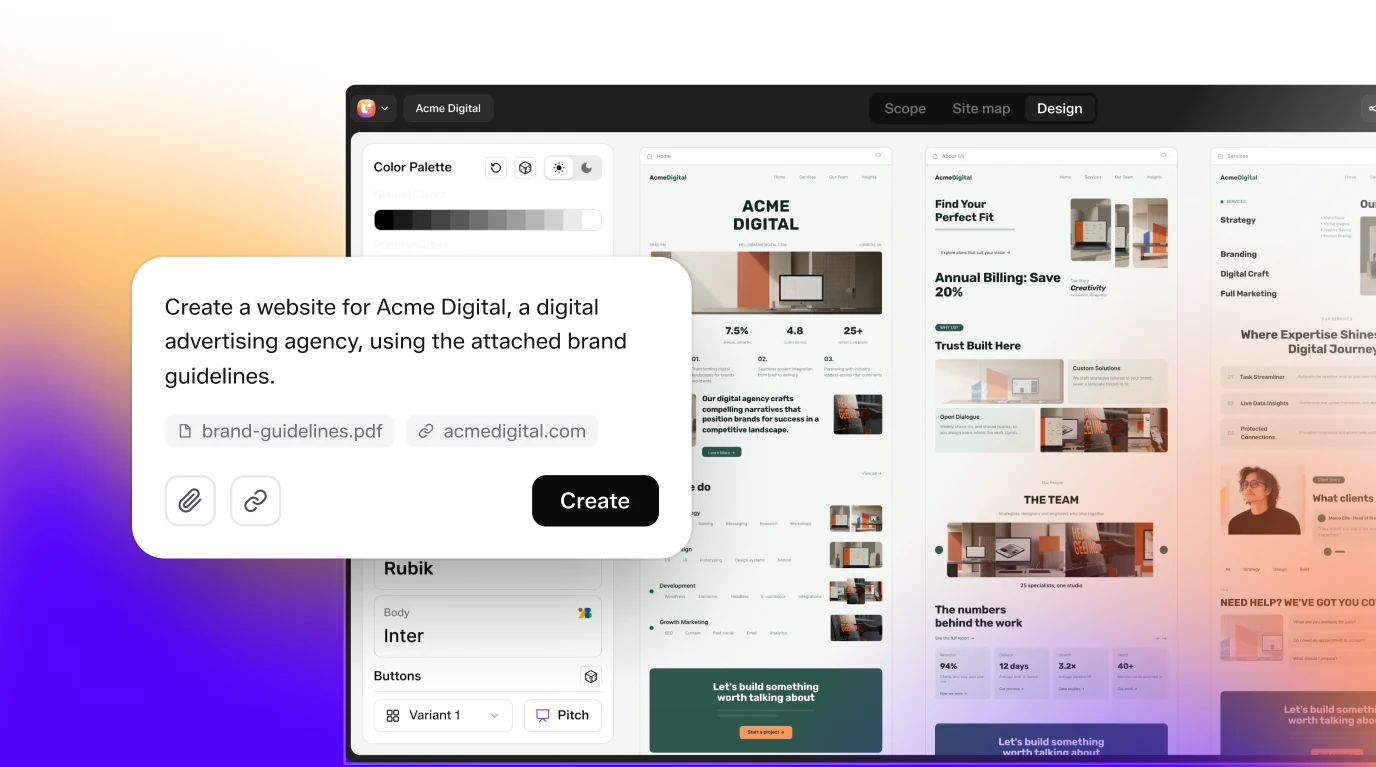
It's written for Claude. Paste the whole prompt into Claude and it builds the complete site for you, then bring the result into WordPress with UiChemy. This prompt also has a WordPress version: with the UiChemy MCP connected, Claude builds the page straight into WordPress.
How do I turn the result into a WordPress site?
After the AI builds your site, UiChemy Composer rebuilds it as native, editable WordPress in Elementor or Gutenberg (Bricks coming soon) — you own it and edit it in your builder. See AI to WordPress.
Is the ORBIX | AI Automation prompt free?
Yes — it's free to copy, no account needed.
Can I edit the website after it's built?
Yes. Once it's in WordPress with UiChemy, every section is native and editable — no re-prompting, no lock-in.