



Commonwatt Home Battery Virtual Power Plant
472 copiesA climate-tech page for a neighbourhood battery network. A live grid-frequency meter ticks in the nav, an x-ray hero reveals a second layer under a cursor lens, a canvas town map plays through chapters as you scroll, and an earnings calculator rolls its digits. Ten scripts, six self-hosted fonts, no build step.
More prompts
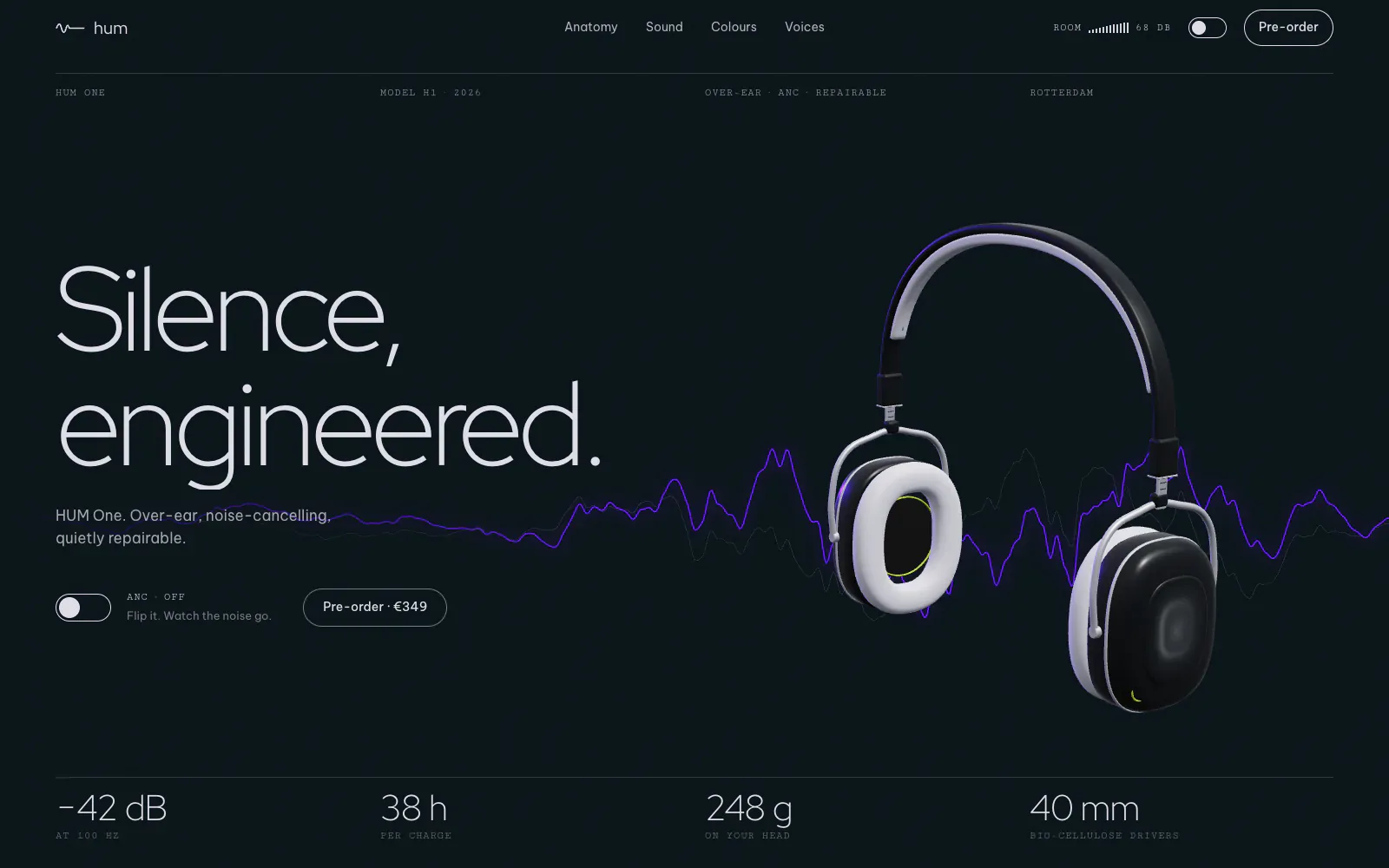
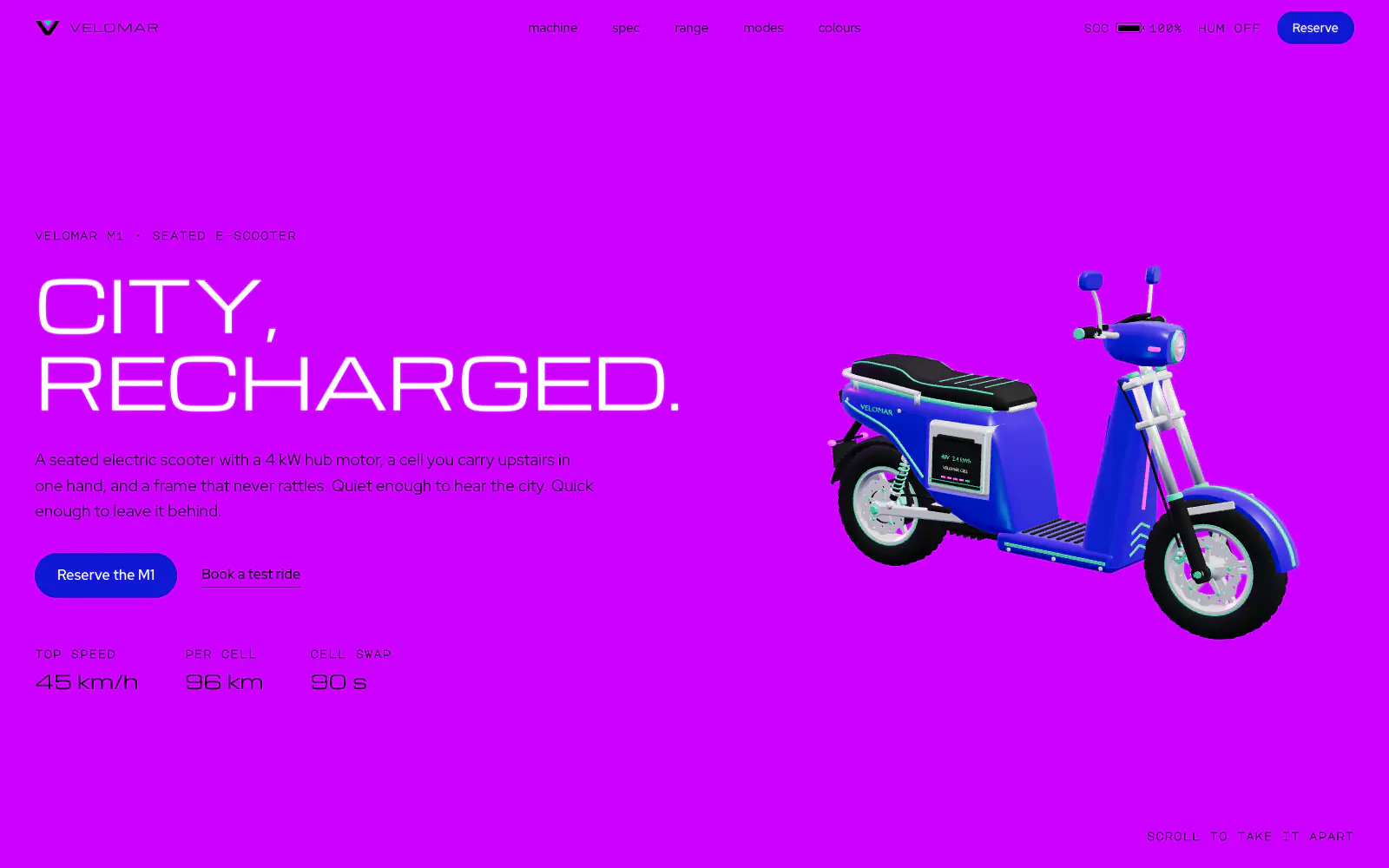
Showing 6 prompts
Now put it in WordPress
You have a site. Now make it yours.
An AI build gives you a front end and stops there. UiChemy turns it into native, editable WordPress you own, in the builder you already use.
Bolt to WordPressClaude to WordPressCodex to WordPressCursor to WordPressLovable to WordPressv0 to WordPressAI to WordPress
Get Started
Frequently asked questions
What does the Commonwatt Home Battery Virtual Power Plant prompt build?
A climate-tech page for a neighbourhood battery network. A live grid-frequency meter ticks in the nav, an x-ray hero reveals a second layer under a cursor lens, a canvas town map plays through chapters as you scroll, and an earnings calculator rolls its digits. Ten scripts, six self-hosted fonts, no build step.
Which AI tools does the Commonwatt Home Battery Virtual Power Plant prompt work with?
It's written for Claude. Paste the whole prompt into Claude and it builds the complete site for you, then bring the result into WordPress with UiChemy. This prompt also has a WordPress version: with the UiChemy MCP connected, Claude builds the page straight into WordPress.
How do I turn the result into a WordPress site?
After the AI builds your site, UiChemy Composer rebuilds it as native, editable WordPress in Elementor or Gutenberg (Bricks coming soon) — you own it and edit it in your builder. See AI to WordPress.
Is the Commonwatt Home Battery Virtual Power Plant prompt free?
Yes — it's free to copy, no account needed.
Can I edit the website after it's built?
Yes. Once it's in WordPress with UiChemy, every section is native and editable — no re-prompting, no lock-in.