
Syve. | Lighting objects
1 copyBuild a dark, drag-to-browse lamp store. Visitors glide through six sculptural lamps that grow as they reach the centre, open one into its own room, switch the light off and on, choose a finish and add it to a demo bag. Lamp growth, flight timing, the light warm-up and the bag slip are tunable in the UiChemy Animation panel.
More prompts

Showing 6 prompts
Now put it in WordPress
You have a site. Now make it yours.
An AI build gives you a front end and stops there. UiChemy turns it into native, editable WordPress you own, in the builder you already use.
Get StartedFrequently asked questions
What does the Syve. | Lighting objects prompt build?
Build a dark, drag-to-browse lamp store. Visitors glide through six sculptural lamps that grow as they reach the centre, open one into its own room, switch the light off and on, choose a finish and add it to a demo bag. Lamp growth, flight timing, the light warm-up and the bag slip are tunable in the UiChemy Animation panel.
Which AI tools does the Syve. | Lighting objects prompt work with?
It's written for Claude. Paste the whole prompt into Claude and it builds the complete site for you, then bring the result into WordPress with UiChemy. This prompt also has a WordPress version: with the UiChemy MCP connected, Claude builds the page straight into WordPress.
How do I turn the result into a WordPress site?
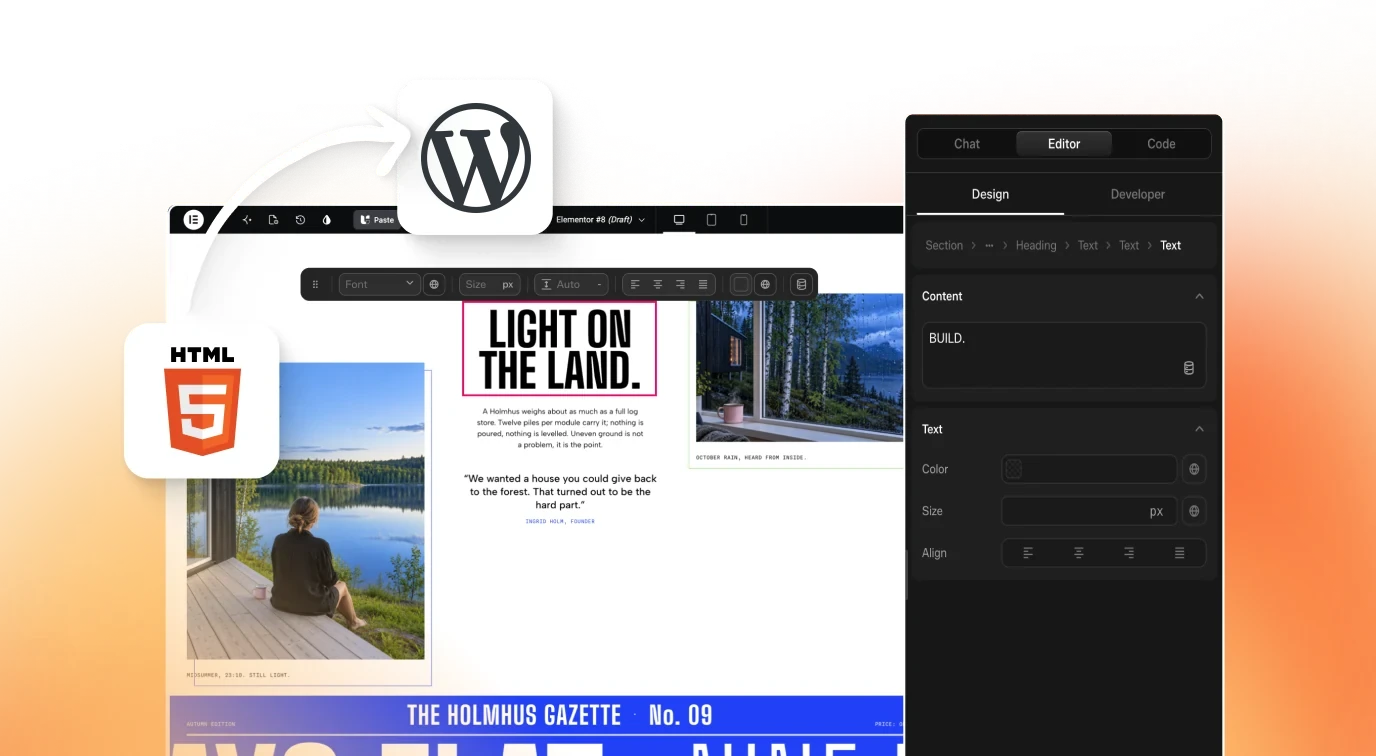
After the AI builds your site, UiChemy Composer rebuilds it as native, editable WordPress in Elementor or Gutenberg (Bricks coming soon) — you own it and edit it in your builder. See AI to WordPress.
Is the Syve. | Lighting objects prompt free?
Yes — it's free to copy, no account needed.
Can I edit the website after it's built?
Yes. Once it's in WordPress with UiChemy, every section is native and editable — no re-prompting, no lock-in.