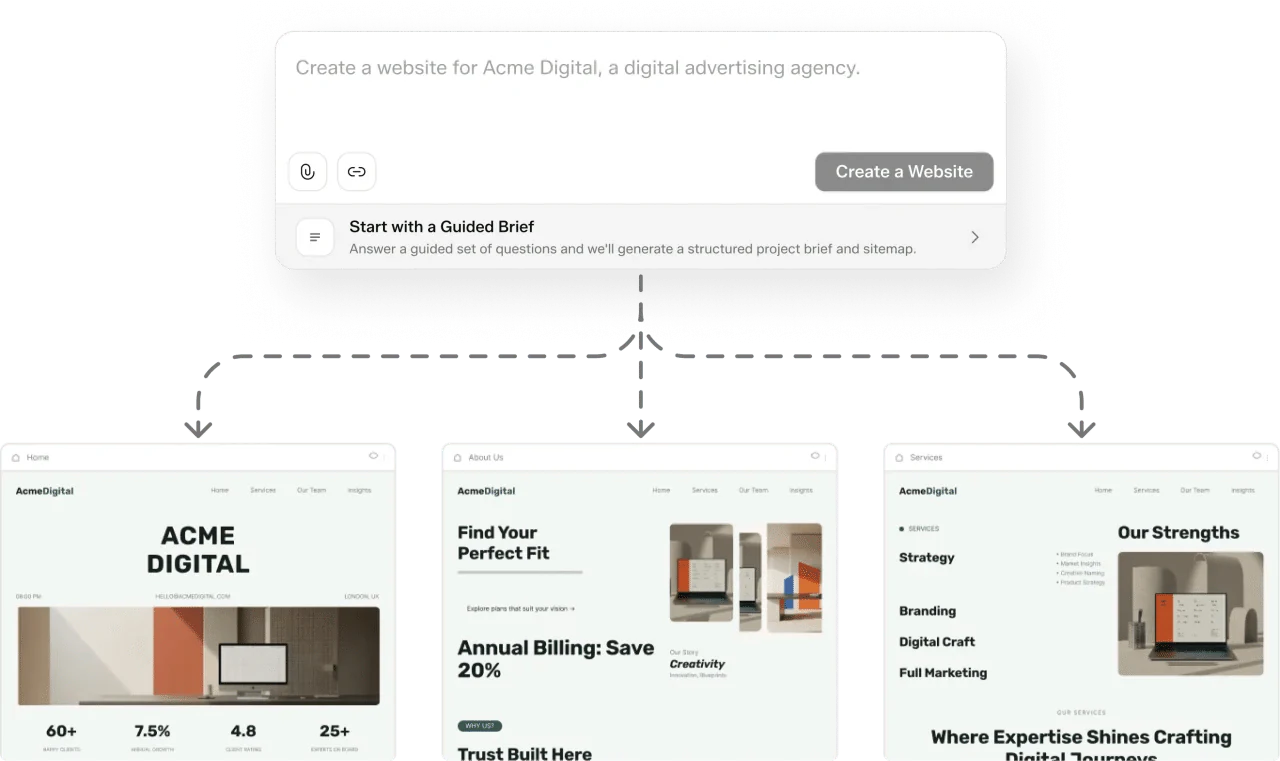

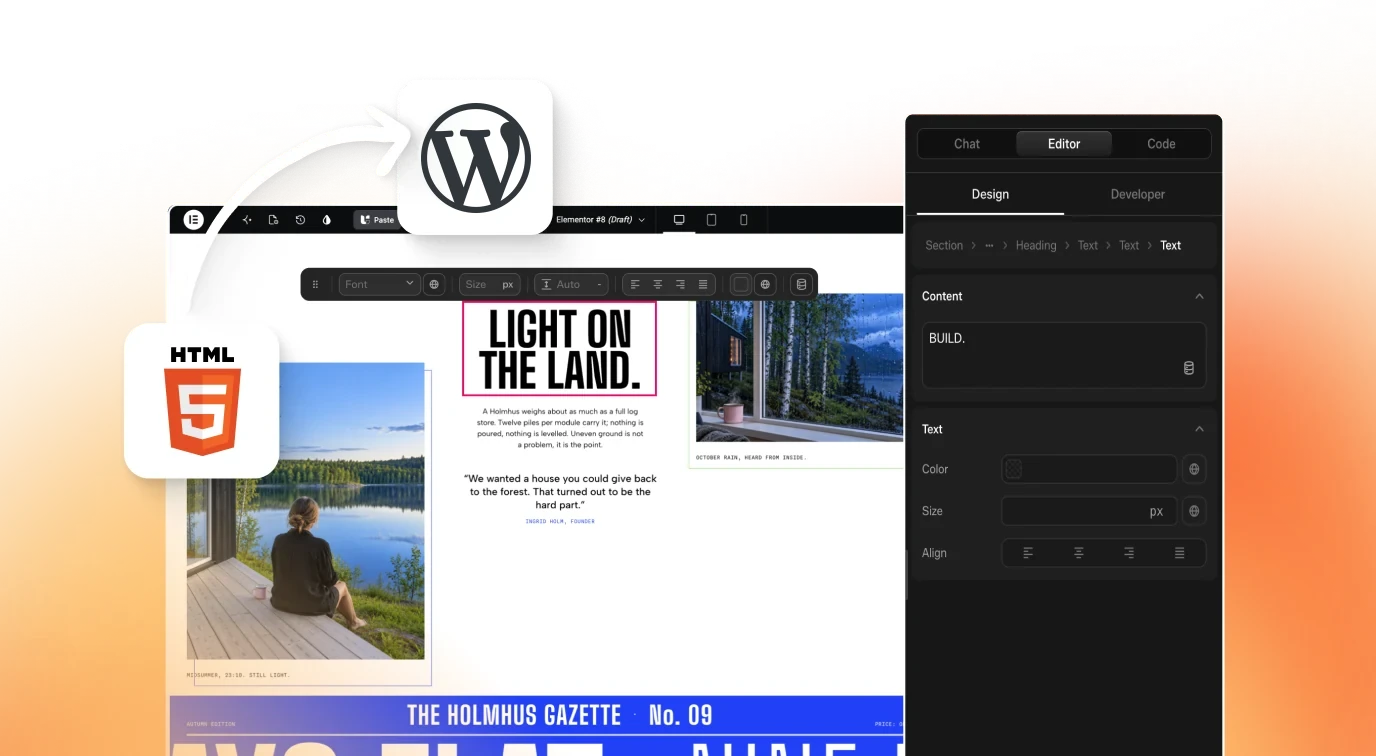
Your Agent, Plugged Into 500+ WordPress Sections A Designer Actually Drew
Connect the MCP and Claude, Cursor or any MCP client can search the AI Website Creator’s section library, pull the one you asked for, and put it on a real WordPress page, as an editable Elementor widget or Gutenberg block. Not a screenshot to copy. Not React you can’t use. The section, on the page.

Connect the UiChemy MCP to your editor
Pick the editor you work in. The command is the same endpoint every time; only where you paste it changes.
- From your terminal, run the following command:terminal
# install Claude Code first if it isn't there $ command -v claude >/dev/null || { curl -fsSL https://claude.ai/install.sh | bash export PATH="$HOME/.local/bin:$PATH" } $ claude mcp add uichemy --scope user \ --transport http https://app.uichemy.com/api/mcp
- Exit your Claude Code session, and start a new session.
- Run
/mcp, and select theuichemyMCP, which requires authentication. A browser window opens and asks you to sign in.
- Cursor has no
mcp addcommand, so it installs by link: Add to Cursor. Or paste this into your browser:deeplinkcursor://anysphere.cursor-deeplink/mcp/install? name=uichemy&config=eyJ0eXBlIjoiaHR0cCIsInVybCI6Imh0dHBzOi8vYXBw LnVpY2hlbXkuY29tL2FwaS9tY3AifQ==
- Cursor opens with the server filled in. Confirm, and
uichemyappears underSettings → MCP. - Click Authenticate. A browser window opens and asks you to sign in with your UiChemy account.
- From your terminal, run the following command:terminal
# install the Codex CLI first if it isn't there $ command -v codex >/dev/null || { curl -fsSL https://chatgpt.com/codex/install.sh | sh export PATH="$HOME/.local/bin:$PATH" } $ codex mcp add uichemy --url \ https://app.uichemy.com/api/mcp
- It writes the server into
~/.codex/config.tomlfor you: nothing to edit by hand. - Run
codex mcp login uichemyand sign in. The library is available from the next turn onward.
- From your terminal, run the following command:terminal
if command -v code >/dev/null; then code --add-mcp \ '{"name":"uichemy","type":"http", "url":"https://app.uichemy.com/api/mcp"}' else echo 'Enable the code command: VS Code → Cmd+Shift+P → Shell Command: Install code command in PATH' fi
- It registers the server for you: no
mcp.jsonto create. If it prints the reminder instead, enable thecodecommand and run it again. - Approve the sign-in prompt, then open Chat in Agent mode and ask for a section.
Ask in the editor you’re already in.
No new app, no browsing a catalogue, no copy-paste. You describe the section; the agent searches the library, reads what it found, and builds the right one into the page.

I’ll search the UiChemy library for About Us sections a designer has already shipped.
Used UiChemy MCPGot 39 About Us sections. Pulling the strongest for the page.

//Our story
A little kitchen. A lot of heart.


Tavola began with one simple idea: good food brings people together. We cook with the seasons, roll our pasta by hand, and know the growers behind our ingredients. From a quiet lunch to a long evening with friends, there’s always a place for you at our table.
Around our table
Local growers
Made with care
STILL HOUSE
Good spaces. Better living.

We believe a home should feel like you. Calm, thoughtful, and comfortably lived in.
Our small studio brings natural materials and quiet details together, creating spaces that make everyday life a little better.
Personal homes, thoughtfully considered.
Learning how people really live.
Your life. Your space. Your story.
Designed around the everyday.


Stronger, together.
We’re Form / Club. A neighbourhood studio built around real coaching, small wins, and people who keep showing up for each other. No egos. Just good energy and a little progress, every day.

Ways to move each week
Strength, mobility, and the sessions you look forward to.
WHY WE ROAM

Go further. Feel closer.
We’re Roam & Co. We believe the best journeys bring you closer to a place, its people, and yourself. Small groups, local guides, and room for the unexpected. That’s how we like to travel.
Journeys worth taking
Locally guided
Thoughtfully planned
Good work starts with clarity.
We built Orbit for teams who want more room to think. One calm place for your projects, your people, and the ideas that matter. Simple by design. Made to keep good work moving.
Countries connected
Teams moving forward
Thoughtful integrations
Ideas worth building
//Our story
A little kitchen. A lot of heart.


Tavola began with one simple idea: good food brings people together. We cook with the seasons, roll our pasta by hand, and know the growers behind our ingredients. From a quiet lunch to a long evening with friends, there’s always a place for you at our table.
Around our table
Local growers
Made with care
STILL HOUSE
Good spaces. Better living.

We believe a home should feel like you. Calm, thoughtful, and comfortably lived in.
Our small studio brings natural materials and quiet details together, creating spaces that make everyday life a little better.
Personal homes, thoughtfully considered.
Learning how people really live.
Your life. Your space. Your story.
Designed around the everyday.


Stronger, together.
We’re Form / Club. A neighbourhood studio built around real coaching, small wins, and people who keep showing up for each other. No egos. Just good energy and a little progress, every day.

Ways to move each week
Strength, mobility, and the sessions you look forward to.
WHY WE ROAM

Go further. Feel closer.
We’re Roam & Co. We believe the best journeys bring you closer to a place, its people, and yourself. Small groups, local guides, and room for the unexpected. That’s how we like to travel.
Journeys worth taking
Locally guided
Thoughtfully planned
Good work starts with clarity.
We built Orbit for teams who want more room to think. One calm place for your projects, your people, and the ideas that matter. Simple by design. Made to keep good work moving.
Countries connected
Teams moving forward
Thoughtful integrations
Ideas worth building
Connected in about a minute.
No copy-paste from the site. No hunting through docs. Connect once and the library lives where you work.
Connect
Add the UiChemy MCP to Claude, Cursor, Codex or VS Code and sign in once. That's the whole setup.
$ claude mcp add uichemy --transport http
https://app.uichemy.com/api/mcp
Added MCP server uichemy
Sign in to UiChemy to authenticate…
uichemy connected
works in every MCP client
Ask
Describe it in plain words, like “a pricing section with three tiers.” Your agent searches the real library.
Found 12 pricing sections a designer shipped.
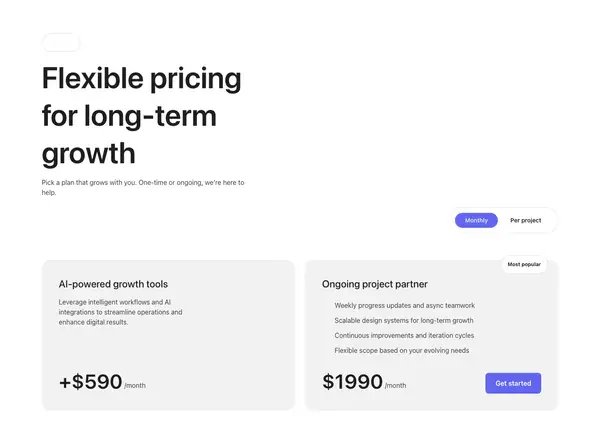
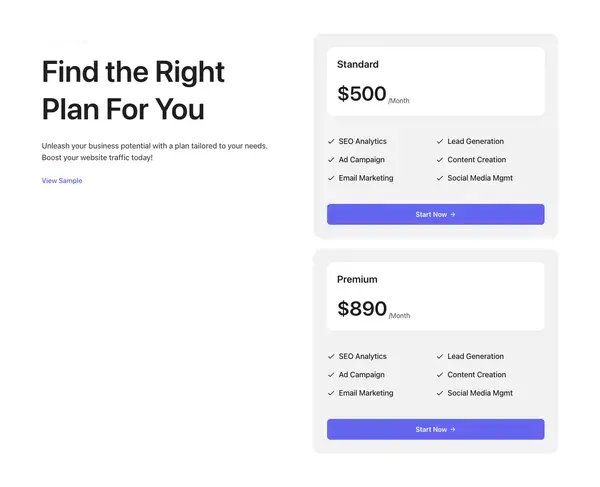
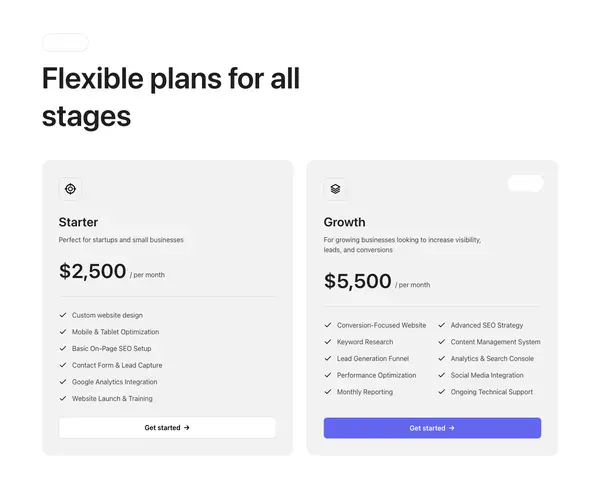
Pulling layout-y5
fetched by slug, never generated
Build
The section lands as an editable Elementor widget or Gutenberg block, in your site's own colours and type.
Pricing
Plans for every stage
$29
$79
$149
Placed and editable
on your site's colours and type
Build it, brand it, check it.
120+ abilities, grouped the way you’d work: find the layouts, write copy that fits them, apply one design system, then check every page before handoff.
A whole site from one prompt
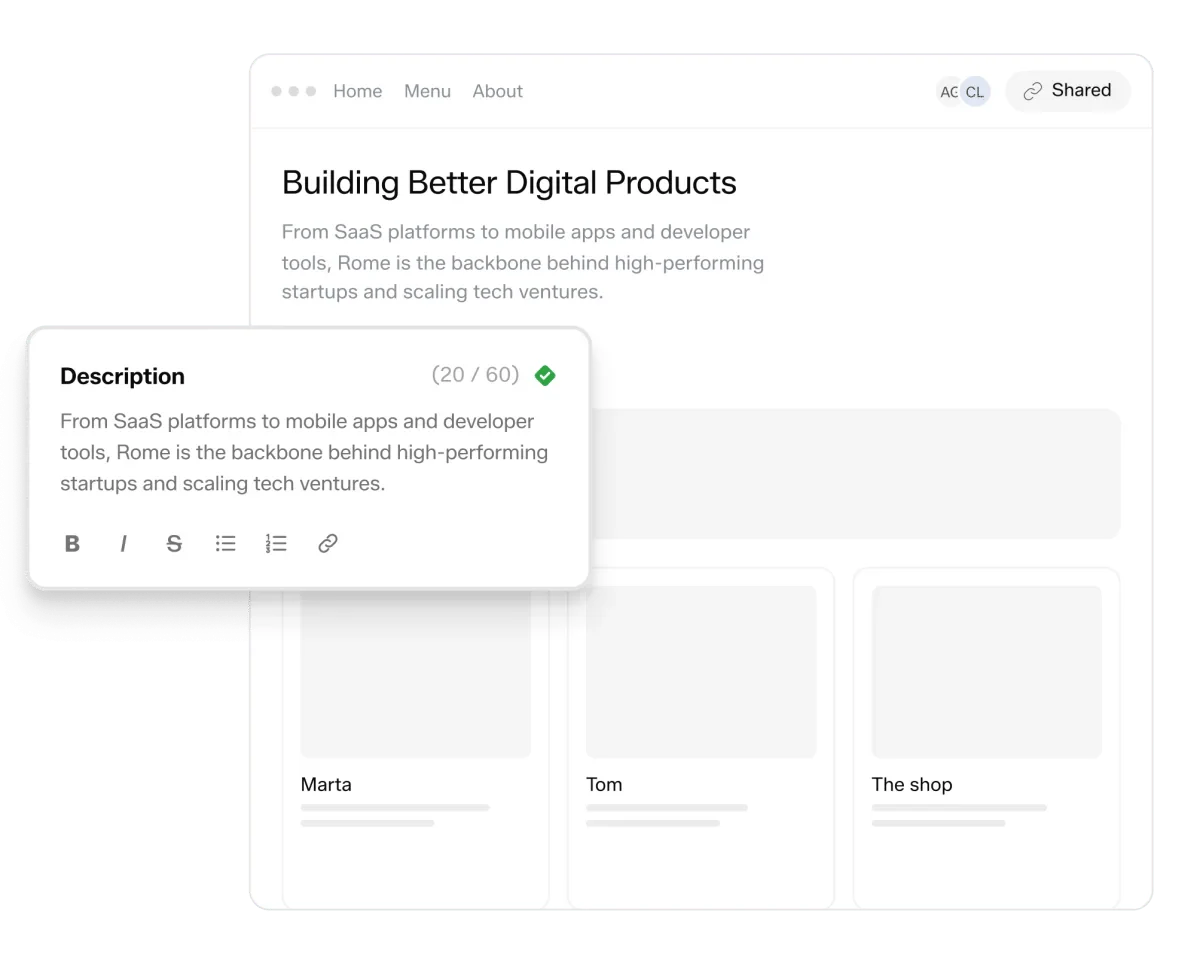
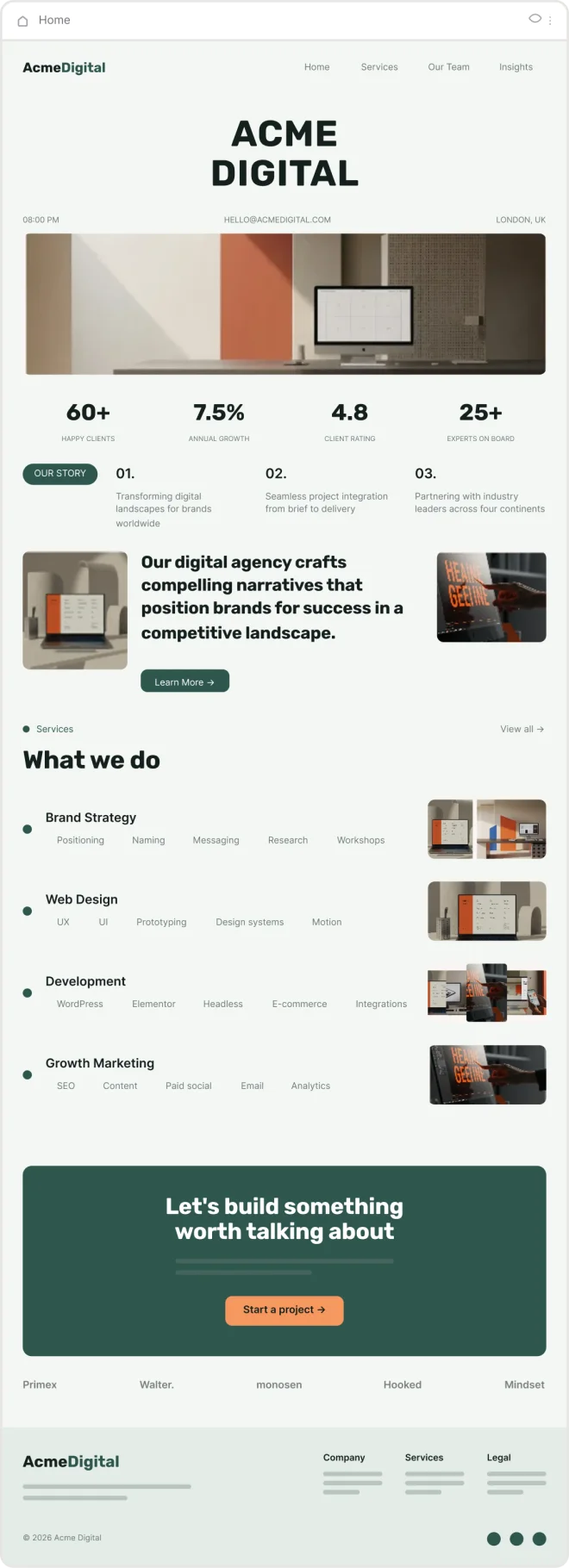
Describe the business and the agent builds the project: pages, sections picked from the library, and your own copy in every slot.

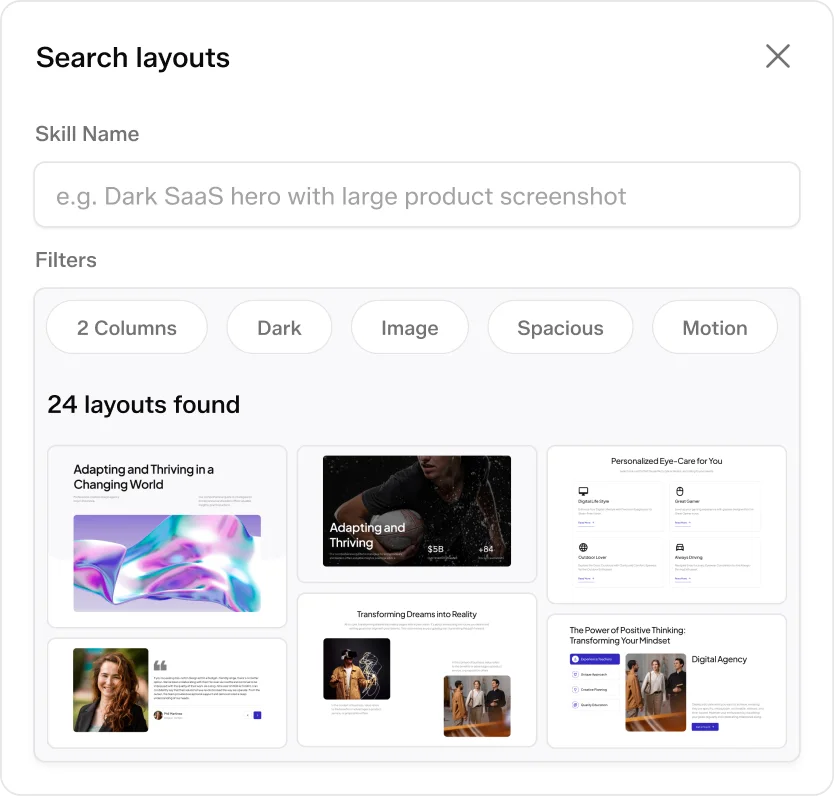
Search real layouts in plain words
Ask for what you picture, then narrow by columns, background, media, density or motion.

Copy that fits the layout
Every text slot comes with its character limit, so headlines never wrap into a third line.

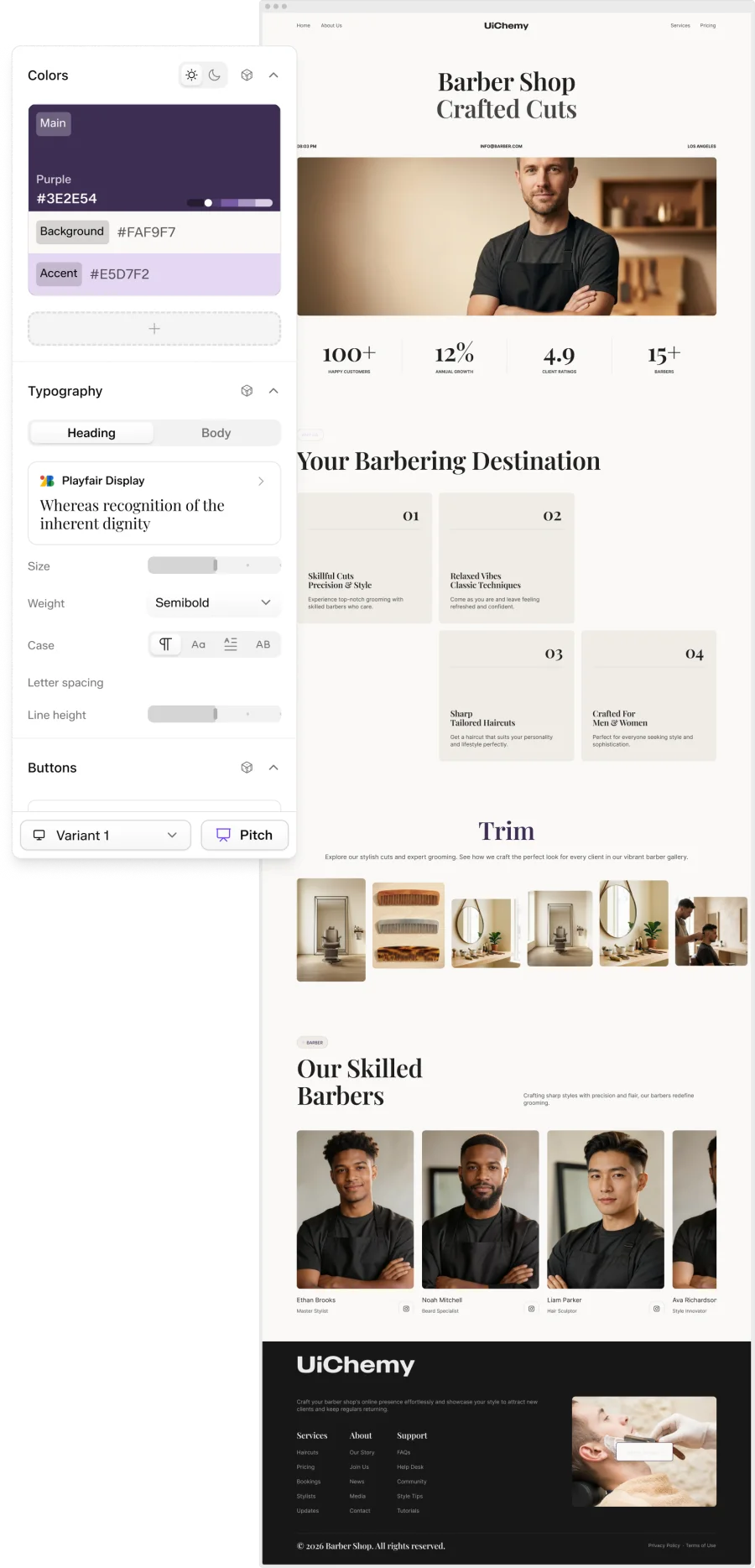
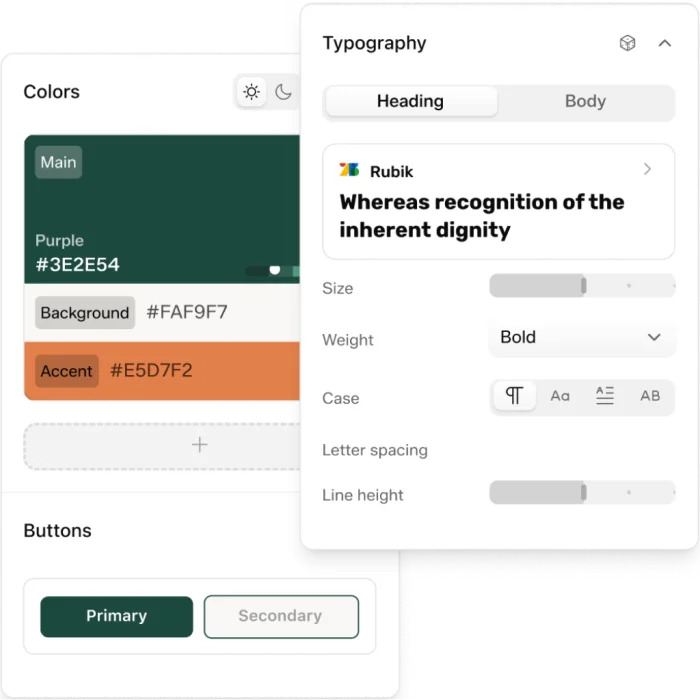
Design system & brand
Palette, fonts, type scale, spacing, buttons and cards set once, then applied to every section on every page.

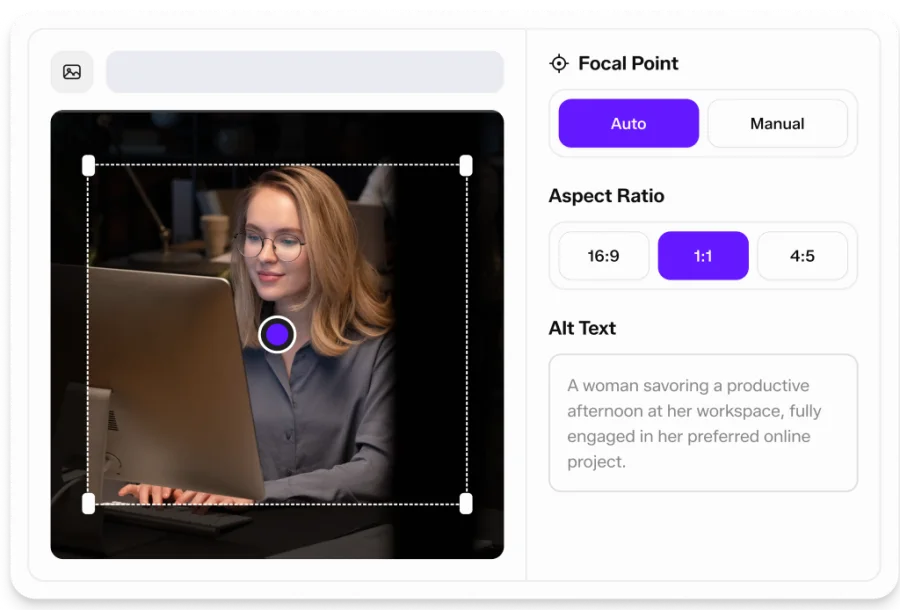
Images, video and logo
Upload in bulk, crop to a ratio, set the focal point and alt text, and add light and dark logos.

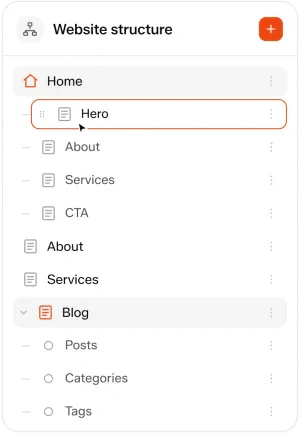
Pages, sections and a blog
Add, copy, reorder or swap any section's layout, and add a blog with a listing page and posts.

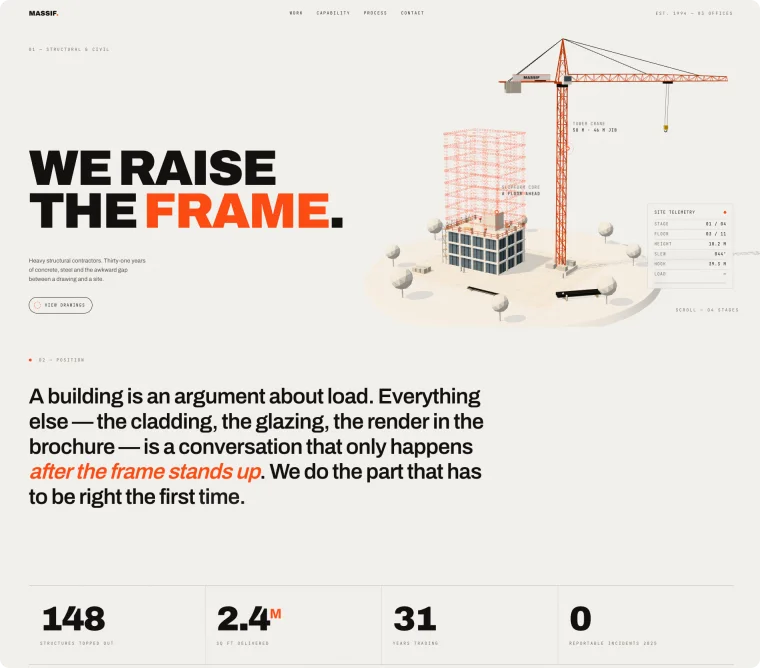
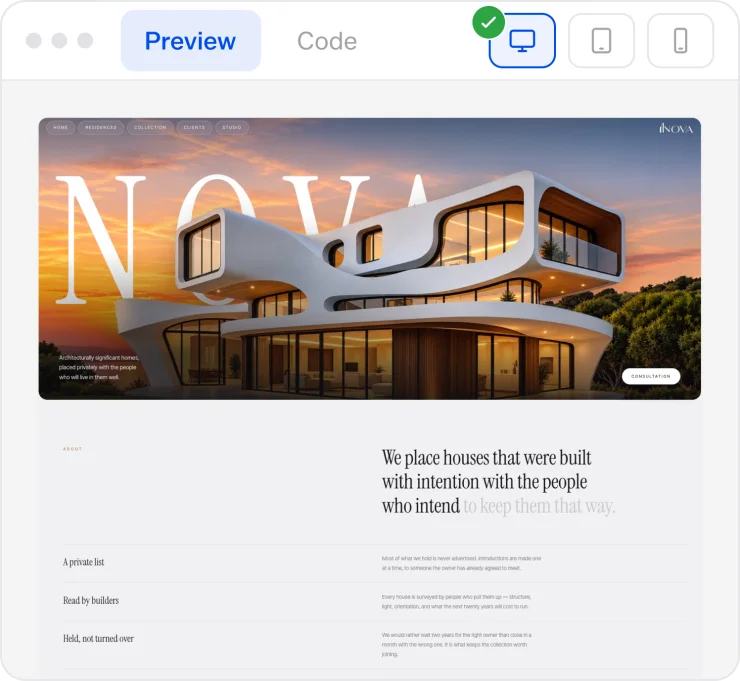
500+ hand-crafted sections
Every layout in the library is drawn by hand. Preview any of them at mobile, tablet and desktop before you export.

Ask anything. Get a real section back.
Copy any of these into your editor. They’re the fastest way to learn what the library has in it; each one puts a different tool to work.
UiChemy MCP, answered
A standard way for an AI assistant to use an outside tool. You add one endpoint to Claude, Cursor or a similar editor, and from then on the assistant can call that tool itself instead of you copying things back and forth. This one gives your assistant the UiChemy section library.
A real section from the library, fetched by slug, not a generated approximation of one. And with the build tools connected, it can place that section on a page as an editable Elementor widget or Gutenberg block.
It's the library half of it. The gateway's other abilities build pages, theme templates and menus, manage media and write the design system.
No. The MCP serves the section you asked for to your agent and places it on your WordPress site. Your existing pages, code, and client content stay on your own install; they aren't uploaded to or stored by the library.
We're truly thankful for this community. UiChemy has three Figma plugins, one for each WordPress builder we support, plus our WordPress plugin. The 90K+ figure is the total number of people using them. Each plugin's user count is shown on its Figma Community or WordPress.org page:Figma to Elementor: 78K+ InstallsFigma to Bricks: 8K+ InstallsFigma to Gutenberg: 7K+ InstallsWordPress Plugin: 8K+ Installs
Anything that speaks MCP: Claude Code, Claude.ai, Cursor, VS Code, Codex, Cline, Windsurf and others. Setup steps for the four most common are above.
To place sections on a page, yes. That's what renders them. Searching and reading the library is separate from building.
UiChemy MCP comes with every plan. Creating sections from your AI client is on the Studio and Agency plans; the Designer plan and the free plugin don't carry the library.
The section library is part of the AI Website Creator, so access comes with your UiChemy plan rather than a separate purchase. Once you're on Studio or Agency, connect the MCP and the library is available to your agent; you don't have to build inside the AI Website Creator to use it.
Yes. Bricks is coming soon.
A placed section binds to your site's global colours, type scale and spacing, so it arrives looking like the rest of the site rather than like the library.