



 7:40
Client Brief to Live Site With AI: WordPress or Astro (Recap)
About this video
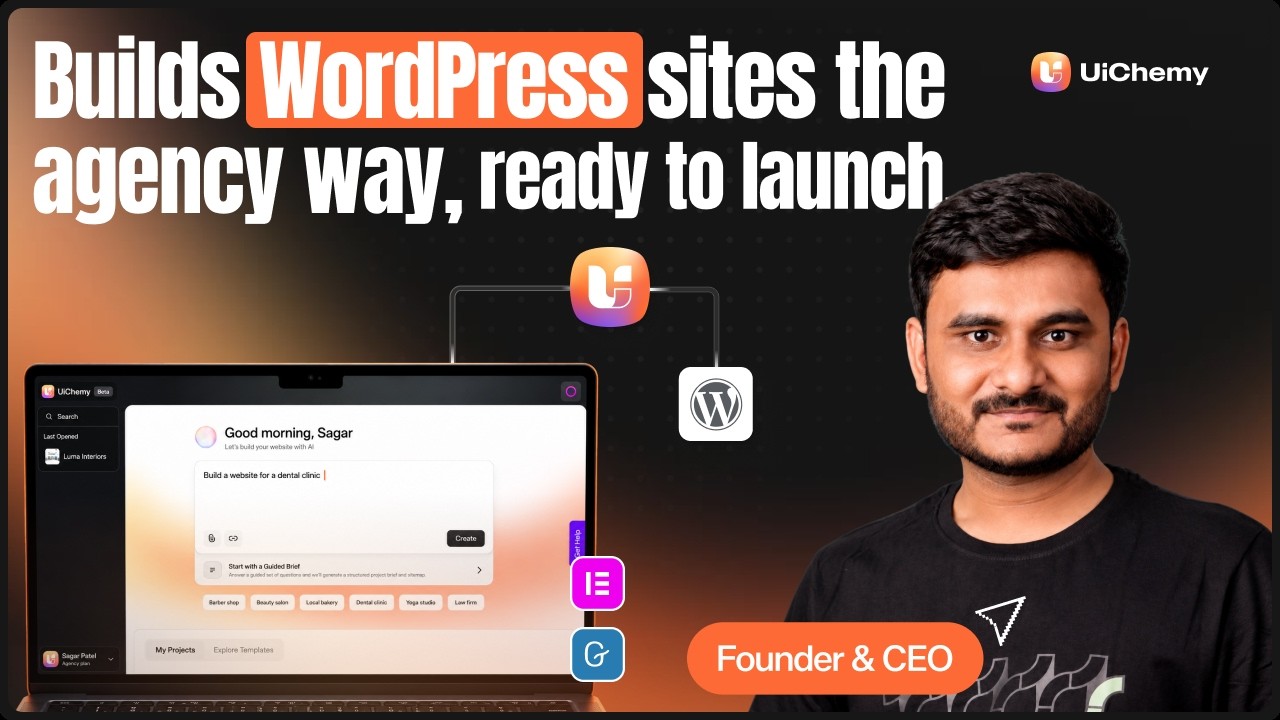
Just the key moments from our live session. A client brief goes into the UiChemy AI Website Creator, becomes the scope that drives every page's copy and design, and turns into a sitemap that keeps the context of each section.
Global colors, fonts, buttons and cards restyle the whole site at once, with a library of 1,000+ sections plus new ones made by AI agents. The site is published to WordPress (Elementor or Gutenberg) or to Astro with EmDash, and the client edits it after launch in UiChemy Composer. For the full walkthrough and the Q&A, watch the live session.
What you'll learn
- How to start a site from a prompt, a client brief, Claude, the ChatGPT app or a template
- How the scope keeps the client brief as the source of truth
- How the sitemap keeps the context of every section
- How global colors, fonts, buttons and cards restyle the whole site
- How to publish to WordPress or to Astro with EmDash
- How a client edits the site after launch in UiChemy Composer
- How to set the meta title, share image, robots.txt and llms.txt
Resources
Questions people ask
Where can I start a project in AI Website Creator?
Four ways: a prompt or client brief, Claude through the UiChemy MCP, the ChatGPT app, or a ready-made template.
What is the scope?
The scope is built from the client brief and stays the source of truth for every page's copy and design.
Where can I publish the site?
To WordPress with Elementor or Gutenberg, or to Astro with EmDash.
Can my client edit the site after launch?
Yes. Clients edit in UiChemy Composer, and the design stays intact.
Where can I watch the full session?
The full live session, with the complete walkthrough and Q&A, is linked below this recap.
More videos
7:40 62:28
 3:30
 11:26
 2:40
 2:04
 76:53
 18:35
 8:43
 11:56
 8:42
 3:59