
Astro Website Builder: From Brief to a Live Astro Site
 Sagar Patel
An Astro website builder should give you real Astro code you own, a way to put it online without a deployment project, and an answer to “how does the client edit it?” UiChemy’s AI Website Creator now covers all three: it turns a prompt or client brief into a site, then publishes it as an Astro site to your own Cloudflare account (with an optional CMS) or hands you the project as a .zip.
This guide walks through the choices in the Publish panel. It is based on the UiChemy documentation and changelog as of 28 October 2026. AI Website Creator v15, released on 16 October 2026, added Publish to Astro. Some options are still marked “Coming soon”, and we say which ones below, so check the linked docs for current steps before you start.
What an Astro Website Builder Should Give You
Astro is a framework for building fast websites. It builds pages into plain HTML, CSS and JavaScript, which is why developers like it for marketing sites and blogs. The hard part is everything around it: setting up the project, writing every section, finding a host and giving a client a way to change a headline without opening a code editor.
When you compare builders, four questions separate the useful ones from the demos:
- Is the output real source code? You want one file per page and one component per section, not a locked export.
- Where does it run? Ideally in an account you control, not on a platform that can switch it off.
- Who edits it after launch? A static site with no editing path means a developer for every typo.
- Can you leave? You should be able to download the project and host it anywhere.
From Brief to Astro in Four Steps
The Astro export sits at the end of the normal AI Website Creator flow. You do not pick Astro at the start. You build the site first, then choose where it goes.
- Scope. Start from a prompt, a guided brief or a client document. UiChemy turns it into one structured brief.
- Sitemap. Review the pages and sections before anything is designed. Rename, move or remove pages here.
- Design. Set your colors, fonts and buttons, then shape each page in the Design Editor. Meta titles, meta descriptions and slugs live in Page and Site Settings.
- Publish. The Publish button sits at the top right of the Design Editor. It unlocks once the design is at least 70% generated. Pick a platform card (WordPress, Astro or Other), then pick how to publish.
One detail matters for SEO work. The docs say each page keeps the meta title and meta description you set in Page and Site Settings when it goes into the Astro project, so you do not redo that work after export.
Three Ways to Ship an Astro Site
With the Astro card selected, the panel offers Cloudflare (marked Recommended) and Manual download. Vercel and Netlify appear in the panel but are marked “Coming soon”. Inside Cloudflare you choose between two kinds of site.
| Route | Where it runs | Who edits after launch | Good fit |
|---|---|---|---|
| Cloudflare, Astro + EmDash | Your Cloudflare account, on a free workers.dev address | You or your client, in the EmDash CMS admin | Client sites and any site with a blog |
| Cloudflare, Astro frontend | Your Cloudflare account, on a free workers.dev address | You, in UiChemy, then publish again | Brochure sites you maintain yourself |
| Manual download | Any host you choose | Your code editor, or a CMS you add | Developer handoff and Git workflows |
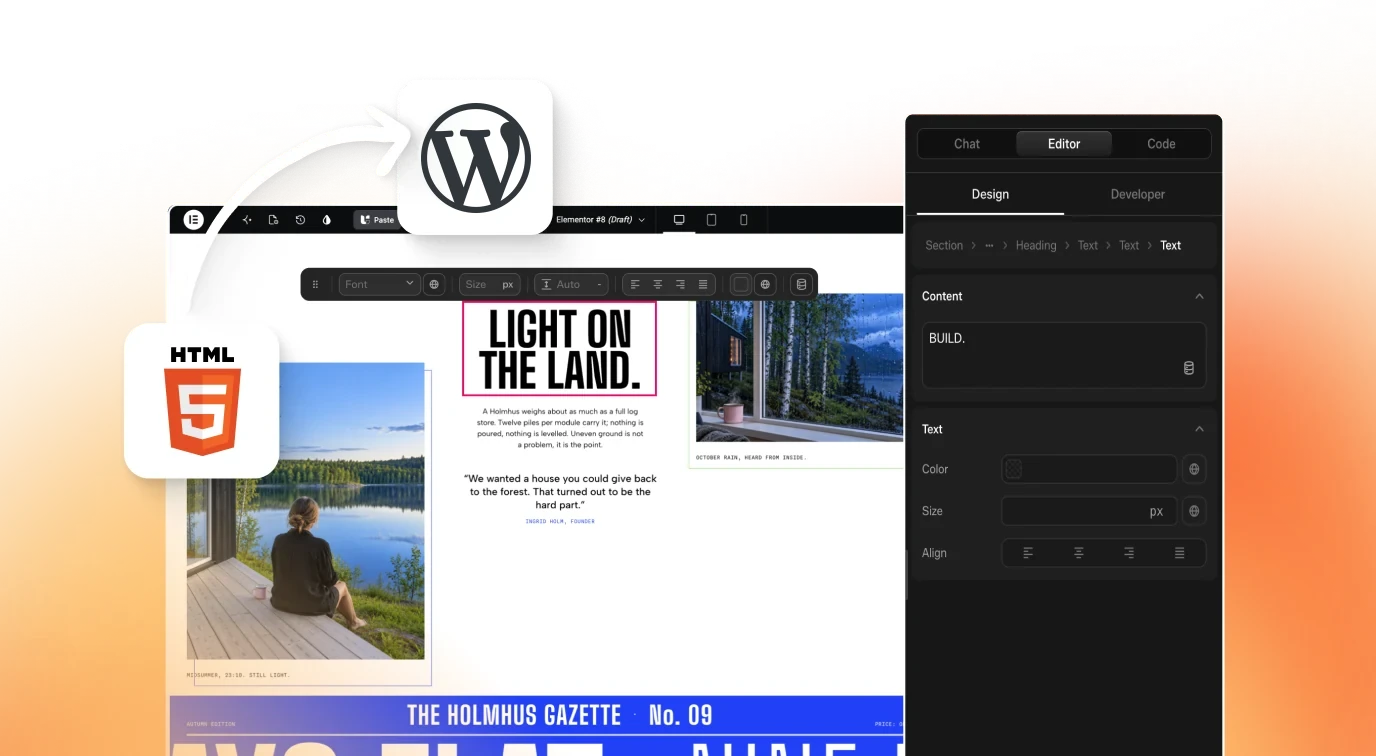
The Other card also lets you download Next.js, React (a Vite app) or plain HTML, which matters if your stack is not Astro. The Publish panel guide in the docs compares every option, including the two WordPress routes. The Astro page on uichemy.com is the product overview for this route.
The Cloudflare Route, Step by Step
You need a Cloudflare account. The docs say the free plan works and that no paid plan is required, though Cloudflare’s own account limits and any usage charges still apply. The full walkthrough is in the Deploy to Cloudflare guide.
- In the Design Editor, click Publish, select Astro, then click Start on Cloudflare.
- Click Connect Cloudflare. You sign in on Cloudflare and come straight back. Approve every permission on the consent screen, or later deploys can fail.
- Under What to publish, choose Astro + EmDash or Astro frontend.
- Click Publish and keep the window open. When it finishes, a card shows your live address with a Live badge. Click Open site.
Your address looks like https://site-name.your-subdomain.workers.dev/. UiChemy never takes over a Worker you already have. If the name is taken it adds -2, -3 and so on, and CMS sites get -cms at the end.
On timing, the docs say an Astro frontend usually publishes in under a minute, while Astro + EmDash takes about a minute and a few minutes the first time. If you see the “no workers.dev address yet” message, open Workers and Pages in Cloudflare once, pick a subdomain, then publish again.
To update a live site, change the design in UiChemy, open Publish, then Astro, click Manage on the Cloudflare card and click Resync. Disconnecting Cloudflare later does not take your sites down. They stay in your Cloudflare account.
What the EmDash CMS Adds
EmDash is a content management system that ships inside the published site. Your exported sections become the starting layout, and the CMS lets people change content without touching UiChemy or code. The Astro + EmDash CMS guide lists what you can edit:
- Pages and the order of their sections, which you can reorder, duplicate, hide or remove.
- Every heading, paragraph, button, link and image inside a section, as its own field.
- Header and footer, edited the same way.
- Blog posts with a body, featured image, categories and tags.
- A per-page SEO panel, which starts from the values you set in Page and Site Settings.
The admin lives at your-site-address/_emdash/admin and signs in with a passkey. After your first publish, a setup checklist gives you a private claim link. Keep that link private, because whoever opens it first becomes the site admin. Teammates are added under Users, then Invite User.
Two rules are worth knowing before you promise a client anything. First, a site with a blog must use Astro + EmDash, because blog posts need the CMS. The docs say UiChemy treats a page as a blog page when its title starts a word with “blog” or contains the whole word post, posts, article or articles. Second, when you Resync a design change, UiChemy merges it into the CMS and keeps fields that someone edited there. Fields nobody touched take the new design.
The CMS stores its data in your Cloudflare account, in a database, login storage and, when R2 is available to UiChemy, a media bucket. CMS edits are not copied back into the UiChemy Design Editor.
The Download Route: Run It Yourself
Manual download gives you project-name-astro.zip, a full Astro project with every generated page, available header, footer and blog content, and a 404 page. The Download an Astro Project guide covers it in detail. You need Node.js 22.12 or newer. Unzip, open a terminal in the folder and run:
npm install
npm run dev       # preview at http://localhost:4321
npm run build     # builds the static site into dist/
npm run preview   # serves dist/ locally
Upload the dist folder to any host that serves static files. Inside the project, the layout is easy to read:
src/pages/holds one file per page, each a list of its sections.src/components/holds one component per section, with its CSS next to it.src/styles/site.cssholds site-wide styles and the color and font variables.src/content/blog/holds one Markdown file per blog post, when your site has a blog.
The download is a one-time copy. If you change the design in UiChemy afterwards, download again and merge your own code changes by hand.
What Does Not Carry Over
An honest list saves you a support email later. These come from the docs and the panel as of today:
- WordPress-only widgets are skipped. Only UiChemy sections are converted, so check every page after export.
- Forms have no backend. Fields and messages are exported, but to receive submissions you add a
data-uich-endpointattribute pointing at an endpoint that accepts FormData and returns JSON. Test it with your chosen service. - Images load from the UiChemy image CDN. To host them yourself, download them into
public/and update the src attributes. - No robots.txt in the zip. Add your own file to
public/if you need one. - Custom domains on Cloudflare are “Coming soon” in the panel. For now the site uses its workers.dev address.
- One-click Vercel and Netlify are “Coming soon”. You can download the project, build it and upload
distyourself.
Astro or WordPress?
Astro is a strong choice when the site is mostly pages and a blog, speed matters and you are happy to hand content editing to a CMS. WordPress is the better answer when the client already runs WordPress, needs plugins, or wants to keep editing in Elementor or Gutenberg.
You do not have to decide before you design. The same project can be published to UiChemy Sites, to a Cloudflare Astro site and into your own WordPress at the same time, and each one is updated separately. Compare what each route leaves you with before you pick one for a client.
FAQ
Is hosting free?
Publishing goes to a free workers.dev address in your own Cloudflare account, and the docs say a paid Cloudflare plan is not required. Cloudflare’s own plan limits still apply to your account.
Can I use my own domain?
Not from the Publish panel yet, because the custom domain option is marked “Coming soon”. If you download the project, you can host it anywhere and attach your own domain there.
Do I need to write code?
Not for the Cloudflare route. The download route needs Node.js 22.12 or newer and a few terminal commands.
What happens when I change the design later?
On Cloudflare you click Resync. For a CMS site, UiChemy merges the new design and keeps fields that were changed in the CMS. A downloaded zip does not update, so you download it again.
Does the export keep my SEO settings?
Each page keeps the meta title and meta description you set in Page and Site Settings. A CMS site also starts its per-page SEO panel from those values.
If you want to try this on a real brief, Get Started, build the site in AI Website Creator, then open Publish and choose Astro.