




Trusted by 80k+ users

Convert your Figma designs into responsive WordPress pages faster than ever. Our newest release eliminates manual steps so you can launch in record time—letting you focus on what truly matters: creativity.

Experience the Next Evolution of UiChemy
We’ve supercharged our plugin with powerful new tools—so you can focus on creativity and let UiChemy handle the rest.

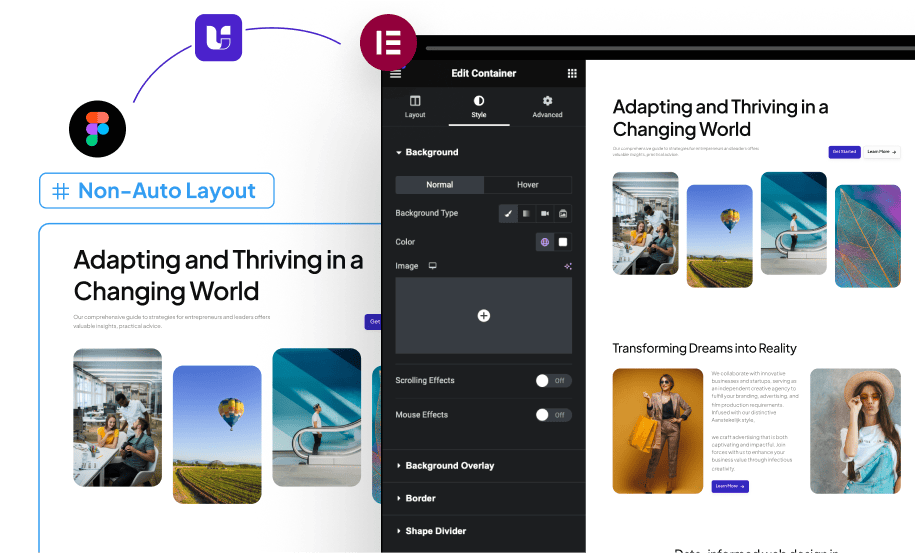
Import Non-AutoLayout Design to Elementor in Single Click
Quickly turn your Figma designs into responsive, layout-ready WordPress pages—no AutoLayout needed.

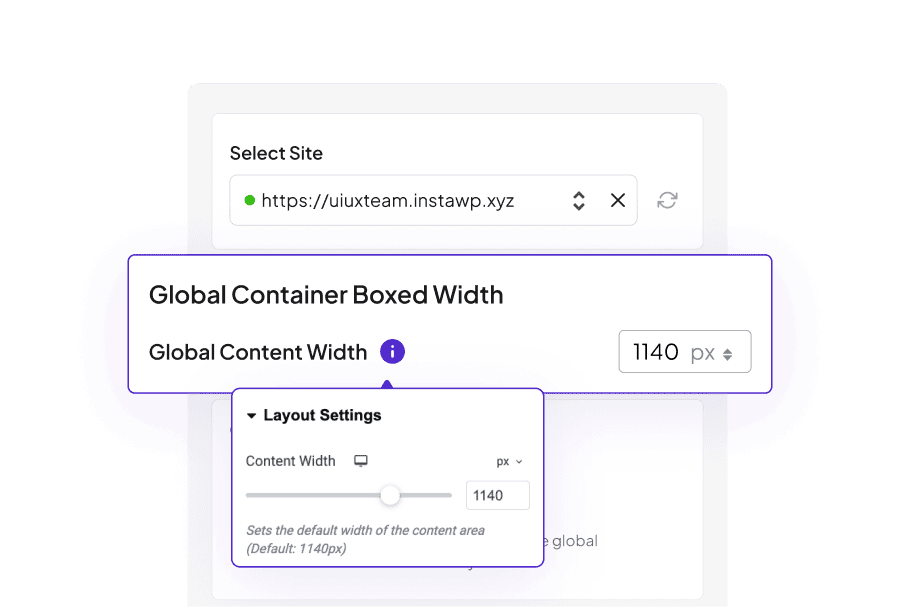
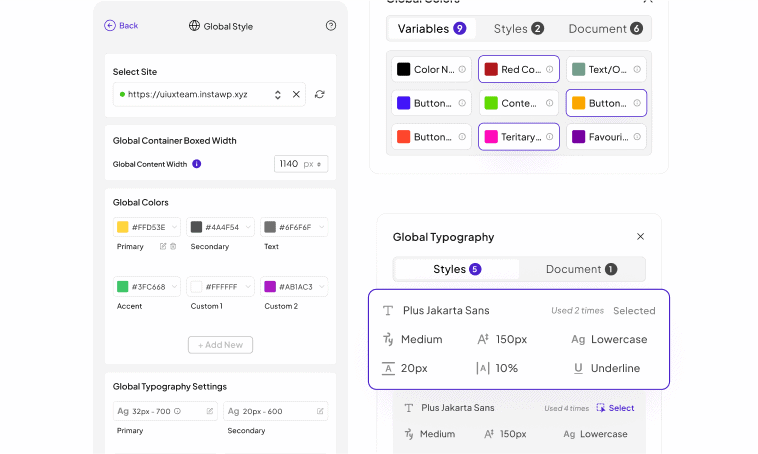
Global Boxed Width Container Sync
Keep layouts consistent across all devices with our new global container setting, giving you full control over your site’s width.

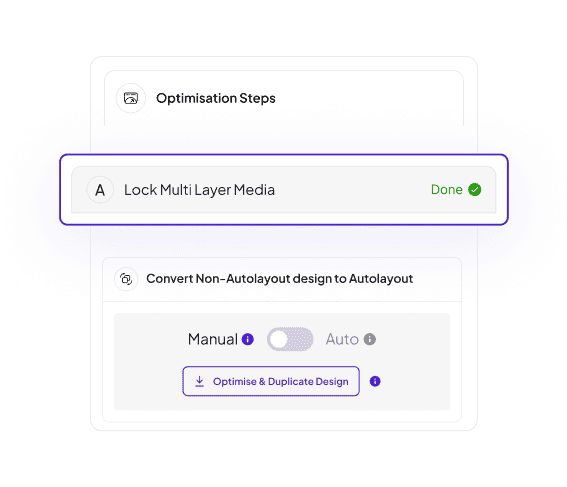
85% Reduction in Optimization Steps
We’ve cut optimization steps from 14 to just 1, letting you focus on creativity while UiChemy 3.0 does the heavy lifting behind the scenes.

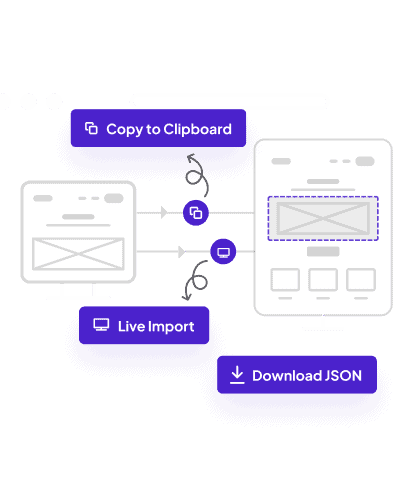
Auto Recommended Import Methods
We suggest the best route—Live Import or Copy Mode—based on your workflow, minimizing guesswork and streamlining your setup.

Global Style Sync Even Better
Thanks to feedback from agencies, freelancers, and industry experts, our global style syncing is now smoother and more robust than ever.

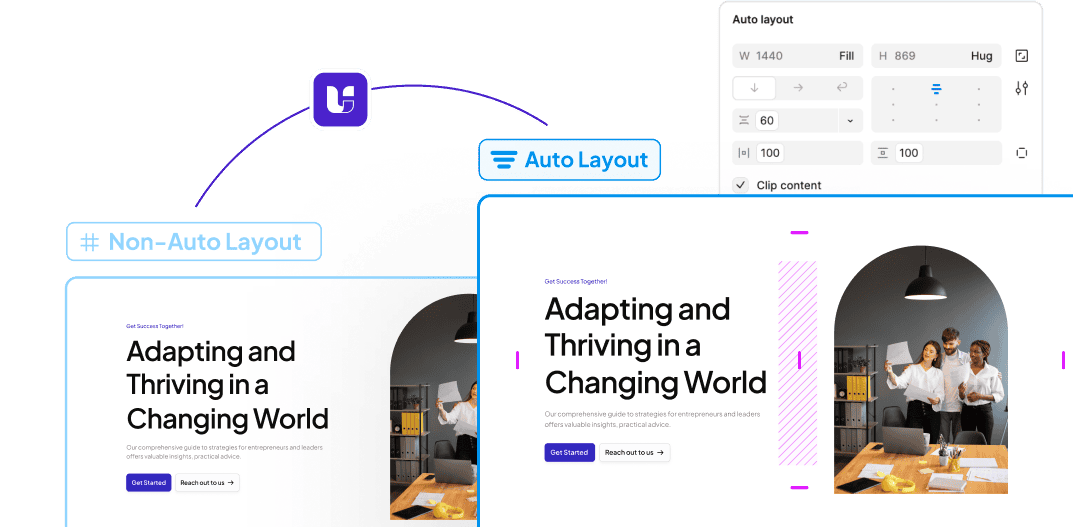
Convert Non AutoLayout to AutoLayout
Prefer tagging in AutoLayout first? Our one-click convert option transforms non-auto layout designs so you can refine and tag before the final export.

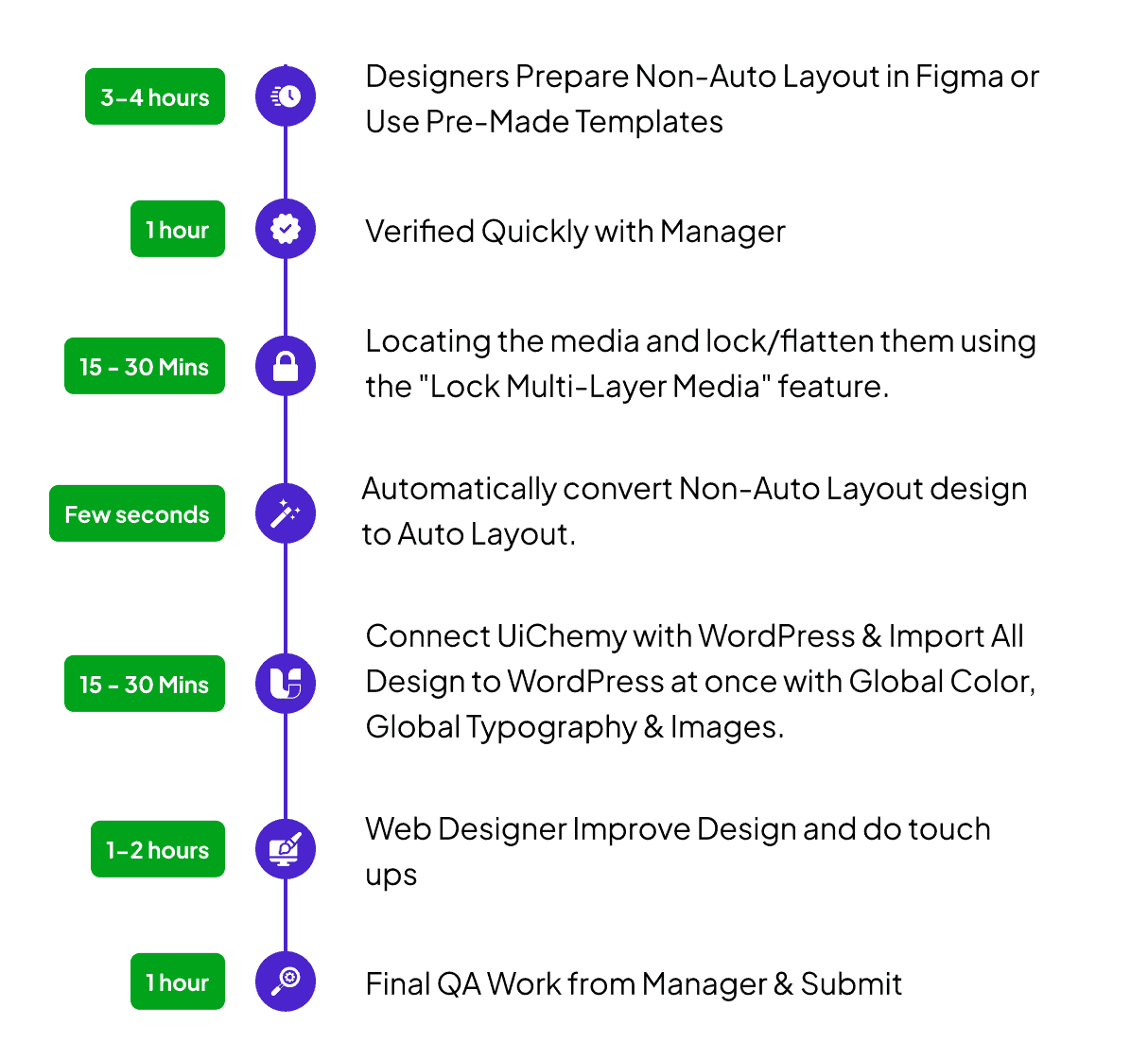
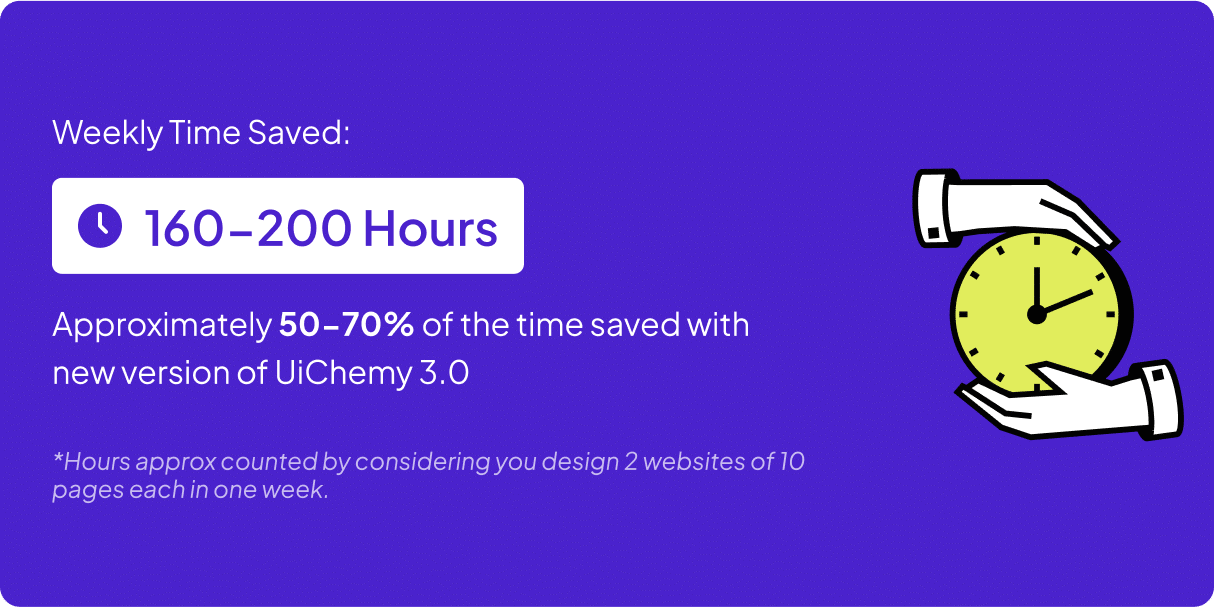
200% More Time Saved with UiChemy 3.0
Compare it to UiChemy 2.0 and see how we’ve slashed hours off your workflow—so you can launch websites faster than ever.

With UiChemy 2.0
With UiChemy 3.0





Built by feedback from 200+ top WordPress Agencies & Experts
We are working closely with 200+ agencies, freelancers, industry experts and not only that our users to understand their problems and improve product further based on it.
0K+
Figma Designers are using UiChemy to Convert Figma to WordPress
0
We Support Elementor, Gutenberg & Bricks Page Builder for WordPress.
0K+
Figma Pages Have Been Converted Around the World.
0+
Pre-Designed Figma Templates & Sections to Save Time on Design Creation
Real Voices, Real Results: See How the Community Loves UiChemy
From rave reviews to user-made tutorials, explore how thousands of designers are sharing and celebrating UiChemy.

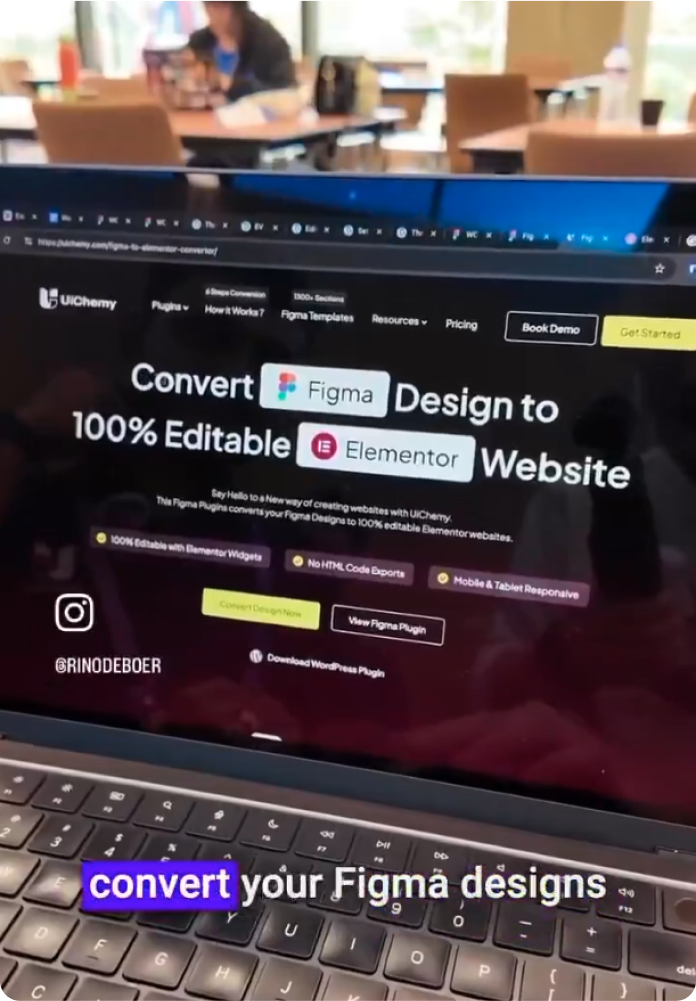
@RinodeBoer

A very interesting product from UiChemy that allows you to convert a Figma design into Elementor with a plugin. I am excited to test this because other plugins I've tested lacked in global settings features.
@uichemy
wordpress #uichemy #figma

@micha777 ⭐⭐⭐⭐⭐

Excellent service! I encountered a problem, and they resolved it immediately without any hassle. I highly recommend both the app and their customer support!

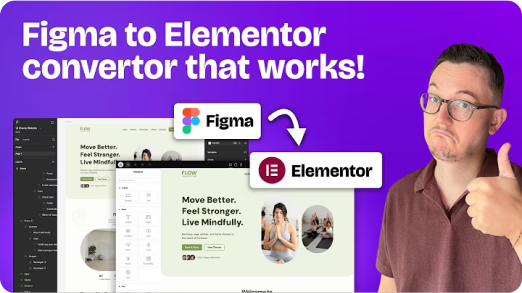
@rinodeboer

Finally, a Figma to Elementor plugin that actually works

@garrymetz ⭐⭐⭐⭐⭐

Bingo !! UiChemy has saved me so much time! Converting designs to WordPress is a breeze now. I love the responsive manager feature.

@liongabriel ⭐⭐⭐⭐⭐
Had an update issue, and I sent a support request and had a response the same day, and it was fixed on my website within 2 days. Thanks for the quick response!
@RinodeBoer
A very interesting product from UiChemy that allows you to convert a Figma design into Elementor with a plugin. I am excited to test this because other plugins I've tested lacked in global settings features.
@uichemy
wordpress #uichemy #figma
@micha777 ⭐⭐⭐⭐⭐
Excellent service! I encountered a problem, and they resolved it immediately without any hassle. I highly recommend both the app and their customer support!
@rinodeboer
Finally, a Figma to Elementor plugin that actually works
@garrymetz ⭐⭐⭐⭐⭐
Bingo !! UiChemy has saved me so much time! Converting designs to WordPress is a breeze now. I love the responsive manager feature.
@liongabriel ⭐⭐⭐⭐⭐
Had an update issue, and I sent a support request and had a response the same day, and it was fixed on my website within 2 days. Thanks for the quick response!

@zojazak ⭐⭐⭐⭐⭐
I had the pleasure of receiving assistance from Divyang Chaudhary from support UiChemy in solving serious issues during the migration process from Figma to WordPress. I received professional support, a lot of patience, and very courteous communication. The problem was resolved. Thank you very much, and I highly recommend UiChemy. Zoja

@codestroyer ⭐⭐⭐⭐⭐
Amazing plugin! UiChemy makes Figma to WordPress super easy and works perfectly. Their support team is so kind and helpful. Definitely a 10/10 – highly recommend!

@andreaegli
I Tried a Figma to Elementor Converter Plugin (Here’s What Happened) | UIChemy plugin demo


@archana99 ⭐⭐⭐⭐⭐
This plugin is incredibly useful, and I highly recommend it! It handles about 70% of the design work and leaves the remaining 30% for us to fine-tune using Elementor, which is completely fine because it saves a tremendous amount of time in designing sections. I truly recommend this plugin, and I especially want to highlight their exceptional customer support. Mohit Ahuja, in particular, helped me with my Figma design, and his assistance was outstanding. I appreciate the customer support so much—it’s truly one of the best parts of the experience. Great job, Mohit Ahuja, and the entire team! I would also suggest that the management consider recognizing Mohit Ahuja for his hard work.

@Gazanfar-Ali

@zojazak ⭐⭐⭐⭐⭐
I had the pleasure of receiving assistance from Divyang Chaudhary from support UiChemy in solving serious issues during the migration process from Figma to WordPress. I received professional support, a lot of patience, and very courteous communication. The problem was resolved. Thank you very much, and I highly recommend UiChemy. Zoja
@codestroyer ⭐⭐⭐⭐⭐
Amazing plugin! UiChemy makes Figma to WordPress super easy and works perfectly. Their support team is so kind and helpful. Definitely a 10/10 – highly recommend!
@andreaegli
I Tried a Figma to Elementor Converter Plugin (Here’s What Happened) | UIChemy plugin demo
@archana99 ⭐⭐⭐⭐⭐
This plugin is incredibly useful, and I highly recommend it! It handles about 70% of the design work and leaves the remaining 30% for us to fine-tune using Elementor, which is completely fine because it saves a tremendous amount of time in designing sections. I truly recommend this plugin, and I especially want to highlight their exceptional customer support. Mohit Ahuja, in particular, helped me with my Figma design, and his assistance was outstanding. I appreciate the customer support so much—it’s truly one of the best parts of the experience. Great job, Mohit Ahuja, and the entire team! I would also suggest that the management consider recognizing Mohit Ahuja for his hard work.
@Gazanfar-Ali
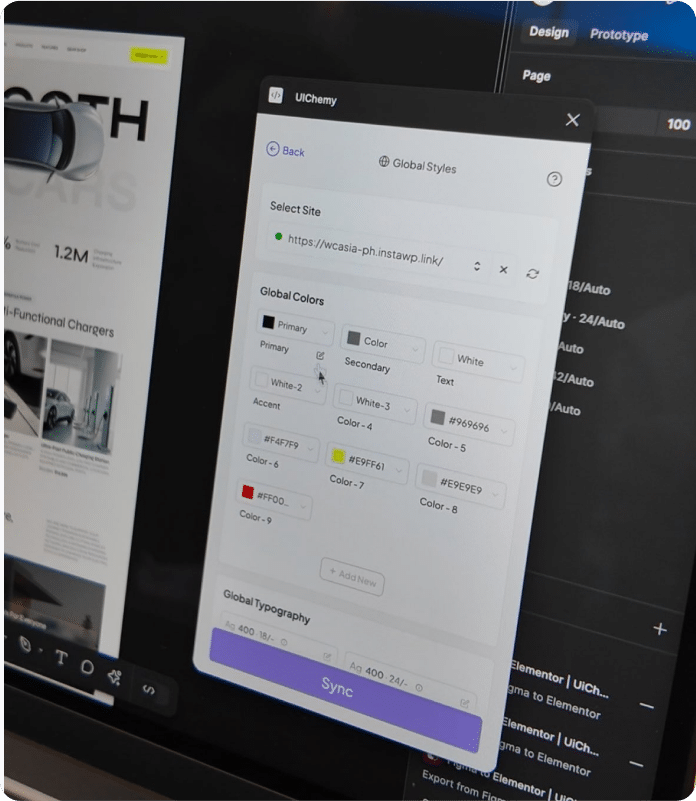
@RinodeBoer
The team of @uichemy just showed me the latest version of their Figma to Elementor converter. Global fonts and colors are now being synced with Elementor via a plugin. Really cool stuff they are building. Will be testing it soon #wcasia2025

@seanwillekens ⭐⭐⭐⭐⭐
Really Impressed with this so far, for relatively simple static sites, it imports very nicely / cleanly. Looking forward to seeing more features / functionality incorporated

@WPDev
Convert Figma Designs/Effects to Elementor (Free)

@HardikSodavadiya
How to clone a Website or Sections to WordPress in 10 minutes
@RinodeBoer
The team of @uichemy just showed me the latest version of their Figma to Elementor converter. Global fonts and colors are now being synced with Elementor via a plugin. Really cool stuff they are building. Will be testing it soon #wcasia2025
@seanwillekens ⭐⭐⭐⭐⭐
Really Impressed with this so far, for relatively simple static sites, it imports very nicely / cleanly. Looking forward to seeing more features / functionality incorporated
@WPDev
Convert Figma Designs/Effects to Elementor (Free)
@HardikSodavadiya
How to clone a Website or Sections to WordPress in 10 minutes
Frequently Asked Questions
For any further help, reach us at [email protected]
or connect via live chat.
2.Convert to Auto Layout First: Use the “Convert to Auto Layout” option to duplicate your design into an auto layout–friendly format. You can then optimize, tag widgets, or make other adjustments before the final conversion.
Copy Mode: Best if you’re new to UiChemy or if you prefer transferring your design section by section for more control and incremental testing.
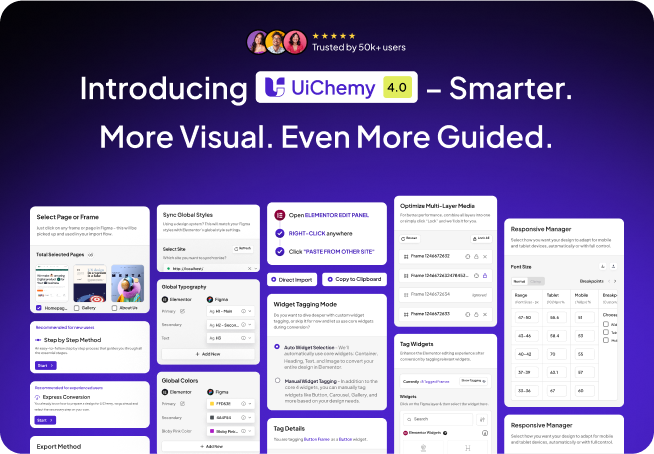
New design. Same powerful engine. Explore what’s inside.
UiChemy 4.0 introduced the smart core features, now enhanced by a fresh UX in v4.