

 18:35
18:35Build WordPress Pages With AI, No More Page Builder Widgets
About this video
This site was built directly inside a WordPress page builder, with AI. For 18 months we tried to teach AI to build with page builder widgets, and every approach ended the same way. Then we stopped asking it to learn our language, because it already speaks one: HTML, CSS and JavaScript.
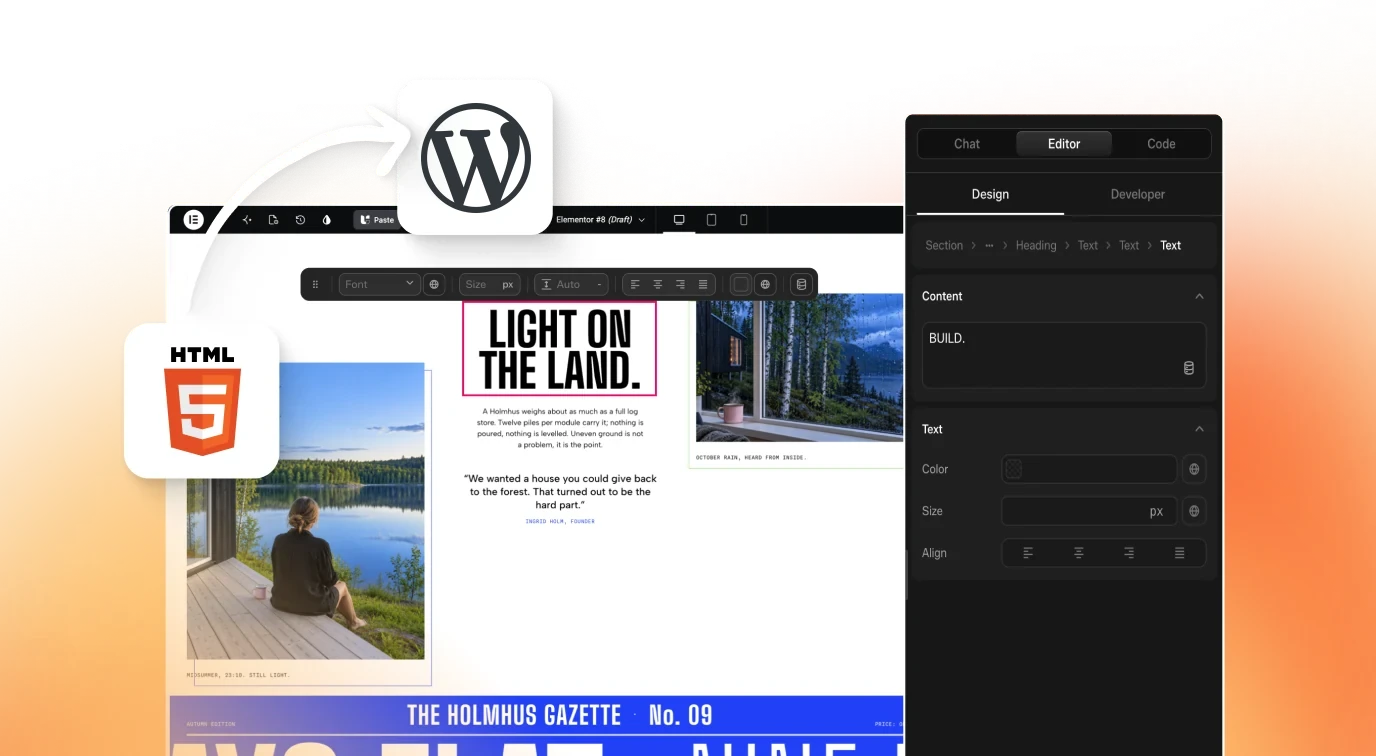
Raw AI code has its own problem though. It works until someone needs to change it, and six months later nobody can maintain it. So we built both halves. AI writes real HTML, CSS and JavaScript, and you get a visual editor on top of it, inside the builder you already use. That's UiChemy Composer, an AI-first visual editor.
What you get
- One widget holding real HTML, CSS and JavaScript, not fifty widgets with fixed settings
- Connect Claude through UiChemy MCP and watch a page build section by section
- Design Mode for content and style, Developer Mode for classes and code
- Draw on the part you want changed, say what you want, and it's done
- GSAP timelines and WebGL effects you can adjust yourself, no developer needed
- Dynamic content from ACF, JetEngine and Metabox, loops and WooCommerce products
- Headers, footers, archives and single templates with display conditions, on free Elementor
- Any design turned into a working form, with submissions you can read without another plugin
- Role-by-role client access, white labelled as your own
- Lean code with fewer plugins - 90+ on PageSpeed in our own testing
Resources
Questions people ask
What is UiChemy Composer?
UiChemy Composer is one widget holding real HTML, CSS and JS, so you can edit visually, in code, or just by prompting it in plain English.
Why does my page show a container with a single widget?
That is expected with the new AI and MCP workflow. The widget acts as the editing layer. If you want native editable Elementor widgets instead, we recommend Figma to Elementor in Classic Mode.
Which MCP do I set up to edit with Claude?
Use the WordPress MCP. The older UiChemy API MCP is deprecated, and the WordPress MCP is included by default. If you also want your AI agent to work with your Figma designs, add a Figma MCP server alongside it.
Does editing with AI Chat use my UiChemy credits?
It depends on your plan and setup. On All in one plans, Composer's AI Agent Chat uses Credits to make edits. When the workflow is connected to your local Claude app, the edits use your Claude usage or tokens instead. Composer-only plans do not use Credits.
Is there a free plan?
Yes. The Free plan is free forever and includes 1,000 credits per month and 1 UiChemy Composer site.
Video transcript
Introduction: Building WordPress sites with AI & UiChemy Composer
This site is built directly inside a WordPress page builder with AI. In this video, I am going to show you how with UiChemy Composer and AI first visual editor. I am Sagar Patel, founder of UiChemy. For 18 months, we tried to teach AI to build with page builder widgets.
The Problem with Teaching AI Page Builder Widgets
Long prompts, retrieval, agents checking agents, every approach ended the same way. Then we realized the problem was not the AI. We were asking them to learn our language when it already speaks one. AI can build a website in minutes, but every page builder stores that website in its own format, its own widgets, its own schema, its own rules.
AI has to guess at every one of them. Yet, there is one language every AI already knows best.
The Core Solution: Clean HTML, CSS & JavaScript
HTML, CSS, and JavaScript. But, raw AI code has its own problems. It works until someone needs to change it. No structure, no system.
Six months later, nobody can maintain it. That is not how an agency can work. So, we build both ways.
Introducing UiChemy Composer (Visual Editor on Top of Real Code)
AI writes real HTML, CSS, and JS, and you get a visual editor on top of it inside the builder you already use. That is UiChemy Composer. It works inside Elementor and Gutenberg today with Bricks and Divi coming soon.
Supported Builders & Cloud MCP Integration
Connect Claude through UiChemy MCP. Four skills, 126 plus abilities behind it. Describe the page you want and watch it build section by section. Now, make it yours.
Design Mode vs. Developer Mode
Pick any element, make quick changes right there, or open the side panel for everything. Design mode, when you just want to change content and style. Developer mode, when you want classes and code. AI is building a lot of animated sites right now.
Visual Controls for Animations (GSAP & WebGL)
GSAP, WebGL, the next small change should not need a developer. Open the animation tab and adjust the GSAP timeline or tweak the WebGL effect yourself. Or hand it to a client who never touches code. And because this is WordPress, it is never just a static page.
Dynamic WordPress Content & Custom Post Types (ACF, JetEngine, MetaBox)
Bind any element to live content. Posts, custom post types from ACF, JetEngine or Meta Box. Your loops, WooCommerce products, headers, footers, archives and single templates with display conditions.
Theme Builder Features & Display Conditions (No Elementor Pro Needed)
On free Elementor, no pro needed. Turn any design into a working form and read submissions without another plugin.
Native Forms & WooCommerce Integration
Build a full WooCommerce store and manage it by hand or with AI. When it is time to hand over, give your client only the editing they need.
Client Handover, Role Permissions & White-labeling
Role by role, white labeled as your own. And because it is lean code with fewer plugins, speed and security come along for free.
Performance, Clean Code & PageSpeed Optimization
CSS and JS deferred where it helps. 90 plus on page speed in our own testing. We are working to replace even more of the plugins you would normally install. Every one of them AI first. UiChemy Composer, the AI first visual editor.
Transcript generated from the video's captions.
More videos
18:35 8:43
8:43 11:56
11:56 8:42
8:42 3:59
3:59 12:29
12:29 2:29
2:29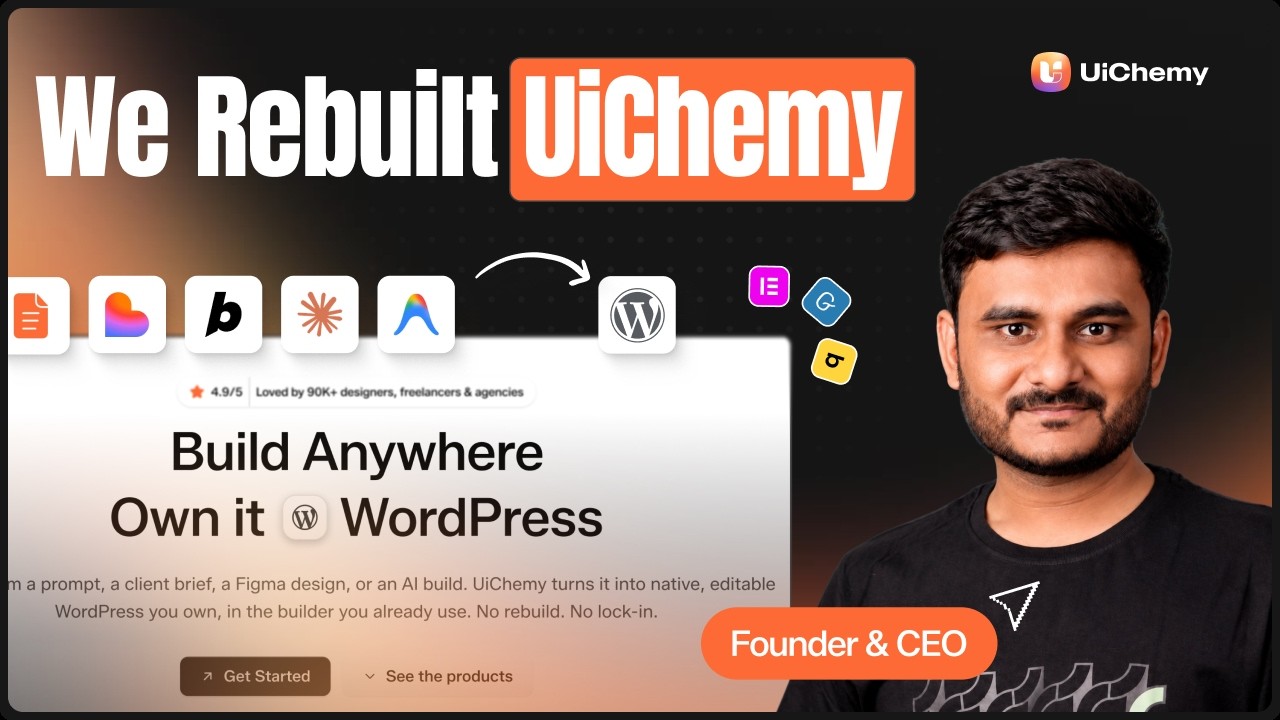 3:02
3:02 6:35
6:35