

 18:35
18:35Move Any AI Website Into REAL WordPress, Without Rebuilding It
About this video
You built a website with AI in an afternoon. Your client wants it in WordPress, where it's easy to manage, easy to grow, and easy to hand over. This video shows you how to move it across without rebuilding it, whether you built in Claude Code, Codex, Lovable, Bolt, Cursor or Antigravity, or you have plain HTML or a site sitting on Webflow, Wix or React.
Most converters flatten an AI build into a theme you can't touch again, or force it into page-builder widgets and it never comes out quite right. UiChemy does neither. Add the plugin, connect UiChemy MCP to Claude, and ask it to move the page. Your HTML, CSS and JavaScript arrive intact, section by section, as real WordPress pages you can still edit. Even the WebGL and GSAP hero, animation timeline included.
What you get
- Real WordPress pages - not a screenshot, not an iframe, not a locked theme
- Your AI's HTML, CSS and JS kept intact and organised section by section
- GSAP and WebGL sections you can still edit, timeline included
- Lean code instead of stacked widgets - 90+ PageSpeed in our own testing
- Headers, footers and sections reusable across the whole site
- Role-by-role control over exactly what your client can touch
Resources
Questions people ask
Can I move a site built in Lovable, Bolt or Claude into WordPress?
Yes. Bring the website into Claude and ask it to convert the site into HTML, CSS and JS. Then use the WordPress MCP to convert that version directly into WordPress.
Can I start from an existing HTML website?
Yes. Bring the HTML, CSS and JS into Claude, then use the WordPress MCP to convert it into WordPress.
Do I need a Claude subscription for this workflow?
Yes, you need access to Claude. If you already have an active Claude subscription you can use that account, so there is no separate subscription to buy.
Do I need Elementor Pro?
No. The free Elementor plugin is enough for this workflow.
Which UiChemy plan do I need?
This workflow is available with all UiChemy plans.
Which part uses UiChemy credits and which part uses Claude?
Converting with UiChemy spends your UiChemy AI Credits: Figma to WordPress and AI to WordPress both use them. Edits in AI Chat depend on your setup. On All in one plans, Composer's AI Agent Chat uses Credits. When the workflow is connected to your local Claude app, those edits use your Claude usage or tokens instead.
Video transcript
Why Move AI Websites to WordPress?
You built a website with AI in an afternoon. Now, your clients wants it in WordPress because that is where a site is easy to manage, easy to grow, and easy to hand over. I'm Sagar Patel, founder of UiChemy. Here is how you move it without rebuilding it. Some people build in Claude code or Codex, some in Lovable, Bold, Cursor, or Antigravity.
The Problem with Existing Builders & Platforms
Some have plain HTML or a site sitting on Webflow, Wix, or React. Different starting points, almost all of them wants to end up in WordPress. Until now, that means forcing the build into page builder widgets, and it never came out quite right. Here is a page built with Claude code. Animations, WebGL, the lot. On your WordPress site, just add the UiChemy plugin.
Connecting UiChemy MCP to Claude
Then, connect UiChemy MCP to Claude. One key, one prompt, four plus skills, and 126 plus abilities are now on the WordPress site. Ask Claude to move the page, and there it is. Real WordPress pages, not a screenshot, not an iframe.
Converting Clean Code into Real WordPress Pages
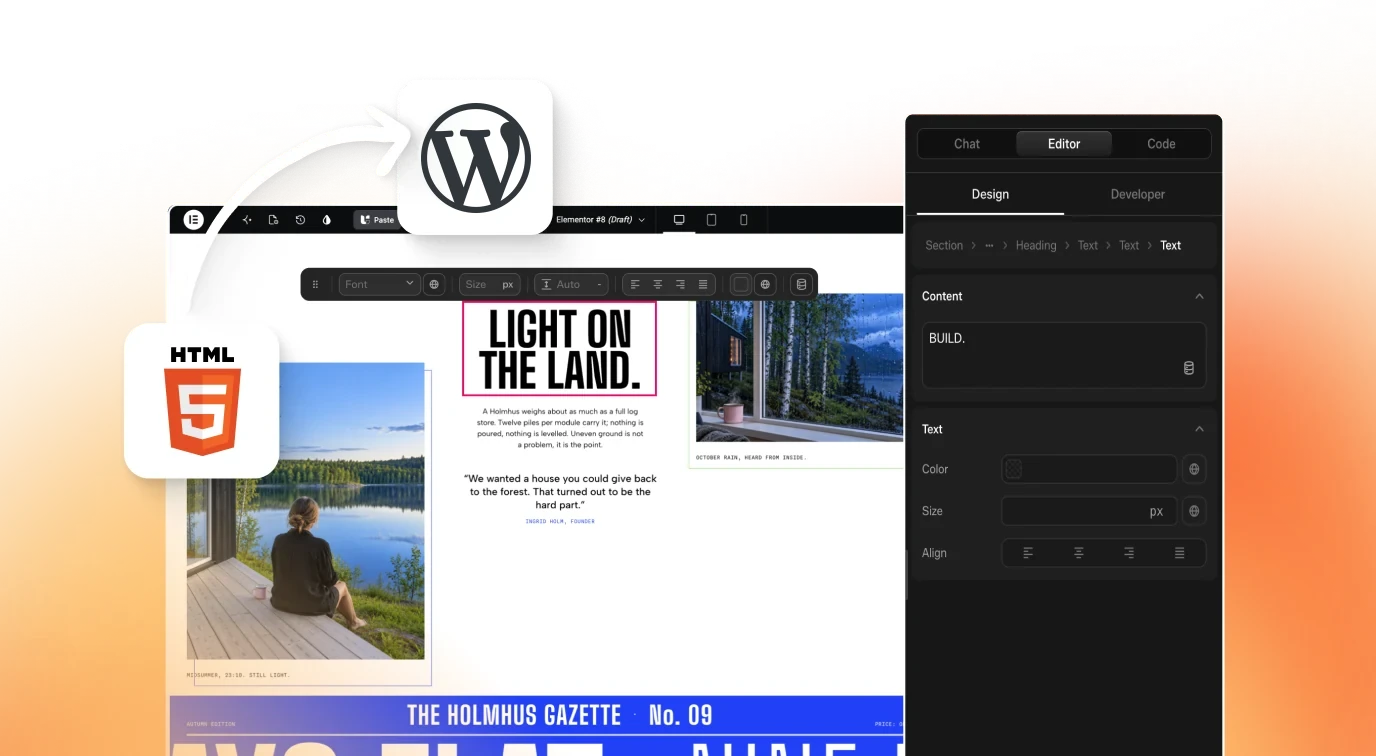
Your AI's on HTML, CSS, and JS kept intact and organized section by section. This is the heaviest section on the page.
Visually Editing WebGL, GSAP & Animations
WebGL and GSAP. Normally, that is where editing stops. With Composer, you open it and change it visually. Text, colors, even the animation timeline.
No developer needed. And because it is a lean code, not stacked widgets, it stays fast. In our own testing, 90 plus on page speed. So, why WordPress at all?
Benefits of WordPress: Ownership, Speed & Scalability
Because it is yours. You host it wherever you like. Nobody can raise your rent or switch you off. Your client already knows how to use it and you decide exactly what they can touch role by role and your work does not stay one page.
Headers, footers and sections become reusable across the whole site. It is something you can maintain for years, not something one prompt away from breaking. You already did the hard part with AI.
Summary & Conclusion
Do not rebuild it, move it.
Transcript generated from the video's captions.
More videos
18:35 8:43
8:43 11:56
11:56 8:42
8:42 3:59
3:59 12:29
12:29 3:26
3:26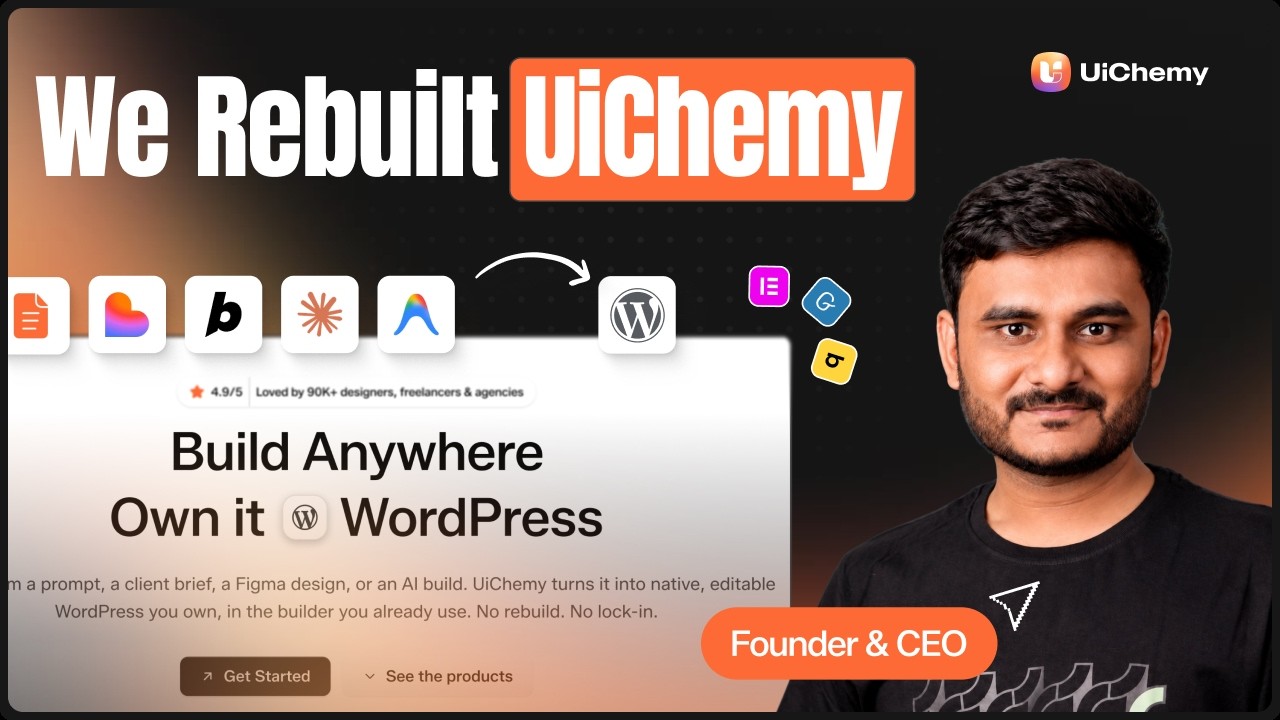 3:02
3:02 6:35
6:35