4.9/5Loved by 90K+ designers, freelancers & agencies

Your fig2wp figma icons ucwr figma mark Figma Design,
Live In fig2wp figma icons ucwr bricks builder Bricks

Bring an approved Figma frame and UiChemy stands it up in Bricks as real elements you can open, drag, and restyle, matched to the layout you drew and responsive on every screen. The work stays yours in native Bricks, so you stay the designer, not the one retyping it.

Get StartedNo credit card requiredDownload the plugin
One-Click Site ImportEditable, Not Exported HTMLResponsive On Every ScreenNative Bricks ElementsColors & Fonts Synced Site-WideFull RTL SupportOne-Click Site ImportEditable, Not Exported HTMLResponsive On Every ScreenNative Bricks ElementsColors & Fonts Synced Site-WideFull RTL Support
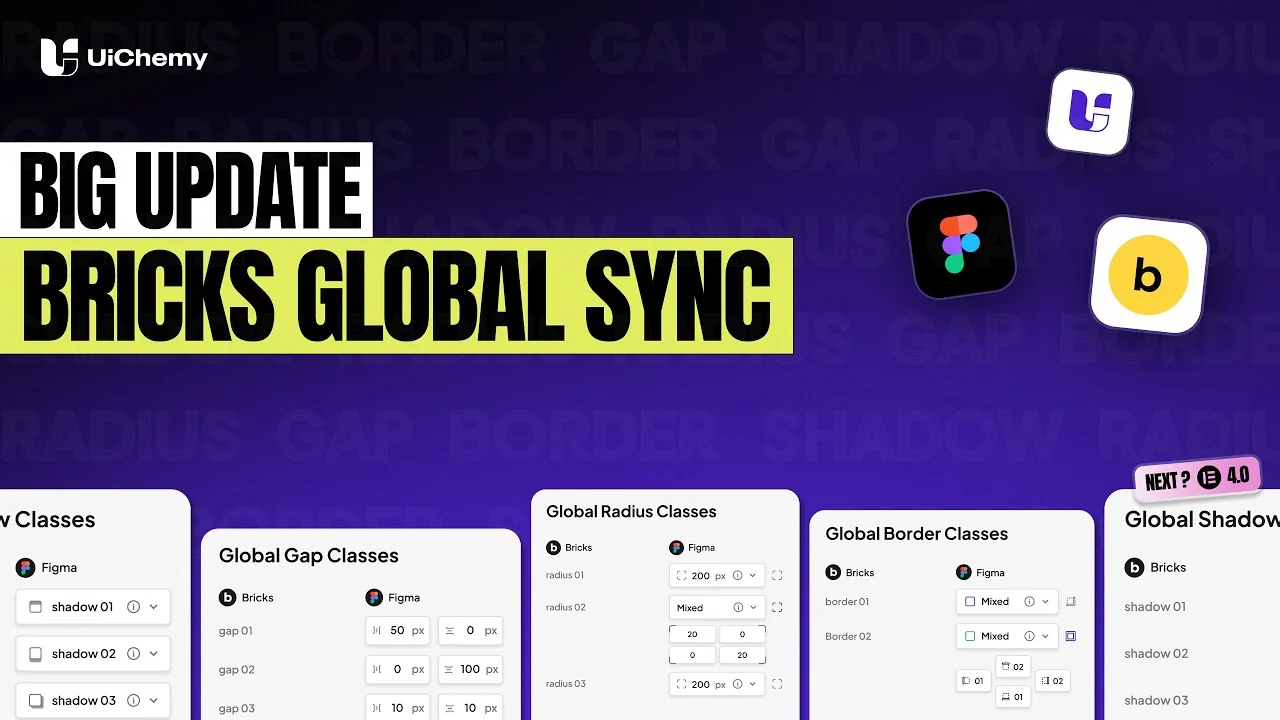
UiChemy Bricks update, full design system sync from Figma
Not a flat export

Real Bricks Elements You Can Open And Restyle

Each section is a real Bricks element you drag and restyle, colors and type dropped into Bricks globals.

  • Native Bricks elements, fully editable in the Bricks builder.
  • Not exported HTML, not a flat image. A real, native page.
  • 95% responsive across desktop, tablet, and mobile breakpoints.
  • Global colors and typography synced into Bricks as reusable classes.
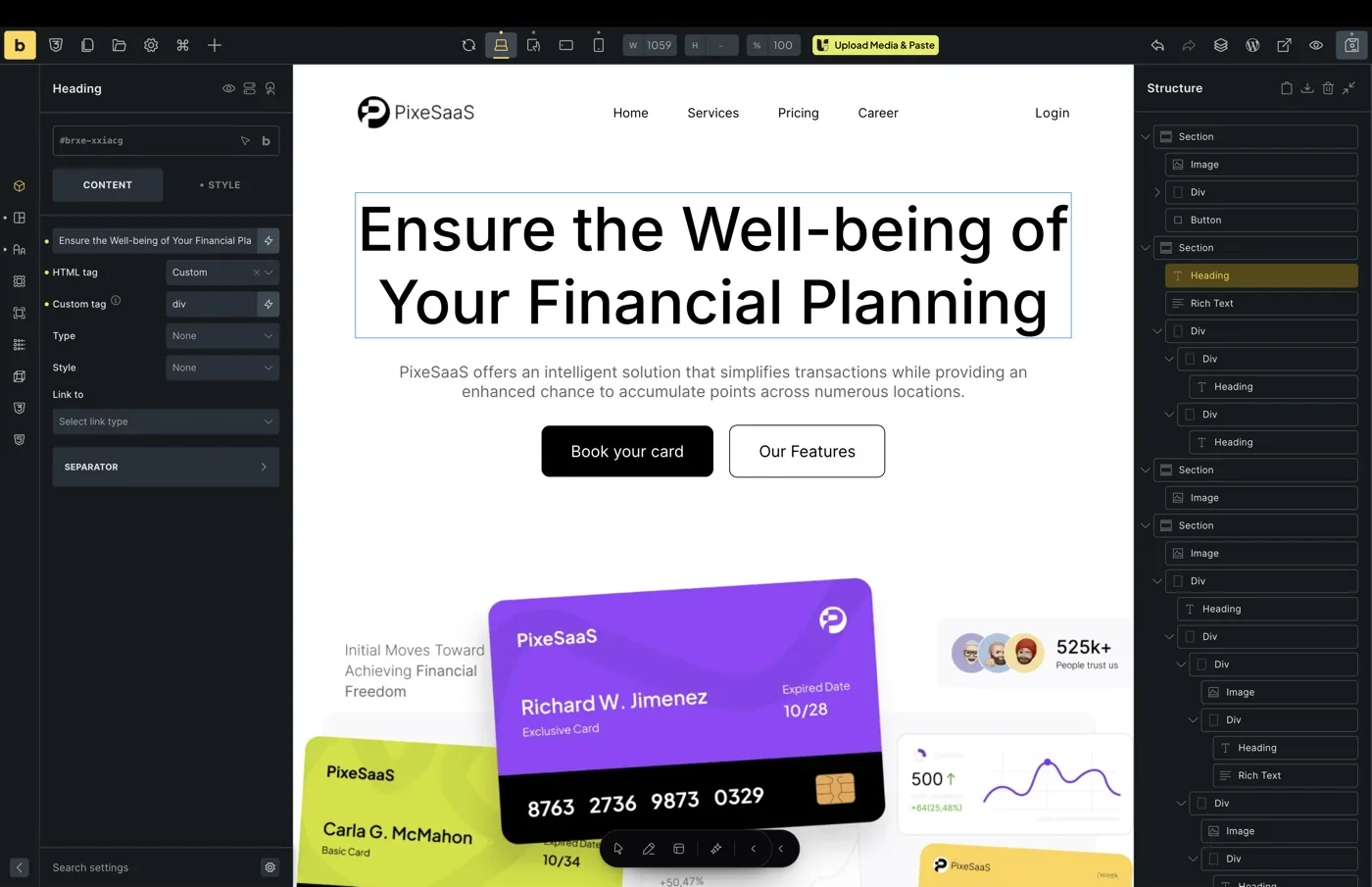
A converted page open in the Bricks builder, with the structure panel and editable elements

Real output, not a flat export

See The Same Frame Live In Bricks

Your Figma frame on the left, the live Bricks page on the right. Every section is a native Bricks element you can open, drag, and restyle, never a screenshot or locked code.

FigmaFigma design

Your approved frame, exactly as you drew it

  • Tag any layer to the element you want it to become
  • Auto layout frames, the structure you already built
  • Your header and footer frames, not just the page
BricksLive in Bricks

The same design, now a real editable Bricks page

  • Bricks elements, exactly the ones you tagged
  • Manual responsive manager to tune every breakpoint
  • Header and footer sent to the theme builder
How UiChemy works

From Figma Frame To A Live
Bricks Page In Six Steps

1

Start With Your Approved Design

Choose the Figma frame you want on the page.

2

Prep Layers And Compress Media

Handle media your way, automatic or by hand.

3

Widget Tagging And Auto Layout

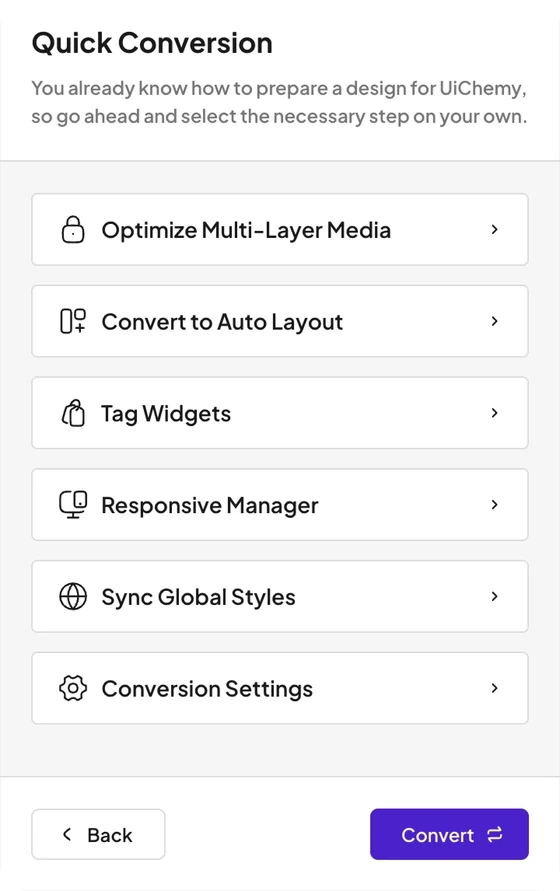
Map each layer to a Bricks element, then set auto layout and responsive behavior across breakpoints.

4

Connect Your Site, Sync Globals

Link your WordPress site and bring your global color, type, and spacing across.

5

Check Your Settings, Then Convert

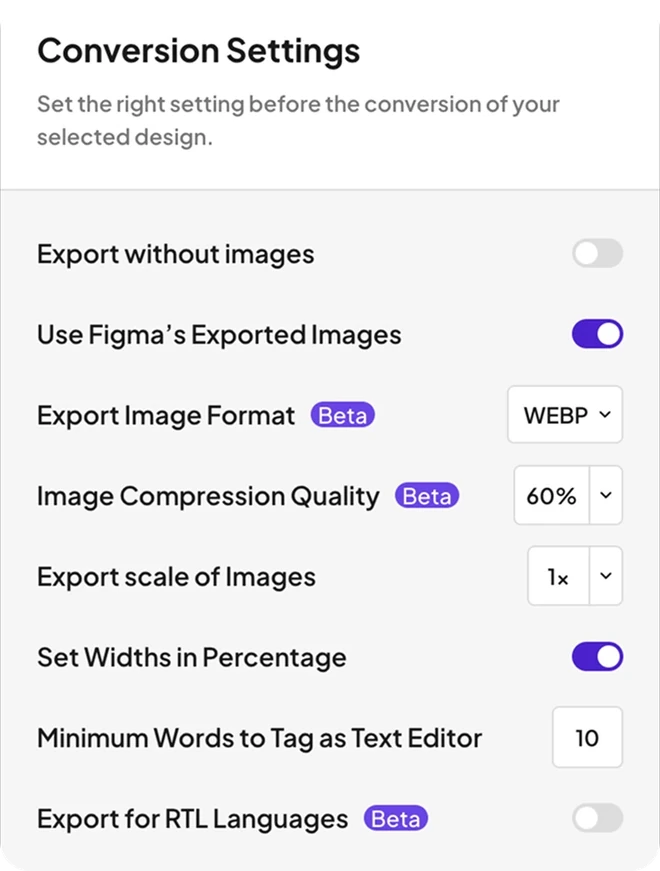
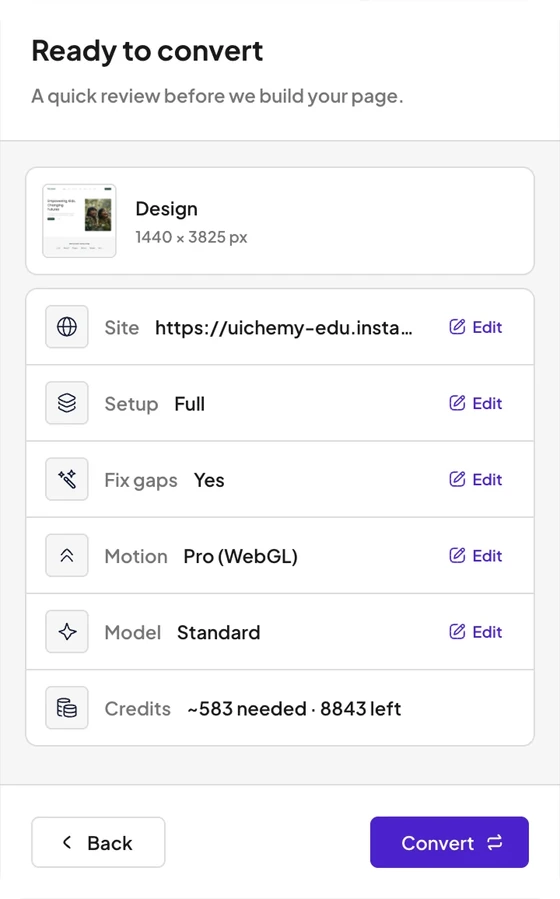
Check your conversion settings, then run the convert.

6

Preview The Page, Then Publish

Open the live page and check it before it goes public.

1

Start With Your Approved Design

Choose the Figma frame you want on the page.

2

Prep Layers And Compress Media

Handle media your way, automatic or by hand.

3

Widget Tagging And Auto Layout

Map each layer to a Bricks element, then set auto layout and responsive behavior across breakpoints.

4

Connect Your Site, Sync Globals

Link your WordPress site and bring your global color, type, and spacing across.

5

Check Your Settings, Then Convert

Check your conversion settings, then run the convert.

6

Preview The Page, Then Publish

Open the live page and check it before it goes public.

Two ways in, one clean build

Steer Every Pixel Or Let AI Build It

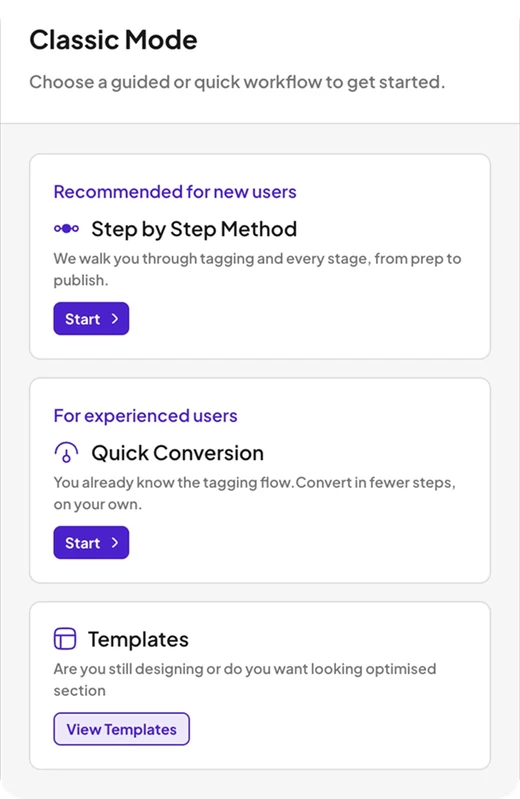
Classic Mode maps every Figma layer to Bricks by hand for pixel-exact control. AI Express automates the whole conversion, live on Elementor now with Bricks next.
ucwr classic 3 r3ucwr classic 2 r3ucwr classic 1 r3
Live now

Classic Mode For Pixel-Exact Control

Tag your layers to Bricks elements yourself for pixel control, across Elementor, Gutenberg, and Bricks today.

Explore Classic Mode
ucwr ai 3 r3ucwr ai 2 r3ucwr ai 1 r3
Coming next
Coming next

AI Express Mode Builds It For You

UiChemy reads your frame and builds the whole page for you to review. On Elementor today, Bricks next.

See AI Express on Elementor

Finished designs, not redos

90,000+ Designers Trust UiChemy And Rate It 4.9 Out Of 5

Designers finish inside WordPress instead of rebuilding, with 1,300+ templates ready for a head start.

FAQ

Figma To Bricks, Answered

Still have a question?Chat with AI

Yes. UiChemy converts your Figma design into native Bricks elements on current Bricks versions, and the output opens and edits directly in the Bricks builder.

Real Bricks elements. Every section comes in as a native element you can drag, restyle, and rewrite, never a flat image or read-only code.

Both. Convert one section for a quick block, or a full Figma frame into a complete Bricks page in a single pass.

Design in Figma, then push to your Bricks site with the plugin or a template JSON. Our docs cover setup.

No. AI Express Mode needs zero code, and code editing is there only if you want it.

Colors, type, spacing, and motion carry over, layout holds across breakpoints, and the fixer logs every change.

Everything comes in as native widgets, blocks, or elements you can restyle, rearrange, and rewrite, never a flat image or locked code.

Bricks and WordPress on your site, the UiChemy WordPress plugin, and the UiChemy Figma plugin. You connect the two with one Connection Link.

Generate a Connection Link in your UiChemy dashboard, paste it into the Figma plugin, then Direct Import pushes the design straight to your Bricks site, or copy and paste it in.

You generate one Connection Link in your UiChemy dashboard and paste it into the Figma plugin. That is the whole setup.

Works on most WordPress hosts. If Wordfence or a managed host blocks it, our docs and support get you connected.

Yes. Local and staging sites connect the same way, with a Connection Link.

Classic Mode Bricks conversions cost almost nothing per convert, and your Credit pool refills every month. You only spend Credits on conversions that complete.

Yes. The UiChemy WordPress plugin is free to download, and Classic Mode lets you run real Bricks conversions so you can see the output before upgrading.

Yes. Everything you convert lives on your own WordPress site and stays yours whether or not you keep the plan.

One unit per conversion. AI Express costs more Credits, Classic almost nothing, and your pool refills every month.

No. Credits are spent on completed conversions, so a failed attempt does not drain your balance.

AI Express Mode is live on Elementor today and coming to Bricks next. For Bricks right now, use Classic Mode, which gives you pixel control over the conversion.

Yes. Colors and typography drop into Bricks globals as reusable classes, so a brand change updates site-wide instead of element by element.

UiChemy supports Bricks, Elementor, and Gutenberg. You tag your Figma design once and convert it into the builder your site runs on.

Yes, into Bricks globals and responsive spacing.

Both. One runs in Figma to read your design, one runs in WordPress to build it.

Direct Import pushes to a connected Bricks site; Copy to Clipboard pastes in; Express Mode is fastest.