

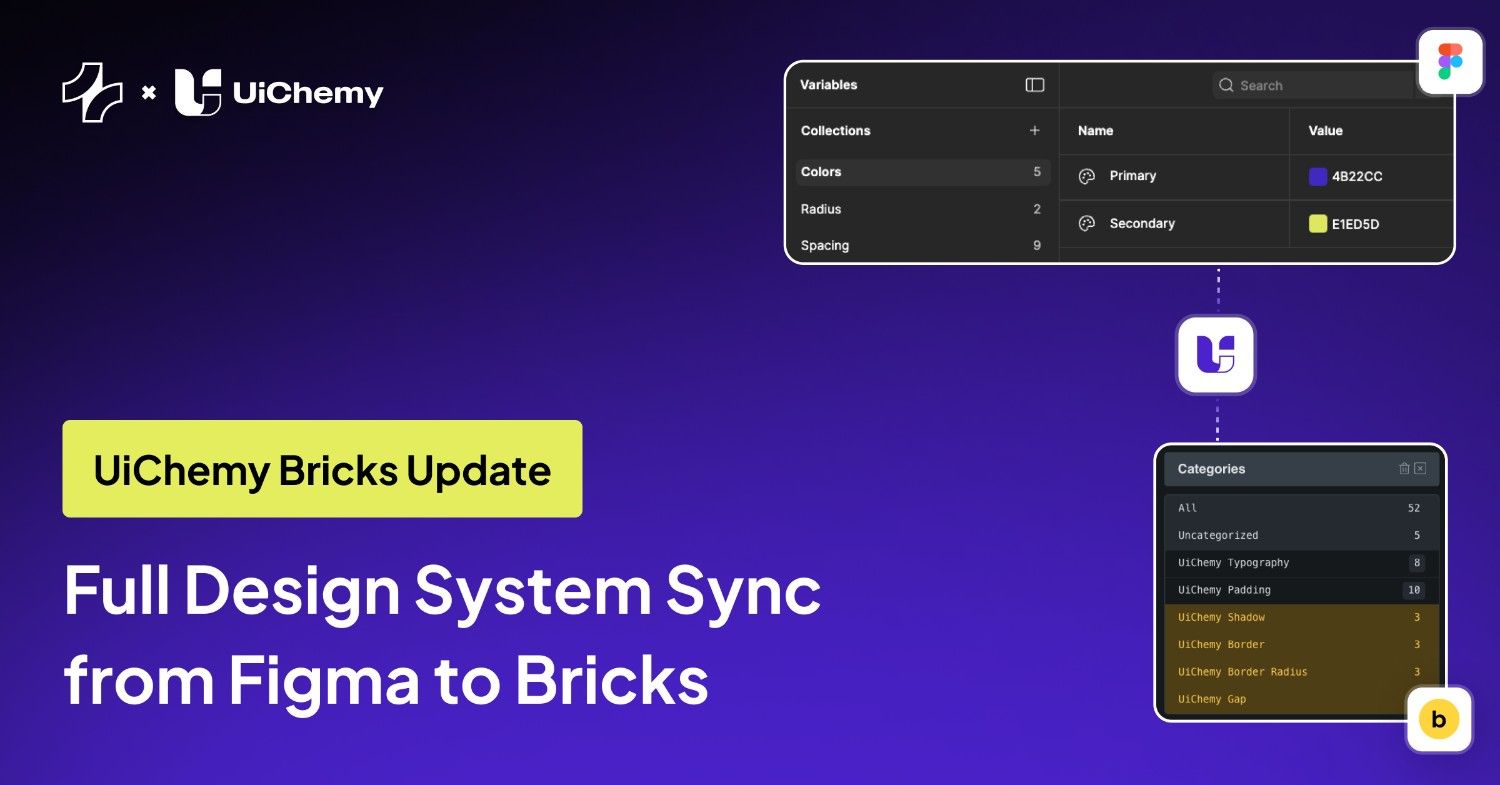
Working with a design system in Figma and building in Bricks should feel connected. UiChemy already helped bridge that gap by syncing core styles, but some important visual properties still required manual setup inside Bricks.
With this update, UiChemy now completes a key part of the Figma to Bricks design system workflow.
The Challenge with Design System Sync in Bricks
Before this update, UiChemy could sync:
- Global colors
- Global typography
- Global container width
- Global padding
But Bricks users still needed to manually configure:
- Border radius
- Borders
- Gaps
- Shadows
This created extra steps and made it harder to maintain full design system consistency between Figma and WordPress.
What’s New in UiChemy for Bricks
UiChemy now allows you to sync directly from Figma to Bricks:
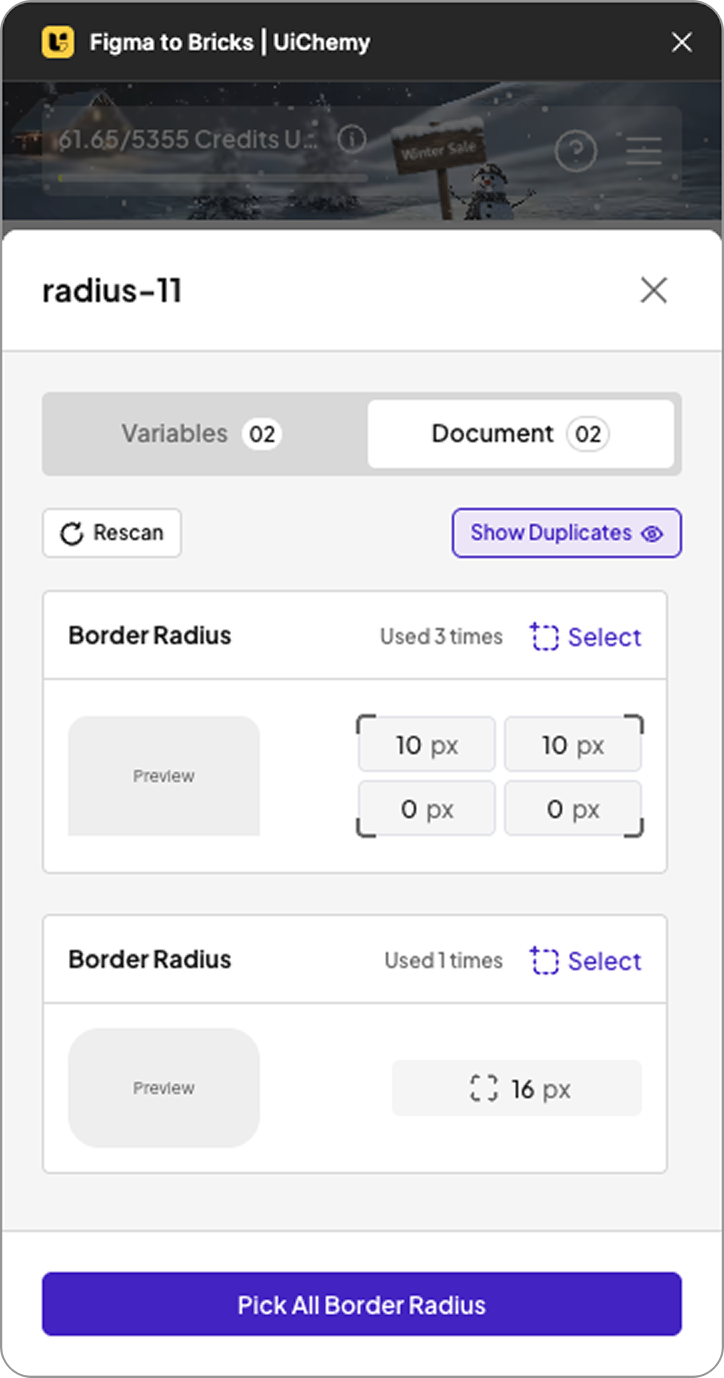
- Global Border Radius
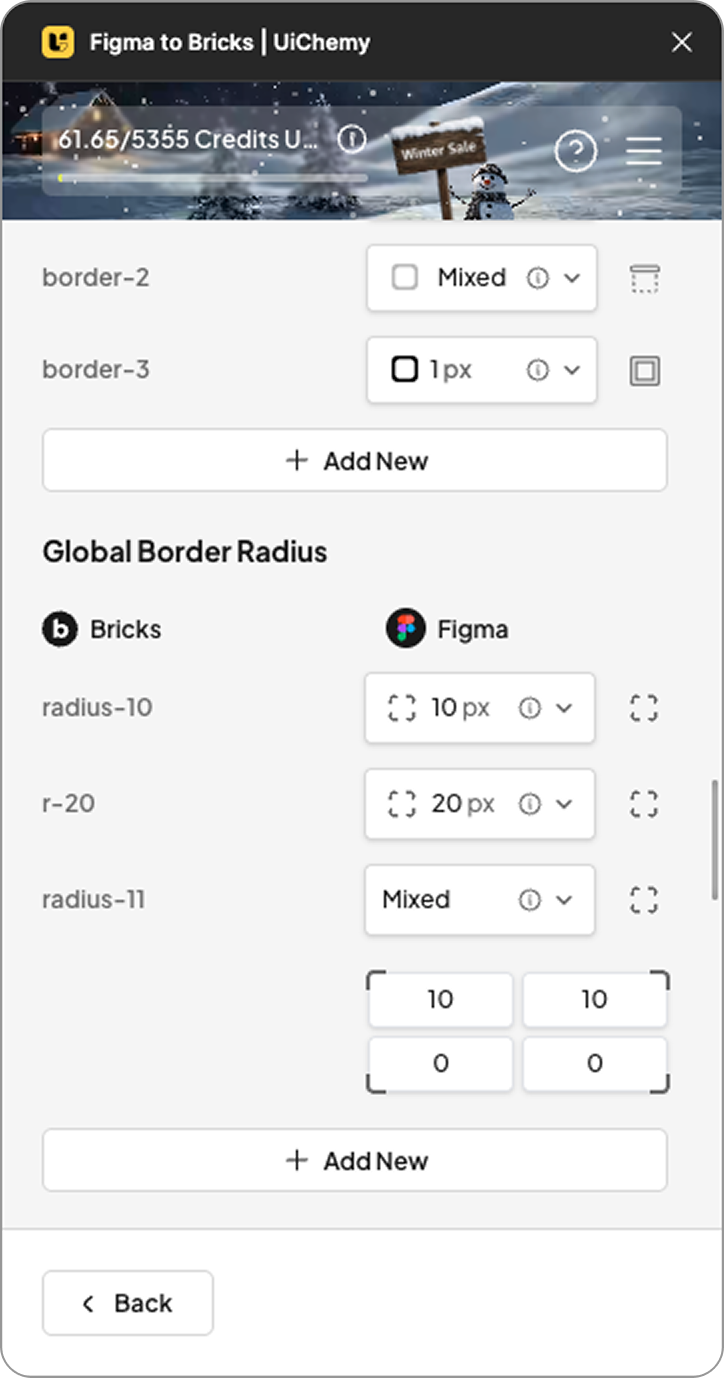
- Global Border
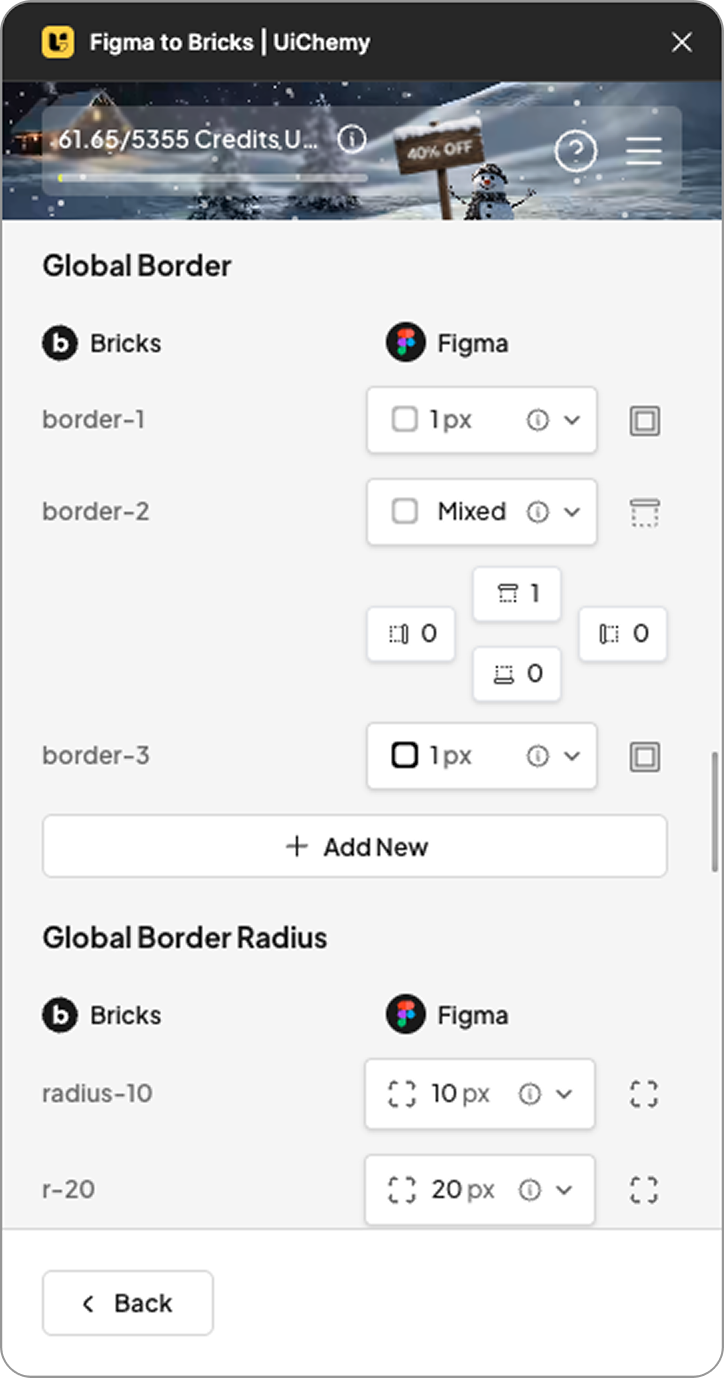
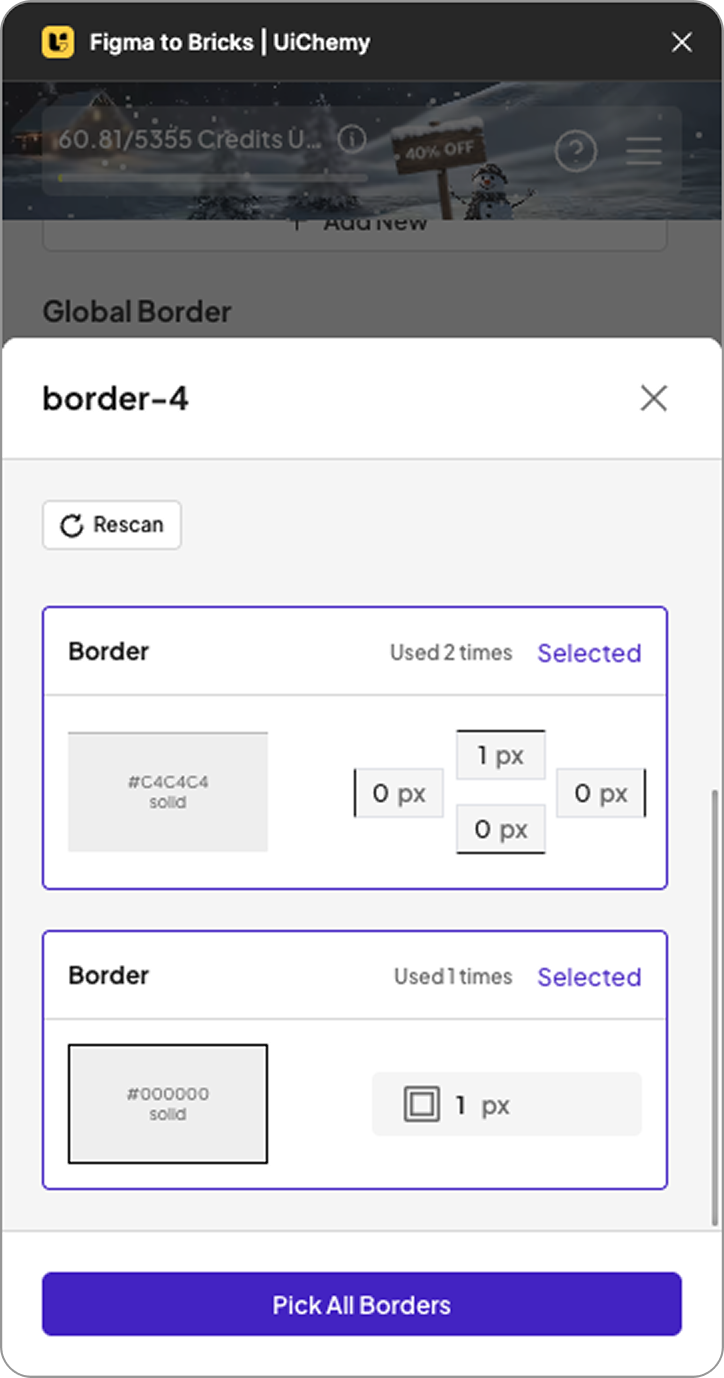
- Global Gap
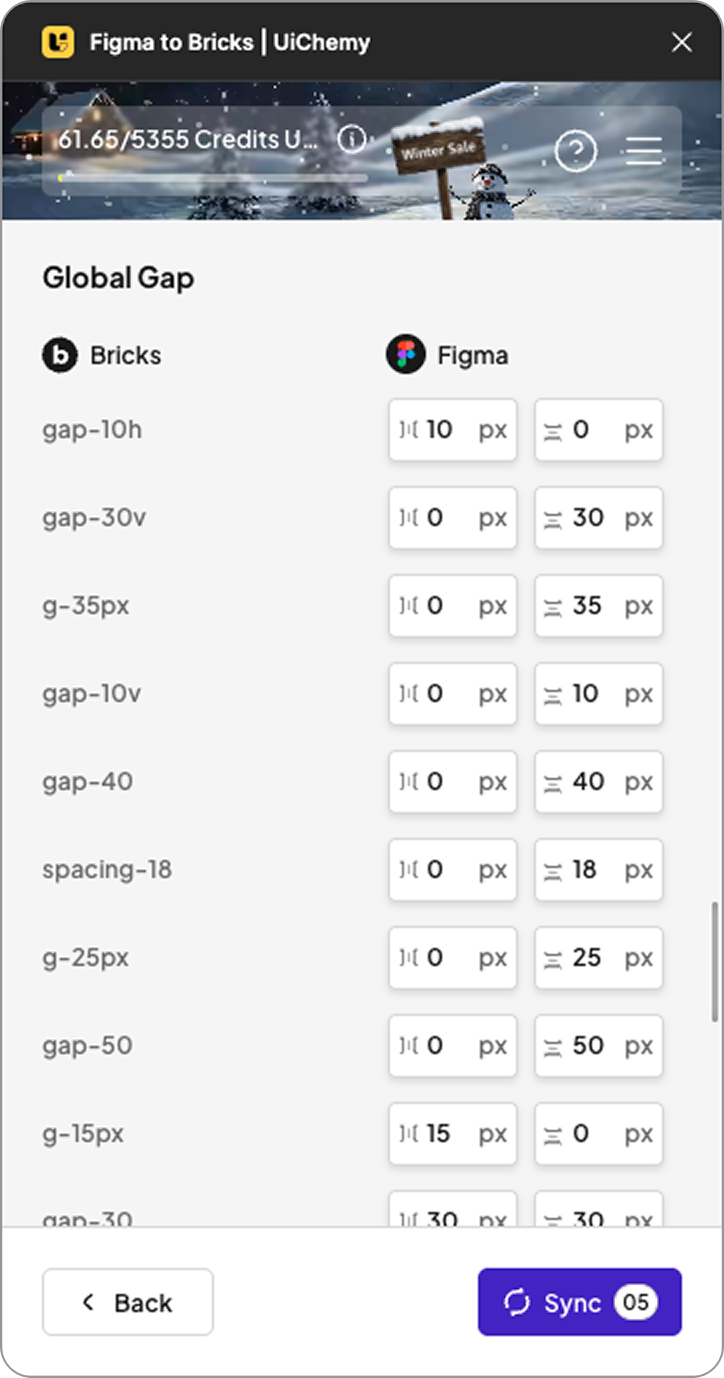

- Global Box Shadow
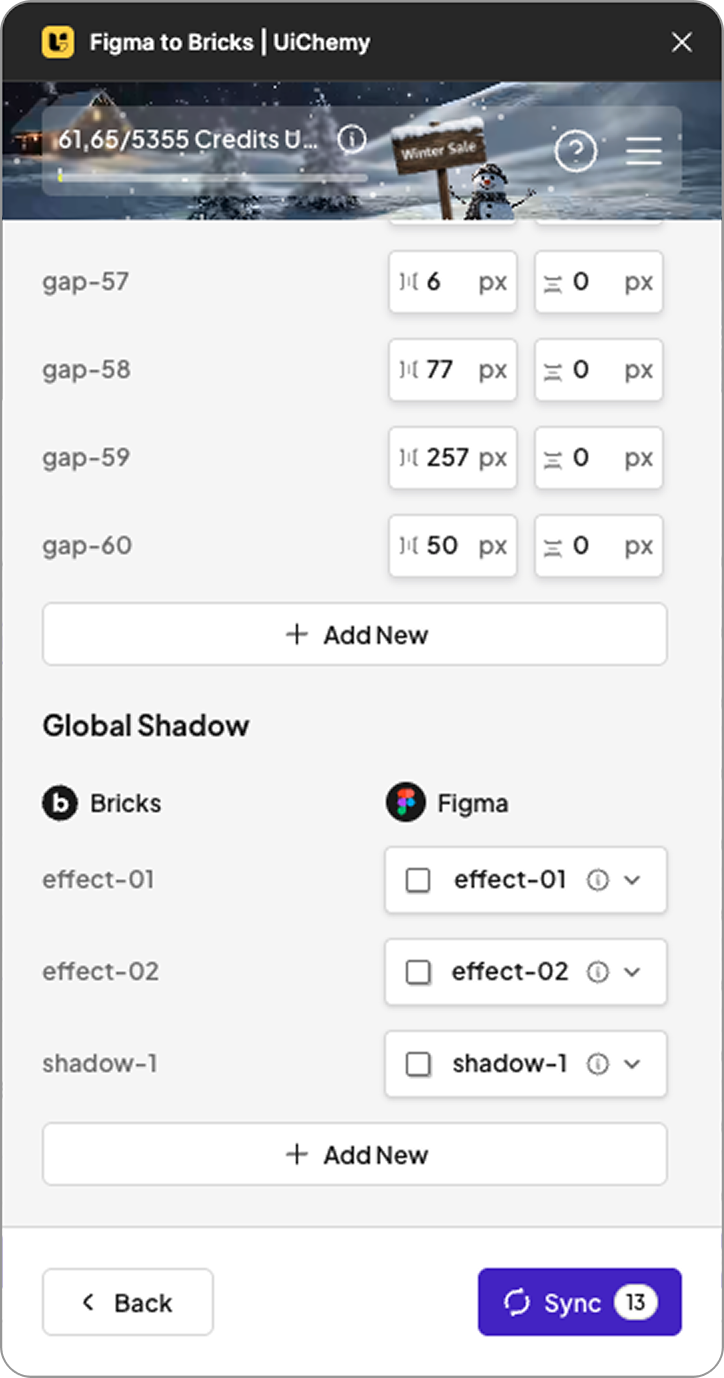
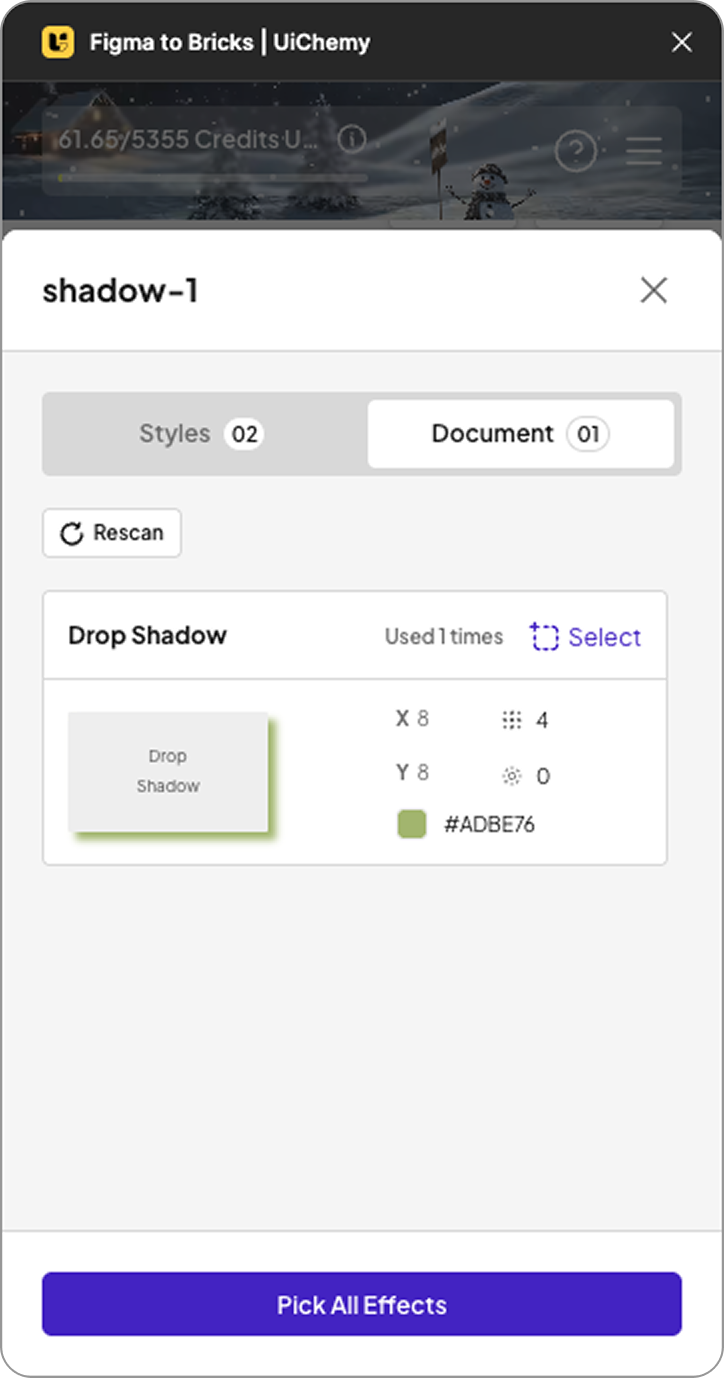
These styles are applied not only at the global level but also inside imported designs. Your layouts stay visually aligned with your Figma design system without additional adjustments in Bricks.
Why This Matters for Bricks Users
This update improves the Figma to WordPress workflow by:
- Reducing manual styling inside Bricks
- Keeping UI consistent across designs and builds
- Supporting structured design systems
- Speeding up the design-to-development process
For teams and designers who rely on reusable systems, this removes a common friction point in Bricks projects.
See the Update in Action
We have shared a full walkthrough showing how the new style sync works inside Bricks and how it improves your workflow.

If you use UiChemy with Bricks, this update helps your design system work more completely inside WordPress. Try the new sync and see how it fits into your process.
We would love to hear your feedback. Stay tuned for upcoming UiChemy updates.