UiChemy 2025 Yearly Recap: Figma to WordPress Made Faster, Smarter, and Scalable
 Sagar Patel
2025 was a milestone year for UiChemy.
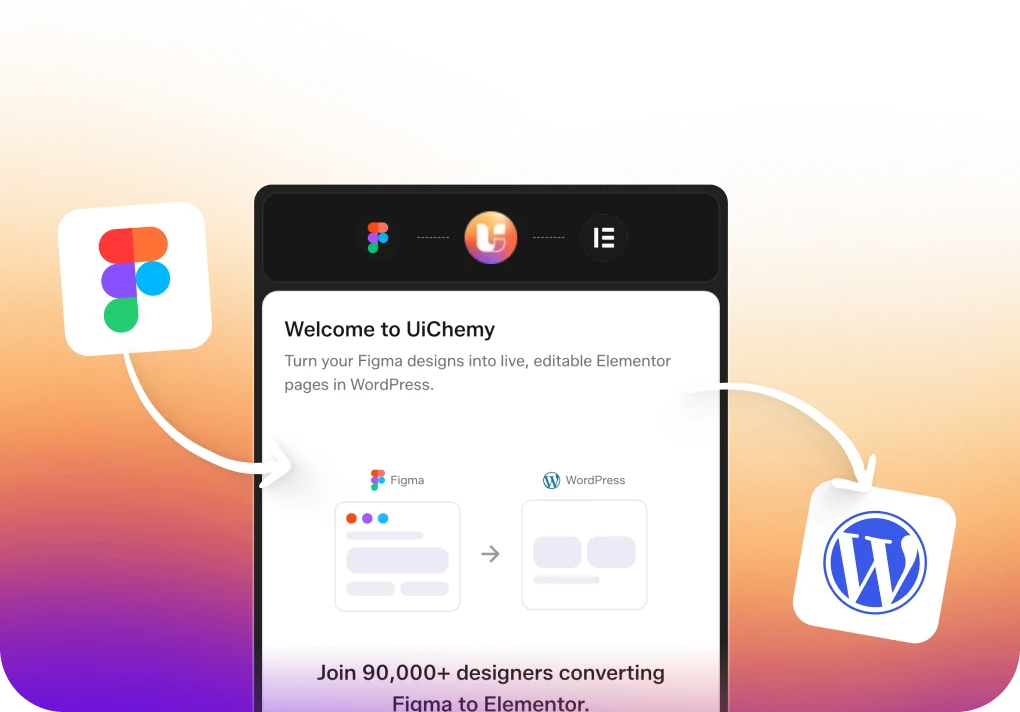
Over the past year, UiChemy evolved into a more powerful and reliable Figma to WordPress conversion tool, helping designers and developers convert designs into Elementor, Gutenberg, and Bricks with greater speed and accuracy.
This yearly recap covers everything UiChemy shipped in 2025, from major workflow upgrades to responsive improvements and ecosystem expansion.
UiChemy in 2025: Built With You, For You
Every update in 2025 focused on one core objective:
Simplify the Figma → WordPress workflow for real-world projects.
Instead of adding complexity, UiChemy prioritized:
- Faster exports
- Cleaner structure
- Predictable results
- Reduced manual steps
All improvements were driven by real feedback, real projects, and real usage.
Major Workflow Improvements in UiChemy v4.0
The release of UiChemy v4.0 marked one of the biggest milestones of the year.
Key Workflow Enhancements
- Complete UI refresh with UiChemy v4.0
- Step-by-step guided workflow for smoother onboarding
- Optimization Companion reduced from 14 steps to just 1
- Proportional credit usage based on page size
- One-click Google Stitch AI and Relume Optimizer integration
These updates significantly improved conversion speed while keeping exports clean and consistent.
Responsive Management & Layout Control Updates
Responsive behavior was a major focus area in 2025, helping users reduce post-export adjustments.
Responsive & Layout Improvements
- Fully revamped Responsive Manager
- Clamp support with Global Styles
- Auto-filled breakpoint values
- Easier responsive setup using Figma scanning
These changes made UiChemy’s responsive output more predictable across devices.
Improved Global Styles & Design System Support
To support scalable and consistent design systems, UiChemy expanded its global styling features.
- Global container box width support
- Padding class system support in Bricks Builder
This allowed teams to maintain consistent spacing and layout across entire projects.
Widget Tagging & Export Accuracy Enhancements
Small but impactful improvements helped reduce cleanup work inside WordPress builders.
- Automatic widget tagging for buttons using Figma layer names
This improved accuracy during export and streamlined the editing experience.
Image Optimization & Media Handling
Media optimization became a built-in part of the UiChemy export process.
Image Handling Improvements
- Automatic image compression during export
- Support for PNG, JPEG, WEBP, and AVIF formats
This reduced page weight without requiring external optimization tools.
Expanded WordPress Builder Support
UiChemy continued to grow beyond a single-builder solution.
In 2025, UiChemy expanded support for popular WordPress block builders, including:
- Gutenberg Core Blocks
- Spectra
- Kadence
- GenerateBlocks
This made UiChemy more flexible for different WordPress workflows and project requirements.
UiChemy 2025 Release Summary
UiChemy maintained a strong release cadence throughout the year.
Total Releases in 2025: 52
- Figma to Elementor: 28 releases
- Figma to Gutenberg: 11 releases
- Figma to Bricks: 13 releases
Each release focused on stability, performance, and usability improvements.
Looking Ahead: What’s Next for UiChemy in 2026
As UiChemy moves into 2026, our focus remains on expanding core capabilities and aligning with the evolving WordPress ecosystem. Here’s what we’re actively working toward:
- Expanded Global Styles for Bricks: Support for more class-level controls such as Border, Gap, Radius, and Drop Shadow, allowing better design consistency and control when exporting to Bricks.
- Elementor v4 (Atomic) Compatibility: Preparing UiChemy workflows to work smoothly with Elementor’s upcoming Atomic / v4 architecture, keeping exports future-ready.
- Framework-Level Support: Exploring deeper compatibility with popular CSS frameworks like ACSS, along with other core framework-based setups, to support structured and scalable builds.
Every upcoming feature will continue to prioritize speed, predictability, and real-world usability, keeping UiChemy practical for everyday production workflows.
Every upcoming feature will continue to prioritize speed, predictability, and real-world usability.
Thank You for Being Part of the UiChemy Journey 💙
UiChemy wouldn’t be where it is today without the feedback, bug reports, and insights shared by its users.
Every improvement in 2025 was shaped by real conversations and real workflows. If there’s a feature you’d like to see or an improvement you’ve been waiting for, we’d love to hear from you.
Here’s to building faster and better Figma to WordPress workflows together.
If you have a minute, can you please take the short survey? There’s a small surprise waiting at the end of the survey! 👇🏻