


Are you using blockquotes in your Figma design? Then you can tag that as the Blockquote widget from The Plus Addons for Elementor using the UiChemy plugin.
So when you export the design as an Elementor template, that particular section will use the Blockquote widget.
What Can be Tagged?
A frame containing the blockquote text, author text and author description text can be tagged as a Blockquote widget.
How to Tag?
Select the top level frame of your layout then select the Optimize & Convert option and click the Optimize & Convert button.
Now select the frame or container containing the blockquote in your design and click on the Widget Tags tab in the UiChemy panel.
Then search for block quote and click on the Block Quote widget from The Plus Addons for Elementor.
On the next screen, you’ll get the information of which element you are tagging as what widget.
Then you’ll see widget specific tagging options.
- From the Style dropdown, you have to select a style.
- Then in the Description dropdown, you have to select the blockquote text.
- After that from the Author dropdown, you have to select the author text.
- Then in the Author Description dropdown, you have to select the author description text.
- Once done, click on the Save button to complete the tagging.
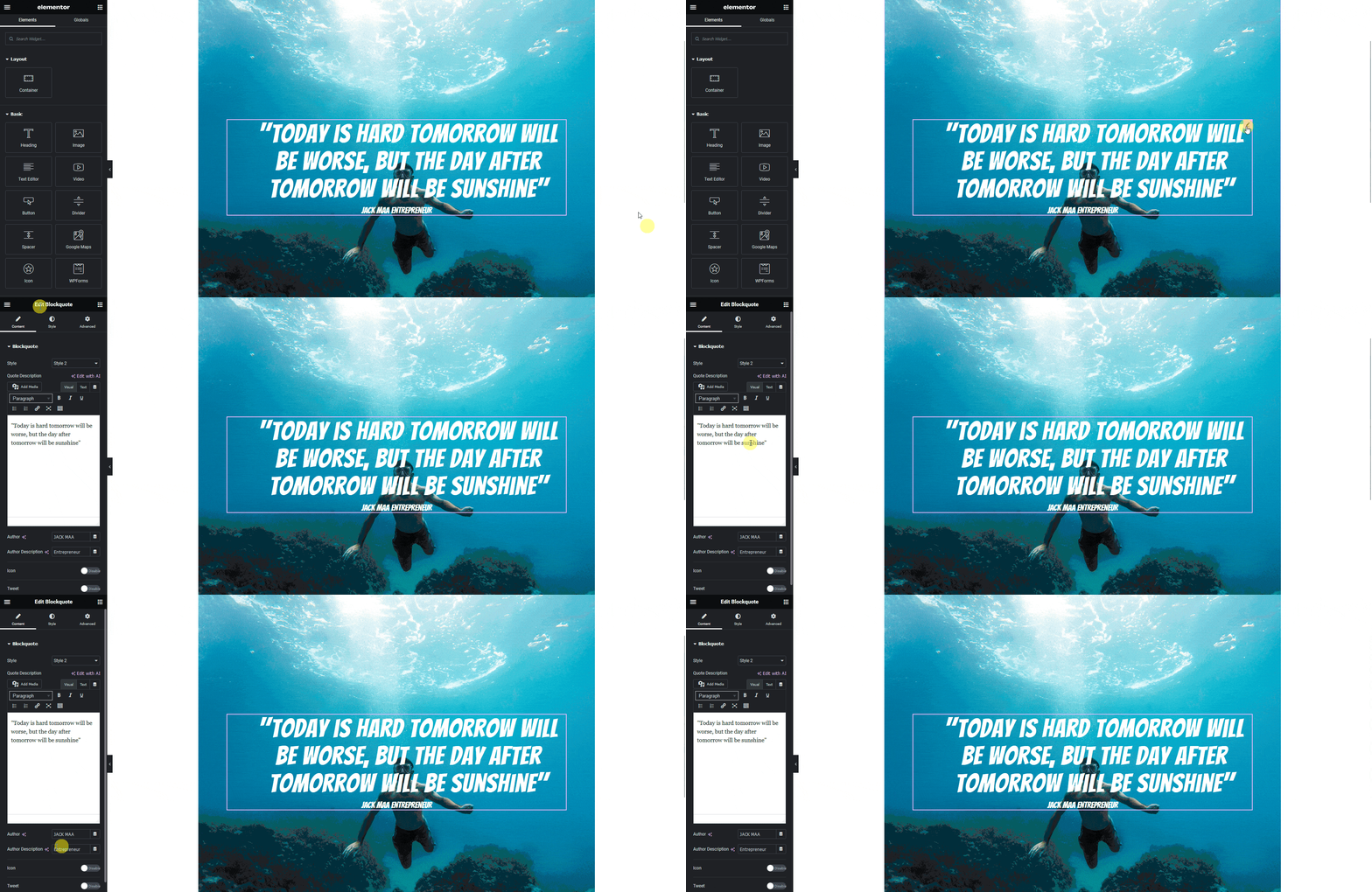
Now if you export the design, that element will use the Blockquote widget from The Plus Addons for Elementor with your selected texts and style.
Note: Make sure The Plus Addons for Elementor plugin is installed and activated and the widget is activated as well. You might have to make some minor adjustments in the widget settings to match the design, especially those elements that are not tagged.


