
UiChemy AI Website Creator Is Now in ChatGPT
 adityauichemy
UiChemy AI Website Creator is now in ChatGPT. Describe a business in plain words, and ChatGPT builds a real, multi-page WordPress site you can keep editing, change by asking, check on phone and publish live.
You already write client briefs in ChatGPT. Now the site gets built in the same chat. This post walks through one real build, a 5-page website for a local bakery, from installing the plugin to publishing.
What You Can Do From the Chat
- Plan and build a site from a brief. ChatGPT plans every page, section and layout in one step, then builds with exactly those layouts and copy written to fit each section.
- Change it by asking. Colours, fonts, buttons, spacing, headings and copy, in plain words.
- Check it on phone. ChatGPT tests every page at phone, tablet and desktop widths and lists what to fix.
- Publish it. Put it live on WordPress with Elementor or Gutenberg, or on your own Cloudflare account.
- Download it as code. HTML, Astro, React or Next.js, with or without a CMS.
Set It Up
- In ChatGPT, open Plugins and search for UiChemy.
- Open UiChemy AI Website Creator and click Install plugin.
- Sign in with your UiChemy account. The plugin only reaches projects in the account you connect.
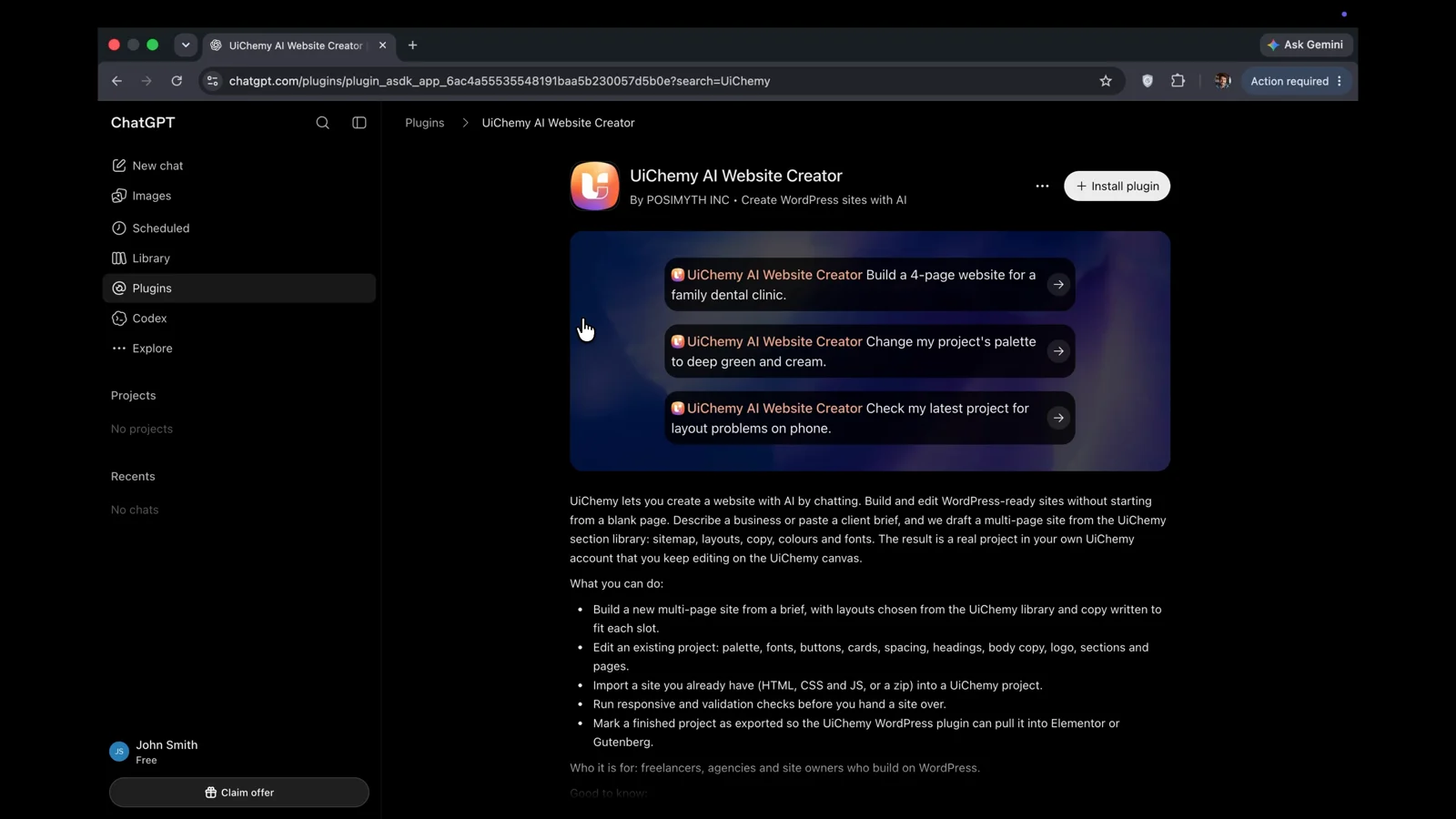
The full setup guide is in the ChatGPT plugin documentation.
Build Your First Site
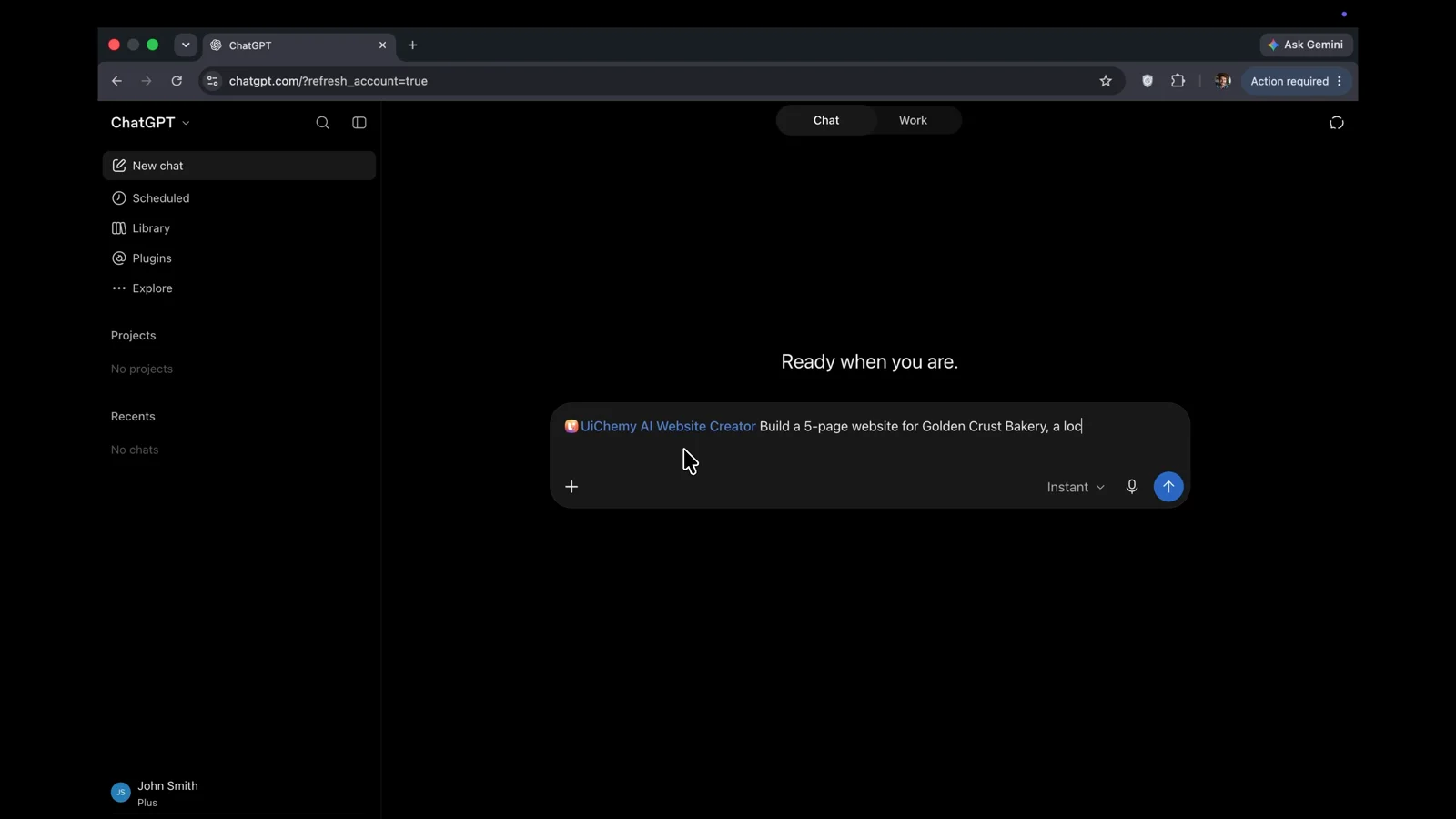
Start a new chat, pick UiChemy AI Website Creator and describe the business. We asked for a 5-page website for Golden Crust Bakery, a local bakery.
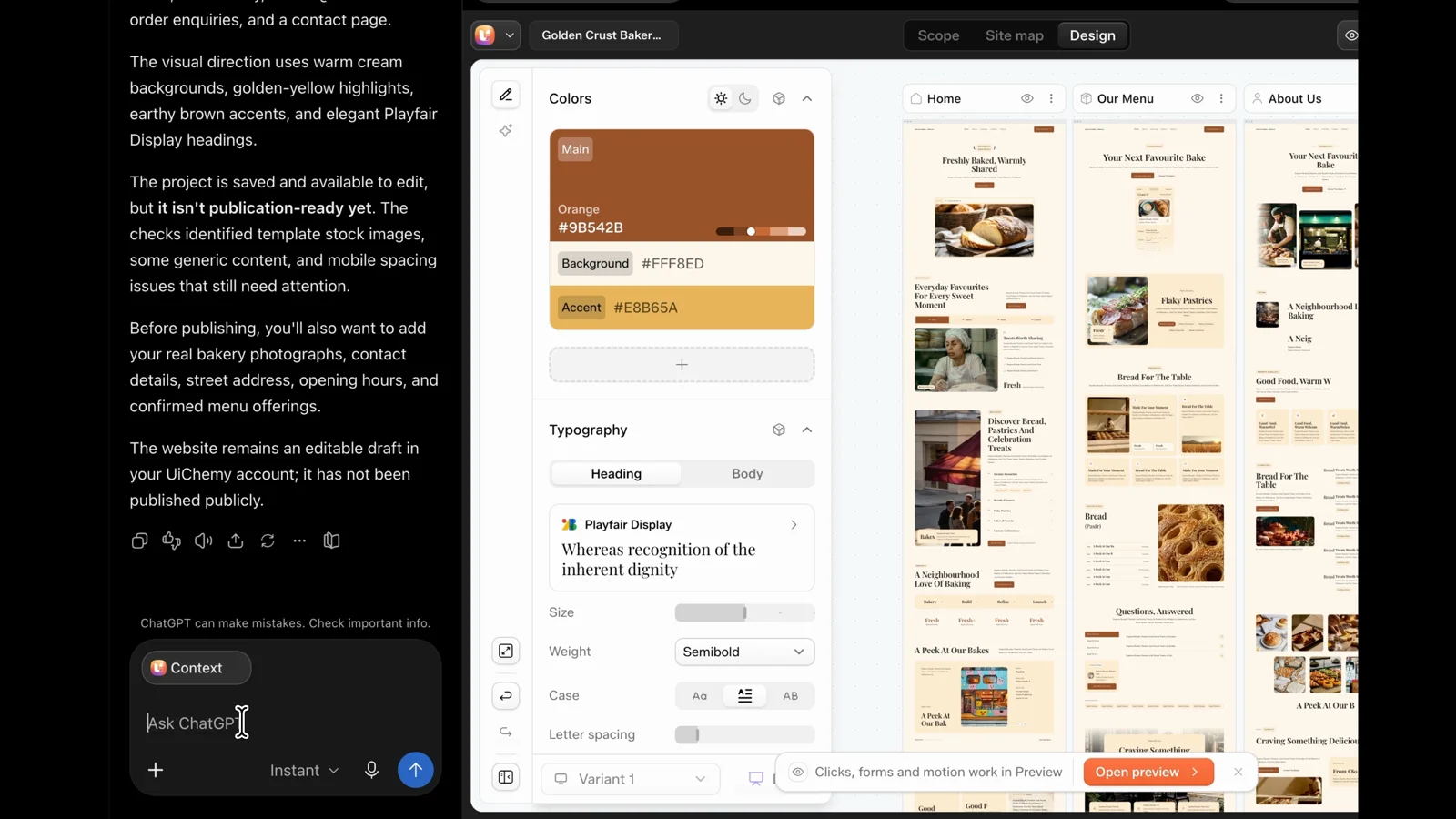
ChatGPT plans the pages, sections and colours, then builds the project in your UiChemy account. When it finishes, the project opens right beside the chat in the UiChemy editor, with every page side by side.
Change It by Asking
Ask for a new look and every page updates in place. We asked for soft pink and cream, and ChatGPT listed each new colour and where it went.
Check It on Phone, Then Fix It
Ask ChatGPT to check the site on phone before your client sees it. It tests every page and lists exactly what needs work, such as text that could overflow or colours that are hard to read. Then ask it to fix them, and it tells you what it changed.
Publish It
Ask ChatGPT to publish. A popup asks where the site should live: WordPress with Elementor or Gutenberg, Astro, or other code. Pick WordPress and Publish sandbox, and the site goes live on a UiChemy address in about 2 minutes.
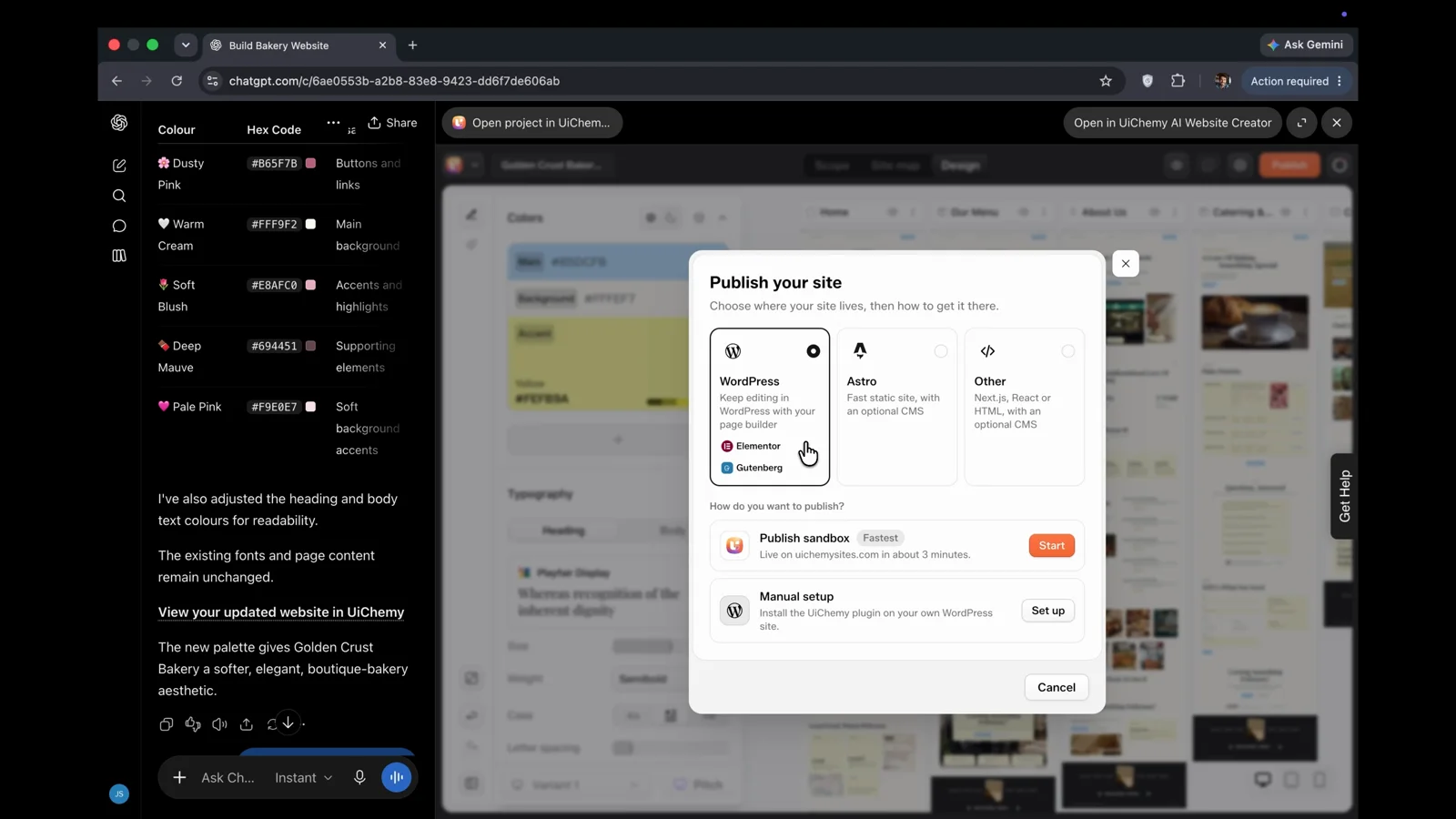
A new site starts as a temporary site for 24 hours. To keep it, make it permanent in UiChemy under Published Sites.
More Ways to Ship It
WordPress is one option. The same chat can also take your site to these places:
- Your own Cloudflare account. Publish the site live there, and take it down again when you need to. Every published version is saved, so you can restore an earlier one.
- EmDash CMS on Cloudflare. Publish with a built-in CMS so you or your client can edit pages and blog posts. ChatGPT checks the site is live and opens its admin for you.
- Code you own. Download the site as HTML, Astro (plain or with EmDash), React (plain or with Sanity) or Next.js (plain, with Payload or with Sanity). ChatGPT asks which framework, then which CMS, then gives you a download link that works for 15 minutes. This works on every UiChemy account.
- Shop pages. Ask for an online store and it adds the standard store pages, the same ones the UiChemy app creates, with the shop header and footer. Only you decide a site is a store, so a “barber shop” brief stays a normal site.
After every build or publish, ChatGPT gives you a link to open the project in the UiChemy editor.
Good to Know
- It worked on a ChatGPT Free account in our test (25 Oct 2026).
- You sign in with your own UiChemy account, and your plan’s limits on projects, pages and sections apply.
- ChatGPT asks before it uses UiChemy the first time. You can allow it once or always.
- It does not connect your own domain or change your hosting.
Add UiChemy AI Website Creator to ChatGPT
FAQ
Is UiChemy AI Website Creator free to use in ChatGPT?
The plugin itself is free to install from ChatGPT’s plugin directory, and our test build worked on a ChatGPT Free account (25 Oct 2026). Your UiChemy plan’s limits on projects, pages and sections still apply.
Do I need a UiChemy account?
Yes. You sign in with your own UiChemy account when you install the plugin, and every site you build is saved as a project in that account.
Can I use Elementor or Gutenberg?
Yes. When you publish or mark a project for export, you choose Elementor or Gutenberg.
Does it connect my own domain?
No. It publishes on a UiChemy address. To use your own domain, bring the project into your WordPress site with the UiChemy plugin.
How long does a live UiChemy site stay online?
A new site starts as a temporary site for 24 hours. You can make it permanent in UiChemy under Published Sites.
Every feature named in this post is listed by product: all UiChemy features, AI Website Creator.