How to Write a Website Prompt: The Structure That Works
 Sagar Patel
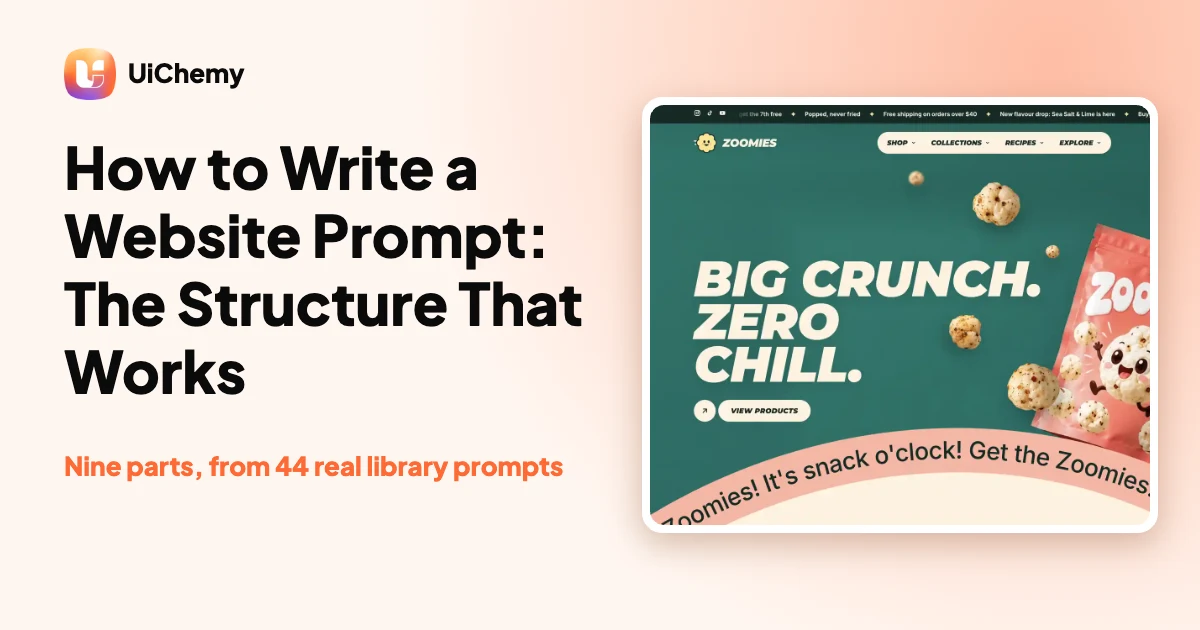
A good website prompt is a brief, not a description. It states the stack, the sections, the design tokens, the motion rules, what to leave out and how to check the result. We read 44 of the 63 prompts in the UiChemy library: 41 share one skeleton, and this guide shows each part with real examples you can copy.
Most prompts fail in the same way: they say what the site should feel like and leave every decision to the model. The prompts below were built the other way round, and the two most copied ones, Understory (489 copies) and Motion Trail Hero (463 copies, read on the live pages on 14 November 2026), are nearly all decisions.
Last updated: November 14, 2026. The full prompts live in the UiChemy AI website prompt library.
In short
- A strong website prompt has nine parts, in this order: a title with the stack line, how to use it, what you get, where the media comes from, design tokens, how the motion is built, what the prompt does not contain, a page speed rule, and acceptance checks.
- Say what the build must NOT include. 40 of the 44 prompts we read have a dedicated section for it.
- Name the motion with numbers (durations, eases, thresholds) and add a reduced motion rule. 43 of the 44 do.
- The same prompt can end as a plain HTML folder or as an editable Elementor page; this guide shows both routes and which one needs UiChemy Pro.
Why short website prompts give generic sites
A one line prompt such as “build me a modern restaurant website” leaves the layout, the type, the colours, the motion and the copy to chance. The model fills each gap with the most common choice, and the result looks like every other generated site. A prompt that makes those decisions in advance gives the model almost nothing to guess.
That is the pattern across the UiChemy library. The prompts are long on purpose. Each one opens by telling the AI tool to build, not to ask: “INSTRUCTION TO CLAUDE: BUILD IT, DO NOT ASK. The design, content, assets and output format are decided.” (Motion Trail Hero, read 14 November 2026.)
The nine parts of a website prompt that works
We counted these headings across the 44 prompt texts we could read. The skeleton appears in 41 of them.
| Part | What it does | Real example from the library | Found in |
|---|---|---|---|
| 1. Title and stack line | Fixes the technology before any design talk | “Plain HTML, CSS and JavaScript. No WordPress, no page builder, no framework, no build step.” | 41 of 44 |
| 2. How to use this prompt | Tells the tool what to do with the document and not to stop and ask | “Paste this whole document into Claude. Nothing to attach.” | 40 of 44 |
| 3. What you get | A file table so the output is predictable | A list of every file the tool must return, delivered as a zip | 40 of 44 |
| 4. Where the media comes from | Names a download address for every image, font and model | An asset manifest with a URL per asset | 40 of 44 |
| 5. Design tokens | Colours, type and spacing as named values | CSS custom properties such as –ink, –brand, –font-display, –section-y | 29 of 44 |
| 6. How the motion is put together | Effects with durations, eases and thresholds | A table of GSAP and ScrollTrigger calls; reveals run both ways | 26 of 44 |
| 7. What this prompt does not contain | Stops the tool inventing content | Contact details, testimonials and press names are fictional demo copy | 40 of 44 |
| 8. Page speed rule | A measurable target | A Lighthouse target of 90 or more on mobile and desktop | most |
| 9. Source appendix | The full source so nothing is paraphrased | A verbatim appendix of every file | most |
Counts are from our own audit of the library on 14 November 2026. “Most” means the part appears in the prompts that follow the skeleton, and we did not count it separately. The prompts are mostly code, so a human friendly version of these parts is below.
Two real prompts, annotated
Motion Trail Hero: one component, exact motion
Motion Trail Hero builds an interactive hero with bold type, cursor following images and a dotted black background; on mobile the images flow in a curved carousel. It earns the most search clicks of any single prompt page in the library. Read it on the Motion Trail Hero prompt page. What it decides for the AI tool, in its own words (read 14 November 2026):
- The motion, with numbers. The headline entrance “starts at 100% vertical offset and 5 degree rotation; settles over 1 second with power4.out, 0.05 second stagger and 0.15 second delay”. The cursor trail spawns “after more than 250px movement and 100ms since the previous spawn”.
- The accessibility fallback. “Reduced motion: preserve the source’s readable heading and stationary mobile image arrangement; suppress continuous movement and cursor spawns”. The images are decorative; “the headline remains real, accessible text”.
- The scope. The prompt lists what is absent: there are no navigation links, buttons, forms, footer or extra sections for the tool to invent.
- The test sizes. Breakpoints at 1200, 991 and 640 pixels, tested from 320 by 568 up to 1920 by 1080.
Understory: a 3D scene with a checklist
Understory builds a live 3D jungle floor with swaying ferns, drifting butterflies and a cursor driven camera that looks up into the canopy. Its prompt reads like a build checklist. It tells the tool to create a folder, write every appendix file exactly as written, download two 3D model files, then verify with ls assets | wc -l (expect 2). It also says not to hotlink the remote model, “the whole point is a folder that works offline”. See the Understory prompt page.
The prompt also carries a page speed section. It states that before the changes a PageSpeed run reported “the page stopped responding”, and that after them mobile scores reach 98 to 100. Those are the prompt’s own figures, not a test we ran for this guide.
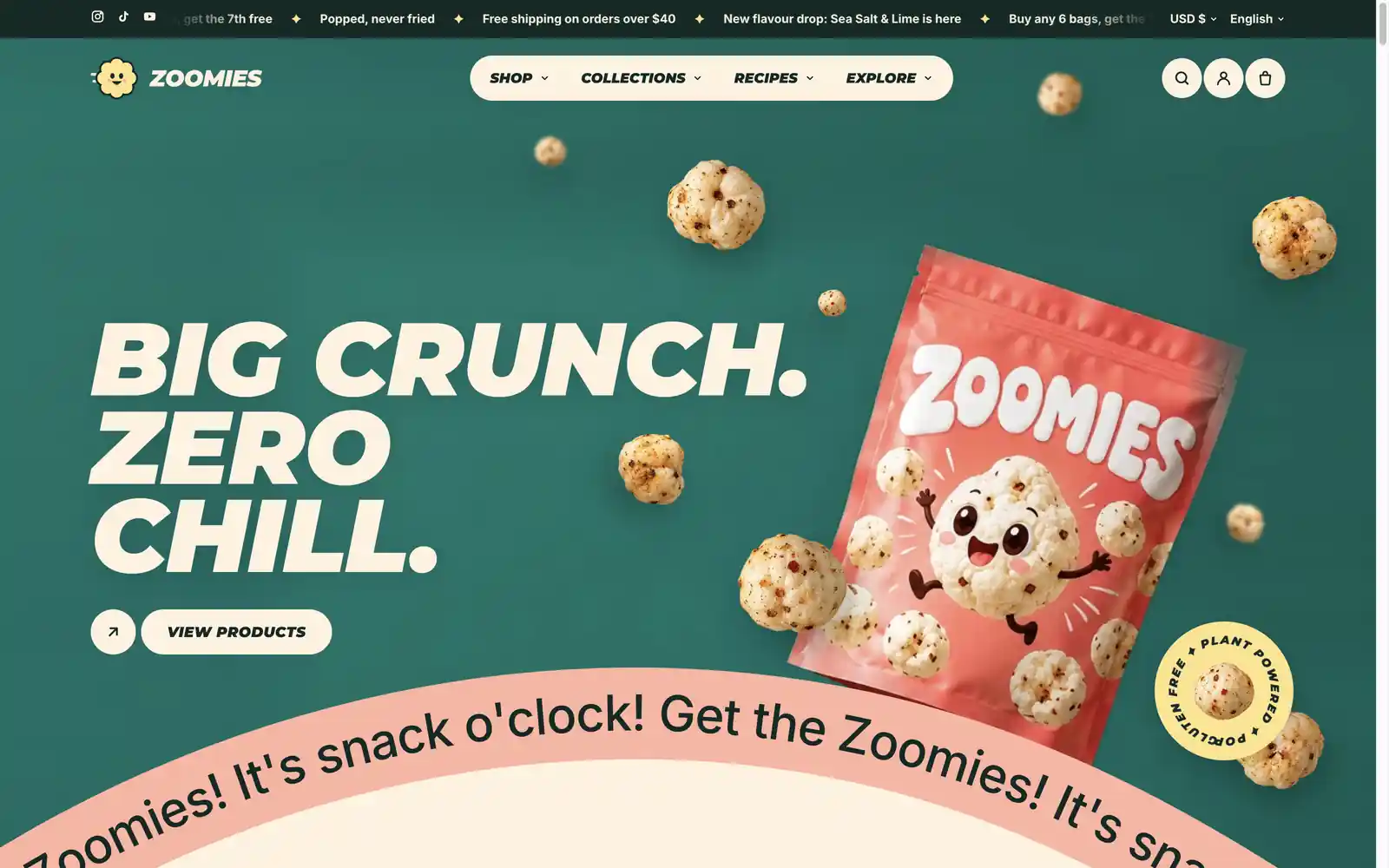
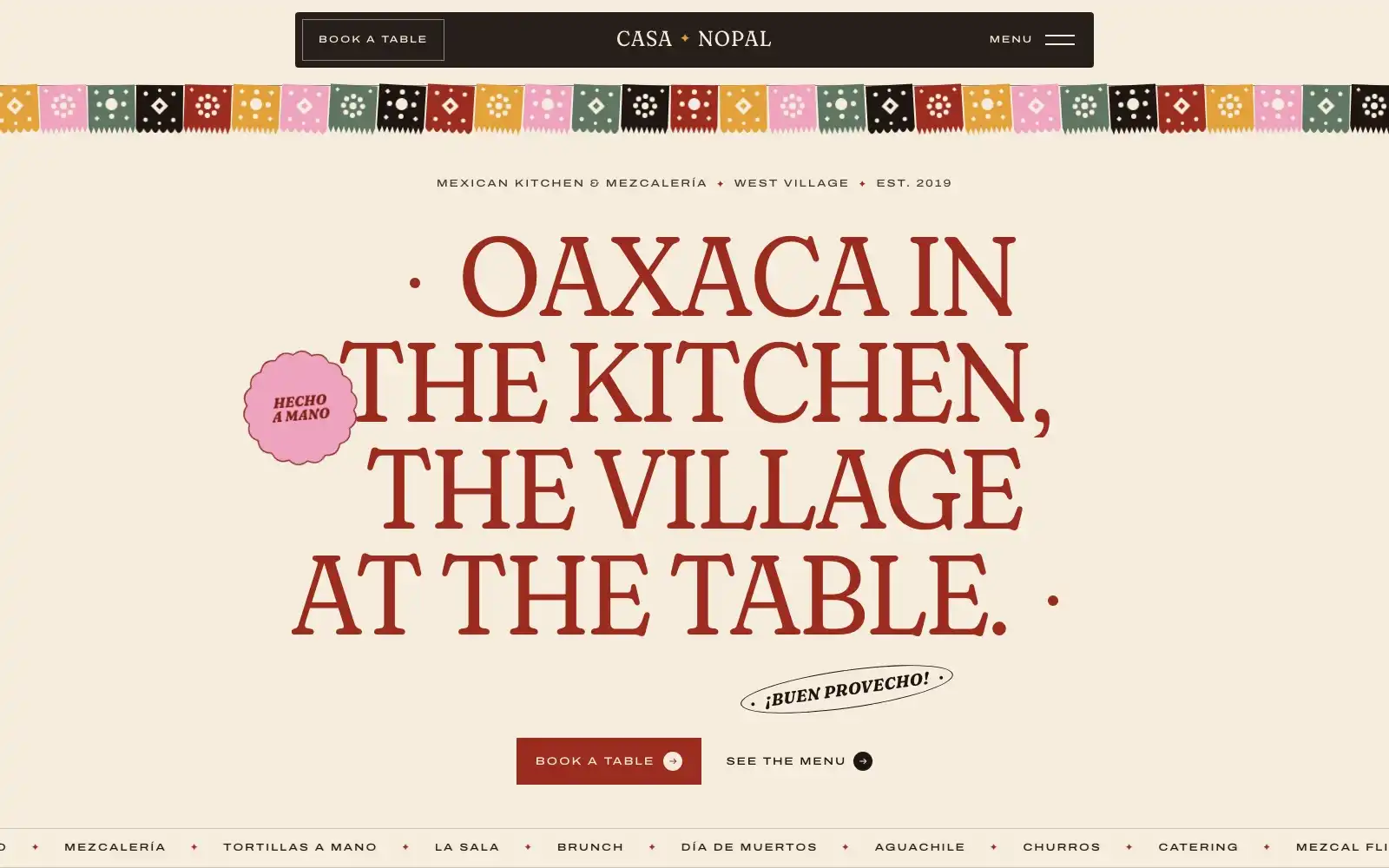
Two outputs from the library, as built by the prompts:
A brief you can reuse: the nine parts without the code
You do not need to write thousands of words. Fill these blanks, and keep every line a decision, not a wish.
PROJECT: [what it is, who it is for, one sentence]
STACK: Plain HTML, CSS and JavaScript. No framework, no build step.
DELIVERY: Build it, do not ask questions. Return a zip with these files: [list].
SECTIONS (in order, with the exact headline for each): [1, 2, 3...]
DESIGN TOKENS: colours [names and hex], type [fonts, sizes], spacing [scale].
MOTION: [effect, duration, ease, trigger] for each. Respect prefers-reduced-motion.
MEDIA: Use only these assets: [URLs]. Invent no other images.
DO NOT INCLUDE: no invented testimonials, prices, awards or contact details.
CHECKS: Lighthouse 90 or more on mobile and desktop. Test at 390 px and 1440 px.
This template is ours, written from the structure above; it is a starting point, not a library prompt.
From prompt to a site: static folder or editable WordPress
Every library page offers two prompts. The plain version produces a static folder that works on any host. The WordPress version builds the same design as an Elementor page through the UiChemy Composer MCP. The Composer MCP is the one that runs inside your own WordPress site; it is not the hosted UiChemy MCP that works on UiChemy projects.
| Plain version (static) | WordPress version | |
|---|---|---|
| Output | A folder of HTML, CSS and JavaScript, delivered as a zip | An Elementor page on your own WordPress site |
| Needs | An AI tool that can download files and make a zip | The UiChemy plugin, the UiChemy MCP connected, and Elementor |
| UiChemy Pro | No | Some WordPress prompts need UiChemy Pro; the prompt page tells you which before you start |
| Good for | Landing pages, prototypes, any host outside WordPress | A page you keep editing visually |
The WordPress setup on each prompt page is three steps: install the UiChemy plugin (free on WordPress.org), connect the UiChemy MCP in UiChemy, AI Agent (MCP), then paste the setup prompt into your AI tool. Each library prompt also has a “Try in Playground” link that opens the finished page in Elementor.
Try it in three steps
- Open one prompt in the library, for example Casa Nopal, and copy the plain prompt.
- Paste it into your AI tool and let it build the folder.
- Want it in WordPress? Install UiChemy on WordPress.org, connect the MCP and paste the WordPress prompt.
When a long prompt is not the right choice
Website prompt questions
What is a website prompt?
A website prompt is a written brief you give an AI tool so it builds a site. A strong one states the stack, sections, design tokens, motion rules, exclusions and checks, so the tool has few decisions left to make.
How long should a website prompt be?
As long as it takes to make the decisions. The UiChemy library prompts are long because they include the source and an asset list. You can start with the nine part template above and add detail where results are generic.
Can I use a website prompt outside WordPress?
Yes. Each UiChemy library prompt has a plain version that returns HTML, CSS and JavaScript with no WordPress, no page builder and no framework, so the folder can go on any host.
How do I get a prompt result into WordPress?
Use the WordPress version of the prompt. Install the UiChemy plugin, connect the UiChemy MCP from UiChemy, AI Agent (MCP), and paste the setup prompt into your AI tool. It builds the design as an Elementor page.
Do I need UiChemy Pro to use these prompts?
Most plain prompts are free. Some WordPress prompts need UiChemy Pro, so check the prompt page before you start.
Sources and related
- UiChemy AI website prompt library, 63 prompts, pages read 14 November 2026: https://uichemy.com/ai-to-wordpress/ai-website-prompts/
- Prompt pages quoted: Motion Trail Hero and Understory
- Related: AI website prompts that get the sitemap you want
- UiChemy Composer: what it does
Library numbers (the 44 of 63 prompts read, section counts) come from our own audit on 14 November 2026. Copy counts were read from the live prompt pages the same day.