GSAP Scroll Animations in WordPress With AI: A Practical Guide
 Sagar Patel
To use GSAP in WordPress, load the GSAP and ScrollTrigger scripts, register the plugin with gsap.registerPlugin(ScrollTrigger), then animate elements with a scrollTrigger option. In UiChemy Composer you can load libraries in the Assets panel and write the animation in the Code tab. Editing custom JavaScript needs Pro.
Scroll animation is a classic reason to leave a builder’s built-in effects behind. GSAP is a general JavaScript library, so most of this guide applies to any WordPress setup. We note where UiChemy’s docs describe a specific step. For the wider idea of code-first sections, see our guide to custom sections page builders cannot do.
What Are GSAP and ScrollTrigger?
GSAP is a JavaScript animation library. ScrollTrigger is a GSAP plugin that ties animation to scroll position.
According to the ScrollTrigger documentation, it can play, pause, reverse or restart an animation when an area enters or leaves the viewport, or link an animation directly to the scrollbar so it acts like a scrubber with scrub: true. It can also pin an element, snap to positions and toggle a CSS class.
That covers most scroll effects a marketing page wants: fade-ins, sticky storytelling sections, progress bars and parallax-style movement. Check the GSAP site for current licensing terms before you use it on a commercial project, since we do not summarize them here.
How Do You Load GSAP in WordPress?
You need the GSAP core file and the ScrollTrigger file on the page, in that order, before your own script runs. There are three common ways.
- Enqueue in your theme or a plugin. The standard WordPress route, using
wp_enqueue_script. See the WordPress reference for wp_enqueue_script. - A snippet plugin. Quick, but now your animation lives in a different place from the section it controls.
- The Composer Assets panel. The UiChemy docs say the Assets panel has a Custom URL tab, where you add a JS, CSS or Font URL with load-order and injection-location controls. It also has a Catalog tab of popular libraries, each with a pinned CDN URL.
With the Assets panel, set GSAP to load first and ScrollTrigger second. We did not test which libraries are in the Catalog for this post, so look for GSAP there, and if it is missing, use the Custom URL tab with a pinned CDN address from the GSAP site.
The docs add that JavaScript runs after the widget renders in the DOM, which suits animation code that needs to find its elements. Scope your selectors yourself, since the auto-scoping in Composer covers CSS and not JavaScript queries.
A Starter Snippet to Copy
This is a hand-written example using options from the ScrollTrigger documentation. We did not run it in a live Composer for this post, so test it on a staging site. It reveals each card as it scrolls into view and respects the reduced-motion preference.
<!-- HTML -->
<section class="reveal-list">
  <article class="reveal-card"><h3>Step one</h3><p>Short text.</p></article>
  <article class="reveal-card"><h3>Step two</h3><p>Short text.</p></article>
  <article class="reveal-card"><h3>Step three</h3><p>Short text.</p></article>
</section>

/* JS (GSAP and ScrollTrigger loaded first) */
gsap.registerPlugin(ScrollTrigger);

const section = document.querySelector('.reveal-list');
const cards = section ? section.querySelectorAll('.reveal-card') : [];

const reduce = window.matchMedia('(prefers-reduced-motion: reduce)').matches;

if (cards.length && !reduce) {
  gsap.from(cards, {
    y: 40,
    opacity: 0,
    duration: 0.6,
    stagger: 0.15,
    scrollTrigger: {
      trigger: section,
      start: 'top 80%',
      once: true
      // markers: true   // uncomment while tuning
    }
  });
}
Two points about it. The start: 'top 80%' value means the animation begins when the top of the section reaches 80 percent of the way down the viewport. The once: true option runs it a single time, which is gentler on readers than replaying on every scroll. Both are described in the ScrollTrigger docs.
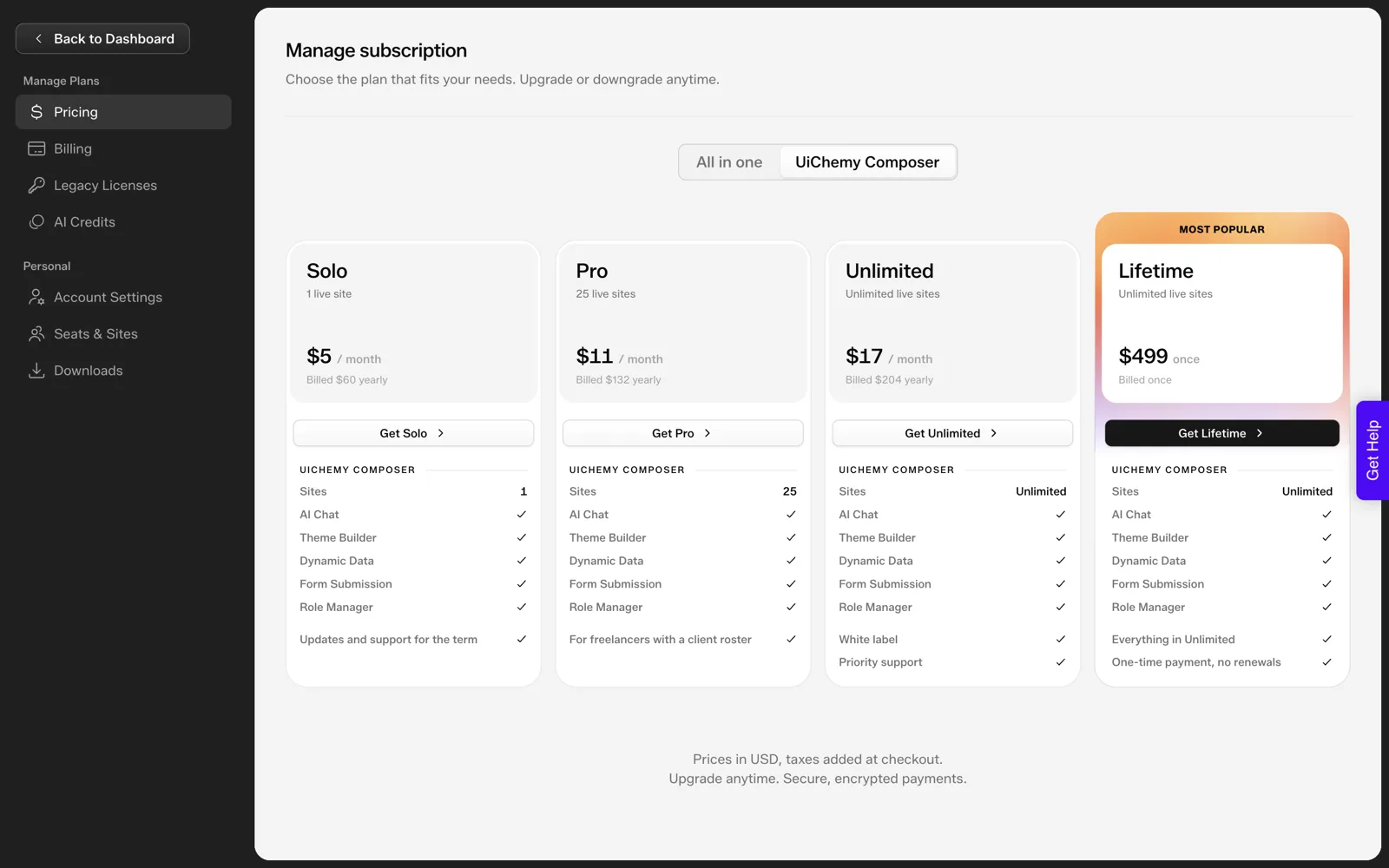
To save it in Composer, click Apply in the code editor, then Update or Publish in Elementor, per the docs. Editing custom JavaScript in the Code tab is a Pro feature, so check the Free vs Pro page first.
Which ScrollTrigger Options Matter Most?
These come from the ScrollTrigger documentation. You will use a handful of them on almost every build.
| Option | What it does | When to reach for it |
|---|---|---|
| trigger | The element whose position starts the effect | Always |
| start, end | Where on the page the effect begins and ends | Tuning when it fires |
| scrub | Links progress to the scrollbar (true, or a number for smoothing) | Progress bars, parallax |
| pin | Holds the trigger element in place while active | Sticky storytelling sections |
| snap | Snaps scroll progress to set points | Slide-like sections |
| toggleActions | Sets what happens on enter, leave, re-enter, re-leave | Play, reverse, reset |
| once | Runs the trigger one time | Reveal effects |
| markers | Draws start and end markers on screen | Debugging only |
| invalidateOnRefresh | Recalculates values on refresh | Responsive layouts |
For different effects at different screen sizes, the ScrollTrigger docs describe matchMedia(). Use it to turn off pinning on phones, where it often feels heavy.
Where Does AI Help?
AI is good at the repetitive parts: drafting the first version of a timeline, converting “fade each card in as I scroll” into code, and explaining an option you have not met. It is poor at knowing your page. It cannot see layout shifts, a sticky header that hides your trigger point or a slow device unless you test.
In Composer, the docs describe Chat AI, which runs on your own AI through an Agent Bridge for Claude, Codex, Gemini or OpenCode (it needs Node.js 18 or newer), or through a WordPress AI Connector. Chat AI requires Pro. A prompt that works well names the library and the behaviour exactly:
Add a GSAP ScrollTrigger reveal to the three cards in this section.
Fade and move each card up 40px as it enters, staggered by 0.15s.
Run once. Skip the animation if prefers-reduced-motion is set.
Use only GSAP and ScrollTrigger, already loaded in Assets.
Scope every selector to this section.
Then read what it wrote. Our posts on keeping AI-written code clean and how a designer without code ships a custom interaction show the review habit, and pricing tables, tabs and sliders with one prompt each shows prompts for other interactions.
How Do You Keep It Fast and Accessible?
Animation costs something. These checks are general good practice, not UiChemy features.
- Respect reduced motion. The starter above skips the animation when the browser asks for less motion.
- Do not hide content on failure. If a script fails, text set to opacity 0 stays invisible. Test with JavaScript blocked.
- Animate transforms and opacity. Moving layout properties can cause reflow jank.
- Load only what you use. ScrollTrigger needs GSAP core. Add more plugins only when you need them.
- Test on a mid-range phone. Pinned and scrubbed sections are the first to stutter.
Our guide to testing the performance of AI-generated sections gives a repeatable routine, and our overview of AI inside Elementor shows where this fits among other options.
Debugging a ScrollTrigger That Does Nothing
Most failures come from a short list of causes. Work down this table in order. The checks come from how GSAP and the browser behave in general, and we did not reproduce them in a live Composer.
| Symptom | Likely cause | Check |
|---|---|---|
| Nothing animates and the console says gsap is not defined | GSAP did not load, or loaded after your script | Open the Assets panel and confirm GSAP loads first |
| Error mentioning ScrollTrigger | The plugin file is missing or was not registered | Confirm the file loads, then call gsap.registerPlugin(ScrollTrigger) |
| Elements stay invisible | They start at opacity 0 and the animation never fires | Add markers: true and see where the trigger sits |
| Fires too early or too late | The start value, or a layout shift after load | Adjust start and check late-loading images |
| Works in preview, not on the page | The page was not updated or published | Click Apply, then Update or Publish, per the docs |
| Selector finds nothing | The class name does not match the HTML | Log the result of document.querySelector |
Turn on the browser console first. Most of these messages name the problem outright. Remove markers: true before you publish, since the markers are for debugging only.
Three More Effects to Try
These are short patterns built from options in the table above. We have not tested them in Composer, so run each on a staging site first.
- A progress bar. Use
scrub: trueon a bar whose width grows with the page. The animation follows the scrollbar and needs no timing values. - A pinned story section. Use
pin: trueon a section and change its content as the reader scrolls. Turn pinning off on phones withmatchMedia(). - A header class toggle. Use the class toggling that ScrollTrigger offers to add a style once the reader scrolls past the hero.
Start with the progress bar. It is the least risky, since it changes only a width. Our post on pricing tables, tabs and sliders with one prompt each shows how to ask for a pattern like these in a single prompt.
A Pre-Launch Checklist for Scroll Animation
Run through this before the page goes live. Copy it into your project notes.
SCROLL ANIMATION CHECKLIST

Loading
[ ] GSAP loads first, ScrollTrigger second
[ ] Library versions are pinned in the URL
[ ] No plugin loaded that the page does not use

Behaviour
[ ] markers removed
[ ] Animation runs once where a replay would annoy
[ ] Reduced motion skips the animation
[ ] Text is readable with JavaScript blocked

Devices
[ ] Tested on a mid-range phone
[ ] Pinned sections checked at tablet width
[ ] No layout jump when images load

Handoff
[ ] The code is saved outside the page
[ ] The editor knows not to touch the script
[ ] Plan needed for custom JavaScript is noted (Pro)
If the page feels slow after this, testing the performance of AI-generated sections gives a routine for finding out why. And when the effect is more than the page needs, when not to use UiChemy is a reminder that a simpler build is sometimes better.
When GSAP Is More Than You Need
Not every page needs a scroll library. If the effect is a simple fade on load, a few lines of CSS may do the job, with no extra files to load. Each library adds weight, and weight costs speed.
A fair test is to ask what the animation adds for the reader. A progress indicator or a pinned story can help a reader follow along. A parallax effect that only decorates may not earn its cost. Start with the simplest tool that works, and reach for GSAP when you need its control over timing, scrubbing or pinning.
FAQ
Can I use GSAP in WordPress without a plugin?
Yes. Enqueue the GSAP and ScrollTrigger scripts from your theme with wp_enqueue_script and write your animation in a script file. A plugin or a Composer widget is a convenience that keeps the code next to the section, and is not a requirement.
How do I add GSAP in UiChemy Composer?
The docs describe an Assets panel with a Custom URL tab for JS, CSS and font files, and a Catalog tab of popular libraries with pinned CDN URLs. Load GSAP first, ScrollTrigger second, then write the animation in the Code tab. Editing custom JavaScript needs Pro.
Why does my ScrollTrigger fire at the wrong time?
Usually the start value or a layout shift. Turn on markers: true to see where the start and end lines sit, then adjust. Images that load late can move the trigger, so check invalidateOnRefresh and the ScrollTrigger docs on refreshing.
Does AI write correct GSAP code?
Often, for common patterns, but you must verify it. Check that it registers the plugin, scopes its selectors, handles reduced motion and runs after the page renders. Test on a staging site on both desktop and a phone before you publish.
If you want to try a code-first section on a staging site, you can Get Started and follow the docs.
Every feature named in this post is listed by product: all UiChemy features, UiChemy Composer features.