
AI to WordPress: Pick the Route for Your Build
 Sagar Patel
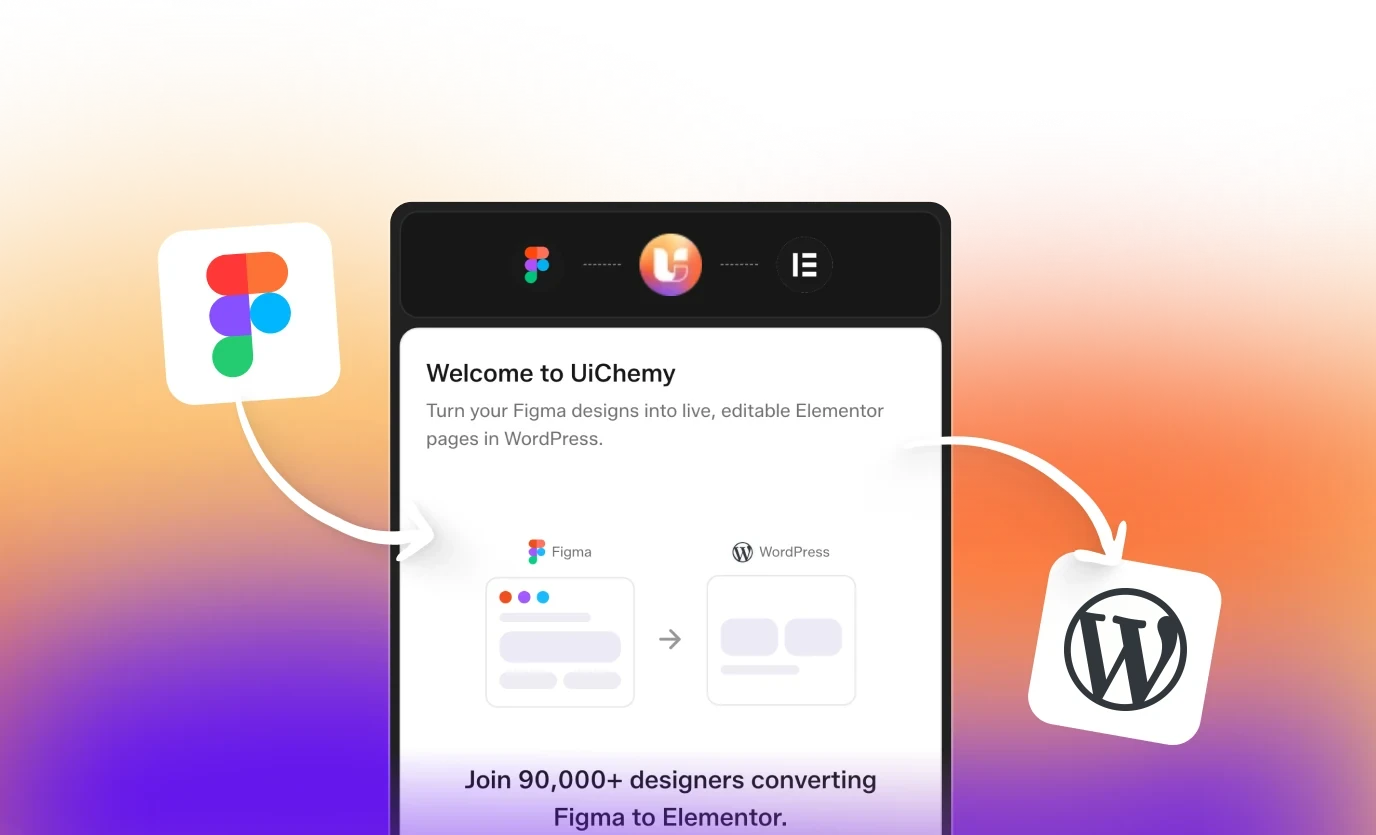
Answer first. To move an AI build into WordPress, connect your WordPress site to Claude once with a Connection Link and the UiChemy MCP, hand Claude the project, and ask it to publish. The route depends on what you are holding: a project ZIP from Lovable, Bolt or v0, an export from Stitch, a folder of raw HTML, CSS and JS, a cloned site, or a design that only exists inside a Claude conversation. UiChemy’s pages describe the result as native, editable WordPress that you own. The full overview lives on the AI to WordPress page; this guide helps you choose a route and avoid the usual stalls.
Everything below was read from live uichemy.com pages on 30 October 2026. Where a page does not confirm a detail, the guide says so.
Why an AI Build Needs a Second Home
AI tools are good at producing something that looks finished. The UiChemy bridge pages describe the gap that follows in nearly the same words on every tool: the tool hands you a working app, working code or finished screens, but a website is something else. It needs a domain you own, blocks you can edit and a CMS that grows.
The pages name 3 specific problems with leaving a build where it was made. Moving it by hand means rebuilding it section by section. A pasted or exported page is frozen at whatever placeholder text the AI wrote, with no blog posts, no products and no CMS data flowing in. And a preview link renders a page without running a site: no domain of your own, no CMS, no plugins, no SEO layer.
UiChemy’s stated answer is to rebuild the same design as native WordPress blocks, on your domain, in the builder you already use. If you are weighing whether to stay on the platform where you built, the hub page compares the two: a platform keeps the site on its own servers, while WordPress lets you export and host anywhere.
Pick the Route by What You Are Holding
The bridge pages in this table share one underlying flow and differ mainly in the input. Use this table to find yours.
| What you have | Input you hand to Claude | Bridge page |
|---|---|---|
| A Lovable build | The project ZIP, downloaded when the site looks right | Lovable to WordPress |
| A Bolt build | The project ZIP | Bolt to WordPress |
| A v0 build | The project ZIP | v0 to WordPress |
| A Stitch design | The export, downloaded when the design looks right | Stitch to WordPress |
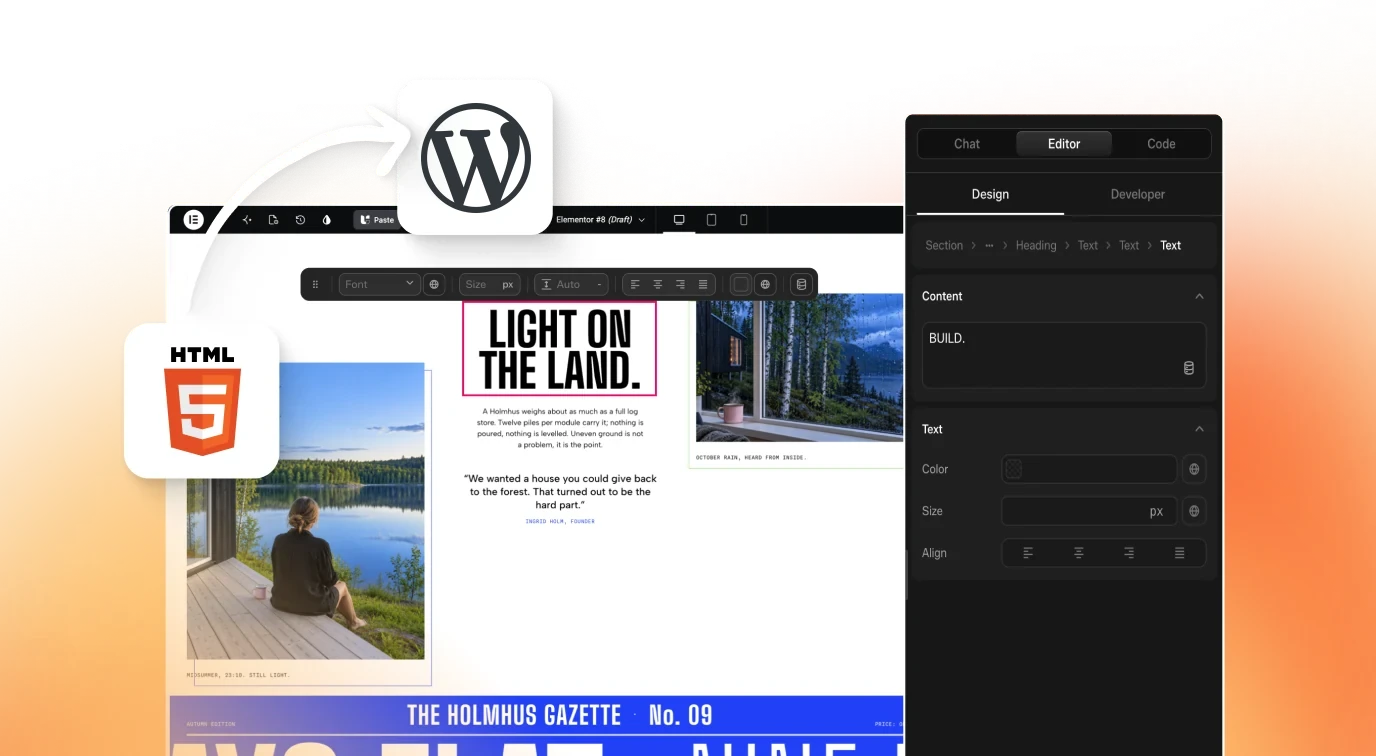
| Hand-written or generated HTML, CSS and JS | A zip you package yourself | HTML to WordPress |
| A Codex build | The build from your Codex session | Codex to WordPress |
| A Cursor build | The build from your Cursor session; the MCP is added to Cursor | Cursor to WordPress |
| A site you want to copy | A ZIP produced by a cloning prompt in Claude | Clone Website to WordPress |
| A build made in a Claude conversation | The design itself; you ask Claude to transfer it | Claude to WordPress |
| An agent build in Antigravity | The agent publishes over MCP | Antigravity to WordPress |
The hub page lists more starting points than the table: Framer, Wix and Next.js also appear in its list, and it says you can clone a live URL or paste raw HTML. The Figma to WordPress page adds that any AI build works if you paste a URL.
The 5 Steps Every Route Shares
The Lovable, Bolt and v0 pages list the same 5 steps.
- Build in the AI tool. Work however you already do. Prompt it, iterate, and download the project ZIP when the site looks right.
- Add UiChemy to your WordPress site. Install the UiChemy plugin and paste a Connection Link once.
- Connect Claude once. Add the UiChemy MCP to Claude, or use any WordPress MCP you already run. The pages name Novamira, WPVibe and Elementor Angie as examples. Claude remembers the connection for every conversion after that.
- Hand over the project and ask for the conversion. Attach the ZIP and ask Claude to convert it to WordPress. The pages say every page lands native and fully editable. The sample prompt on the pages is a single line: publish this project to my WordPress site.
- Edit the result. Restyle, rewrite and rearrange any section visually or by prompt, with no code needed.
The Bolt and v0 pages estimate about 5 minutes for a typical build: install the plugin, connect the MCP once, then ask Claude to convert the ZIP. That is the page’s own estimate, not a measured benchmark, and larger builds will take longer.
Where the Routes Differ
- Cloning a site. The Clone Website page adds steps at the start: attach the site you want, run a cloning prompt in Claude, check that the result matches, then download the ZIP. At the end, it asks Claude to convert the cloned ZIP with the UiChemy MCP, each section as a UiChemy Composer. In the plugin, you open AI Agent (MCP), generate a connection, pick your AI tool and run the prompt in Claude Code, then verify.
- Raw HTML. The HTML page says to prompt Claude for a complete HTML, CSS and JS build, or start from files you already have, and package them into a zip.
- Claude conversations and agents. On the Claude page there is no ZIP: you ask Claude to transfer the design to WordPress. On the Antigravity page the agent publishes over MCP.
- Stitch. The Stitch page describes taking a design exported as HTML, CSS and JS and publishing it as a real, editable WordPress site instead of leaving it as static code.
What You Get on the WordPress Side
Per the bridge pages, the result is real WordPress elements you can drag, restyle and rewrite, never a flat image or a locked export. Four more promises recur across them:
- Your domain, host and database. The site is yours to run, not a page you host on someone else’s platform.
- The usual SEO layer. The pages list RankMath or Yoast, schema, meta tags, XML sitemaps and clean permalinks, and readable URLs instead of raw HTML file paths.
- Roles for the client. A role manager lets a client edit content without you.
- Room to grow. A store, memberships or bookings can be added when the brief asks.
The bridge pages also describe Composer, UiChemy’s visual editor product, as having 120+ abilities across 8 skills, including dynamic content, loops, a theme builder, forms and global colors. Those figures are the page’s own wording. This guide does not repeat the performance and plugin-count comparisons on the same pages, because they are vendor claims without a measurement behind them.
Before You Convert: A Pre-Flight Checklist
Existing UiChemy guides cover the deeper material, so this list stays short and points to them.
- Decide what the site is for. If you have not picked a tool yet, the which AI builder for which job guide compares options by task, and it has a section on signals that you picked the wrong tool.
- Know the mapping. The guide on AI-generated code to Elementor or Gutenberg blocks has a mapping table, a section on where CSS goes and a review checklist.
- Test 1 page first. The Bolt and v0 guide has a “test one page first” section, and the Lovable guide has a post-move checklist. Read the one that matches your tool: Lovable to WordPress or Bolt and v0 to WordPress.
- Choose your Claude workflow. The Claude to WordPress guide lays out several workflows, from a design you already have to content-only work, and a section on checking the site before handoff.
- Sort the interactive parts. The Bolt and v0 guide has a section on deciding what to do with each interactive part of a project. Interactive and dynamic parts are the ones most likely to need a human decision.
I read the headings of these guides, not their full text, for this draft. Treat the list as a map of where to look, not as a restatement of what the guides say.
After the Move: A Quick Review
A short review catches the problems that matter most before a client sees the site.
- Open every page and check the SEO fields. The pages say the usual SEO tools apply, so confirm each page has its own title and meta description.
- Try the edit experience as the client would. Change a heading and an image visually, and once by prompt.
- Check the roles. Confirm the client role can edit content but not structure.
- Test every interactive and dynamic part. These are the ones most likely to need attention.
- Keep the original build. The conversion publishes to your site; the pages do not say they change the source ZIP, but keeping the original is cheap insurance.
The AI-generated WordPress site review post exists for this step. It is in the sitemap and its title promises a 30 minute review; its content was not opened for this draft.
Which Route Should You Choose?
- You have a ZIP from Lovable, Bolt or v0: use the matching bridge page and the 5 steps above.
- You have a Stitch export: use the Stitch page.
- You have HTML, CSS and JS files: package them into a zip and use the HTML page.
- You like a site and want its layout as a starting point: use the Clone Website page.
- You have no build yet and are not sure what to prompt: the hub page points to its AI Website Prompts page, where each prompt holds the code of a finished website that you paste into Claude and then bring into WordPress.
- You are working inside Claude or Cursor: use the Claude or Cursor page; you ask the tool to transfer the design, with no ZIP step.
- Your starting point is a Figma file, not an AI build: this is a different route, covered on the Figma to WordPress page.
Frequently Asked Questions
Can I move an AI-built site into WordPress without rebuilding it by hand?
Yes, according to the UiChemy bridge pages. You connect Claude to your WordPress site with the UiChemy MCP, attach the project, and ask Claude to publish it. The pages say every page lands native and fully editable, so you restyle and rewrite it in the editor instead of retyping it.
Which AI tools does UiChemy’s AI to WordPress route support?
The hub page lists Claude, Lovable, Bolt, v0, Cursor, Codex, Google Stitch and Antigravity, plus Framer, Wix, Next.js, HTML and cloning a live site. The Figma to WordPress page names 12 tools in total, including ChatGPT, Figma Make and Gemini, and says any AI build works if you paste a URL.
How long does an AI to WordPress move take?
The Bolt and v0 pages say about 5 minutes for a typical build: install the plugin, connect the MCP once, then ask Claude to convert the ZIP. That is the page’s own estimate, so test with one page first. Bigger projects, and projects with interactive parts, will take longer to review and finish.
Is the converted site editable, or a frozen copy?
The pages say it is fully editable. Every section arrives as real WordPress elements you can drag, restyle and rewrite, never a flat image or a locked export. You can change a section visually or by prompt, and the pages say no code is needed.
Will the WordPress site have the usual SEO tools?
The pages say yes: RankMath or Yoast, schema, meta tags, XML sitemaps and clean permalinks, plus readable URLs instead of raw HTML file paths. They describe this as the SEO layer search engines and AI answer engines read. Check each page’s title and description after the move.
Do I need to install anything on WordPress?
Yes. The bridge pages say to add the UiChemy plugin to your WordPress site and paste a Connection Link once. The Clone Website page says to search for UiChemy in the WordPress plugin library, then install and activate it. You also add the UiChemy MCP to Claude, or use another WordPress MCP you already run.
Can my client edit the site afterwards?
The pages say a role manager controls access, so clients can edit copy and images themselves while you keep the structure. That is a feature description from the pages; confirm the roles on your own site before handoff.
Next Step
Start with the bridge page for your tool, such as Lovable to WordPress, Bolt to WordPress or Claude to WordPress. For the full overview, see AI to WordPress.