Bolt to WordPress and v0 to WordPress: What Carries Over
 Sagar Patel
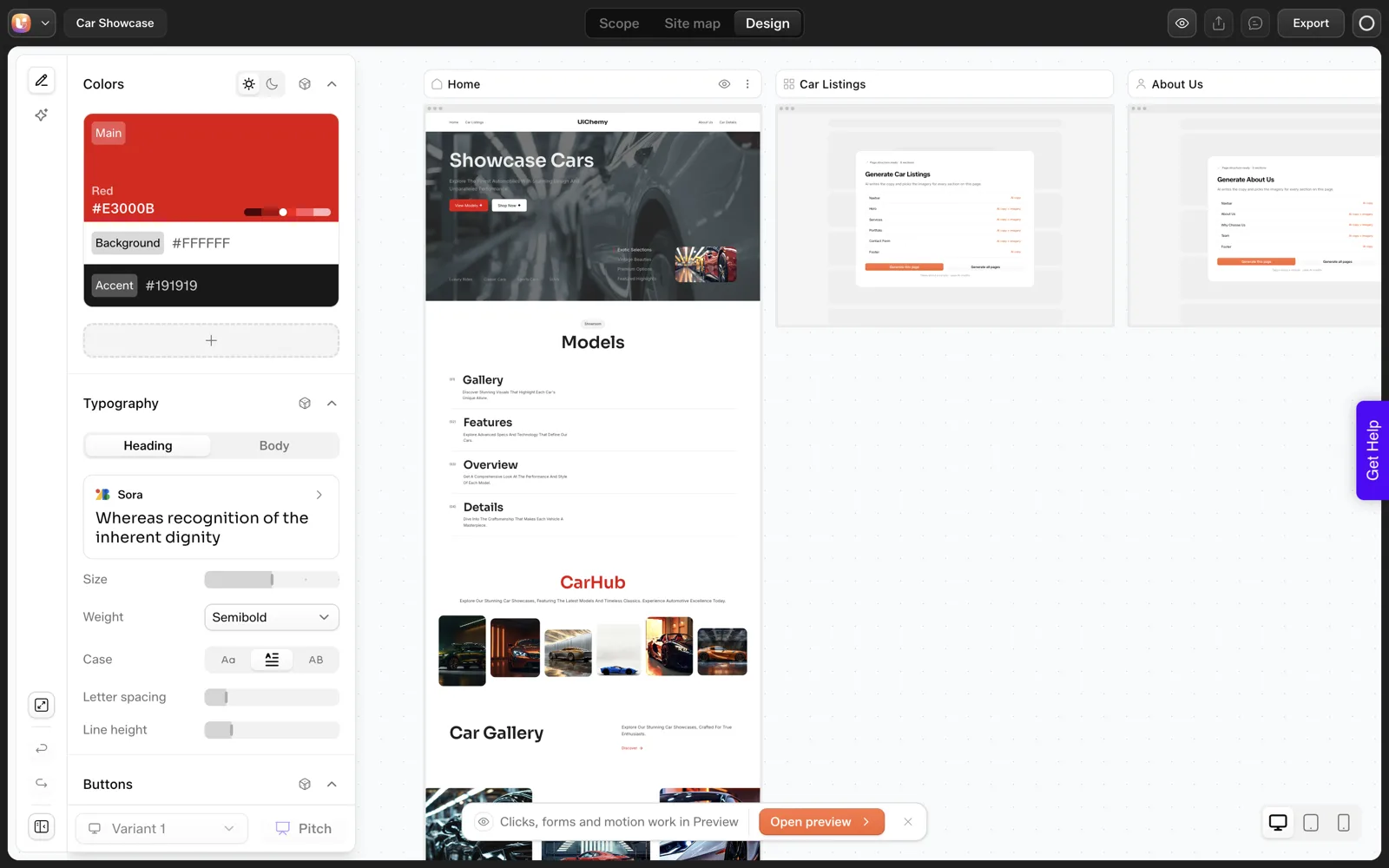
When you move a Bolt or v0 build into WordPress, the visual design carries over: layout, colors, type and spacing. Component logic, state and data fetching do not, because WordPress pages are content, not a running app. UiChemy documents a route that rebuilds the design as native, editable blocks through Claude.
Both tools produce a project made of files, usually with components, styles and some scripting. WordPress expects pages, templates and a database of content. The move is a translation between two models, and translations lose things. The useful skill is knowing which things in advance. For the same route starting from Lovable, see Lovable to WordPress.
Two Models: Components Versus Content
A project from a tool like Bolt or v0 is typically organized as reusable components: a pricing card, a header, a testimonial row. Each one can hold state and run code in the browser. The page is assembled at build time or in the browser from those pieces.
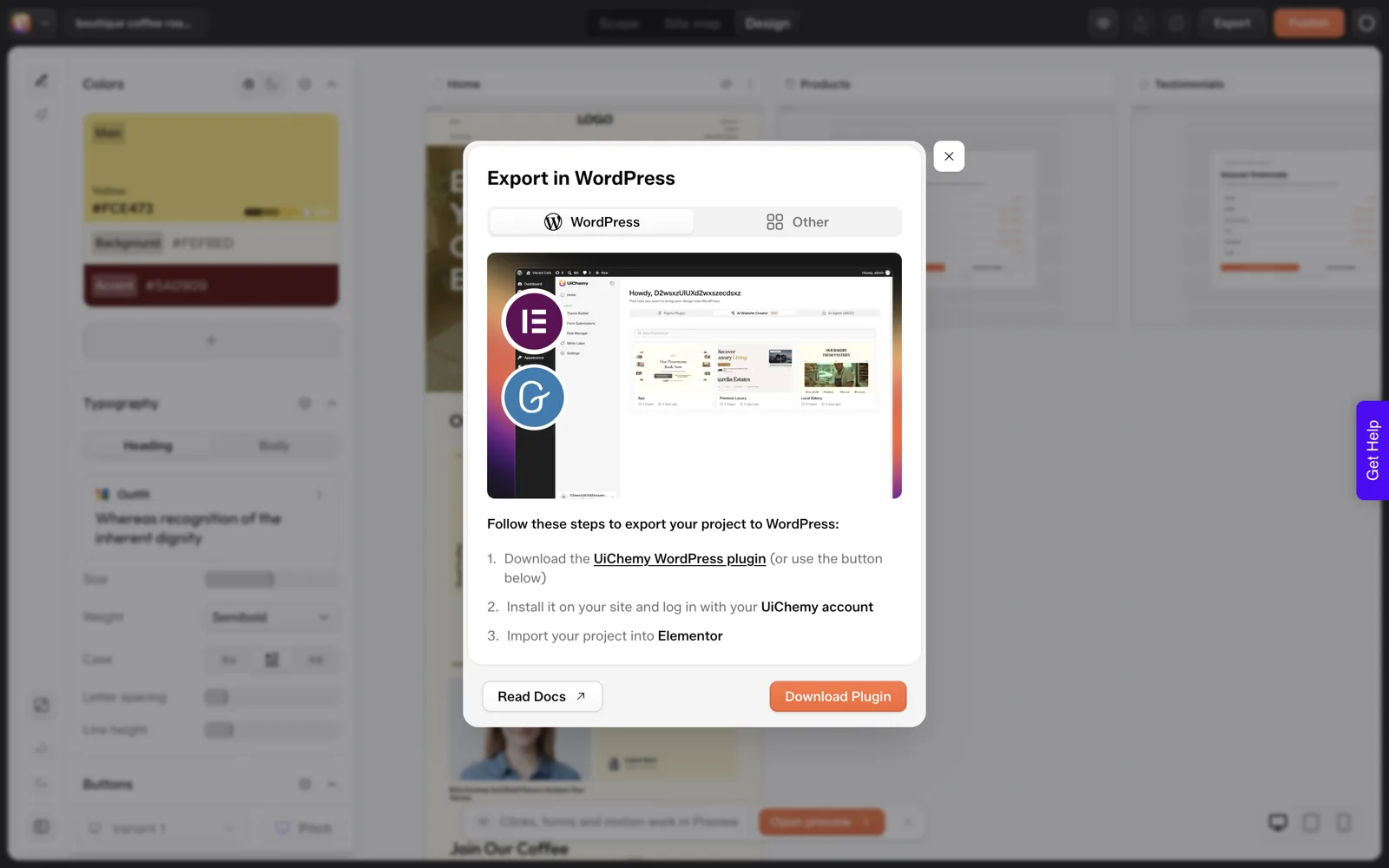
WordPress works the other way around. A page is a document stored in a database, made of blocks or builder elements, rendered by PHP on the server. Editors change the content directly. There is no build step to run.
That difference explains almost everything below. Anything visual maps well, because a card is a card in either model. Anything that depends on running application code has no natural home in a page document. If you need the longer conceptual version, how AI-generated code maps to Elementor or Gutenberg blocks covers the mapping in general terms, and converting React to WordPress compares the routes.
The Route UiChemy Documents
The docs pages for Bolt to WordPress and v0 to WordPress are almost identical, and they say the same first thing: neither tool has its own MCP, so UiChemy cannot connect to them directly. The route goes through a supported client, Claude Desktop, Cursor, Codex or Antigravity.
- Build in Bolt or v0 and download the project ZIP.
- Install the UiChemy plugin on your WordPress site and paste the Connection Link.
- Connect the UiChemy MCP to Claude (setup in Set Up AI to WordPress).
- Attach the ZIP and ask Claude to convert it.
- Edit the result in UiChemy Composer.
The docs say the result is the same design rebuilt as native WordPress blocks, with the header, footer and archive templates placed in the Theme Builder and colors, typography and spacing kept as global styles. Builders available are Elementor or Gutenberg, with Bricks listed as coming soon.
The Carry-Over Table
This table is our working model of the two systems, based on how components and CMS content generally behave plus what the UiChemy docs describe. The “Expect” column is a prediction to verify, not a guarantee.
| What is in the Bolt or v0 project | Expect in WordPress | Your action |
|---|---|---|
| Page layout and sections | Carries as native sections | Compare each page at desktop and phone width |
| Colors, fonts, spacing | Carries as global styles per the docs | Change one global value and confirm it updates |
| Header and footer | Placed in the Theme Builder per the docs | Confirm on every page, test menu links |
| Images and icons | Should carry, file paths change | Check every image loads, add alt text |
| Placeholder text | Carries as text | Replace before launch |
| Simple scripts (menu toggle, accordion) | May need to be rebuilt as a widget or custom code | Click everything interactive |
| Component state (tabs, filters, carts) | Does not carry as a running app | Rebuild with a native widget or leave on the app |
| Data fetching and API calls | Does not carry | Replace with a WordPress content type, form or plugin |
| Routing between pages | Replaced by WordPress permalinks | Set permalink structure, check internal links |
| Per-page SEO tags | Not carried by layout | Set in RankMath or Yoast per the docs |
| Animations | Depends on how they are written | Review on a real device |
The Parts That Need a Human Decision
Interactivity
If your build has a working tabbed section or a calculator, ask whether WordPress already has a native version of that widget. If it does, use it. If not, UiChemy Composer can write real HTML, CSS and JavaScript inside Elementor or Gutenberg, which is how writing custom code inside Elementor with AI works. Re-verify behavior after you build it.
Dynamic content
A list of blog posts hard-coded in a component is just markup. In WordPress you want those posts to be real posts, so the list updates when the client writes a new one. The docs mention dynamic content and loops after conversion. That means a second pass: decide which sections should become data-driven, and wire them up on purpose.
Performance and cleanliness
The docs describe the output as clean, semantic HTML without wrapper-heavy bloat. That is their claim, so verify it. Test the converted pages before launch, as laid out in how to test the performance of AI-generated sections.
Ownership and handoff
Once content lives in WordPress, the client can edit without touching a repository. The role manager and the rest are listed in the docs. The reasons that matters are in why AI-built React sites are hard to hand to clients.
Test One Page First
Before you convert a whole project, convert one representative page, usually the home page, on a staging site. Then run this sheet. It takes about twenty minutes and tells you whether the full move is worth doing.
Bolt or v0 to WordPress: one-page trial

Prep
[ ] Staging WordPress site, UiChemy plugin installed
[ ] UiChemy MCP connected, Node.js 18 or newer, Administrator login
[ ] Project ZIP downloaded from Bolt or v0

Prompt (attach the ZIP)
"Take the attached project ZIP. Connect to my WordPress over the UiChemy
MCP and, using UiChemy Composer, convert the home page only: recreate
it section by section, keep colors, typography and spacing as global
styles, import native and editable in Elementor (or Gutenberg). When
done, list what you created and anything you could not carry over."

Check
[ ] Layout matches at 1440, 768 and 390 px wide
[ ] Every heading and paragraph editable in the editor
[ ] Every link and button goes where it should
[ ] Interactive parts listed: ______ (rebuilt / dropped / left on app)
[ ] Placeholder copy found: ______
[ ] Lighthouse or PageSpeed score recorded: ______
Decision: convert the rest / rebuild in Composer / keep as app
The last line of the prompt, asking what it could not carry over, is the most useful sentence in it. A conversion that reports its own gaps saves you from finding them in front of a client.
For how Lovable, Bolt and v0 compare on what they hand you, see Lovable, Bolt and v0 judged on what they hand you. For a view of how these builders compare as a group, see which AI builder for which job, and for the end-to-end Claude workflow, Claude to WordPress: choose the right workflow.
Five Common Mistakes When Moving a Bolt or v0 Project
The same few mistakes appear whenever a component-based project moves into a CMS. These come from how the two models differ, and each has a simple fix.
Mistake 1: Converting before auditing
People attach the ZIP and send the prompt without reading the project. Spend five minutes counting pages, listing interactive parts and finding any data calls first. The audit commands in converting React to WordPress: three routes give you the numbers.
Mistake 2: Trusting the preview over the real page
A conversion can look right on the desktop and break on a phone. Test at three widths before you say anything is done.
Mistake 3: Leaving placeholder content in
Generated builds ship with plausible filler. A prompt-built “About” paragraph reads fine and says nothing true. Search the site for filler phrases and replace every one with facts from the client.
Mistake 4: Forgetting the address bar
Project routes become WordPress permalinks. If the original site was already live, map old URLs to new ones and plan redirects before launch.
Mistake 5: Skipping the owner conversation
Decide who edits after launch and give that person a login with the right role. A site the client cannot edit has missed its purpose, however good it looks. The handoff problem in vibe-coded client sites has a template for this.
Deciding What To Do With Each Interactive Part
Interactive parts deserve their own pass, because each one has three possible fates. Use this table once you have listed them from the trial sheet.
| Interactive part | Option A | Option B | Option C |
|---|---|---|---|
| Accordion or FAQ list | Use a native accordion widget or block | Rebuild with Composer | Drop it and show the answers as text |
| Tabs | Use a native tabs widget | Rebuild with Composer | Split into separate sections |
| Image slider | Use a native carousel | Rebuild with Composer | Replace with a single strong image |
| Price calculator | Rebuild with Composer | Link to the original app | Replace with a quote form |
| Filterable gallery | Use a gallery plugin | Rebuild with Composer | Static grid |
| Cart or checkout | Use a commerce plugin | Keep on the original app | None, do not fake this one |
Option A is usually the cheapest to maintain, because a native widget is something the client or the next developer already understands. Option B costs credits and review time but gives you exactly the behavior you had. Option C is underrated, since a plain, fast section often serves the visitor as well as a clever one.
Whichever you pick, write it next to the list item in your notes. When a client asks, months later, why the calculator is now a form, the answer is one line away. For the code you might write in Option B, keeping AI-written code clean lists the quality checks.
What to Tell the Client After the Move
The client does not care that the site was built in Bolt or v0, and they should not need to. They care what changed for them. Send a short note that covers four things.
- Where the site lives now. The address, the login page and who holds the hosting account.
- What they can edit. Text, images, and which sections they can rearrange.
- What is not in WordPress. If any part stayed on the original app, name it and say why.
- Who to call. What counts as a small edit, and what needs you.
The third point prevents the most misunderstandings. If a calculator or a members area stayed on its original host, the client should hear that from you, along with who maintains it.
Keep the note to a single page and attach two or three screenshots of the editor. If you manage many clients, the same note becomes a template. AI workflows for WordPress agencies shows where that template sits in a repeatable process.
FAQ
Can I convert a Bolt project to WordPress?
Yes, through a documented route. Download the Bolt project as a ZIP, install the UiChemy plugin, connect the UiChemy MCP to Claude, attach the ZIP and ask Claude to convert it. Bolt has no MCP of its own, so the conversion runs through a supported client such as Claude Desktop, Cursor, Codex or Antigravity.
Can I convert a v0 project to WordPress?
Yes, with the same five-step route as Bolt: build, install the plugin, connect the MCP, convert with the ZIP attached, then edit in Composer. The docs describe v0 as handing you working UI rather than a finished website, which is the gap the conversion is meant to close.
Does React code carry over to WordPress?
The design carries over, the running component code does not. WordPress pages are content documents, so state, data fetching and client-side routing need a different home: a native widget, custom code written in the page, a plugin, or leaving that part on the original app.
Will the converted pages be editable in Elementor?
The docs say the result lands as native, editable elements in Elementor or Gutenberg. Verify on staging by opening a converted page, selecting a section and changing a heading. If every section is individually selectable and editable, the conversion did what it promised for that page.
Should I convert the whole site or one page first?
One page first. Pick a representative page, convert it on a staging site, and check layout, interactivity, links and speed. The result tells you what a full conversion will cost in cleanup time, and whether Composer, a rebuild or leaving a section as an app is the better call.
If a Bolt or v0 build is waiting for a real home, Get Started and try the one-page trial first.
Every feature named in this post is listed by product: all UiChemy features, AI to WordPress features.