Convert React to WordPress: Three Routes and Where Each Breaks
 Sagar Patel
You can convert a React site to WordPress three ways: rebuild it as a theme in PHP, keep React and use WordPress as a headless content source, or convert the design into native blocks or builder content. The theme route breaks on interactivity, headless on operations, and block conversion on application logic.
“Convert React to WordPress” sounds like one task. It is three different jobs depending on what the React project does. A marketing site with a hero, features and a pricing table is one job.
A dashboard with authenticated routes is another. The audit script near the end tells you which case you have. If your project came from an AI builder, the Bolt and v0 carry-over table is a good companion.
What Actually Changes Between React and WordPress
React builds the page from components in the browser or on a Node server. WordPress stores content in a database and renders it with PHP. Four concepts need a new home when you cross over.
- Components become templates, blocks or builder sections.
- Props and content become fields, posts or block attributes.
- Routing becomes permalinks and the template hierarchy.
- State and effects become small scripts on the page, or a different feature entirely.
The first three translate cleanly. The fourth is where projects get stuck, and it explains most of the breaking points below.
Route 1: Rebuild as a Theme
You write PHP templates that reproduce each page type, move the CSS across, and register content as pages, posts or custom post types. Editors work in the WordPress admin, and the front end is server-rendered.
Good at: performance control, tidy markup and a result that follows WordPress conventions.
Breaks when: the React project is full of client-side interactivity. Every tab group, filter and animation must be re-implemented in plain JavaScript. It also breaks at handoff if the content is hard-coded into templates, because then the client is back to asking a developer for text changes.
Cost shape: a developer’s time, front-loaded. Cheap to run afterward.
Route 2: Headless WordPress
Keep React as the front end and fetch content from WordPress through its REST API or another interface. Editors use the WordPress admin to write content. Visitors get your existing React site.
Good at: keeping the front end you already have, and teams where front-end developers own the code.
Breaks when: the site owner expects a visual editor. A headless setup gives editors content fields, and layout changes go back to a developer. It also breaks on operations, because you now host and maintain two systems.
Previews, forms, SEO tags and redirects all need deliberate wiring that a normal WordPress theme gives you for free. If a small business owner is the editor, this is usually the wrong shape.
Cost shape: ongoing. Two deployments, two sets of updates.
The API side of this choice is covered in MCP versus the REST API for WordPress automation.
Route 3: Convert to Blocks or Builder Content
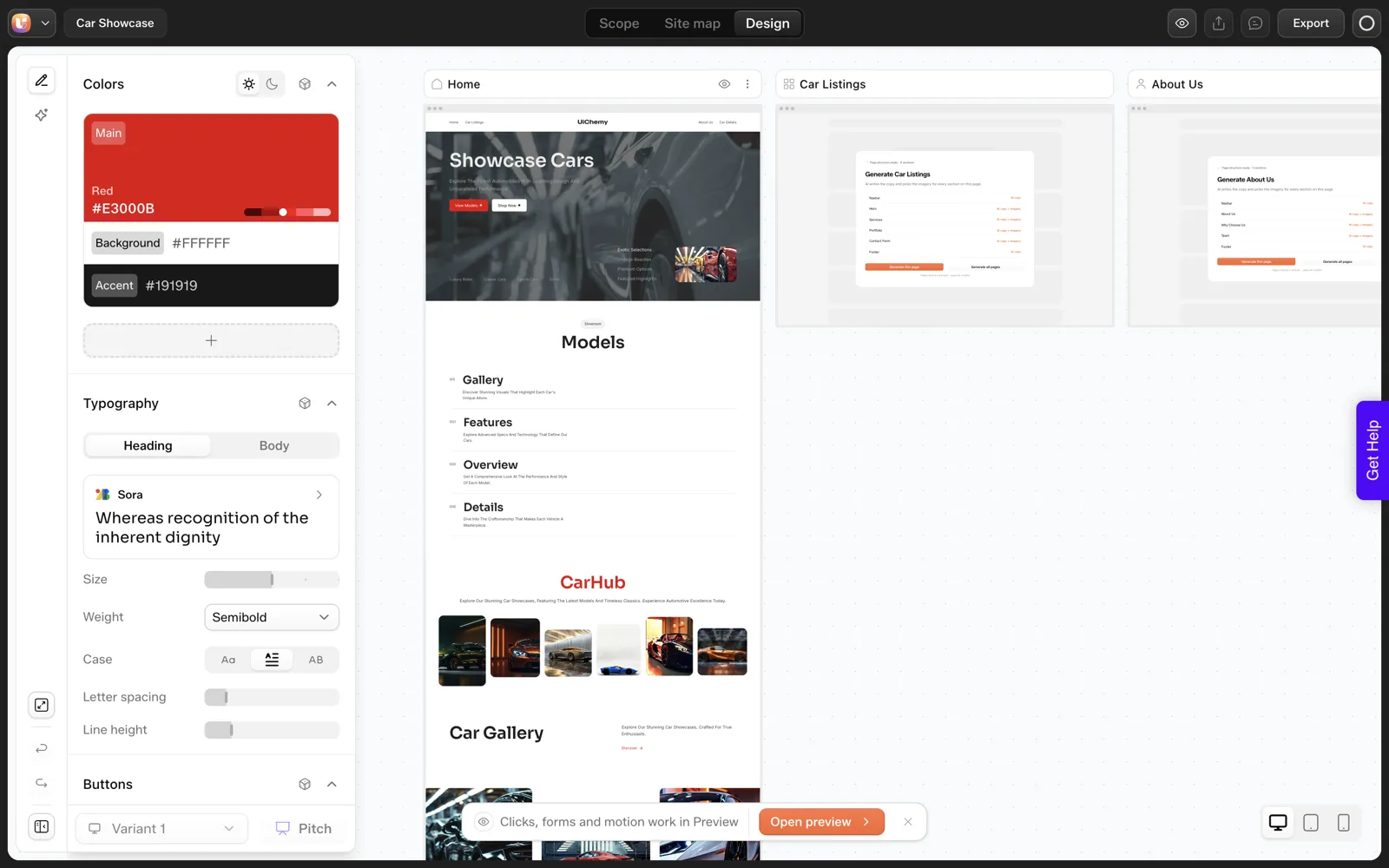
Instead of porting code, you port the design. The page layout is rebuilt as native Gutenberg blocks or Elementor sections, so editors change layout and content visually inside WordPress.
UiChemy documents this route for AI-built projects. The v0 page in the docs is the closest match for React-based output: you download the project ZIP, install the UiChemy plugin, connect the UiChemy MCP to a client such as Claude Desktop, attach the ZIP and ask for the conversion.
The v0 to WordPress page has the full walkthrough, and the docs say the same design is rebuilt as native blocks on your own domain. The general mapping logic is explained in how AI-generated code maps to Elementor or Gutenberg blocks.
Good at: marketing sites, landing pages and brochure sites where the visual design is the product and non-developers will edit.
Breaks when: the project is an application. Stateful components, authenticated routes and live data fetching have no block equivalent. The conversion carries layouts, and running logic needs another home. Interactive widgets might need to be rebuilt as native widgets or custom code, and you should test each one.
Cost shape: mostly review time, plus credits if you use a paid conversion tool.
Side-by-Side Comparison
| Question | 1. Theme | 2. Headless | 3. Blocks or builder |
|---|---|---|---|
| Who edits layout? | Developer | Developer | Client or designer, visually |
| Who edits text? | Client if fields are wired | Client in WordPress admin | Client, visually |
| Keeps your React code? | No | Yes | No, keeps the design |
| Systems to maintain | One | Two | One |
| Handles app logic? | Re-implemented by hand | Yes, in React | No |
| Typical breaking point | Interactivity | Editor expectations and operations | Application features |
| Best fit | Custom, performance-critical | Developer teams | Brochure and marketing sites |
The Five-Minute Project Audit
Run these in the project root. They are heuristics, so treat the counts as hints. A high count in the state, fetch and auth lines is a strong sign that Route 3 alone will fall short. Adjust the source folder if yours is named differently from src.
# Pages and components
find src -name "*.jsx" -o -name "*.tsx" | wc -l

# Client state: how interactive is it?
grep -rlE "useState|useReducer|useContext" src | wc -l

# Data fetching: does it talk to an API?
grep -rlE "fetch\(|axios|useQuery|supabase|firebase" src | wc -l

# Auth and protected routes
grep -rliE "login|signin|session|auth" src | wc -l

# Routing: how many page-level routes?
grep -rE "<Route |createBrowserRouter|app/.*page\.(tsx|jsx)" src | wc -l

# Scripts you would have to rebuild
grep -rlE "addEventListener|IntersectionObserver|requestAnimationFrame" src | wc -l

Reading the numbers
- State in 0 to a few files, fetch = 0, auth = 0:  Route 3 fits
- State in many files, fetch present, auth = 0:     Route 3 for pages, review widgets
- Fetch and auth throughout:                        keep the app, link from WordPress
- Developer team owns front end, editors need CMS:  Route 2
- Performance-critical, unique, developer available: Route 1
If the audit says “app”, the best result is often a split: WordPress for the marketing pages and the blog, the app on its own subdomain, and a clear link between them. Each system then does the job it is good at.
The ownership and handoff side of that split is in why AI-built React sites are hard to hand to clients, and the long-run cost view is in the cost of change after launch. For hand-coded and cloned sites, see moving a hand-coded or cloned site into WordPress.
Reading the Audit Output: A Worked Example
The audit script gives you counts. This section shows how to turn counts into a decision. The two projects below are illustrations with invented numbers, made up to demonstrate the reading, and they do not describe real builds.
Project A: a studio landing site
Imagine the script returns: 14 component files, state in 2 files, fetch in 0, auth in 0, 5 routes, scripts in 3 files. State is low, nothing talks to an API, and there is no login. This is Route 3 territory. The three files with scripts are your review list, and they are probably a menu toggle, an accordion and a scroll effect.
Project B: a client portal
Now imagine: 60 component files, state in 31, fetch in 18, auth in 12, 9 routes, scripts in 8. State and fetch appear throughout and auth is present. Converting this to blocks would copy the look and drop the behavior. Keep the portal as an app.
The sensible move for Project B is a split. The marketing pages, pricing and blog go to WordPress, which handles content well. The portal stays on its own subdomain, and the two link to each other. Each system then handles the work it is built for.
| Signal in the audit | Reading | Action |
|---|---|---|
| Low state, no fetch, no auth | A content site in React clothing | Route 3, review script files |
| Fetch present, no auth | Pages pull data from somewhere | Decide where that data lives in WordPress |
| Auth present | Part of the project is an application | Split: pages to WordPress, app stays |
| Everything high | A product | Do not convert, link from WordPress |
The audit is a heuristic, so confirm by opening the project and clicking through it. Counts point you at the right files and do not replace reading them.
What Happens to SEO and URLs When You Cross Over
React projects often handle routing in the browser, and some render the page content only after JavaScript runs. WordPress serves finished HTML from the server, which search engines read without extra steps. That alone is a reason some teams move marketing pages out of a single-page app.
The move still needs care, and three checks cover most of it.
- Map old routes to new permalinks. A route like
/pricingshould land on/pricing/or redirect there. - Carry across titles and descriptions. Layout conversion does not move meta tags, so set them again per page in your SEO plugin.
- Check the sitemap. Submit the new one and confirm that every page you intend to rank is in it.
If the React site was never live, you can skip the redirects and spend the time on titles and descriptions instead. Either way, run the checks on staging first.
The speed side deserves a look too. WordPress pages can carry heavy plugins and themes, so test the converted pages. How to test the performance of AI-generated sections shows a method you can reuse for the whole page.
Pick a Route and Prove It on One Page
After the audit, resist the urge to commit the whole project. Pick the likely route and prove it on one page, which costs an afternoon and saves a week.
One-page proof

Route chosen: 1 Theme / 2 Headless / 3 Blocks or builder
Page used: ______  (a page with a form and a card grid)

Success criteria, written before starting
[ ] The page matches the original at 1440, 768 and 390 px
[ ] An editor can change a heading and an image alone
[ ] Interactive parts work: ______
[ ] The page loads as fast as the original, or faster
[ ] Setup time and review time recorded: ______

Result
[ ] Go: continue with the remaining pages
[ ] Adjust: change route or rebuild these parts: ______
[ ] Stop: keep the project as an app and link to it
Write the success criteria first, because criteria written after you see the result tend to bend toward it. If the proof fails, you have lost a few hours and gained a clear reason to switch routes.
For Route 3 specifically, Bolt to WordPress and v0 to WordPress has a trial sheet tuned to the UiChemy conversion. For a view across all the routes and tools, which AI builder for which job helps you place this project in the bigger picture.
FAQ
Can you convert a React app to WordPress?
You can convert the design of a React site and rebuild or replace its behavior. A full application with accounts, state and live data does not convert into pages. The usual answer is to move marketing pages into WordPress and keep the application where it is, linked from the new site.
What is headless WordPress and is it right for me?
Headless means WordPress stores content while a separate front end, such as a React site, displays it. It suits teams with front-end developers who want to keep their stack. It is rarely right when the site owner needs a visual editor, since you maintain two systems and layout edits need a developer.
Will my React components become Elementor widgets?
Expect a rebuild of the visual result as native blocks or builder sections, with each component landing in whatever form fits. Components with simple markup map well. Components with state or API calls need a rebuilt equivalent, a native widget or custom code. Review each interactive component after conversion and test it on a phone.
Which route is fastest?
Converting the design into blocks or builder content is usually the fastest for marketing sites, since the work is mostly review. A theme rebuild takes developer time up front. Headless takes the longest to set up properly. Speed also depends on project size, so convert one page first and time it.
Does UiChemy convert React projects?
UiChemy documents conversion for builds from Lovable, Bolt, v0, plain HTML and cloned sites, routed through Claude and the UiChemy MCP. Those tools produce code projects, so the v0 page in the docs is the nearest reference. Test one page on staging before you convert a whole project.
If your audit points to Route 3, Get Started and convert one page on a staging site first.
Every feature named in this post is listed by product: all UiChemy features, UiChemy Composer features.