MCP vs the REST API for WordPress Automation: When to Use Which
 Sagar Patel
Use the WordPress REST API when a script or application needs precise, repeatable access to site data. Use MCP when an AI tool should discover and call a defined set of actions on your behalf. They are layers that often coexist, and an MCP server can sit on top of REST routes.
The UiChemy MCP shows the relationship clearly. Its connection address is a REST route on your site, and the AI client talks to it through an MCP-aware connector. This post explains where each approach fits. If MCP itself is new, start with what is WordPress MCP.
What Each One Is
The WordPress REST API is built into core. It exposes site data, such as posts, pages, users and media, as URLs that return JSON. A program sends an HTTP request and gets structured data back. The core handbook documents it at the REST API handbook. Plugins can register their own routes, and many do.
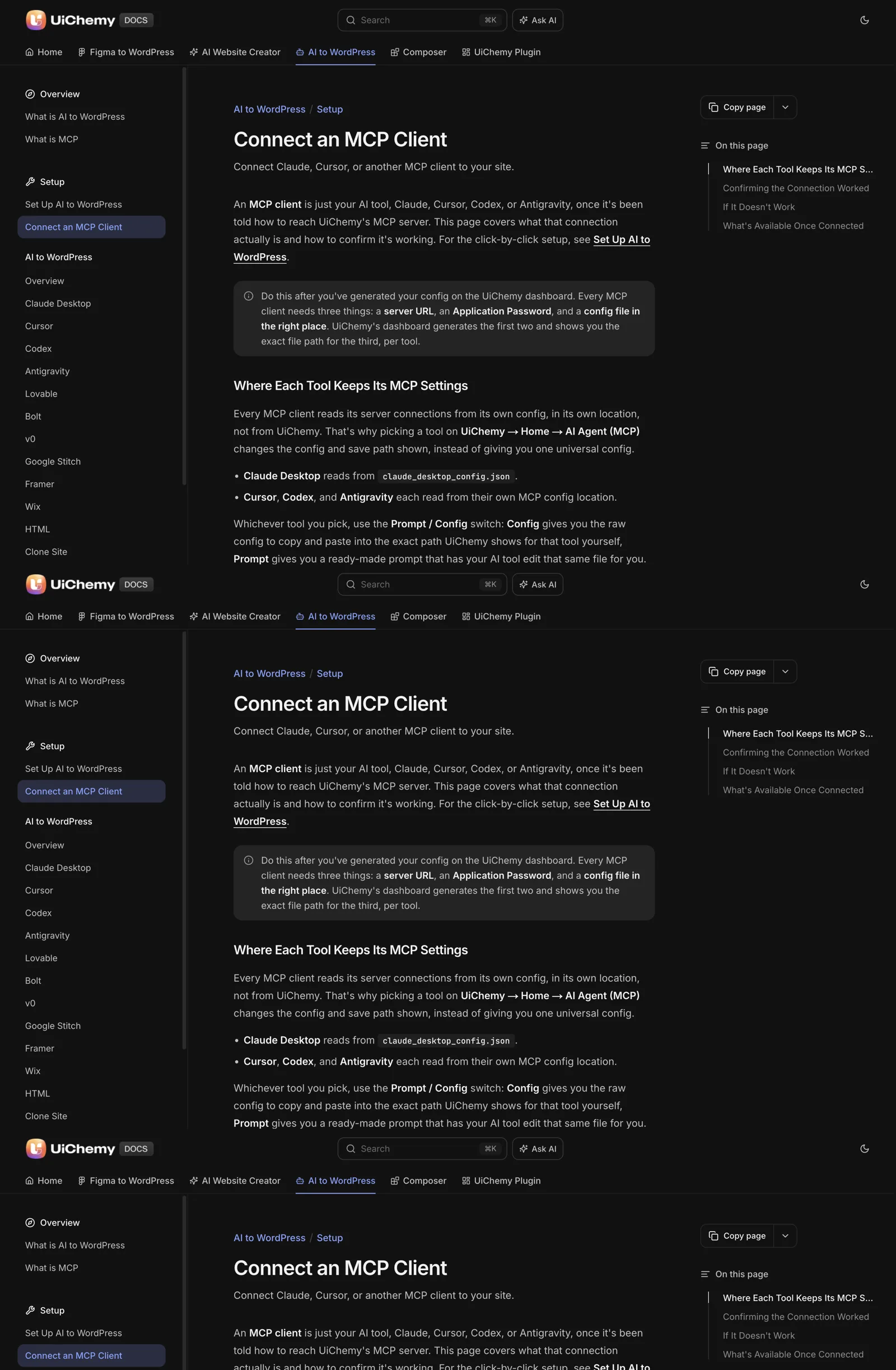
MCP is a protocol for AI tools. A server publishes a list of actions with descriptions and expected inputs. The AI client reads the list, picks an action that fits your request and calls it. The protocol is described at modelcontextprotocol.io.
One sentence sums up the difference. REST requires the caller to know exactly what to ask for. MCP lets the caller discover what is available and choose.
The Comparison
| Question | REST API | MCP server |
|---|---|---|
| Who is the caller? | A script, app or integration you wrote | An AI client such as Claude Desktop or Cursor |
| How does the caller learn what exists? | You read the documentation and hard-code the routes | The client asks the server for its list of actions |
| Predictability | Same request, same result | The AI decides which action to call, so results can vary |
| Effort to start | Write and maintain code | Paste a config and restart the client |
| Best at | Bulk, scheduled and repeatable jobs | Exploratory, conversational and one-off tasks |
| Main risk | Bugs in your code | An AI misreading your request |
| Credentials | Application Password, or another auth method | Application Password in the client config |
Both approaches use the same underlying WordPress permission model. A request acts as a user, and that user’s role decides what is allowed.
One Route, Two Ways to Reach It
The UiChemy docs give the MCP address in this form:
https://yoursite.com/index.php?rest_route=/uichemy/v2/mcpThat is a REST route, namespaced to UiChemy. The AI client does not call it directly. The generated config starts a connector with npx, and the connector carries the site URL, the username and the Application Password as environment values. The route is how the server is reached. MCP is how the AI tool talks to it.
Core REST routes use a different shape. A request for pages with an Application Password looks like this, with placeholders for your values:
curl -u "username:application-password" \
  "https://yoursite.com/wp-json/wp/v2/pages?per_page=5"
The response is JSON. You decide the route, the fields and what to do with the data. That precision is the strength of REST, and the effort of writing the code is its cost. The authentication method for both is covered in the handbook’s REST API authentication guide, and the credential itself in WordPress Application Passwords for MCP.
When REST Is the Right Choice
- Scheduled jobs. A nightly export, a sync with another system or a cleanup task should behave identically each run.
- Bulk operations. Updating a few thousand records is a loop in code. An AI client deciding each call is slower and harder to audit.
- Integrations. When another application calls WordPress, give it a fixed contract.
- Anything that must be tested. Code can have automated tests. A conversation cannot.
- Tight permission control. You can write a handler that does one narrow thing and nothing else.
When MCP Is the Right Choice
- Exploratory work. “Which pages on this site have no form?” is a question you ask once. Writing a script for it is more work than the answer is worth.
- Page and design edits. The UiChemy docs describe access to pages, templates, Global Style, forms, media and site setup. Those are tasks you describe in words.
- Non-developers. A designer or marketer can drive a site through a chat without learning HTTP.
- Prototyping. Try a workflow conversationally. If it proves valuable and repetitive, turn it into a script.
The tradeoff is variability. An AI tool may interpret the same instruction differently on different days, so review its work and use staging. A framework for judging a server’s quality before you rely on it is in how to evaluate any WordPress MCP server.
A Decision Guide
CHOOSING BETWEEN REST AND MCP

1. Will this run again, unattended, on a schedule?
   YES -> REST (or WP-CLI). Write it, test it, version it.
   NO  -> continue

2. Does it touch thousands of items, or need exact repeatability?
   YES -> REST.
   NO  -> continue

3. Is the task describable in a sentence and checkable by eye?
   YES -> MCP is a good fit. Use staging, review the result.
   NO  -> REST, so you control every step.

4. Does the person doing it write code?
   NO  -> MCP.
   YES -> Either. Prototype with MCP, harden with REST.

ALWAYS
- Staging first, backup before the first write
- Lowest role that works
- Revoke the Application Password afterwards
A common pattern is to start with MCP, learn what the task really involves, and replace the repeated parts with scripts. The reverse also happens: a team with a mature script library adds MCP so non-developers can reach a few of the same actions. Agencies running both across many client sites follow a similar split between exploratory and repeatable work.
For a broader tour of the routes from Claude to a WordPress site, including ones outside MCP, read Claude to WordPress: choose the right workflow for your website. The step-by-step setup for the UiChemy server is in how to connect Claude to WordPress with UiChemy MCP, and the docs explain the concepts at what is MCP.
A Hybrid Pattern That Works
Teams that mix both approaches tend to settle into the same split. The AI client handles discovery and drafting. Scripts handle anything that must repeat.
- Explore with MCP. Ask the client what exists on the site, which pages use a given pattern and what a change would touch.
- Write the plan down. Turn what you learned into a short list of steps.
- Script the repeatable steps. Use REST or WP-CLI for the parts that run on many items or on a schedule.
- Keep MCP for the judgement calls. Layout tweaks, copy changes and one-off page edits stay conversational.
- Review everything on staging. Whichever route made the change, a human looks at the result before it goes live.
This keeps the speed of a conversation where speed helps and the control of code where control matters. It also gives you a clear answer when a client asks how a change was made, because each step has a record: a chat for the exploratory part and a versioned script for the rest.
The Same Task Both Ways
A side-by-side example makes the difference concrete. The task is to find which pages on a site have no contact link. It is a question you would ask once, so it also shows where each approach earns its cost.
Through REST, you write code. First fetch the pages, asking only for the fields you need, which keeps the response small.
curl -u "username:application-password" \
  "https://yoursite.com/wp-json/wp/v2/pages?per_page=100&_fields=id,link,content.rendered"
Then loop over the results and check each page’s rendered content for a link to your contact page. You decide the logic, handle pagination if there are more than a hundred pages and decide how to print the report. The result is exact and repeatable, and you can save the script.
Through MCP, you describe the question to a connected client: “Which pages on this site have no link to the Contact page?” The client uses the actions the server publishes, reads the pages and answers in plain language. There is no code to write. You do need to check the answer, since the client is interpreting your request.
Neither is better in general. The REST route pays off if you will run the check every month. The MCP route pays off if you will run it once.
How Each Approach Fails
Knowing the usual failure points helps you pick the right one and catch problems early. The failures differ because the callers differ.
| Approach | Typical failure | How you notice | How to reduce it |
|---|---|---|---|
| REST script | Wrong route, missing pagination, bad authentication | An error code, or silently incomplete data | Test against staging, check counts against the admin |
| REST script | A plugin changes a response format | The script breaks after an update | Pin versions where you can, run the script after updates |
| MCP client | Misreads an ambiguous request | A plausible but wrong result | Be specific, name the page and the section, verify in the editor |
| MCP client | Connection quietly stops working | Generic answers that name no real pages | Run the pages test prompt, check Node.js and the credential |
The silent cases are the dangerous ones. A script that returns half the data and an AI that answers confidently without a live connection both look fine until someone checks. Make verification part of the job: compare totals with the admin screen, and ask for real page titles.
The connection-level checks for the MCP side are in the server evaluation checklist linked earlier, and the credential rules are the same for both routes.
Maintenance and Cost Over Time
The first hour is not the real cost. Both approaches have ongoing work, and it lands in different places.
A REST script costs you developer time up front and maintenance later. Someone must keep the code, fix it when WordPress or a plugin changes and document it for the next person. In return you get predictability and tests.
An MCP connection costs little to start, but it asks for care at the edges. You manage the client config, the credential and the review of each result. If the client or the server updates, you re-run your test prompts. If you plan to rely on it, budget time for that checking.
Credits and plan limits belong in the maths too. The docs say the UiChemy MCP conversion draws from the same credit balance as the Figma plugin, so a heavy conversion has a visible cost. A REST read of your own site has no such cost beyond hosting load.
For a builder-specific view, read Elementor MCP: controlling your builder from an AI client. For safe practice with either route, the security checklist before giving an AI agent access applies in full.
A practical rule to finish: whichever route you pick, write down the reason. A line such as “MCP, because this is a one-off audit” or “REST, because it runs weekly” makes the choice reviewable. When the task changes, you can see whether the reason still holds.
FAQ
Is MCP a replacement for the WordPress REST API?
No. They solve different problems. REST is a general data interface for code. MCP is a discovery and calling convention for AI tools. An MCP server may use REST routes underneath, as the UiChemy MCP address shows. Many teams use both.
Which is more secure, MCP or REST?
Both rely on WordPress users, roles and Application Passwords, so the controls are the same. Security depends on the account you connect, the actions exposed and your habits: staging, backups, least privilege and revocation. An AI interpreting your request adds variability that code does not have.
Do I need MCP to use Claude with WordPress?
No. You can paste content into Claude by hand, or write code against the REST API. MCP removes the copying and lets the AI act on the site directly. UiChemy’s MCP needs Node.js 18 or newer and an Administrator login.
Can I use the REST API with an Application Password for automation?
Yes. WordPress core supports Application Passwords for REST authentication. Send the username and password with each request over HTTPS. Create one per integration, name it clearly and revoke it when the integration ends.
When should I move from MCP to scripts?
When a task becomes repetitive, large or critical. A job you run weekly, or one that touches many items, deserves a tested script with predictable results. Keep MCP for the exploratory and one-off work that is faster to describe than to code.
If you want to try the conversational route, you can Get Started and connect a staging site through the docs.
Every feature named in this post is listed by product: all UiChemy features, UiChemy Composer features.