
Introducing UiChemy – Convert your Figma Designs to Elementor & WordPress
 Sagar Patel
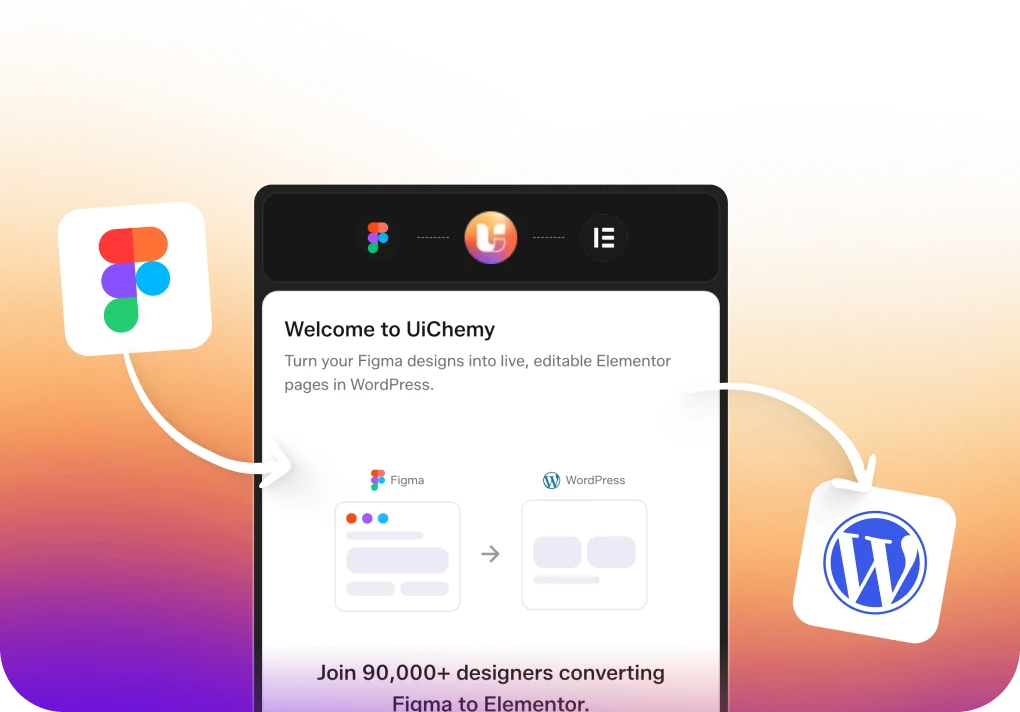
Have you ever wished you could effortlessly transform your Figma designs into polished Elementor and Gutenberg websites? The wait is over!
Presenting UiChemy – the ultimate Figma plugin designed for the WordPress community.
Why UiChemy? – Reason for Building This
We’ve spoken to many freelancers and agencies, and they’ve expressed their main challenge as reducing the time they spend on each project, so they can finish projects faster. This helps them increase their profits or lower their prices to compete better with others.
With UiChemy, we’re focusing on speeding up the process of converting UI designs to WordPress websites.
We found that, on average, freelancers spend about 12 hours per page converting from Figma to Elementor/Gutenberg. This range can vary from 8 to 30 hours depending on how experienced they are and how complex the page layout is.
In total, this translates to saving around 11 hours per page. Additionally, if you need to quickly demonstrate the layout to clients, it takes just 1 hour to finalize everything and have your Elementor link ready to share with them.
Here’s where UiChemy steps in to revolutionize your Web Designing process!
Our solution cuts down this time to just 5 minutes for importing and exporting, along with tagging of widgets.
Here’s a detailed video that covers everything you need to know about UiChemy before you start. We highly recommend watching this before you begin.
After that, it takes about 1-2 hours, depending on the complexity of the page, its responsive settings, and the level of UX options they want to set up.

According to feedback from our beta users, they spent an average of 1 hour on post-processing.
This range varied from 20 minutes to 4 hours, depending on how well they understood Figma and Elementor.
Now, the question is, How do you embark on your UiChemy journey?
UiChemy functions as an automation tool that relies on the functionalities provided by Figma and Elementor. To illustrate, when we want to ensure consistent typography on both platforms, we retrieve data from Figma and accurately place it within Elementor.
There are instances where we must adapt our system according to the setup of Figma and Elementor, which might result in a slight learning curve for UI Designers using Figma.
Here are a few areas where designers need to pay attention:
- Using the Auto Layout Option: This feature, which is straightforward to implement in Figma, comes in handy.
- Reducing Frame Usage: It’s recommended to minimize the use of frames in Figma. Unused frames can lead to the creation of additional containers.
- Optimizing Images in Figma: To streamline the process, it’s a good practice to include optimized images in Figma. These can be directly uploaded to WordPress or utilized with image optimization plugins. Alternatively, you can employ Figma’s Lock Feature to export smaller image sizes.
- Minor Learning Points: Some issues arise from the distinct endpoints of Figma and Elementor/Gutenberg. We’ve compiled a list of these differences for your convenience.
Although there might be a bit of a learning curve initially, spending a few hours to familiarize yourself with the process will set you up for success. We’ve taken measures to simplify this for you so that you can proceed confidently once you’ve completed the initial learning phase.
Converting Figma to Elementor !
Once you’ve prepared your Figma design file according to our guidelines, you’ll have two options for exporting. The default choice is the Auto Tagged Export. With this option, we use Elementor’s Free Plugin’s Container, Heading Title, and Image Widgets to construct the complete page—there’s no need for any other widgets.
The second export method is the semi-automatic export, where you can tag frames with your preferred widgets.

For instance, if you want to include a Gallery in a specific location, you just need to tag that frame as a gallery. We offer options to select images from that frame using our tagging tool, along with a few additional choices available directly in Figma. These selections will be configured into the Elementor widget.
Our support extends to the Flexbox Container Widget exclusively. Before importing, ensure that it’s enabled by going to Elementor → Settings → Features. Although Elementor has enabled this widget by default, but for older versions, you’ll need to activate it manually before importing.
Also ensure safe filter upload is enabled for JSON & SVG.
You’re free to choose either method based on your needs. We’re continually expanding the range of widgets available for tagging, and this will undoubtedly enhance your workflow once you export.

Most servers are compatible, but for larger pages with numerous images, you might need to configure your server settings. We’ve compiled a common list of requirements that include actions like increasing the maximum execution time and other adjustments if necessary.
If increasing these settings isn’t feasible, you also have the option to download the file without image files. This won’t cause any problems for you.
What about Performance of Websites Converted?
Ensuring high performance has always been our top priority in all of our products. This is because the attention span of human beings is decreasing, and we aim to ensure that websites created using our products load as quickly as possible.
In this particular product, we’ve taken great care to ensure that site performance isn’t compromised after exporting. Our conversion process mirrors your Figma design exactly.
We strongly advise optimizing your Figma file thoroughly to achieve the best output. This involves using the fewest possible frames since each frame translates to one container in Elementor/Gutenberg.

What’s more, we’ve made sure not to add any extra CSS/JS to your site during the conversion process. All of our code is contained within the Figma Plugin itself, and we simply provide a standard JSON file for import.
For images, we utilize the original images uploaded to Figma. Additionally, we have developed an option to automatically use smaller-sized images based on the visible size of the image in the Figma file. You have the choice to use optimized images or adopt our approach during the conversion.
From our end, we’ve maintained a clean and transparent approach so that you can achieve exceptional performance by applying optimization techniques directly within the Figma file itself.
Our Future plans with UiChemy
We’ve recently introduced the beta version of our product. We’re actively seeking feedback from users like you to ensure that we create the best possible version.
We encourage you to share your thoughts with us through our Private Facebook Community of UiChemy or by leaving comments below. Your feedback is incredibly valuable, and we’re dedicated to taking prompt action based on your suggestions.
Regarding features, we’re focusing on covering all the useful widgets found in the Elementor Free version initially. Subsequently, we’ll extend our efforts to include Elementor Pro features, as well as The Plus Addons for Elementor’s Free and Pro Widgets. If there’s a particular feature you’d like us to prioritize, please feel free to share your ideas here.
This is just the beginning. We have exciting and innovative plans in the works with the aim of enhancing the productivity of the Web Creator Community. Stay connected with us by subscribing, and we’ll keep you updated with the latest developments.