Is Figma Make Free? The Honest Cost Breakdown
 Sagar Patel
You can open Figma Make today without paying anything, type a prompt, and get a working app back. That is true, and it is the reason the question keeps getting asked in a form nobody can answer with one word.
The free tier is real, it is metered, and the meter is the whole story.
Figma’s Starter plan gives you 150 AI credits a day, capped at 500 a month. Figma’s own worked example for generating an app from scratch in Make is approximately 100 credits or more.
Do that arithmetic once and the shape of the free tier becomes obvious.
All figures below come from Figma’s pricing page and help centre, checked on 8 September 2026. Figma states its credit examples are approximate and that consumption changes as models change, so treat every number here as a planning floor rather than a guarantee.
The Short Answer, With the Numbers Attached
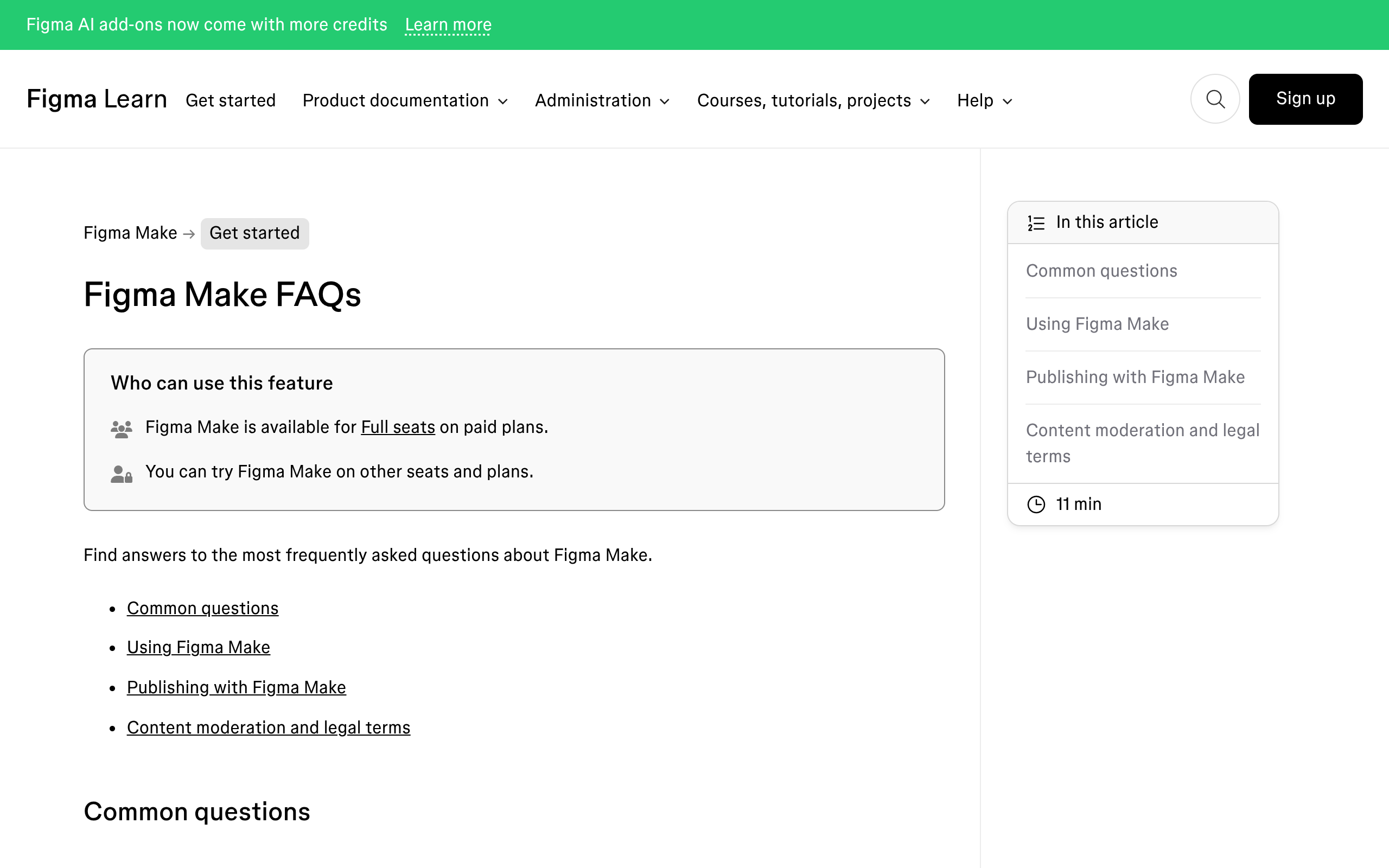
Figma Make is free to try on the Starter plan and included with the Full seat on every paid plan. There is no separate Figma Make subscription and no per-app charge.
What you pay for is a seat, and what limits you is the AI credit allowance attached to it.
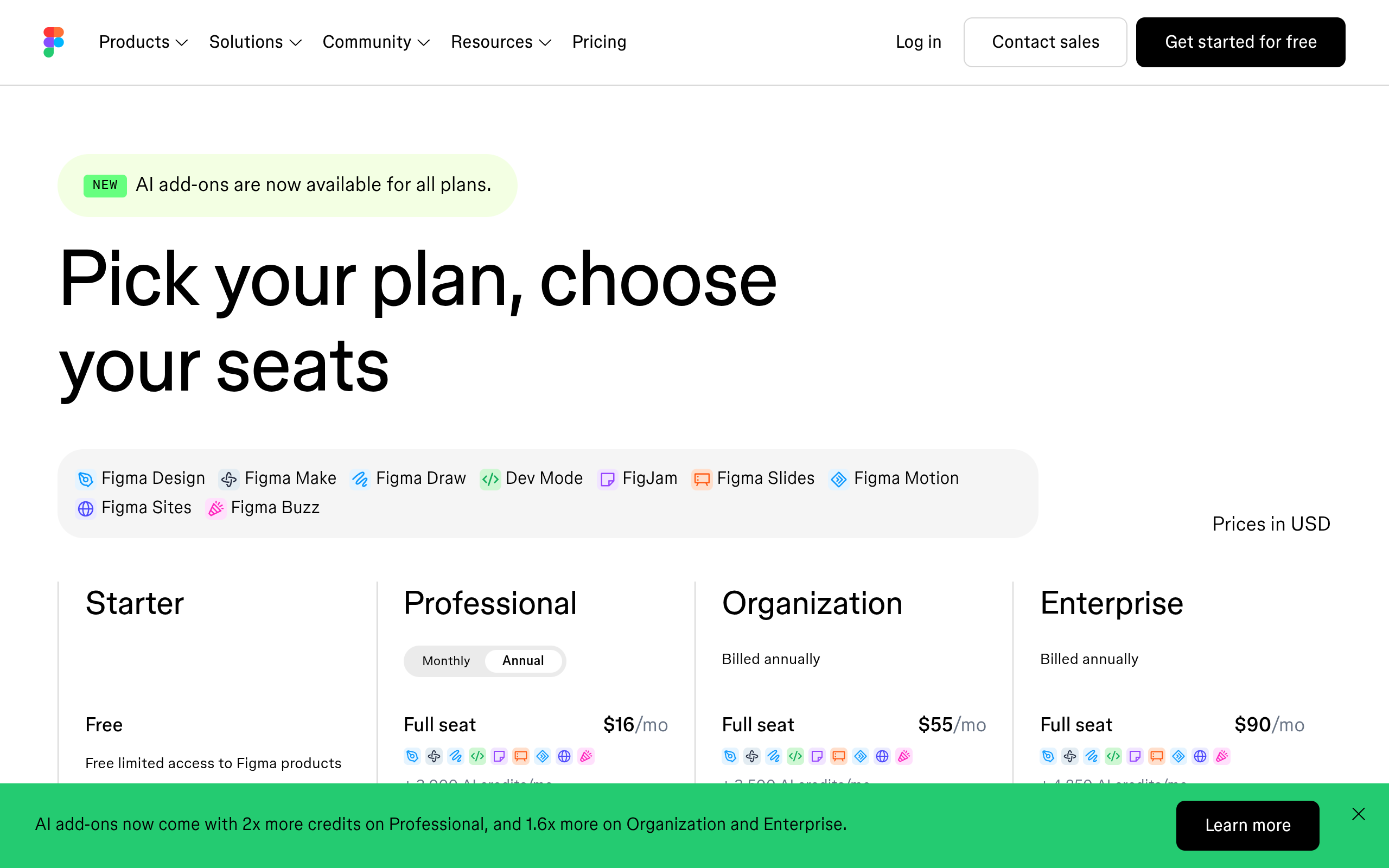
| Plan and seat | Price | AI credits a month | Can create Make files in teams | Can publish to the web |
|---|---|---|---|---|
| Starter | Free | 500, capped at 150 a day | Drafts only | Only via the Figma Community |
| Professional, Full seat | $16 a month | 3,000 | Yes | Yes |
| Professional, Dev seat | $12 a month | 500 | No, drafts only | No |
| Professional, Collab seat | $3 a month | 500 | No, drafts only | No |
| Organization, Full seat | $55 a month, billed annually | 3,500 | Yes | Yes |
| Enterprise, Full seat | $90 a month, billed annually | 4,250 | Yes | Yes |
Note the last two columns, because they are where teams get caught. A developer on a $12 Dev seat can export code from a Make file and cannot publish one, and cannot be handed a shared Make file at all.
Only Full seats and Starter accounts can share Make files in the first place.
What 500 Free Credits Actually Buys
Figma publishes three worked examples for Figma Make, calculated on its default model as of February 2026. Generating an app from scratch is approximately 100 credits or more.
Making an attached design interactive is approximately 75 or more. Changing the font is approximately 30 or more.
Run those against the allowances and the free tier resolves into something concrete rather than something vague.
| What you want to do | Roughly costs | Starter, 500 a month | Professional Full seat, 3,000 a month |
|---|---|---|---|
| Generate an app from scratch | 100 or more | About 5 a month | About 30 a month |
| Make an attached design interactive | 75 or more | About 6 a month | About 40 a month |
| Change the font | 30 or more | About 16 a month | About 100 a month |
| Auto fix or Fix for me on an error | Free | Unlimited | Unlimited |
| Plan mode before a build | Charged separately from the build | Two charges per build | Two charges per build |
The daily cap is the part that changes how the free tier feels. On Starter you get 150 credits a day, so a single from-scratch generation plus one round of corrections can end your day.
If you hit the daily limit you continue the following day, and if you hit the monthly limit you wait for the reset date.
Two rules make the maths worse than it looks. Undoing an AI action reverts the change in your file but does not refund the credits, because the task was already processed.
And context is charged: attached files, connected libraries and a long chat history all get processed on every turn, so the tenth prompt in a conversation costs more than the first.
Our companion piece on how Figma Make consumes credits goes through the per-prompt behaviour, and the wider Figma AI credit system covers the features outside Make that draw on the same pool.
What the Free Tier Cannot Do
Credits are only one of the limits. Three feature restrictions on Starter matter more than the meter for anyone doing client work.
Starter plans cannot use team libraries to bring style context into Figma Make, because team libraries are a paid feature. That means Make cannot see your design system, so the output uses generic styling and you spend credits correcting it toward your brand.
Starter plans can only publish to the public web if they also publish to the Figma Community. There is no private publish on the free tier.
If the work is a client concept under an agreement, that single sentence rules the free tier out.
And the MCP server is metered separately. Starter accounts get 20 tool calls a month, against 200 a day on Professional, 200 a day on Organization and 600 a day on Enterprise.
If you planned to drive Make from Claude or Cursor, twenty calls a month is an evening, not a workflow.
Publishing Is Free, For Now
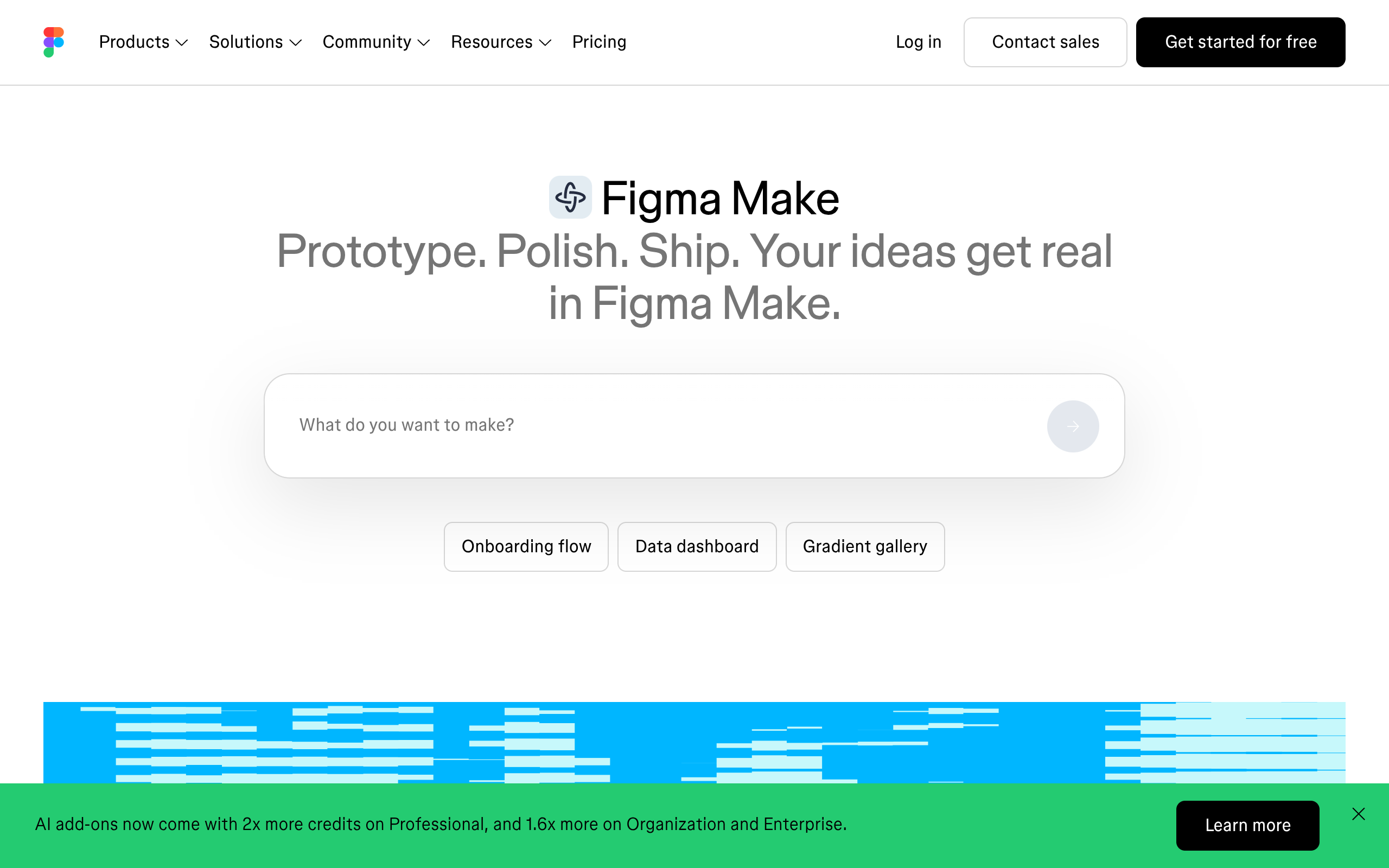
Hosting a published Make file costs nothing extra. Figma states plainly that while publishing is in beta, hosting is included as part of your existing paid plan.
Published apps run on Amazon Web Services with domain and routing served by Cloudflare, at a URL shaped like three random words on figma.site.
Custom domains are also free during the beta, with a caveat Figma wrote down itself: custom domains are free of charge through 2025 and the limits are subject to change after 2025. The count is shared between Figma Make and Figma Sites, and Professional plans can connect ten.
The Education plan has its own line. It includes one published Figma Make file, subject to bandwidth limitations.
One, not one per student.
There is one genuinely free thing worth noting alongside all this. The Figma agent, the conversational tool inside Figma Design, is free to use during its beta and consumes no AI credits for any prompt or action.
Figma has said standard credit usage will apply once it reaches general availability.
When the Free Tier Is Genuinely Enough
It is easy to write off 500 credits, and that would be wrong. There is a real job the free tier does well, and it is narrower than most people assume.
- Testing whether one specific interaction feels right before you finish the design.
- Turning a static frame into something a client can click through in a review call.
- Learning the tool, so you know what it is good at before you commit a project to it.
- Publishing a personal portfolio piece where the Figma Community requirement is not an obstacle.
What it does not cover is iteration. The first generation is the cheap part of any AI build, and the twenty corrections afterwards are where the budget goes.
A free tier that funds about five from-scratch generations funds roughly one real project, and only if you get it nearly right the first time.
The Comparison Nobody Runs
Here is the part that changes the decision for anyone building websites rather than prototypes. Figma Make and a WordPress workflow are priced on completely different units, and the difference compounds over a project rather than over a month.
Make charges per prompt. Every correction, every change of mind, every “actually make the hero taller” draws from the allowance, and the meter keeps running for as long as the client keeps asking for changes.
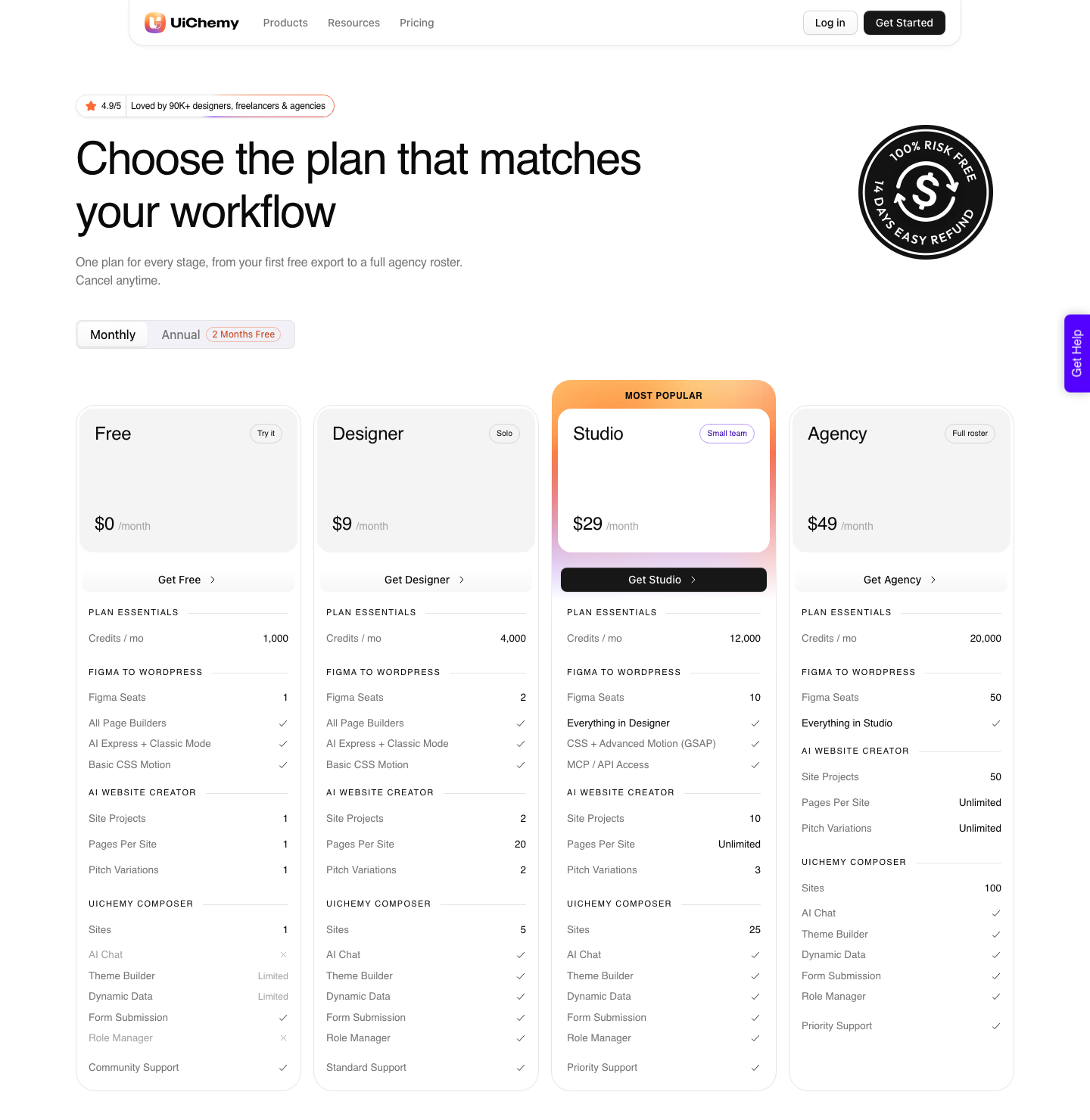
UiChemy charges credits for the build step, and everything after it happens in the WordPress editor at no further cost.
It is worth being precise about what UiChemy is now, because the old one-line description no longer fits. It is one platform with four ways in.
Figma to WordPress takes an approved design. AI Website Creator takes a text prompt or a client brief and returns a whole site, from scope to sitemap to pages.
AI to WordPress moves an existing Lovable, Claude, Bolt or v0 build across. UiChemy Composer writes real HTML, CSS and JavaScript from a prompt inside Elementor.
Same credit pool, same destination: native WordPress you can keep editing.
| Figma Make | UiChemy | |
|---|---|---|
| Free tier | Starter, 500 credits a month, 150 a day | Free plan, $0 a month, 1,000 credits |
| What the free tier includes | Make in drafts, no team libraries | All page builders, AI Express and Classic, 1 Figma seat, 1 Composer site |
| Entry paid price | $16 a month for a Professional Full seat | $9 a month for Designer, 4,000 credits |
| What the meter counts | Every prompt, including corrections | Conversions, site plans and Composer chat edits |
| Cost of editing afterwards | More credits, every time | Nothing, you edit in the builder |
| Unused allowance | Expires monthly, no rollover | Balance refreshes monthly, top up between refreshes |
| Money-back guarantee | Not offered on seats | 14 days on every plan |
AI Express Mode converts an approved frame with no layer tagging and outputs to Elementor today, with Gutenberg and Bricks named as coming next.
Classic Mode covers Elementor, Elementor v4 Atomic, Gutenberg, Bricks, Nexter Blocks, GenerateBlocks, Spectra and Kadence right now. Both modes are on every plan, the Free one included, and both draw from the same credit balance.
The gates that do move with the plan are Advanced Motion with GSAP and MCP or API access, which start on Studio at $29 a month.
How to Spend Less in Figma Make
If Make is the right tool for the job, these are the levers Figma itself names, in the order they save the most.
- Use Auto fix and Fix for me. Error correction consumes no additional credits because the model adjusts what is already there. Re-prompting to fix the same error does cost credits.
- Start a fresh file for a new direction. Chat history is context, and context is charged on every turn, so a two-hour conversation is expensive to continue.
- Pick the model deliberately. Several are available in Make and each prices differently, so the picker is a cost control as much as a quality control.
- Attach less. Larger and more content-dense files require more processing, which increases consumption directly.
- Use plan mode on big builds only. It is charged separately from the build, and it earns that back only when a wrong first build would have cost more.
- Check the balance. Open the file main menu and select AI balance to see what you have used, what is left and when it resets.
Frequently Asked Questions
Is Figma Make free?
Yes on the Starter plan, within limits: 150 AI credits a day capped at 500 a month, no team libraries for style context, and publishing to the public web only if you also publish to the Figma Community. On paid plans it is included with the Full seat rather than sold separately.
How much does Figma Make cost per month?
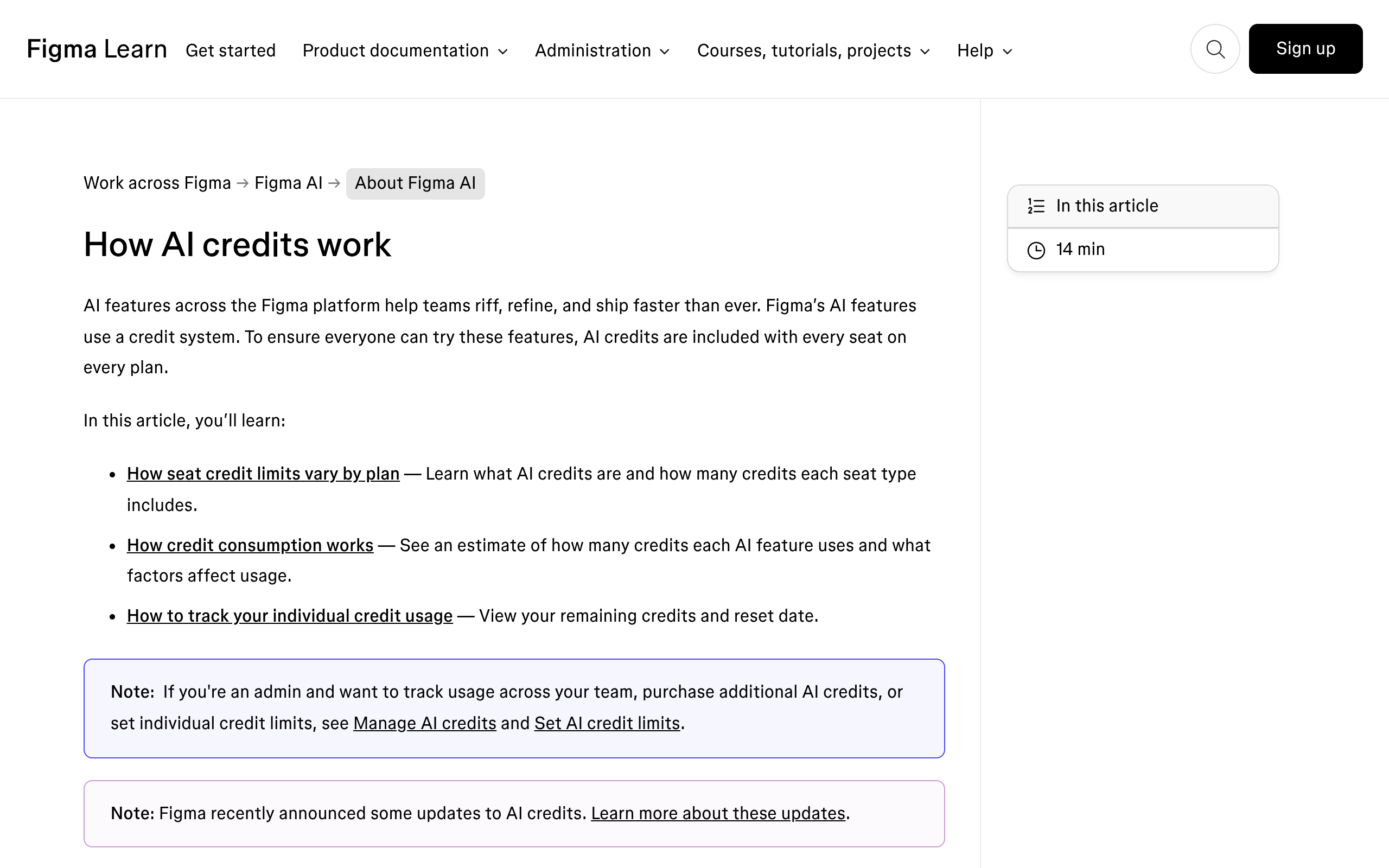
Nothing on its own. The cheapest seat that gives full Figma Make access is a Professional Full seat at $16 a month, which carries 3,000 AI credits.
Organization Full seats are $55 a month billed annually with 3,500 credits, and Enterprise Full seats are $90 a month billed annually with 4,250.
Do unused Figma AI credits roll over?
No. Credits reset monthly, do not roll over, and cannot be shared or transferred to another user.
They are also tied to a specific plan, so being on two plans gives you two separate allocations that do not combine.
Can I publish a Figma Make app for free?
On a paid plan, yes, and hosting is included while publishing is in beta. On Starter you can publish to the public web only if you also publish to the Figma Community, which makes the file itself public.
Education plans include one published Make file, subject to bandwidth limits.
What happens when I run out of credits?
AI actions stop until the reset date. Figma shows an in-product message and, in some cases, an option to request more from your admin, who can raise your limit, buy credits for the plan, or wait for the reset.
On Starter and View seats hitting the daily cap only pauses you until the next day.
Is there a cheaper way to get a real website out of a Figma design?
For a site rather than a prototype, usually yes. UiChemy has a Free plan at $0 a month with 1,000 credits, and paid plans start at $9.
It charges for the build rather than for every prompt, and it leaves you with a page anyone on the client’s team can edit without spending anything further. If you have no Figma file at all, AI Website Creator will take the client brief instead and plan the whole site from it.
The Short Version
Figma Make is free in the way a sample is free. Five from-scratch generations a month, no design system context, and publishing that forces your work into the Figma Community.
That is enough to learn the tool and to answer one design question, which is genuinely worth having.
The moment the work turns into a site somebody has to maintain, the per-prompt meter is the wrong unit. What you want then is a build step that ends in real WordPress, whether you start from the Figma file, from the brief, or from an AI build you already have.
Our fuller review of what Figma Make produces and where it stops covers that boundary in detail.
Primary sources for this piece: the Figma pricing page, How AI credits work, the Figma Make FAQs, the publishing documentation and the Figma Make product page, all fetched on 8 September 2026.