Figma Make, Reviewed by Someone Who Ships to WordPress
 Sagar Patel
A client approved a homepage in Figma on a Tuesday. By Wednesday afternoon the same frame was a working, clickable web app on a three-word figma.site URL, built by Figma Make from one prompt and about forty minutes of corrections.
On Thursday the client asked where the blog goes, who edits the pricing table when the prices change, and whether their SEO person can get into it.
That is the honest shape of Figma Make. It is very good at the first two days and it was never designed for the third.
Figma describes it on its own product page as prompt to code, and the help centre calls it an AI-driven, prompt-to-app tool for functional prototypes, web apps and interactive UI.
Everything below was checked against Figma’s product pages, help centre and pricing page on 8 September 2026. Where a feature carries a beta label, the label is stated, because a closed beta is not something you put on a client invoice.
What Figma Make Actually Produces
Make has two panes: an AI chat where you prompt, and a preview where the generated app runs. Everything it builds is real code, and Figma ships a code editor inside the file so you can read and change it.
That is the difference between Make and an image generator dressed up as a builder.
You seed it with design context rather than description. Click the plus, choose Attach a design, and paste the URL of the frame you want.
You can also paste frames and components straight into the chat, or add images, video, audio, text files and PDFs as attachments.
Figma is explicit that pasting a link to a Figma file into the prompt box does not work the way people expect: the model may try to interpret the URL itself rather than the file behind it.
Once something exists, you stop prompting blind. The edit tool lets you select an element in the running preview and change padding, margins, colours and text properties directly, and annotations let you mark several elements across a screen and submit them together as one prompt.
Figma notes that the edit tool, properties panel and annotations only appear in new Make files, so an older file keeps the previous interface.
Two features change the quality of what comes back more than prompt wording does. Make kits let you feed in npm packages, library styles and written guidelines so the output uses your design system rather than a generic one.
Plan mode makes Make write a structured, editable plan before any code is generated, which you approve before clicking Build.
Who Can Use It, By Seat And Plan
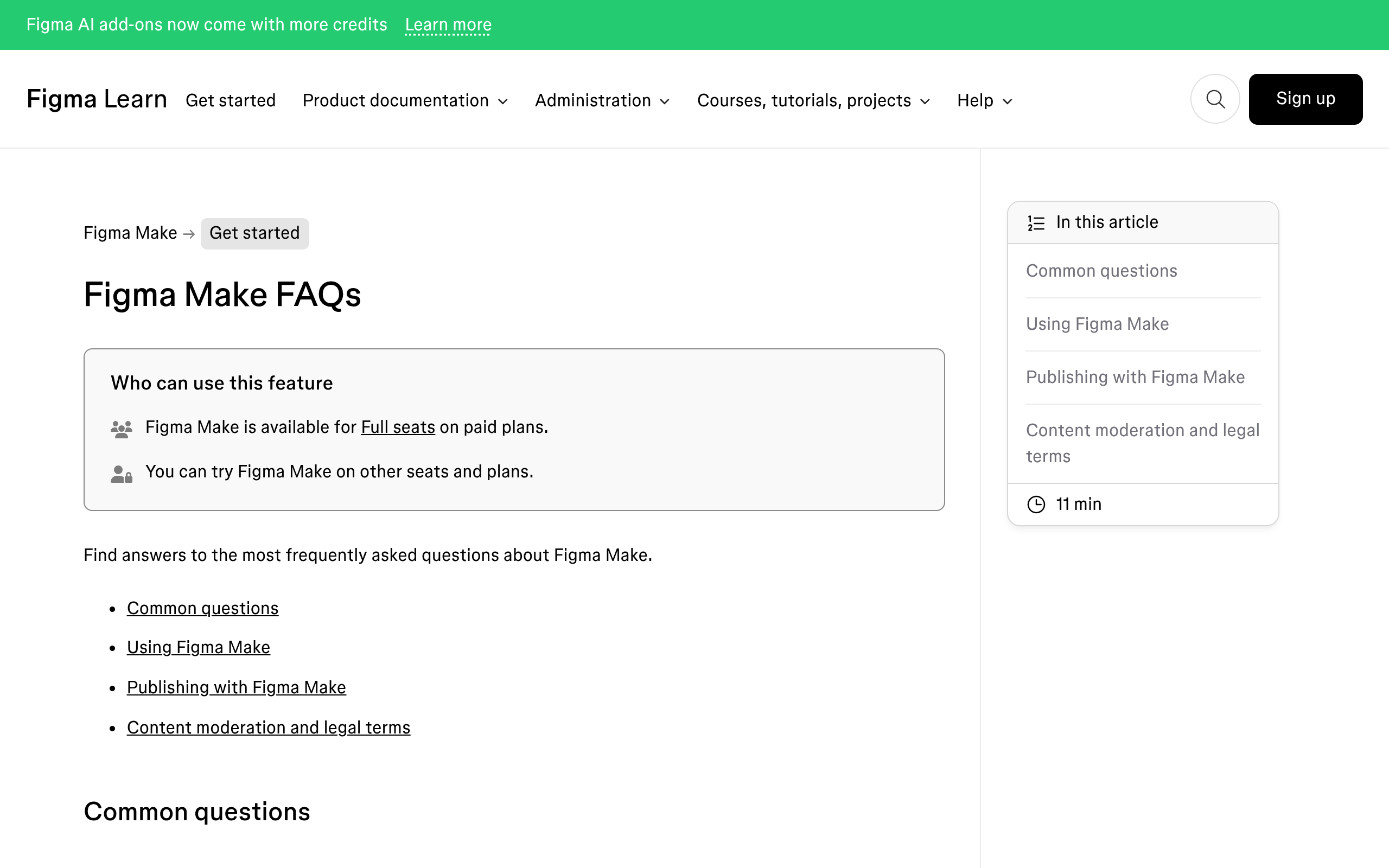
Figma Make is included on the Full seat on paid plans. Every other seat can try it, but only inside drafts, and the limits are sharp enough to break a team workflow if nobody checks them first.
| What you want to do | Full seat | Dev seat | Collab seat | View seat |
|---|---|---|---|---|
| Create Make files in folders or teams | Yes | No | No | No |
| Create Make files in drafts | Yes | Yes | Yes | Yes |
| Share a Make file with a teammate | Yes | No | No | No |
| Attach designs to a prompt | Yes | In drafts | In drafts | In drafts |
| Bring style context from a library | Yes | In drafts | In drafts | In drafts |
| Export the code | Yes | Yes | In drafts | In drafts |
| Publish to the public web | Yes | No | No | No |
Starter plans get a real, if narrow, way in. You can build with Make on a Starter plan, but you cannot use team libraries to bring style context, because team libraries are a paid feature, and you can only publish to the public web if you also publish to the Figma Community.
Figma Make is not available to K-12 Education users, though higher education and bootcamp accounts do get it.
What A Prompt Costs In Credits
Every seat on every plan carries a monthly AI credit allowance. Full seats get 500 credits a month on Starter, 3,000 on Professional, 3,500 on Organization and 4,250 on Enterprise.
Dev, Collab and View seats get 500 a month regardless of plan, and Starter and View seat users also carry a daily ceiling of 150 credits.
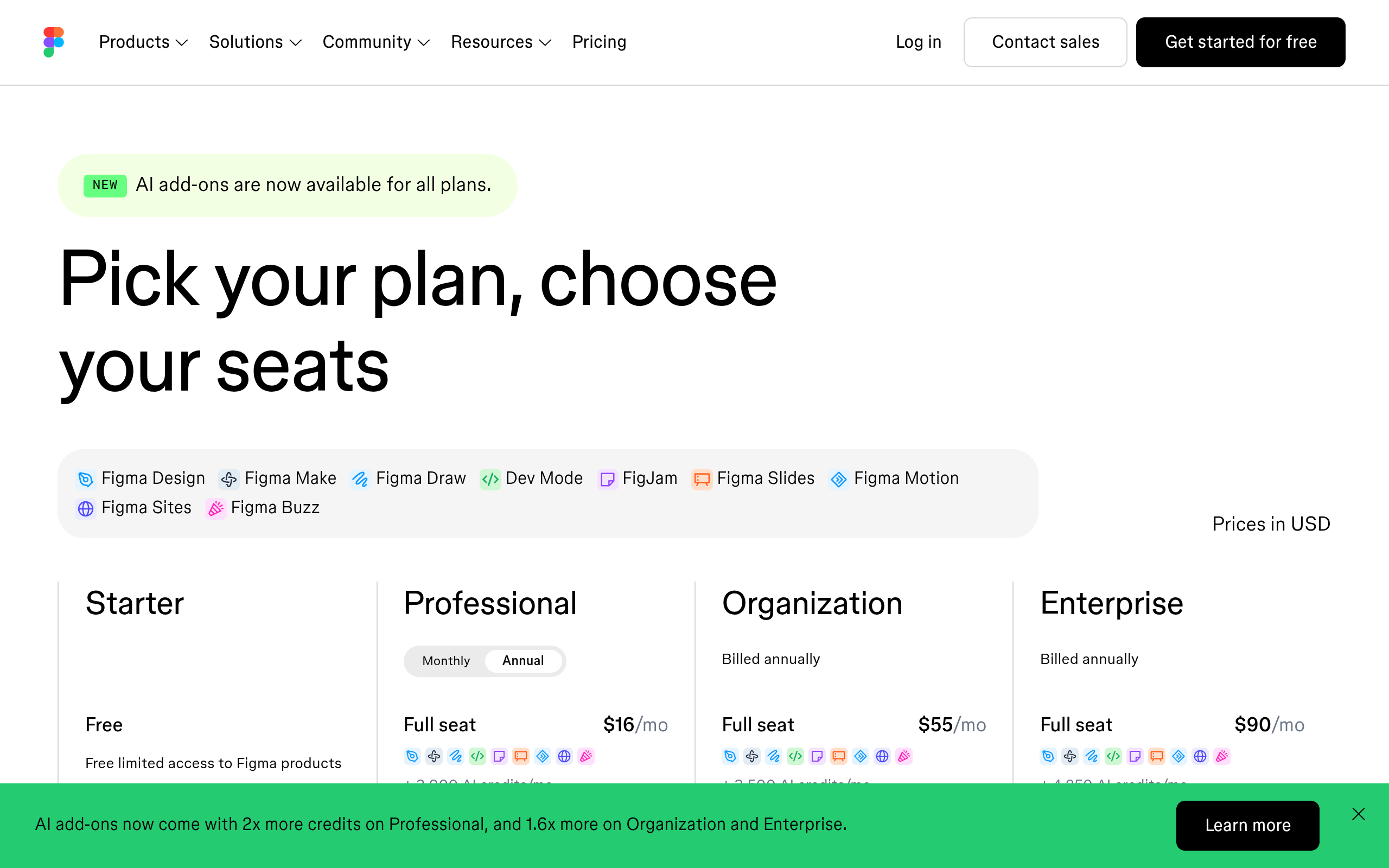
Credits reset monthly, do not roll over, and cannot be shared or transferred between users. Undoing an AI action reverts the change in your file but does not refund the credits, because the task was already processed.
Figma’s own worked examples give a useful floor for planning.
| Task in Figma Make | Approximate credits | What that means at 3,000 a month |
|---|---|---|
| Change the font | 30 or more | A trivial correction still costs real budget |
| Make an attached design interactive | 75 or more | Roughly 40 passes a month at this size |
| Generate an app from scratch | 100 or more | Complex logic pushes this well past 100 |
| Auto fix or Fix for me on an error | Free | Fixing in place beats re-prompting |
| Plan mode, before the build | Charged separately from the build | Two charges, usually fewer corrections after |
The unglamorous lever is context. Attached files, design libraries and long chat history all get processed on every turn, so a conversation that has run for two hours costs more per prompt than the same request in a fresh file.
If you want the full arithmetic, our piece on how Figma Make credits are consumed works through it, and the wider Figma AI credit system covers the features outside Make that draw on the same pool.
Make On Your Local Codebase Is Still Closed Beta
This is the feature people quote at me most often and describe least accurately.
Figma Make can connect to a GitHub repository, open your real app inside Make with real data, let you change the UI by prompt or by properties panel, and then create a branch and open a pull request without leaving Figma.
Each prompt that changes code is saved as a local commit, so you can step back through the work.
It is also, in Figma’s own words, available to try for free in closed beta for a limited number of users. You join a waitlist at figma.com/join-waitlist-make and joining does not guarantee access.
The beta is Mac only and requires the Figma Beta desktop app.
The version control support is uneven in a way that matters. GitHub is fully supported including cloning, pushing branches and creating pull requests, and GitHub Enterprise Cloud is supported.
GitHub Enterprise Server is not supported at all. GitLab and Bitbucket are partially supported through SSH: cloning and pushing branches work, pull request creation does not.
There is also a setup cost nobody mentions in the demos.
Each repository needs a one-time configuration by an engineer, in the form of a .figma/make folder at the repository root holding five files: setup, install, dev, verify and env.
The first four are shell scripts that must return exit code 0 on success and be safe to run repeatedly, and env must declare PORT and FIGMA_MAKE_URL. That is a real engineering task before a designer touches anything.
Publishing A Make File To The Web
Publishing gives your prototype a dedicated public URL in the shape three-random-words.figma.site. Hosting is on Amazon Web Services with the domain and routing served by Cloudflare, and while publishing is in beta the hosting is included in your existing paid plan at no separate charge.
You get more control than the URL suggests. The Make settings modal carries title, meta description, language code, a Google Analytics ID field, favicon, social sharing image, a noindex toggle and custom code slots for the head and body.
Organization and Enterprise plans can publish to an internal audience instead of the open web, and any plan can put a password on the published app.
Two limits are worth reading twice. Published Make files are not indexed by search engines by default, so a site you publish and forget will never rank.
And Figma states plainly that Make optimises published files automatically but does not currently offer specific customisability for SEO. Custom domains are available, with the count shared between Figma Make and Figma Sites, and Professional plans capped at ten.
Where Figma Make Stops Being The Right Tool
The failure is never the generation. It is the handover.
A published Make app is edited by prompting Figma Make, which means the only people who can change it are people with a Full seat, an AI credit balance and the confidence to talk to a model about production code.
Four specific gaps come up on real client work. There is no analytics dashboard, only a Google Analytics field and custom code slots.
There is no content model, so an eight-post blog is eight hand-built screens. SEO customisability is not offered today.
And copying a preview back into Figma Design as layers is a one-way snapshot: Figma is explicit that changes to those layers are not applied back to the Make file and the layers are not tied to your design system.
None of that makes Make a bad product. It makes it a prototyping and shipping tool for product teams, which is exactly what Figma says it is.
If the deliverable is a marketing site that a client’s marketing coordinator has to update every week, the shape of the job is different.
The WordPress Route For The Same Figma Frame
The same approved frame can go somewhere else entirely.
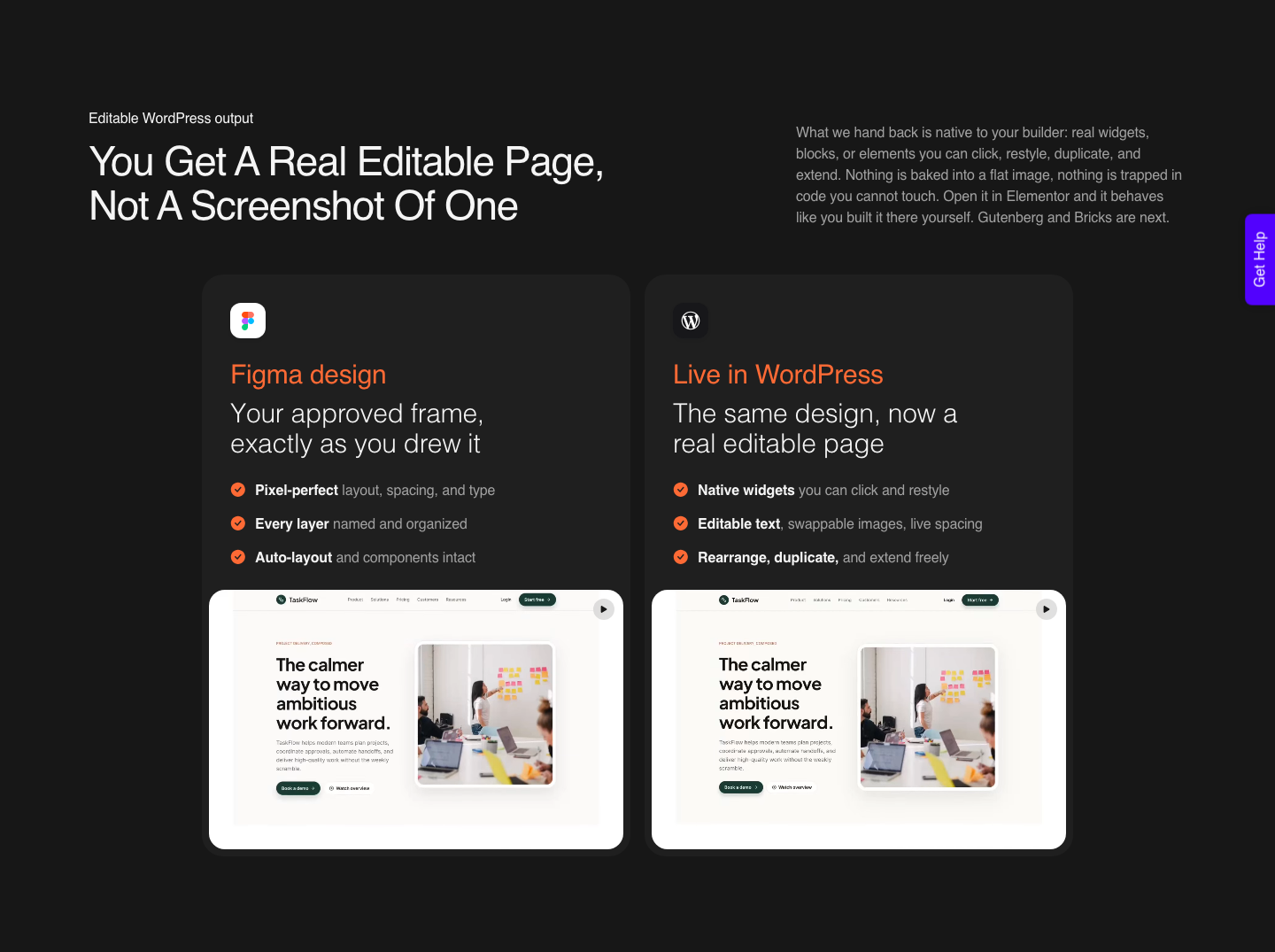
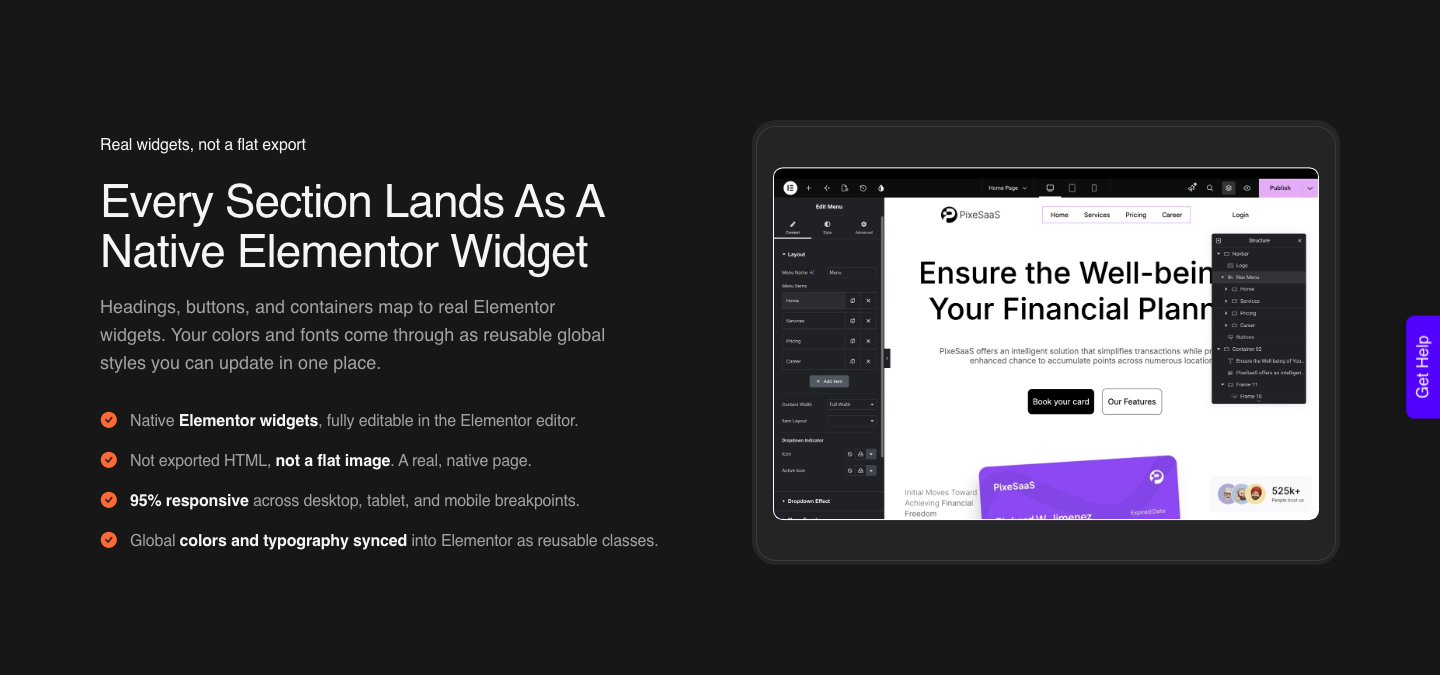
UiChemy converts a Figma frame into native Elementor widgets rather than into generated code, which means the page that lands in WordPress is editable by anyone who can already use the editor.
No Figma seat, no credit balance, no prompt.
Be precise about what runs where. AI Express Mode needs no layer tagging and outputs to Elementor today, with Gutenberg and Bricks named as coming next.
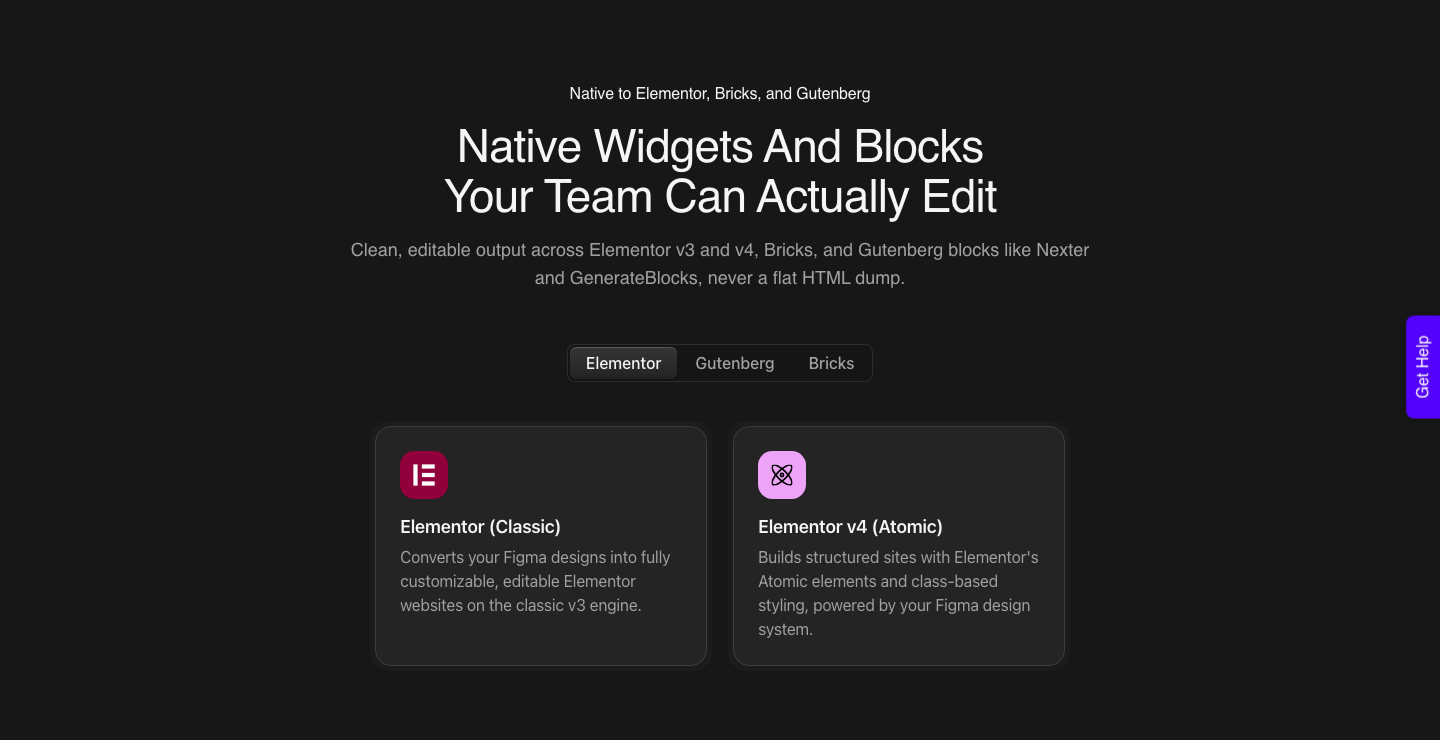
Classic Mode requires you to tag layers and covers Elementor, Elementor v4 Atomic, Gutenberg, Bricks, Nexter Blocks, GenerateBlocks, Spectra and Kadence right now.
Both modes are on every plan, the $0 Free tier included, and both spend from the same monthly credit allowance.
And if what you actually liked about Make was starting from a sentence rather than a frame, that route exists here too.
AI Website Creator takes a prompt or a client brief, produces a sitemap and then the pages, and exports to Elementor. Gutenberg export is marked Soon on every plan including Agency, so do not promise it yet.
UiChemy Composer covers the other half: one widget inside Elementor where AI writes real editable HTML, CSS and JavaScript, which is also how a Lovable, Claude, Bolt or v0 build gets brought across.
| Figma Make | UiChemy to WordPress | |
|---|---|---|
| Output | Generated code, running as a web app | Native builder widgets on your own site |
| Who can edit it afterwards | A Full seat with AI credits, by prompt | Anyone who can open the WordPress editor |
| Where it is hosted | figma.site on AWS, free during the beta | Your host, your domain, from the first minute |
| Blog and content model | Hand-built screens | The WordPress post type you already have |
| SEO control | Automatic, no specific customisability offered | Whatever your SEO plugin exposes |
| Responsiveness | Handled by the generated code | Automatic in AI Express, tuned in the responsive manager |
| Cost model | AI credits per prompt, from the seat allowance | Credits per conversion, from $0 a month on the Free plan and $9 on Designer |
The prep matters more than the tool. A frame with sloppy auto layout and unnamed groups converts worse than a tidy one, in every direction, into Make or into WordPress.
Our notes on optimising a design before export are the shortest route to a better first result.
A Working Sequence For Using Both
The two tools stop competing once you give each one the job it is good at. Make earns its credits before the design is signed off, when you need to know whether an interaction feels right.
WordPress earns its place after, when the thing has to be maintained by other people.
- Design the frame in Figma Design with clean auto layout and named components.
- Attach that frame in Figma Make and prompt for the interaction you are unsure about, not the whole site. At roughly 75 credits for making an attached design interactive, one focused question is affordable.
- Use plan mode when the request is large enough that a wrong first build would cost more than the extra planning charge.
- Publish the Make file to its figma.site URL and put that link in front of the client for approval.
- Once approved, convert the original Figma frame into WordPress rather than trying to port the generated code.
- Finish the last 30% in the builder, where your client’s team can reach it.
Step five is the one people argue with, and it is the one that saves the most time. Generated React is not a shortcut into a WordPress theme, and unpicking it costs more than converting the design that produced it.
If you are weighing the prompt-to-code tools against each other first, our comparison of Figma Make alternatives covers that ground.
Frequently Asked Questions
Is Figma Make free?
There is a free route rather than a free product. Starter plans can use Figma Make, with 500 AI credits a month on a Full seat and a daily ceiling of 150, no team libraries for style context, and publishing to the public web only if you also publish to the Figma Community.
On paid plans Make is included with the Full seat, and the credits are the real cost.
Can Figma Make open a pull request in my repository?
Yes, in the closed beta of Make in your local codebase, and only on GitHub or GitHub Enterprise Cloud. GitHub Enterprise Server is not supported.
GitLab and Bitbucket users can clone over SSH and push branches, but pull request creation from inside Make does not work for them. The beta is Mac only and runs in the Figma Beta desktop app.
Can I see what a prompt will cost before I run it?
No. Figma says that because the model decides which actions it needs to take, the cost cannot be predicted in advance.
After a task completes you can hover the AI credits icon below the prompt to see what it consumed, and your own usage history is the most accurate guide you will get.
Can I move a Figma Make app into WordPress?
Not directly, and trying is usually the wrong move. Make produces a code-backed app, not builder markup.
The route that works is converting the original Figma frame into native WordPress widgets, which gives you a page your client’s team can edit without touching code or spending credits.
Will a published Figma Make site show up in Google?
Not by default. Figma states that published prototypes and web apps are not indexed by search engines unless you change the discoverability setting, and that Make does not currently offer specific customisability for SEO beyond title, meta description and the custom code slots.
The Short Version
Figma Make is the fastest way to turn an approved frame into something people can click, and the credit maths is manageable if you prompt in focused questions rather than open conversations. Treat the local codebase beta as a preview, not a plan, until it leaves closed beta and supports more than Mac and GitHub.
For anything that a client has to own after you hand it over, the deliverable is a WordPress page, and the shortest honest path there is converting the design rather than the code.
Primary sources for this piece: the Figma Make product page, Explore Figma Make, the Figma Make FAQs, Make in your local codebase, How AI credits work and the publishing documentation, all fetched on 8 September 2026.