Node.js and npx: The Prerequisite That Quietly Breaks MCP Setups
 Sagar Patel
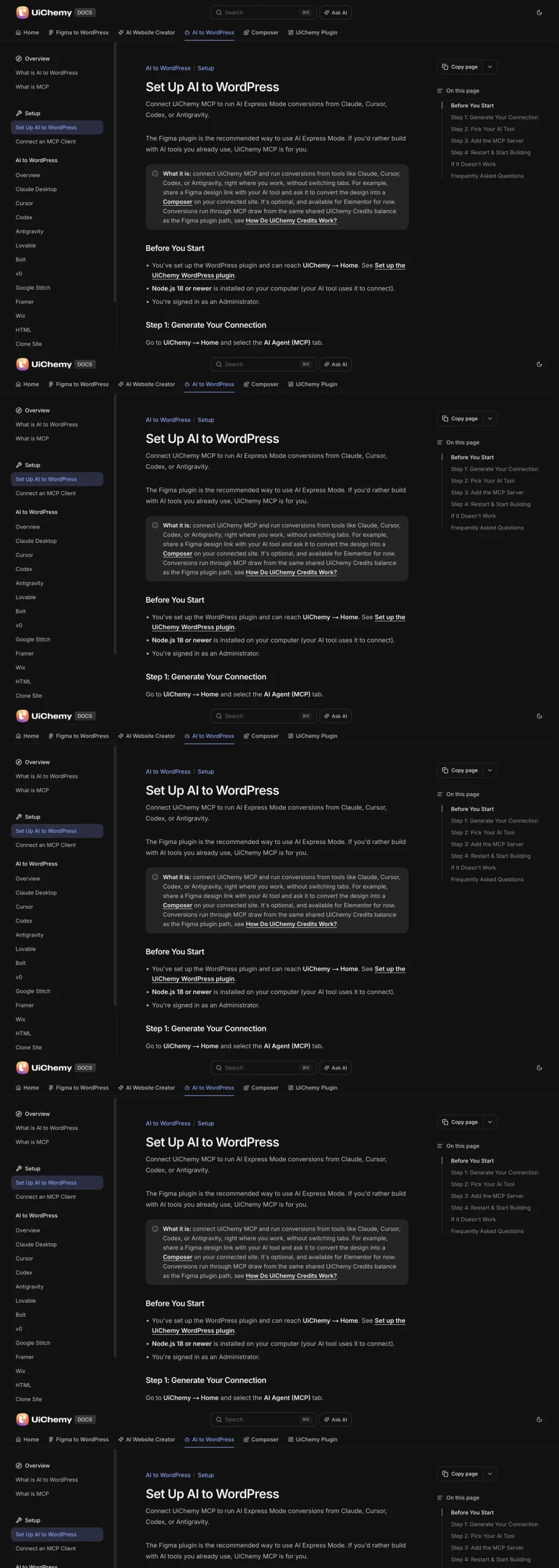
WordPress MCP setups usually run through npx, which ships with Node.js. If the tool does nothing after you paste the config, check four things in order: node -v shows 18 or newer, npx runs, your AI app can see them on its PATH, and you fully restarted the app after saving the config.
The config file gets all the attention, but it is rarely the culprit. The UiChemy setup docs list Node.js 18 or newer as a requirement for exactly this reason, and the config differences between Claude Desktop, Cursor and Codex matter far less than whether the command in that config can start at all.
Why npx Is in Your Config at All
The UiChemy MCP config has a command of npx and arguments of -y and @automattic/mcp-wordpress-remote. That package is a small bridge. Your AI app starts it as a local process, and the bridge talks to your WordPress site’s MCP endpoint over HTTP, using your Application Password.
So there are really two things that have to work. The bridge process has to start on your computer, and then it has to reach your site. Node.js and npx decide the first part. Your site, credentials and URL decide the second. Most people debug the second part because that is where the config text is, while the first part fails silently.
The flag -y tells npx to download the package without asking for confirmation. In a background process nobody can answer a prompt, so without that flag the start-up would hang.
The Four Checks, in Order
1. Is Node.js installed, and is it 18 or newer?
Open a terminal and run:
node -vYou want v18.0.0 or higher. If you get “command not found”, install Node.js from nodejs.org. If you get something older than 18, upgrade it. The UiChemy docs state Node.js 18 or newer is needed because your AI tool uses it to connect.
2. Does npx run?
npx --versionnpx comes bundled with Node.js and npm, so if node works and npx does not, the install is damaged or partial. Reinstall Node.js rather than patching around it.
3. Can the bridge package start?
npx -y @automattic/mcp-wordpress-remoteWithout environment variables this will not connect to anything, and that is fine. What you are testing is whether the package downloads and starts, or whether you hit a network, proxy or permissions error. Stop it with Ctrl+C. If a corporate proxy blocks the npm registry, you will see it here and not in the AI app.
4. Can your AI app see the same Node.js?
This is the check people skip, and it has its own section below.
The PATH Problem Nobody Mentions
A command that works in your terminal can fail inside a desktop app. Desktop apps often start with a smaller environment than your shell, so the PATH entries added by your shell profile may not exist for them.
This is a widely known behavior of how operating systems launch graphical apps, and it hits Node installed through version managers hardest, because those add themselves to the PATH through the shell profile.
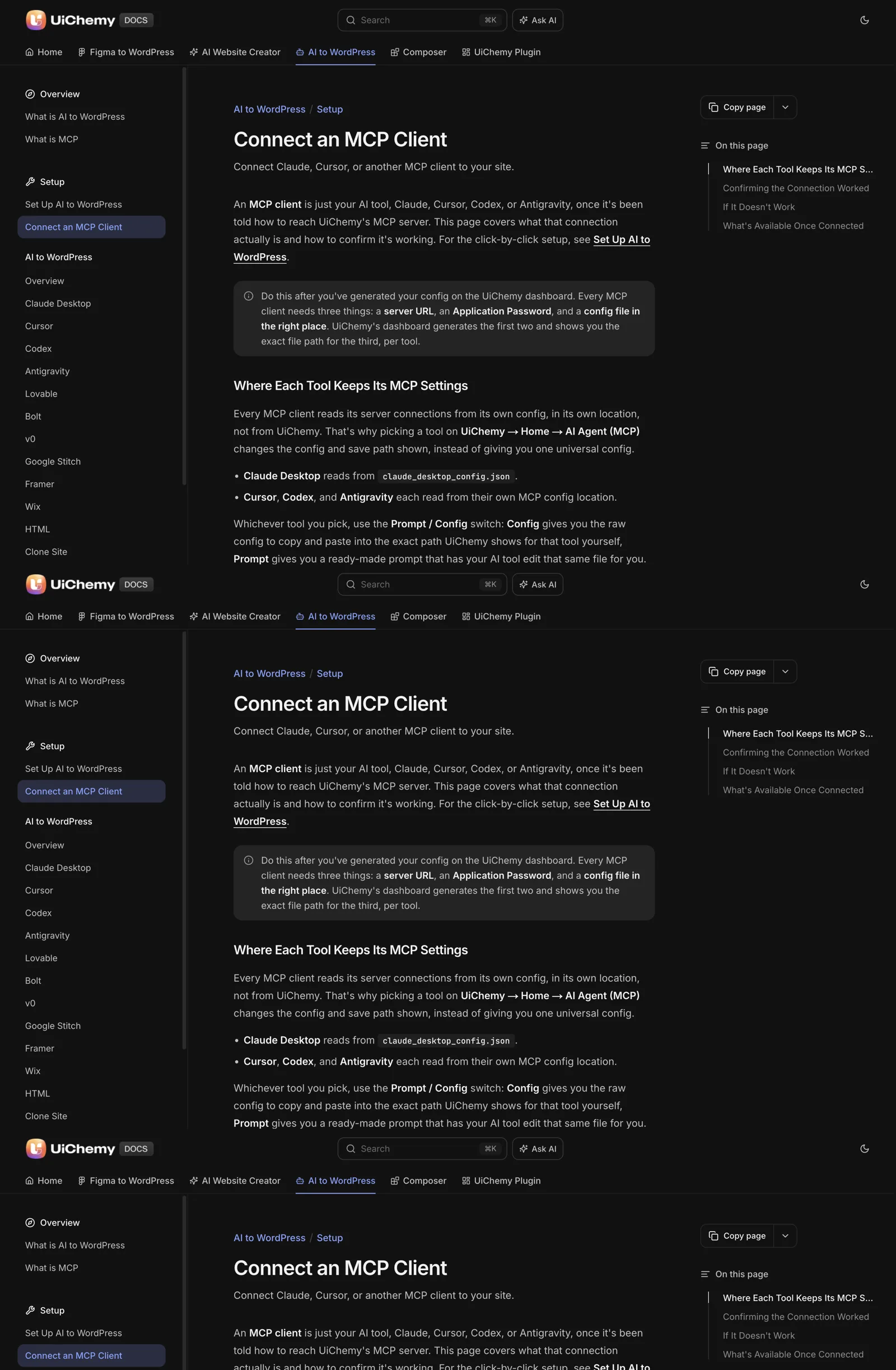
Signs this is your problem: node -v works in the terminal, the config is correct, and the app still cannot start the server. To confirm, find where the terminal gets node from:
# macOS or Linux
which node
which npx

# Windows (Command Prompt)
where node
where npx
If the path points into a version manager folder, you have two options. You can launch the AI app from a terminal so it inherits your shell environment, or you can install a system-wide Node.js that lives in a standard location.
The UiChemy docs also offer a Prompt mode on the dashboard, where you paste a ready-made prompt into your AI tool and it edits its own config after checking that Node.js 18 or newer and npx are available. That check runs from the app’s own point of view, which is the one that matters.
Symptoms and What They Mean
| What you see | Likely cause | First fix |
|---|---|---|
| Tool says it has no such capability | Config saved to a path the app does not read | Reopen the connection screen, re-check the exact path, paste again |
| Config pasted, nothing changed | App not restarted | Quit fully and reopen |
| Server fails to start, command not found | Node.js or npx missing from the app’s PATH | Run which node, then install system-wide or launch from terminal |
| Starts, then errors on connect | Wrong WP_API_URL, wrong username or stale password | Generate a new connection and copy exactly |
| Generic or made-up answers about your site | Server not actually called | Treat as not connected, recheck path and restart |
| Download errors from npm | Network, proxy or permissions | Run the npx command by hand to see the full error |
The first, second and fifth rows come straight from the troubleshooting list in the UiChemy page on connecting an MCP client. The remaining rows are general Node.js and npm behavior.
Why a Restart Is Not Optional
Most MCP clients read their config only on startup. A running session will not pick up a new connection, however correct the file is. Close the app completely (on macOS that means quitting from the menu, not closing the window), then reopen it.
Then confirm with a question that needs real data: ask it to list the pages on your site. Real page titles mean the bridge is running and calling your site.
If you are working through the first-time flow, the guide to connecting Claude to WordPress with UiChemy MCP walks the whole sequence, and the docs page for Set Up AI to WordPress has the exact steps. Credentials are their own topic: an old, rotated Application Password fails silently too, and how to handle Application Passwords covers keeping them current.
If you are connecting a design tool next, the same checks apply to the Figma pairing in Figma MCP plus UiChemy.
Copyable Triage Sheet
Paste this into your notes and tick it off top to bottom. Stop at the first line that fails.
MCP will not connect: triage

[ ] 1. node -v prints v18 or higher
[ ] 2. npx --version prints a version
[ ] 3. npx -y @automattic/mcp-wordpress-remote starts without a download or permission error
[ ] 4. which node (or where node) points somewhere the AI app can also see
[ ] 5. Config saved to the exact path shown on the connection screen
[ ] 6. WP_API_URL looks like https://yoursite.com/index.php?rest_route=/uichemy/v2/mcp
[ ] 7. WP_API_USERNAME is an Administrator, password is the current Application Password
[ ] 8. AI app fully quit and reopened
[ ] 9. Asked it: "List the pages on my site." Got real titles back

If 1 to 4 pass and 9 fails: the problem is credentials or URL, not Node.
If 1 to 3 fail: fix Node first, nothing else matters yet.
A last tip for agencies: write down the Node.js version on every machine that runs MCP clients, next to the AI app version. When something breaks after an update, you have a baseline to compare against. The broader question of judging a server before you trust it is in how to evaluate any WordPress MCP server.
Fixing Node.js on Common Setups
If the first check fails, the fix depends on how Node.js reached your machine. The table lists the common situations and the fix I would try first. It is general guidance, so check your own installer’s documentation if something differs.
| Situation | Symptom | Fix |
|---|---|---|
| Node.js was never installed | “command not found” for node | Install a current release from nodejs.org, then open a new terminal |
| An old version is installed | node -v prints a number below 18 | Upgrade to a current release |
| Installed through a version manager such as nvm | Works in the terminal, fails in the AI app | Install a system-wide copy, or launch the app from a terminal |
| Several versions installed | Different versions in different windows | Run which node or where node and remove the extras |
| Work laptop with restrictions | Install or download is blocked | Ask your IT team, or use a machine where you can install software |
After any change, open a new terminal window before you test. An already-open window keeps its old environment, which makes a correct fix look like it failed.
With a version manager, the usual commands install a long-term-support release and switch to it. Even then, the AI app may not inherit that choice, which is why the PATH check matters. When in doubt, use the Prompt option in the UiChemy dashboard so the app checks Node itself.
Reading the Error Messages You Might See
When the bridge fails to start, the client usually shows a short error or writes one to a log. A few messages appear again and again. This table translates them. The meanings are standard Node.js and operating system behaviour.
| Message contains | Usually means | What to try |
|---|---|---|
| ENOENT | A file or command could not be found | Check that npx is on the app’s PATH and the config path is right |
| EACCES | Permission denied | Check folder permissions, avoid running with elevated rights unless required |
| ECONNREFUSED or ETIMEDOUT | The site or registry could not be reached | Check the URL, your network, a firewall or a proxy |
| 401 or 403 from the site | The credential was rejected | Generate a new connection and copy the values again |
| 404 from the site | The MCP route was not found | Check the URL form and that the plugin is active |
A 401 or 403 means the bridge started and reached your site, so Node is fine. That is useful to know, because it tells you to stop looking at Node and look at the credential, as described in the Application Passwords guide.
Copy the exact text of an error rather than describing it from memory. Small details, such as the name of a missing file, often point straight to the cause.
Keep a Baseline for Every Machine
MCP setups break most often after something changes: an operating system update, a Node.js upgrade or an AI app update. A short baseline note makes the change easy to find. It takes five minutes per machine.
MCP MACHINE BASELINE
Machine / owner: ____________
Date checked: ____________
Operating system and version: ____________
Node.js version (node -v): ____________
npx version (npx --version): ____________
Where node lives (which node / where node): ____________
AI app and version: ____________
Config file path: ____________
Sites connected (names only, no passwords): ____________
Last successful test ("List the pages on my site"): ____________
When something stops working, run the same commands and compare. A changed Node.js path or a new version often explains the break in seconds. Never write a password into the baseline. Site names are enough.
If you support a team, keep one baseline per person and review them whenever you roll out a new tool. For the questions to ask of a server itself once your machines are healthy, read the security checklist before giving an AI agent WordPress access and what WordPress MCP is for the wider picture.
FAQ
Which Node.js version do I need for WordPress MCP?
The UiChemy docs ask for Node.js 18 or newer. Run node -v in a terminal to check. If it prints an older version or nothing at all, install a current release from nodejs.org. Other MCP servers may have their own minimums, so read each project’s requirements before you assume.
What does npx -y do in an MCP config?
npx runs a package from the npm registry without installing it permanently, and the -y flag answers the confirmation prompt automatically. Since your AI app starts the process in the background where nobody can type a reply, -y keeps the start-up from stalling. The package here is @automattic/mcp-wordpress-remote.
Why does node work in my terminal but not in my AI app?
Desktop apps often start with a smaller environment than your shell, so PATH entries from your shell profile may be missing. Check where node lives with which node or where node. Use a system-wide install, or launch the app from a terminal, or use the dashboard’s Prompt option so the app checks Node itself.
Do I need to restart my AI app after editing the MCP config?
Yes. Most MCP clients read their config only when they start, so a running session will not notice a new or changed connection. Quit the app completely and reopen it. Then ask it to list the pages on your site to confirm the connection returns real data.
Can the connection work without Node.js?
Not through the npx config, since the bridge package needs Node.js to run. The UiChemy docs note that the Figma plugin path works without MCP, so if you cannot install Node.js on a machine, you can still use that route for Figma conversions.
When the prerequisites are green and you want to try the connection on a real site, Get Started and follow the setup page step by step.
Every feature named in this post is listed by product: all UiChemy features, UiChemy Composer features.