Best AI Website Builder: What The Roundups Miss
 Sagar Patel
A client approved a Figma frame on Friday. The site is WordPress, the builder is Elementor, and the page has to be live before a campaign opens on Wednesday.
You search for the best AI website builder and the first several results are roundups that rank a dozen tools on how good the first generated screen looks.
That first screen is the part nobody has trouble with any more. The trouble starts in week three, when the client asks for a new pricing row, the developer asks where the page lives, and someone finally checks whether Google can see it.
Those questions have documented answers, and almost none of them appear in a roundup.
Everything below was checked against Figma’s own product pages and help centre articles, and the UiChemy pricing and product pages, on 8 September 2026. Where a number is an approximation published by the vendor, it is labelled as one.
What The Roundups Actually Measure
Read five of them back to back and the scoring criteria are nearly identical. Speed of first generation, quality of the hero section, number of templates, whether there is a free tier.
All four are properties of minute one, and none of them is what the generated page is like to edit in week three.
Figma is unusually straight about this on its own page.
Asked whether an AI generated website will look generic, the Figma AI website generator page answers “The first version might”, and tells you to bring your own design system, real copy and actual brand assets.
Asked whether the result will rank on Google, the same page answers “It can, but not on its own.” A roundup that scores the first screen is scoring the part the vendor already told you is provisional.
Four Questions That Decide The Outcome
Here is the shorter list that survives contact with a client. Each of the four has a documented answer for any tool you are considering, and the answers differ far more than the hero sections do.
- Can the output be edited in the tool your client already pays someone to use?
- Will search engines index the published page, and can you control how?
- What does the meter cost once you are shipping every week rather than trying it once?
- What do you still have on the day the subscription stops?
The Editing Question, Tested Against The Docs
“Editable” is doing a lot of work in most marketing copy, so it pays to read what each vendor means by it.
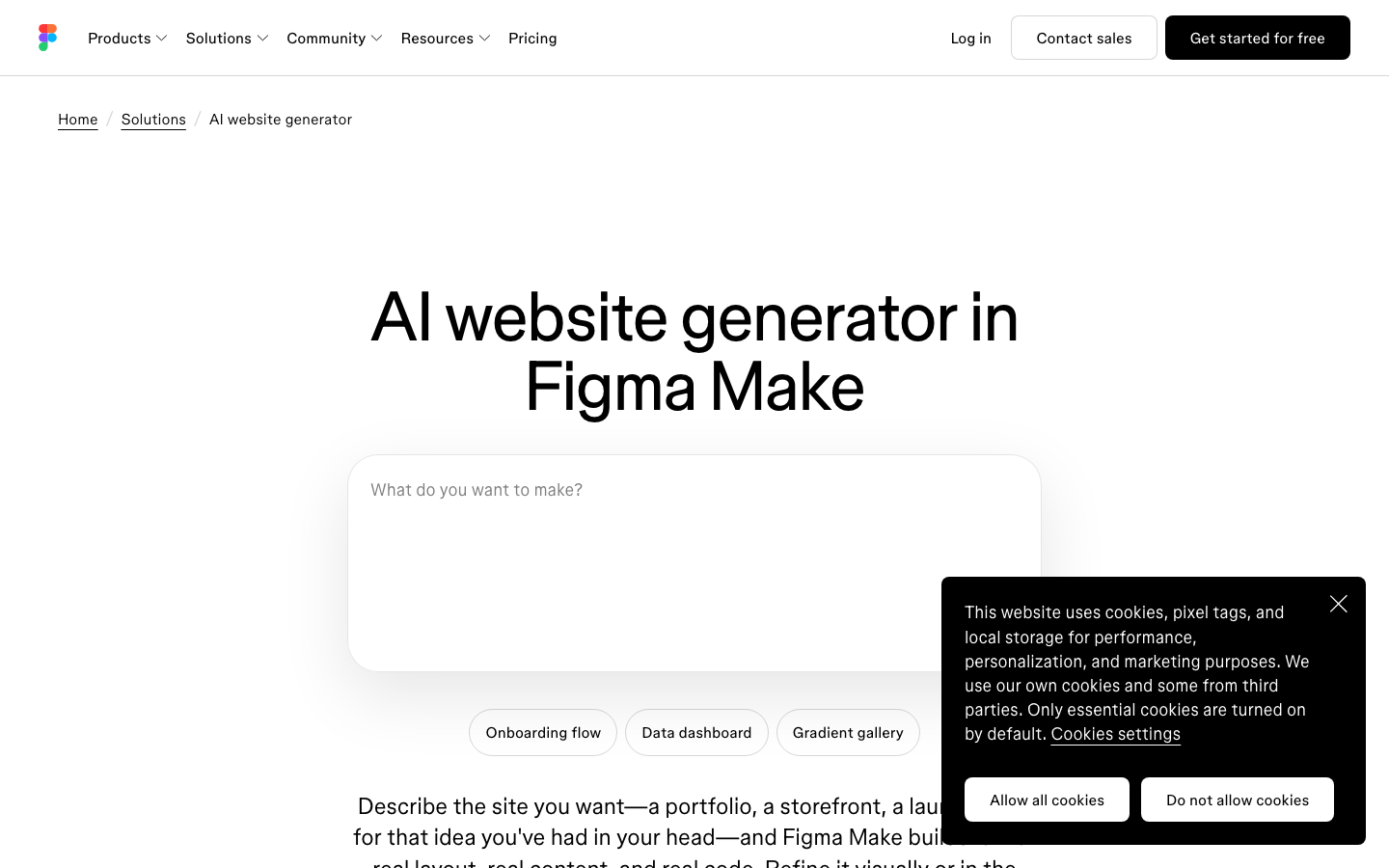
Figma Make is described on its own product page as code backed and visually editable, and the help centre confirms you can point at an element in the preview, prompt a change, or open the code editor and change it by hand.
The limit is the direction of travel.
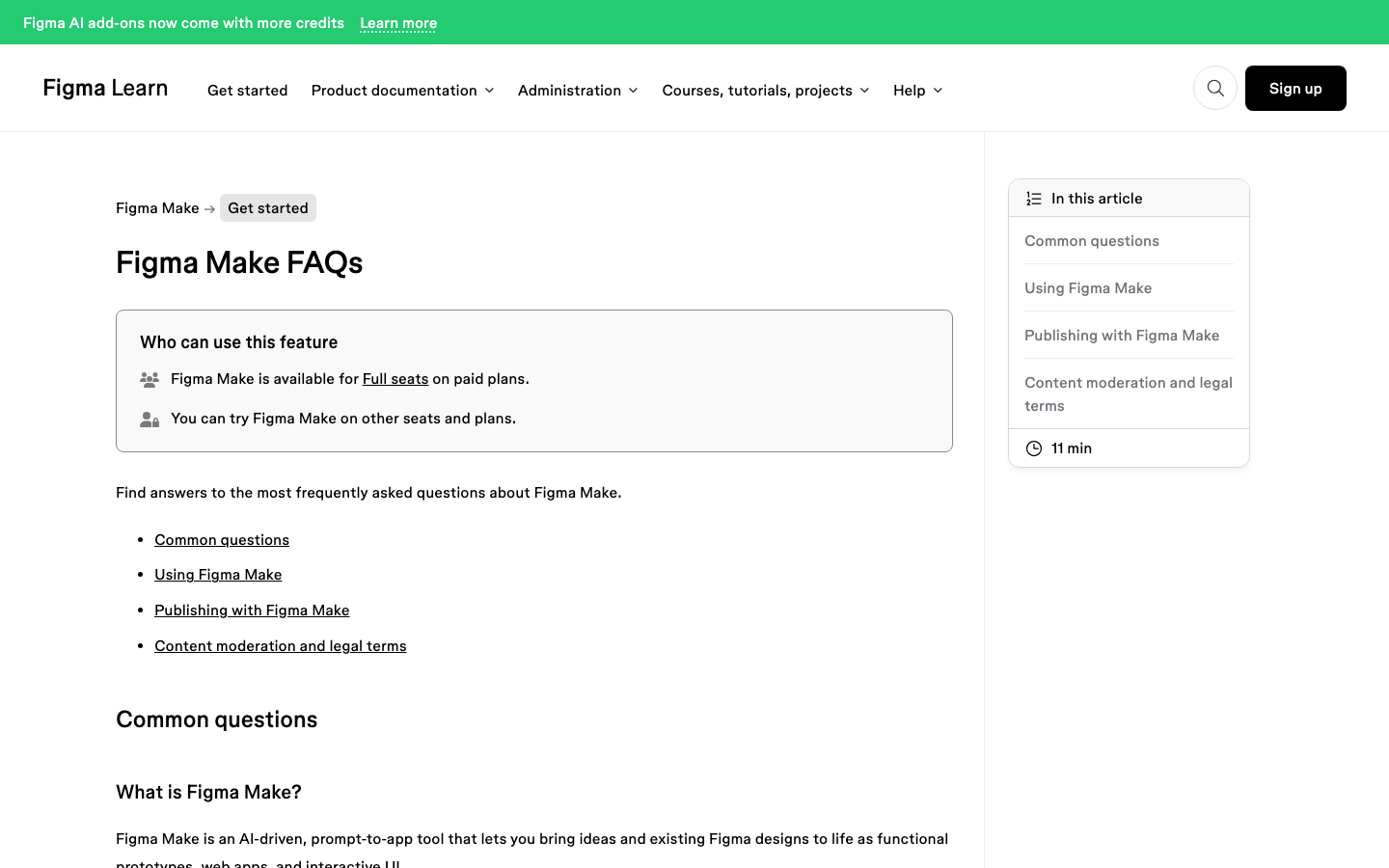
The Figma Make FAQ states that you can copy a Make preview as design layers and paste them into Figma Design, but that “Changes to the layers in Figma Design aren’t applied back to the Figma Make file”, and that the pasted layers are not tied to your design system.
Editing happens inside Make, or it happens on a copy that has stopped being connected to anything.
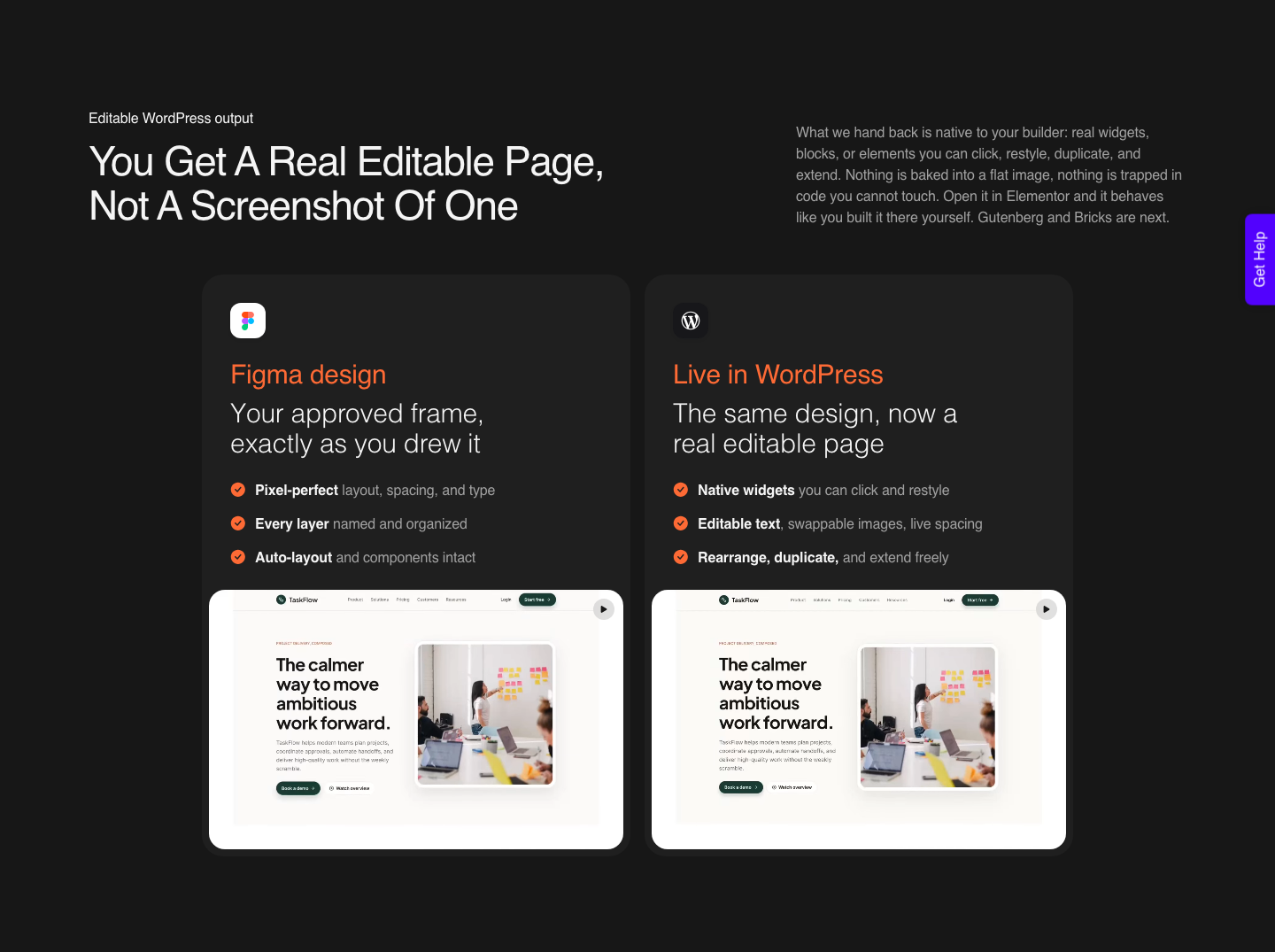
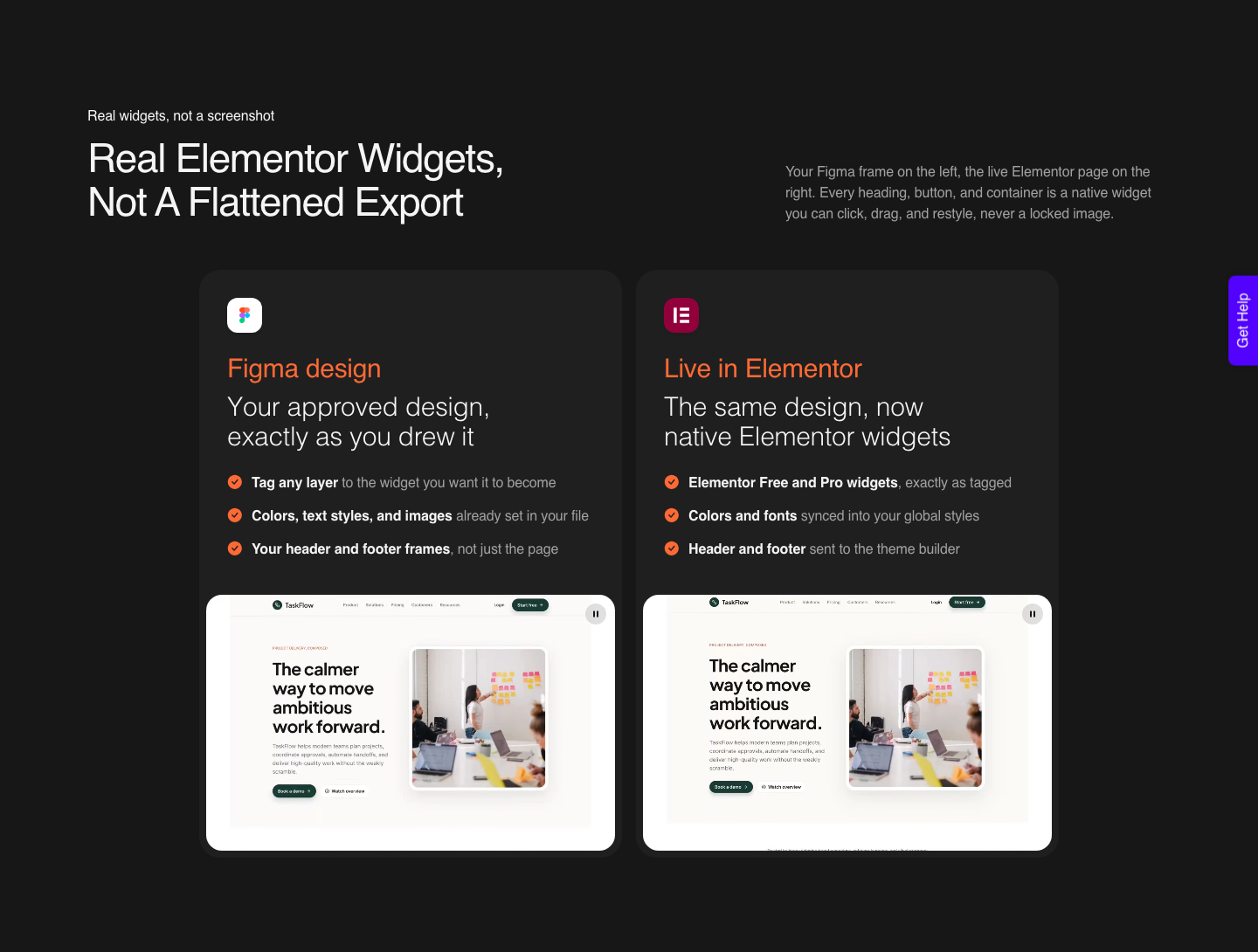
A WordPress route answers the same question differently. UiChemy rebuilds each section as a native widget inside the builder, which means the person editing it in month four is using Elementor and does not need an account with the tool that produced the page.
Its own line for this is concrete rather than abstract: the marquee slides, the accordion opens, and every block stays fully editable. Worth testing rather than taking on faith.
The Indexing Question Nobody Prints
This is the single most useful thing in the Figma Make documentation and it almost never reaches a roundup.
When you publish a Make file, it goes to the public web on a dedicated URL, and the FAQ says that “by default, your published functional prototype or web app won’t be indexed by search engines, so discoverability will be limited.” The setting can be changed, which is exactly why you need to know it exists.
The same FAQ adds three more facts worth having before you promise a client a marketing site. Figma Make “optimizes all published files automatically, but does not currently offer specific customizability for SEO optimization”.
There is no analytics dashboard, though you can add a Google Analytics ID in settings. Published apps are hosted by Amazon Web Services with the domain and routing served by Cloudflare, and hosting is included in the paid plan while publishing remains in beta.
None of that makes Figma Make a bad tool. It makes it a prototyping and app tool that also publishes, which is a different product from a content site that has to be found, measured and updated by a marketing team.
Choosing between them is easy once the difference is written down.
| Question | Prompt to app, published from the design tool | Figma converted into WordPress |
|---|---|---|
| Who can edit it later | Someone with a Full seat and access to the source file | Anyone with an Elementor login on the site |
| Indexed by default | No, per the Figma Make FAQ, changeable in settings | Yes, standard WordPress and your own SEO plugin |
| SEO controls | Automatic, no specific customisation offered today | Full title, meta, schema and redirect control |
| Analytics | No dashboard, a Google Analytics ID can be added | Whatever the site already runs |
| Where it is hosted | AWS with Cloudflare routing, included during beta | The client’s existing host |
What The Meter Costs At Real Volume
Every AI builder now runs on a meter, and the meter is where the free tier stops being the story.
Figma includes AI credits with every seat: 500 a month on Starter with a 150 a day cap, 3,000 a month on a Professional Full seat at $16 a month, 3,500 on Organization at $55, and 4,250 on Enterprise at $90, all per the Figma pricing page.
Those credits reset monthly and do not roll over.
What a page costs against that pool is not fixed.
Figma’s own examples in the How AI credits work article put generating an app from scratch at approximately 100 or more credits, making an attached design interactive at approximately 75 or more, and a single font change at approximately 30 or more.
Those are Figma’s published approximations, not measurements of your project.
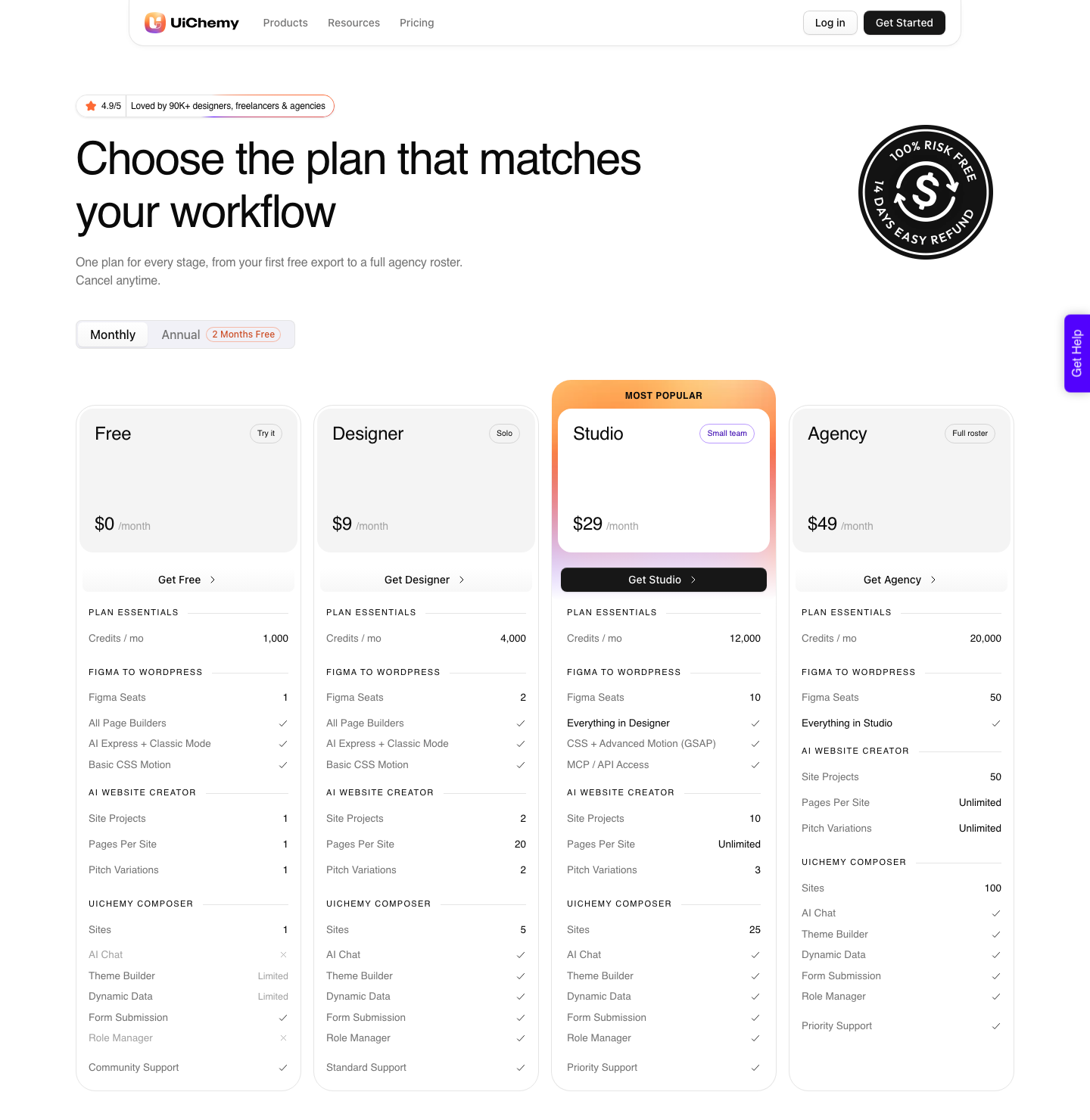
UiChemy runs its own meter with different mechanics, and it starts at zero. The Free plan is $0 a month with 1,000 credits, one Figma seat, one AI Website Creator project of a single page and one Composer site.
Designer is $9 a month for 4,000 credits and 2 Figma seats, Studio is $29 for 12,000 and 10 seats, Agency is $49 for 20,000 and 50 seats, with annual billing advertised as two months free.
| Meter behaviour | Figma AI credits | UiChemy credits |
|---|---|---|
| Included with the plan | 500 to 4,250 a month by seat type | 1,000 to 20,000 a month by plan |
| Monthly reset | Yes | Yes |
| Roll over | No, credits expire monthly | No for plan credits |
| More credits | Admin buys a subscription or pay as you go | Move up a plan |
| Free entry point | 500 a month on Starter, 150 a day cap | 1,000 a month on the $0 Free plan |
| Shareable between people | No, seat credits cannot be shared or transferred | Seats are plan level, 1 to 50 by tier |
What You Keep When You Cancel
This is the question that separates a tool from a dependency, and it is the one a client will ask you in front of their finance person. If the page is published by the builder, the page exists because the subscription exists.
The Figma Make FAQ is explicit about the endpoint: deleting a Make file automatically unpublishes anything published from it, and the file data is deleted.
The WordPress route inverts that. The conversion is a one time act that writes native widgets, blocks or elements into your own database, and the homepage sells exactly that: native, editable WordPress you own, in the builder you already use, with no rebuild and no lock-in.
Cancelling ends the meter, not the page, which is a materially different risk profile for client work.
Where Design Origin And Prompt Origin Meet
The category is usually drawn as two entrances. One starts with a design a human already approved, in Figma.
The other starts with a sentence in a prompt box. Roundups treat these as rivals when in practice most agency work uses both in the same week.
Since the 7 September 2026 rebuild there are four, and they sit on one product rather than four purchases.
A Figma design, a text prompt or client brief through AI Website Creator, a prompt inside Elementor through UiChemy Composer, which writes real HTML, CSS and JavaScript rather than acting as another page builder, and an existing Lovable, Claude, Bolt or v0 build.
All four end at the same place: native, editable WordPress in the builder the site already runs.
The last step does not care which entrance you used. A Figma frame, a live URL, raw HTML, or output from Lovable, Google Stitch, Relume, v0, Claude Design and Antigravity all get rebuilt as native WordPress.
That means the prompt tools can stay in the exploration phase, where they are genuinely fast, without dictating where the finished page has to live.
AI Website Creator runs its own Brief, Sitemap, Design and Export sequence, and its export target today is Elementor, with Gutenberg marked Soon on every plan including Agency.
Honest Limits On The WordPress Route
Four things are true about the WordPress route and none of them appear in an advertisement. AI Express Mode outputs to Elementor today, with Gutenberg and Bricks listed as coming next, so if your client site runs Bricks you are on Classic Mode for now.
Composer runs inside Elementor too, per its own product page, so treat the broader builder claim on the homepage card as the one still catching up.
UiChemy MCP, which lets you fire conversions from Claude, Cursor, Codex or Antigravity, starts at Studio, $29 a month, along with advanced GSAP motion. Neither is on Free or Designer, and the site itself calls the MCP a bonus for developers rather than a requirement to get value.
The most quoted line in the reviews is the honest one: a verified reviewer describes the plugin as handling “about 70% of the design work” and leaving “the remaining 30% for us to fine-tune using Elementor”. Budget for that 30 percent and the workflow is predictable.
Pretend it is zero and you will be annoyed.
The design you feed in matters as much as the tool. A frame with loose auto layout, absolute positioning and unnamed groups converts worse than a tidy one, which is why the design optimisation guide covers file structure before it discusses conversion settings at all.
A Sequence That Works For A Client Page
- Decide where the page has to be findable and editable in six months. That answer picks the tool, not the demo video.
- Use a prompt tool for exploration only, while the direction is still unsettled and cheap to throw away.
- Bring the chosen direction back into Figma as a frame with real auto layout, named layers and your actual type styles.
- Convert the frame into the builder the site already runs, and review it as a live page rather than a file.
- Spend the remaining 30 percent on the things a conversion cannot know: copy, alt text, internal links and the client’s own tracking.
- Publish, then check the page in a search console rather than assuming it is visible.
Frequently Asked Questions
Which is the best AI website builder for a WordPress site?
The question is really which output your site can absorb. If the finished page has to live in WordPress and be edited by whoever maintains the site, a generator that publishes to its own hosting is solving a different problem.
A converter that produces native Elementor, Gutenberg or Bricks elements keeps the page inside the system the client already pays for.
Will an AI generated site rank on Google?
Figma’s own answer is “It can, but not on its own”, and it lists specific copy, clean semantic markup and strategic headings as the missing work.
Add the Figma Make default that published files are not indexed by search engines unless you change the setting, and you have the two facts that matter before promising anything to a client.
Is there a genuinely free option?
Figma’s Starter plan includes 500 AI credits a month with a 150 a day limit, which is enough to evaluate rather than to ship weekly.
UiChemy has a Free plan at $0 a month with 1,000 credits, one Figma seat, one AI Website Creator project of a single page and one Composer site, on community support. Paid plans add volume, seats, unlimited pages, GSAP motion and MCP access.
Both are trials in the useful sense of the word.
How many pages does a monthly credit pool cover?
It depends on the mode and on the page. Designer’s 4,000 credits a month is four times the Free plan’s 1,000 and a third of Studio’s 12,000, so the sensible way to size it is to convert one representative page on Free and read the meter before committing.
Plan credits reset each cycle, and yearly billing is advertised as two months free.
What happens to the page if we stop paying?
With a converter, the page is already sitting in your own WordPress install and stays there. With a builder that hosts the published result, the page depends on the account: the Figma Make FAQ notes that deleting a Make file automatically unpublishes what was published from it.
Ask this question early, in writing, whichever tool you pick.
The Short Version
Rank the tools on week three rather than minute one and the shortlist changes shape. Ask who can edit the page, whether it can be found, what the meter costs at your real volume, and what survives a cancellation.
Four questions, all with documented answers, and every one of them more useful than another opinion about a hero section.
If the honest answer for your project is WordPress, the shortest route from an approved frame to a live page is a conversion rather than a rebuild. Related reading: Figma Make alternatives for people who need a real website, Figma AI credits explained without the marketing, and the AI Express Mode walkthrough.