Claude as a Design Tool: An Honest Assessment
 Sagar Patel
Someone on a design team asks whether Claude can open their Figma file. It is one question with three different answers, because there are three separate connections between the two products and they do almost nothing alike.
One generates designs, one reads and writes your Figma canvas, and one turns a Figma frame into a WordPress page.
Picking the wrong one wastes an afternoon on setup for a capability you did not want. This is what each route actually does, what it costs, which plan it needs, and the places where the answer is simply no.
Everything here was checked against Anthropic’s and Figma’s own documentation, and the UiChemy docs and pricing page, on 8 September 2026.
Three Things People Mean By Claude And Figma
Before any setup, work out which of these you are actually asking for. The routes overlap in marketing language and not at all in practice.
| Route | What it does | Where the output lands | Plan needed |
|---|---|---|---|
| Claude Design | Generates designs, decks and prototypes from a prompt or your design system | A Claude canvas, exported to PPTX, PDF or HTML | Claude Pro, Max, Team or Enterprise, in beta |
| Figma MCP server | Gives Claude Code structured read and write access to Figma files | Code in your repo, or native content written back to the Figma canvas | Any Figma plan, with per plan tool call limits |
| UiChemy MCP | Converts a Figma frame into a live WordPress page from inside the AI editor | Native Elementor widgets on your own site | UiChemy Studio or Agency, in Beta |
What Claude Design Actually Produces
Anthropic describes Claude Design as a beta product for collaborating with Claude on visual work: prototypes, wireframes and mockups, design explorations, pitch decks, marketing collateral and documents.
It is included with Claude Pro, Max, Team and Enterprise subscriptions, and on Enterprise it is off by default until an admin enables it in Organization settings.
The part that matters for a working design team is the brand handling.
You can import one or several design systems from a GitHub repo, design files or raw uploads, and Anthropic states that Claude builds with your components, checks its output against your design system, and corrects before you see it.
For larger teams an admin role can approve a single standard system and lock down edits.
What comes out is a canvas rather than a Figma file. Export goes to PPTX, PDF or HTML, or through connectors that now include Adobe, Base44, Canva, Gamma, Lovable, Miro, Replit, Vercel and Wix, or by handing the work to Claude Code.
There is also a route in the other direction: pull a design system from Claude Code with /design-sync, or work in Claude Code with /design.
The Figma MCP Server, And What It Reads
This is the route most people mean when they ask whether Claude can read a Figma file, and the answer is yes with a setup step.
Figma’s help centre states that the MCP server gives Claude Code structured access to Figma files and tools: components, variables, layout data, FigJam content and Make resources, plus code generation from a selected frame and Code Connect for staying aligned with real components.
It also works in the other direction, which is newer and less well known. Figma documents that from Claude Code you can write directly to the canvas to create or update native Figma content, and send live web interfaces to Figma as editable layers.
There are two versions. Figma says the remote server is the one most users need and has the broadest feature set, while the desktop server exists for specific organization and enterprise cases.
The setup article for Claude Code recommends installing the official plugin, which brings the server settings and a set of Agent Skills with it.
claude plugin install figma@claude-plugins-official
The desktop version needs the Figma desktop app, a design file open, and Dev Mode switched on before you enable the server in the right sidebar and copy its address.
claude mcp add --transport http figma-desktop http://127.0.0.1:3845/mcp
The Rate Limits That Decide Whether It Scales
This is the number nobody checks before promising a workflow to a team, and it is published on the Figma pricing page next to the seat prices. The MCP server is rate limited per plan, and the gap between the free tier and a paid one is not incremental.
| Figma plan | Figma MCP server limit |
|---|---|
| Starter | 20 tool calls per month |
| Professional | 200 tool calls per day and 10 per minute |
| Organization | 200 tool calls per day and 15 per minute |
| Enterprise | 600 tool calls per day and 20 per minute |
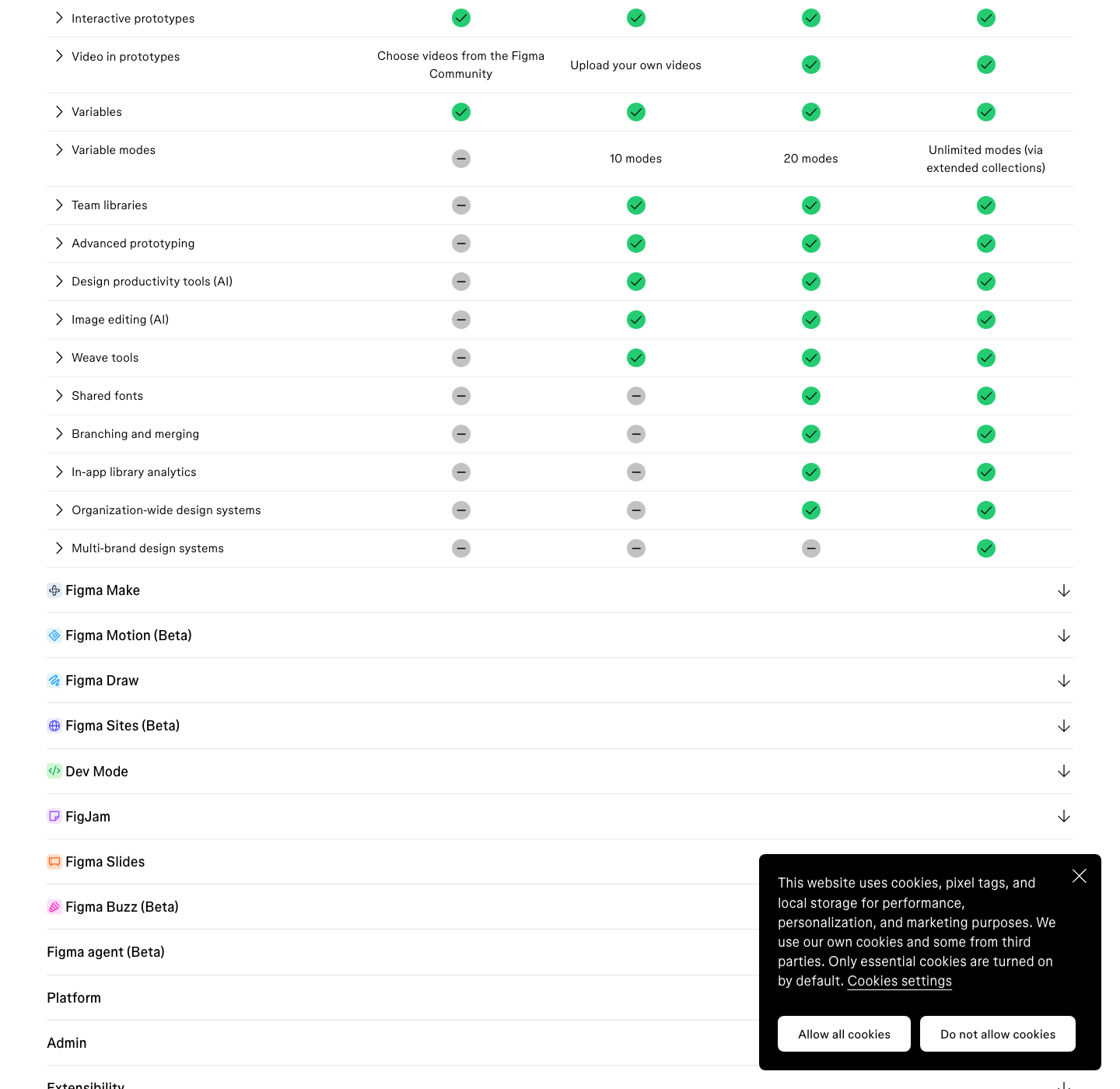
Twenty calls a month is an evaluation budget, not a workflow. A single serious session reading a design system, inspecting a few frames and generating code will spend that in one sitting, which is why any real use of this route assumes at least a Professional Full seat at $16 a month.
What Claude Cannot Do With A Figma File
Three limits are worth stating out loud, because each of them costs someone an afternoon every week. The first is the one people trip over inside Figma itself: pasting a Figma file URL into a prompt does not give the model your file.
The Figma Make FAQ is blunt that “Figma Make will not get content from your file via the URL”, and that a URL in a prompt often produces something that merely resembles your design.
The second is that none of these routes ends at a WordPress page. Claude Design exports to PPTX, PDF or HTML.
The Figma MCP server produces code or canvas content. Neither of those is a set of native Elementor widgets on a live site, which is the thing a client actually asked for.
The third is budgetary. Claude Design shares usage limits with chat, Claude Cowork and Claude Code, so a long generation session competes with the rest of your day.
Figma’s own credit guidance points the same way from the other side: it recommends Claude Opus in Figma Make for exactness such as a detailed replica of an existing design, and notes that heavier models consume significantly more credits than lighter ones.
Getting The Output Into WordPress
This is the gap the UiChemy MCP fills, and the framing on the product page is deliberately modest: it is a bonus for developers rather than a requirement to get value.
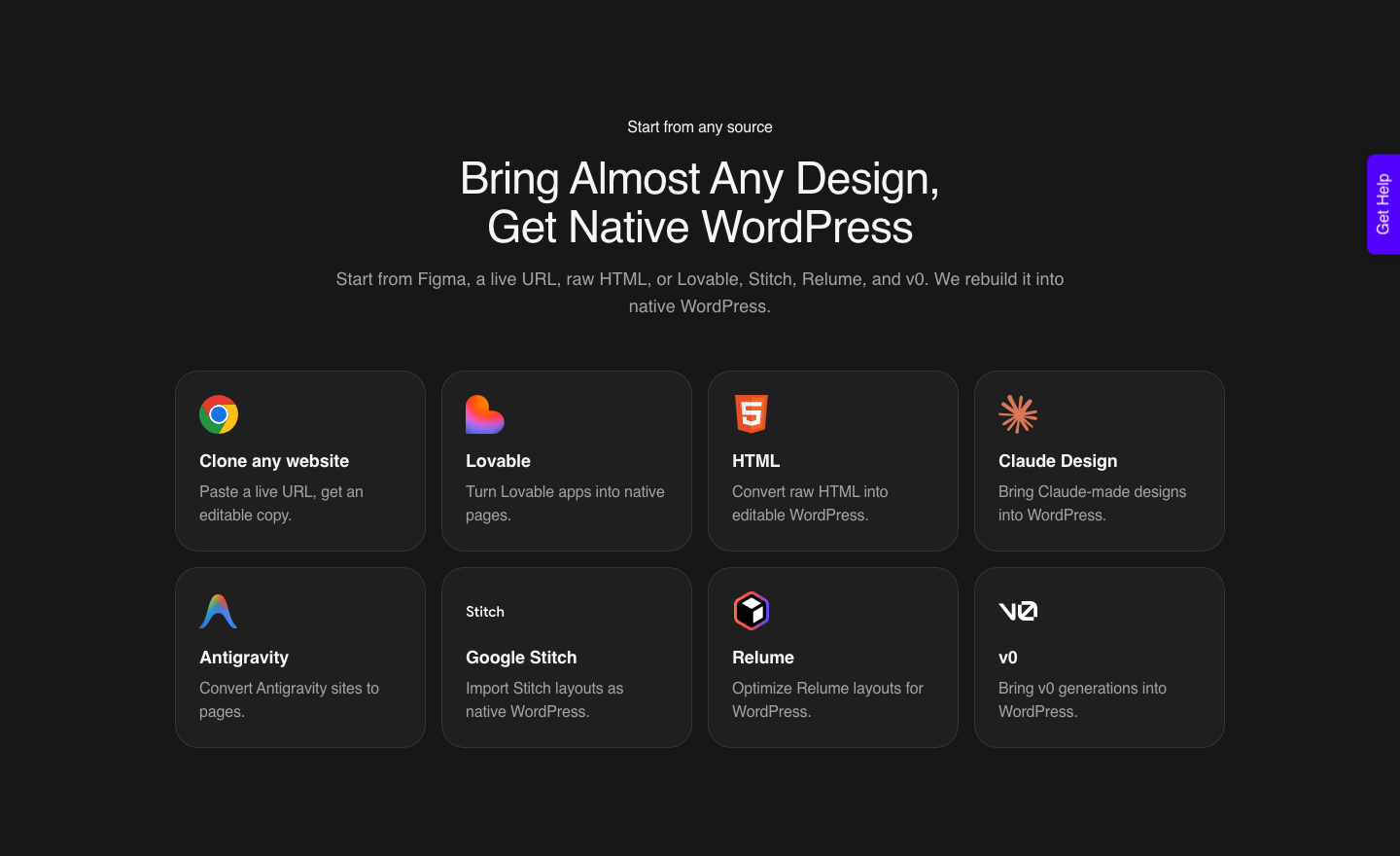
You call UiChemy through the MCP in Claude, Cursor, Codex or Antigravity and the conversion runs without leaving the editor.
The same route now has a page of its own, Claude to WordPress, added in the 7 September 2026 rebuild.
There is a second route worth knowing, because it answers a different question.
If what you have is a finished Claude build rather than a Figma frame, that is the AI to WordPress product, and for most tools the crossing happens through UiChemy Composer: one widget you add to an Elementor page once, after which AI writes real HTML, CSS and JavaScript you can edit by hand or by prompt.
Claude has its own dedicated flow; Lovable, Codex and Clone Site are the pages still marked Soon, which is a statement about the landing pages rather than about whether the conversion works.
Composer setup is four steps and one of them is a terminal command: install the UiChemy plugin, drop the Composer widget in once, connect Claude from your terminal, then describe what you want in the Composer chat.
You bring your own key or agent, so nothing is locked to the vendor’s service, and the product page is clear that Composer runs inside Elementor rather than across every builder.
Setup is a remote MCP entry pointed at your own site, with a security token header.
The UiChemy MCP troubleshooting guide also records the single most common failure: Claude Desktop needs Node.js and NPX to reach a remote MCP server, so a missing or outdated Node install shows up as a bare “Server disconnected” message with no other clue.
"uichemy-wordpress-uichemy-mcp": {
  "command": "npx",
  "args": [
    "-y",
    "mcp-remote",
    "https://your-site.com/wp-json/uichemy/v1/mcp",
    "--header",
    "UiChemy-Security-Token: YOUR-SECURITY-TOKEN"
  ]
}
What The Handover Checks Before It Imports
The useful part of running the conversion through an AI editor is not speed, it is the confirmation step.
In the documented demo run, the system caught new colour variables, updated typography styles to match the Figma text styles, and flagged a container width mismatch between 1280px in Figma and 1120px in Elementor.
Every change was listed and waited for approval before anything was applied.
Two smaller details save time later. Images are compressed to WebP on the way in, and responsive behaviour across desktop and mobile breakpoints is handled during the conversion rather than after it.
Those are the tasks that usually eat 30 to 45 minutes of cleanup once a page has already landed.
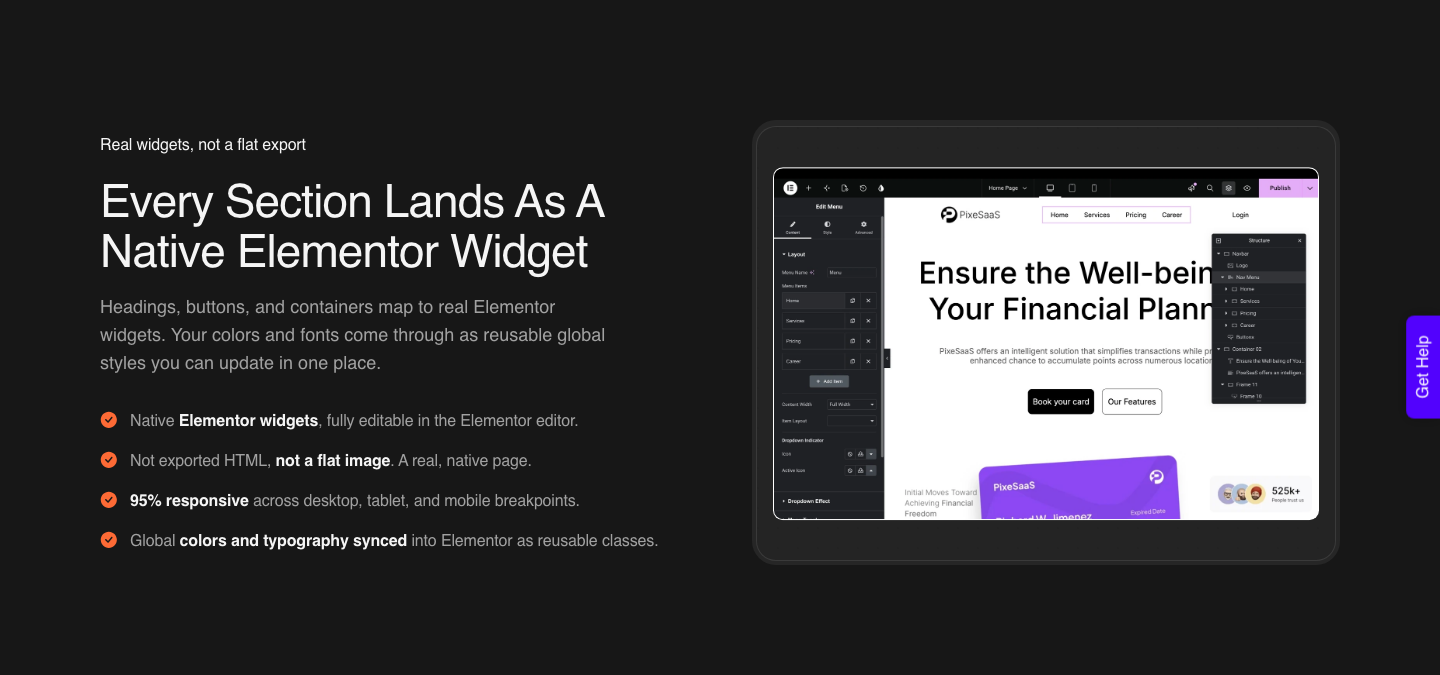
What lands is native, so the widgets behave like widgets. Instead of a block of exported code sitting inside the builder, the Figma layers map to real Elementor elements such as navigation menus, buttons, image boxes, counters and social icons, which the site owner can click and restyle without a developer.
Honest Limits On The MCP Route
Five caveats, all documented. UiChemy MCP is still in Beta.
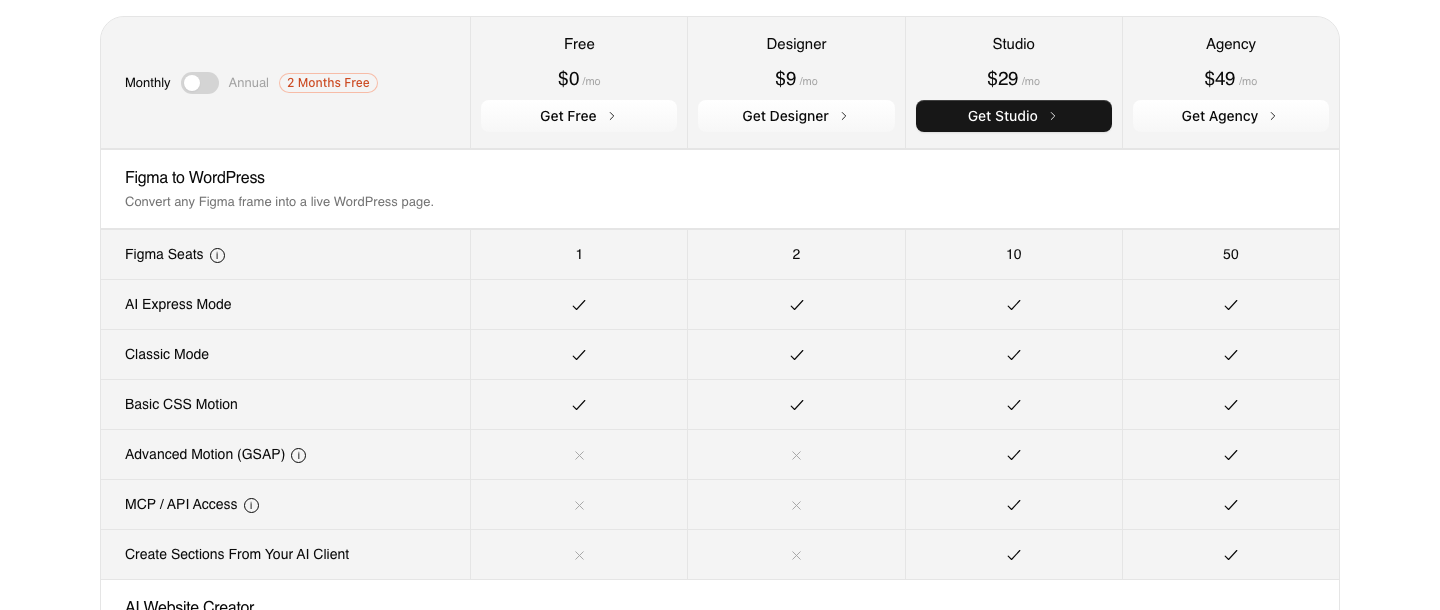
MCP and API access start at Studio, $29 a month, so neither the $0 Free plan nor Designer at $9 includes it. It converts to Elementor today, with Gutenberg and Bricks in active development.
A Figma Pro account is recommended because of API rate limits on the free plan. And Claude Desktop needs a current Node.js, with the docs recommending the LTS release.
The output is not finished work either. The most useful review of the plugin describes it as handling “about 70% of the design work” and leaving “the remaining 30% for us to fine-tune using Elementor”.
Responsiveness is set automatically and then tuned in the responsive manager rather than arriving finished. Plan the last 30 percent into the estimate and the workflow is dependable.
A Sequence That Uses Each Tool For Its Own Job

- Explore in Claude Design while the direction is unsettled, with your design system imported so the drafts are on brand rather than generic.
- Move the chosen direction into Figma as a real frame with auto layout, named layers and your own type styles.
- Connect the Figma MCP server to Claude Code if engineering needs code or design tokens read out of the file.
- Check your Figma plan’s tool call limit before you rely on that connection for daily work.
- Run the conversion through UiChemy, in the plugin or through its MCP, and read the list of proposed global style changes before approving it.
- Finish the last 30 percent in Elementor: copy, alt text, internal links, forms and whatever tracking the client already runs.
Frequently Asked Questions
Can Claude read my Figma file directly?
Through the Figma MCP server, yes. Figma documents that it exposes components, variables, layout data, FigJam content and Make resources to Claude Code, and that Claude Code can also write native content back to the canvas.
Pasting a Figma URL into a chat prompt is a different thing and does not work.
Is Claude Design a replacement for Figma?
No, and Anthropic does not present it as one. It is described as a beta product for exploring more directions than a deadline allows, with the output exported to PPTX, PDF or HTML or handed to Claude Code.
Precise design system work, prototyping and handoff still happen in Figma.
Which plan do I need for the Figma MCP server?
Any plan technically works, but Starter allows only 20 tool calls a month. Professional allows 200 a day at 10 a minute, Organization 200 a day at 15 a minute, and Enterprise 600 a day at 20 a minute.
For anything beyond an evaluation, budget for a paid Full seat.
Why does my UiChemy MCP server show as disconnected?
Almost always a missing or outdated Node.js, since Claude Desktop uses Node and NPX to reach a remote MCP server. Install Node.js, switch to the LTS release, then fully quit and reopen Claude Desktop rather than just closing the window.
If the site sits behind HTTP Basic Authentication, add the Authorization header to the same config entry.
Does the MCP route produce better output than the plugin?
It produces the same conversion. The difference is where you sit while it runs and how the global style changes are confirmed, which suits developers who already live in an AI editor.
If you work in Figma all day, the plugin is the shorter path, needs no Node.js at all, and works on every plan including Free.
The Short Version
Claude is a strong exploration and code partner and a poor substitute for a design file. Claude Design widens the set of directions you can afford to try.
The Figma MCP server gives Claude Code real structured access to the file, inside a per plan call limit that decides whether the idea scales. Neither one hands you a WordPress page.
That last step is a conversion, and it belongs to whatever tool your site actually runs on.
More on the pieces around it in Export Figma to Elementor with Claude AI using UiChemy MCP, Figma AI credits explained without the marketing, the Figma Make alternatives breakdown, what the AI website builder roundups leave out, and the AI Express Mode overview.