Figma Config 2026: What Changed for Web Designers
 Sagar Patel
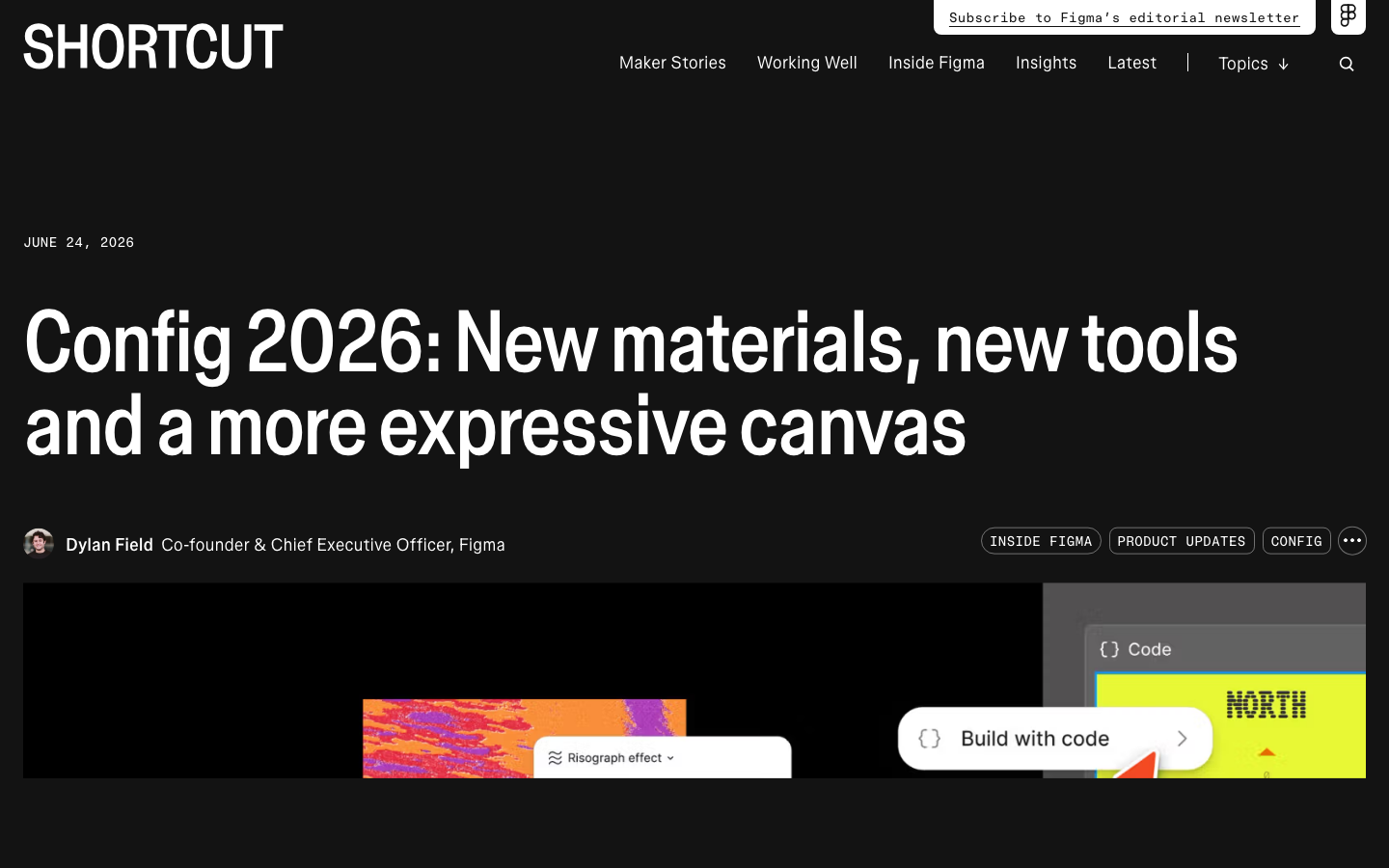
Figma Config 2026 ran on 24 June, and the announcements landed the way conference announcements always do: six product names in ninety minutes, most of them labelled beta. It is now 8 September.
Enough time has passed to answer the only question that matters, which is what actually arrived in your account and what of it survives the trip to a live website.
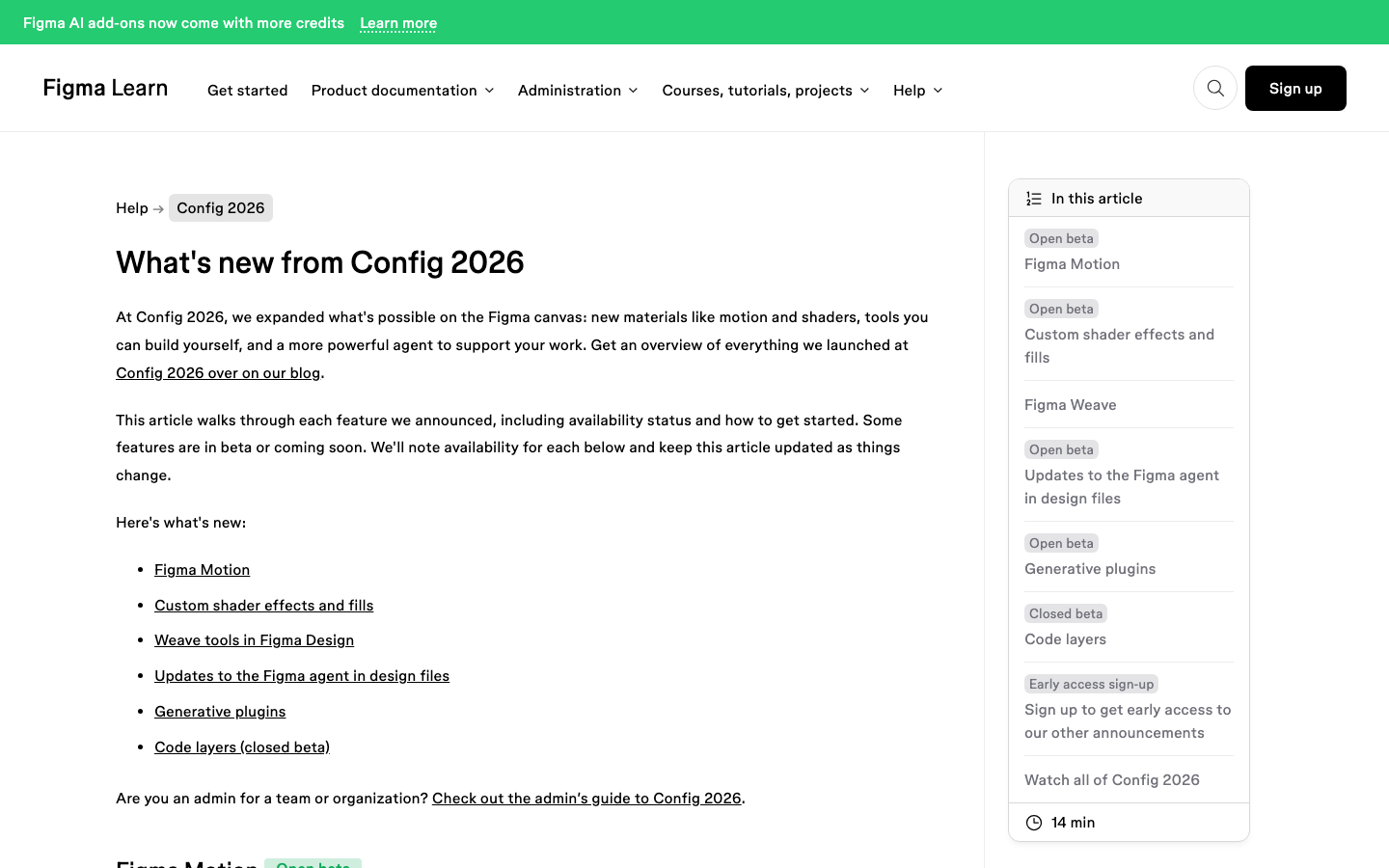
This post takes the six Config launches one at a time, using Figma’s own recap and its help centre availability notes, and then asks a harder question about each. Does it change how a web designer actually works, or does it stop at the canvas.
The Six Launches and Their Real Availability
Figma’s help centre publishes an availability line for every Config feature, and the lines are stricter than the keynote suggested. Read this table before you plan any workflow around a Config announcement.
| Launch | Status | Who can use it | AI credits today |
|---|---|---|---|
| Figma Motion | Open beta | Full seats on all plans, with edit access. Not on Figma for Government. | No, but agent-generated motion will cost credits once the agent is generally available |
| Custom shader effects and fills | Open beta | Paid plans for creating with the agent. Figma-made shaders on all plans. | No, and applying a shader never will |
| Weave tools in Figma Design | Open beta | Professional, Organization and Enterprise, Full seat | No. Figma Weave itself does consume its own credits |
| Figma agent in design files | Open beta | Professional, Organization and Enterprise. View, Dev and Collab seats only in Draft files. | Free during beta, credit system applies at general availability |
| Generative plugins | Open beta | Paid plans to create. Figma-made plugins on all plans. | No to build, and never to run one |
| Code layers | Closed beta | Waitlist only | Not stated |
Note the pattern in the credit column. Four of the six cost nothing right now and three of those say the same thing about the future: standard credit usage applies once the Figma agent stops being a beta.
If your team builds a habit around free agent prompts this quarter, budget for that habit to acquire a price.
Figma Motion Is the One With Web Consequences
Motion put a timeline in Figma Design. Keyframes, presets, easing curves and spring animations, built from scratch or layered onto an existing design, with the option to ask the agent for a first pass and then refine it by hand.
The part that matters for a website is further down the announcement. Motion carries timing and easing variables and animated components, so an animation can live in a design system the same way a fill or a type style does.
Animate a component once and the motion travels with every instance.
Then there is the code path, which is genuinely new. Switch to Dev Mode and the full timeline is visible as a read-only inspection surface: every timing value, every easing curve, every keyframe, readable without a developer guessing at intent.
You can copy animation code as CSS, JSON or React, or send the animated frame to a coding tool through Figma’s MCP server.
Export formats at launch are MP4, GIF, WEBM and Animated SVG. Figma has said Lottie is coming and named no date.
Until it does, a Lottie-based site animation still starts somewhere else.
Shaders Look Excellent and Then Stop at Dev Mode
Custom shader effects and fills are the most visually striking thing Config shipped. You describe an effect, or hand the agent a reference image, and it builds a WebGPU shader that renders natively on the canvas.
Because the agent authors them, they arrive parameterised, with controls exposed on canvas like any native Figma property.
Here is the limitation, stated by Figma rather than inferred: shader effects do not currently appear in Dev Mode. Figma says its product teams are actively exploring it.
For a web designer that sentence is the whole story, because a visual effect your developer cannot inspect is a visual effect that gets rebuilt by eye or dropped.
What does export today is narrower than it sounds. PNG always works for a fixed frame, MP4 works in Motion with shaders applied, and MCP gives developers the raw JS and WGSL.
Figma calls that last route crude in its own documentation, which is unusually honest labelling for a launch page.
On 1 September 2026 Figma extended this: shaders can now be animated and can react to mouse movement, they can be published to the Community or privately to an organization on Organization and Enterprise plans, and a code viewer lets you read and download the code for any shader inside Figma.
Copy a frame with shaders to an external agent and Figma says the shaders now render correctly in the generated React.
Generative Plugins Change Who Builds the Tools
The quietest announcement is the one most likely to change your Tuesday. Describe a tool to the Figma agent, name its behaviour and controls, and it builds a plugin that lives in your file.
No local development environment, no plugin API knowledge.
Figma’s own examples are the unglamorous jobs: reordering or sorting layers by criteria, applying consistent spacing or padding across a selection, finding and replacing text or colours across a file. Anyone who has prepared a large design file for handoff will recognise every one of those as an hour they have lost.
- Generative plugins are hosted by Figma and run inside the file, unlike classic plugins which are built locally with the desktop app and a development environment.
- At launch they were scoped to your file and to your own design files. Community publishing arrived on 1 September 2026.
- Publishing privately to an organization is limited to Organization and Enterprise plans.
- Classic plugins are not being retired. Figma says it is still investing in plugin APIs and plugin UI for both kinds.
Code Layers Are Still Behind a Waitlist
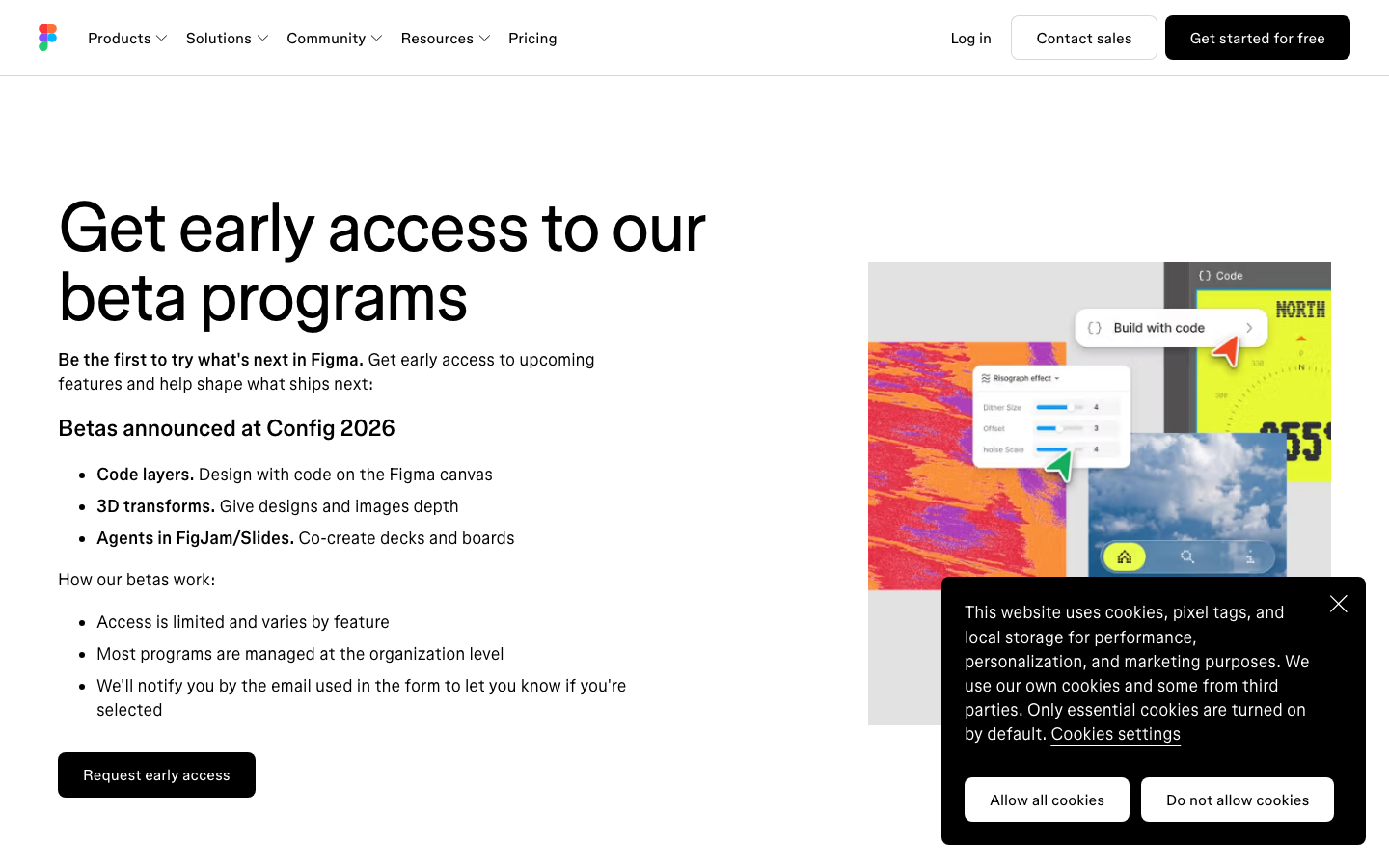
Code layers were the headline and remain a closed beta.
The idea is that any design layer becomes an interactive code layer with one click or a prompt, duplicated side by side the way you would duplicate a design frame, with code frames extractable back into editable design layers and one click to push changes the other way.
Figma said rollout would start in July and pointed everyone to a waitlist. As of 8 September the help centre still carries the closed beta label.
The same waitlist covers 3D transforms in Figma Design and the agent arriving in FigJam and Slides.
The Agent Update Nobody Read the Fine Print On
The Figma agent gained skills, web search, MCP connectors to tools like Notion, Slack, GitHub and Atlassian, and file attachments including PDFs and spreadsheets. All useful.
One line in the same announcement deserves more attention than it got.
From 23 June 2026, new agent conversation threads in Figma Design are visible by default to people in your organization or team who hold a Full seat and edit access to the file. Threads created before that date stay private unless you change them.
You can still make individual chats private, but the default flipped.
If you have been prompting the agent with half-formed client thinking, that is now a shared document by default. Worth a five-minute audit rather than a shrug.
What Config Did Not Solve for a WordPress Build
Every Config feature ends at one of three places: the canvas, a video file, or a code snippet a developer implements. None of them ends at a page on your site.
That gap is the same one that existed on 23 June.
| Config launch | Where it ends today | What still has to happen for a live page |
|---|---|---|
| Figma Motion | MP4, GIF, WEBM, Animated SVG, or copied CSS, JSON and React | Someone implements the animation in the builder |
| Shader effects | Canvas render, PNG, MP4, raw JS and WGSL over MCP | Rebuilt by hand or replaced with a flat image |
| Generative plugins | Inside the Figma file | Nothing. It improves the file, not the site |
| Code layers | Closed beta | Access, then a route from that code into WordPress |
| Weave tools | Images on the canvas | Export, compress, upload |
That last column is the rebuild, and it is where the hours go. UiChemy exists to remove it.
The approved frame is converted into native WordPress elements rather than handed over as a specification, and the motion options are chosen at conversion time instead of being re-argued section by section in the builder.
Worth saying plainly, because Config keeps the conversation on the canvas: the approved frame is one of four ways in.
AI Website Creator takes a text prompt or a client brief and produces a whole site, brief to sitemap to design to export.
UiChemy Composer is one widget inside Elementor where AI writes real editable HTML, CSS and JavaScript. AI to WordPress moves a build that started in Lovable, Claude, Bolt or v0 into WordPress through Composer.
None of that changes what Config shipped. It changes what you do with a Config file once the design is signed off, because a Motion timeline you cannot export is a smaller problem when the page itself is going to be rebuilt as real widgets anyway.
AI Express Mode reads the layers with no tagging and outputs to Elementor today, with Gutenberg and Bricks not yet available.
Classic Mode covers Elementor, Gutenberg and Bricks now, plus Elementor v4 Atomic, Nexter Blocks, GenerateBlocks, Spectra and Kadence, and it is the right choice when the design has to land exactly as drawn.
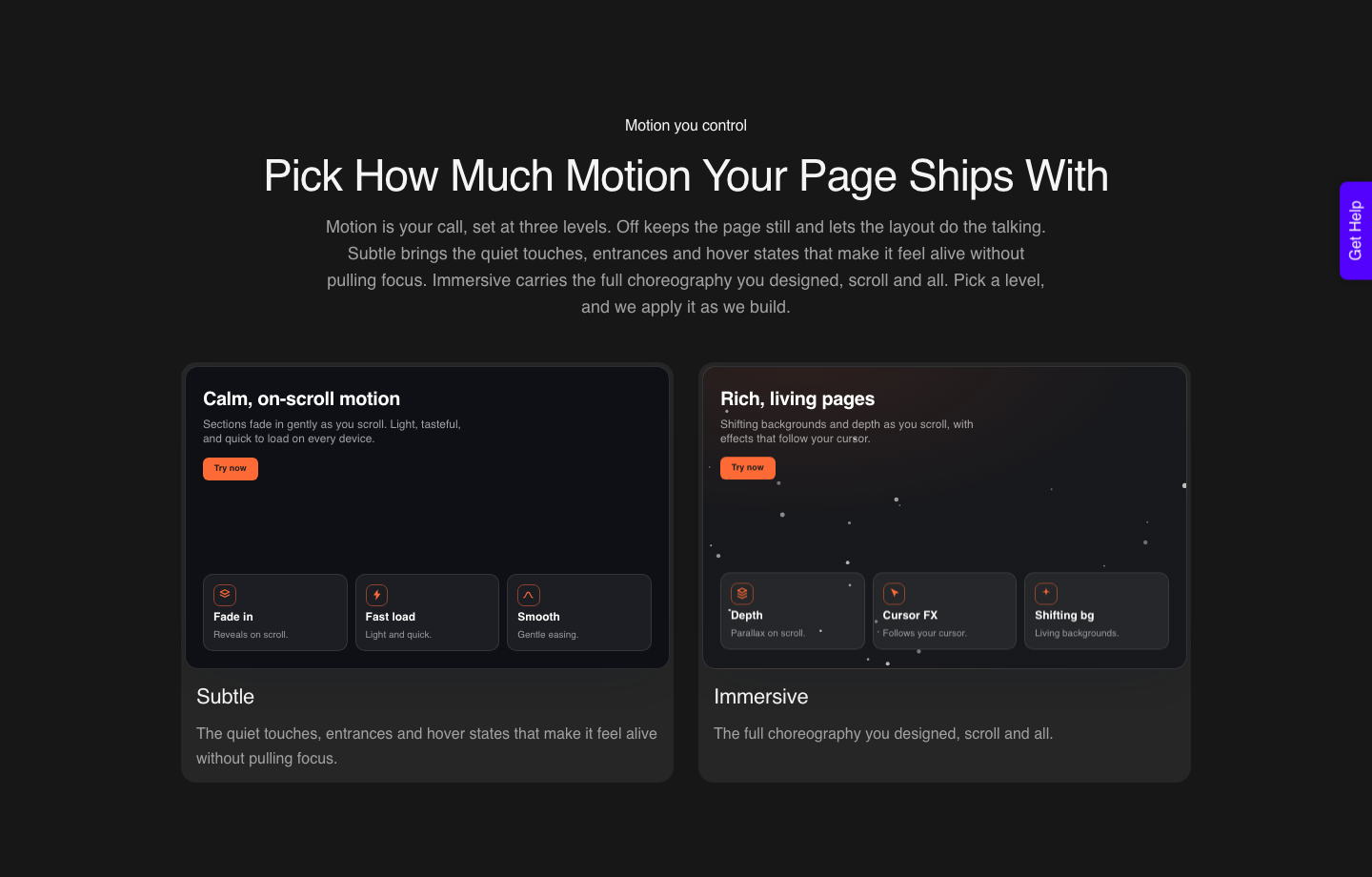
The plan detail that matters for a Config-era file is motion. Basic CSS motion is on every plan, the $0 Free tier included.
Advanced GSAP motion and MCP access both start on Studio at $29 a month, which is the same tier a developer needs to pull a converted page back into Claude or Cursor. All of it is on the pricing page.
What to Turn On This Week, and What to Ignore
- Audit your agent threads. The 23 June default change is the only Config item with a privacy consequence.
- Try Motion on one component, not one page. The value is animated components travelling through a design system, and that only shows up at component level.
- Build one generative plugin for a job you hate. Layer sorting or padding normalisation pays for itself in a week, and it beats installing another plugin from the shelf.
- Treat shaders as art direction, not specification. Until they appear in Dev Mode, plan to ship them as flat images.
- Skip the code layers waitlist unless you have a real use. It is closed beta with no public date.
Questions About Config 2026
When was Figma Config 2026 and where can I watch it?
The keynote and announcements landed on 24 June 2026. Figma published the recap that day and points to the keynote recording plus session videos on its YouTube channel.
Do I have to pay for the Config 2026 features?
It depends on the feature. Figma Motion is on all plans for Full seats.
Weave tools and the design agent need Professional or above. Creating custom shaders and generative plugins with the agent needs a paid plan, and none of it is available on Education, Government or Starter.
Will the Figma agent start charging AI credits?
Figma states it plainly across several of these articles. The agent is free during the beta period, and standard AI credit usage applies once it is generally available.
Manually editing something the agent produced never consumes credits.
Can I use Figma Motion animations on a WordPress site?
Not directly. You can export MP4, GIF, WEBM or Animated SVG, or copy CSS, JSON and React from the read-only Dev Mode timeline, and then implement that in your builder.
There is no Figma to WordPress motion pipeline in the product.
Are classic Figma plugins going away?
No. Figma’s answer in its own FAQ is that generative plugins are an additional path and that it continues to invest in developer plugin resources, with new plugin APIs and UI benefiting both kinds.
The Honest Summary
Config 2026 was a strong release for what happens inside a Figma file and a modest one for what happens outside it. Motion is the exception, because its Dev Mode timeline and code copy give an animation a route to production for the first time.
Everything else raises the ceiling on the canvas. The distance between a beautiful canvas and a working website did not change on 24 June, and closing it is still the job.
Sources fetched live on 8 September 2026: What’s new from Config 2026, the Config 2026 recap, and Figma release notes for the post-Config updates dated 24 August to 3 September 2026.