
Who Owns an AI-Built Website? Lock-In, Export and Portability
 Sagar Patel
Who owns an AI-built website depends on four things: the builder’s terms of service, your agreement with any client, your hosting account, and where the files actually live. Ask each builder the questions below before you build. This is general information, not legal advice, so have a lawyer review anything that matters.
People usually ask about ownership after a problem: a subscription lapses, a client leaves or a tool shuts down. Ask first. We cover the mechanical side of leaving a platform in our export test. This post is about the surrounding questions: rights, access, dependence and what to put in writing.
What Does Ownership Actually Mean?
“Own” bundles four separate things, and a builder can give you some and not others.
- Rights in the content. Who holds rights in the text, images and design that were generated or uploaded? The answer is in the builder’s terms, and sometimes in the terms of the image or text model behind it.
- Control of the files. Can you hold a copy of the site on infrastructure you control, such as your own WordPress hosting?
- Control of the domain. Is the domain registered in your name, with the login in your hands?
- Dependence. If the builder disappears tomorrow, does the site keep working and stay editable?
Items 2 to 4 are practical and checkable. Item 1 is legal and varies by jurisdiction and by tool, so read the terms and ask a professional rather than trusting a blog post, including this one.
Where Does Lock-In Hide?
Lock-in rarely looks like a lock. It looks like a convenience you later cannot replace.
- Hosted-only builders. The site exists only on the builder’s servers, and leaving means rebuilding.
- Export to static files. You get HTML you can host anywhere, but editing is now a developer’s job.
- Proprietary components. The site renders through a runtime you cannot run elsewhere.
- Forms, search, shop and memberships. Anything the builder runs for you stays behind when you leave, unless there is an equivalent.
- Domain and email. If the builder registered your domain or runs your mail, check who holds the account.
AI-built React sites add a version of this problem, because the person receiving the code needs a developer. Our piece on why AI-built React sites are hard to hand to clients explains it in detail, and our write-up on the cost of changing an AI site versus a WordPress site compares the two routes.
What Does UiChemy’s Export Document?
This section reports what the docs and our captures show. We did not run an import for this post, so we cannot describe the finished imported site.
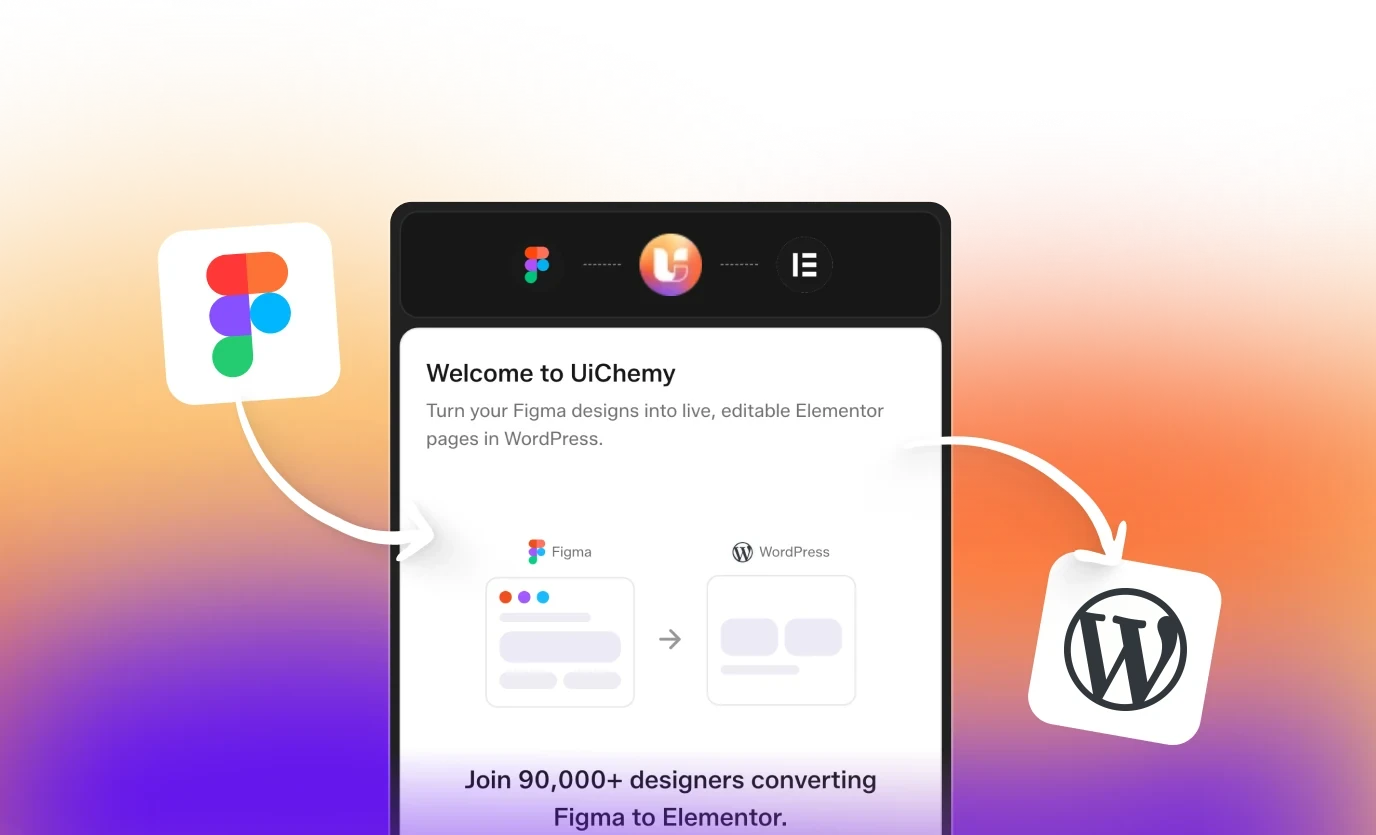
- Export is plugin-based. The dialog in AI Website Creator lists three steps: download the UiChemy WordPress plugin, install it on your site and log in with your UiChemy account, then import your project into Elementor.
- It targets your own WordPress site. There is no one-click push and no site picker. You install the plugin where you want the pages.
- Existing pages are not overwritten. The docs say existing content is left alone, and an option moves previous content to draft instead of deleting it.
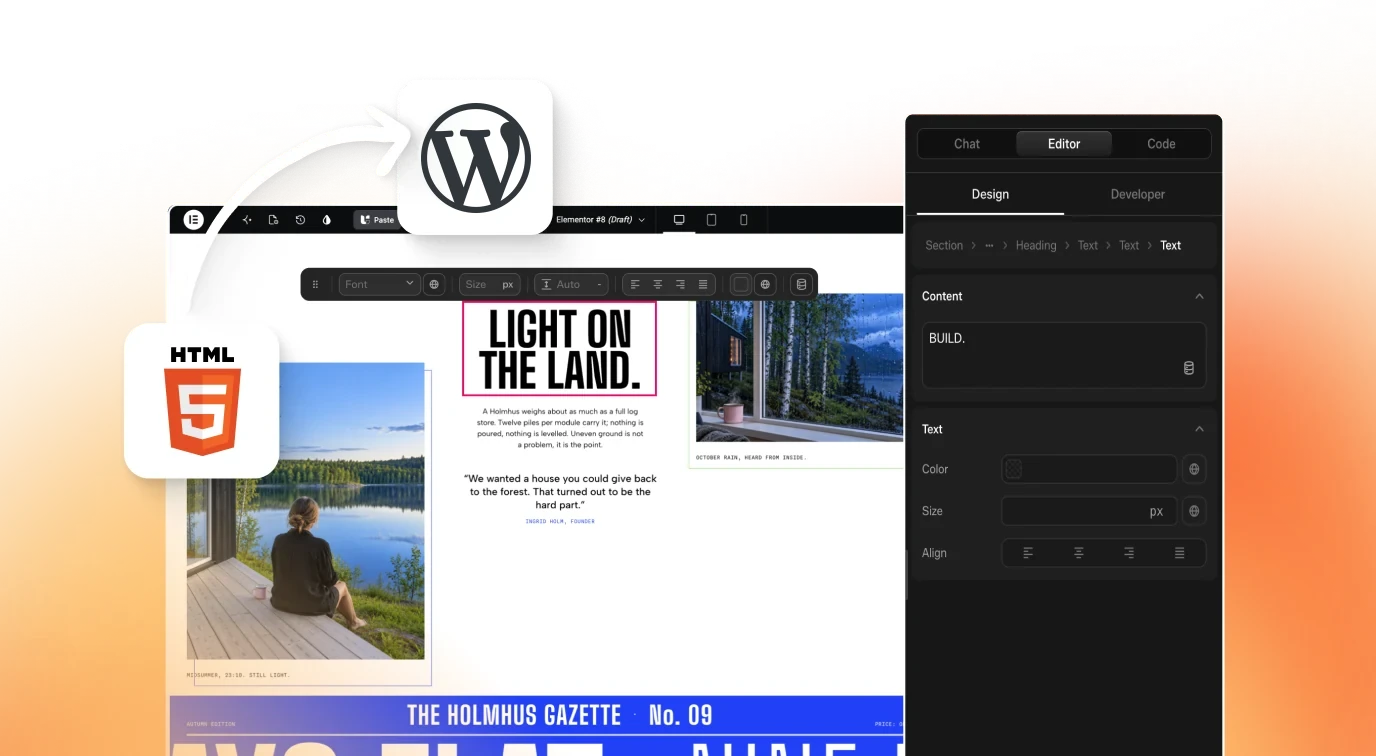
- Pages land as editable Composers. Each page becomes an editable Composer widget in Elementor.
- Gutenberg export is live. Elementor and Gutenberg are both export targets today.
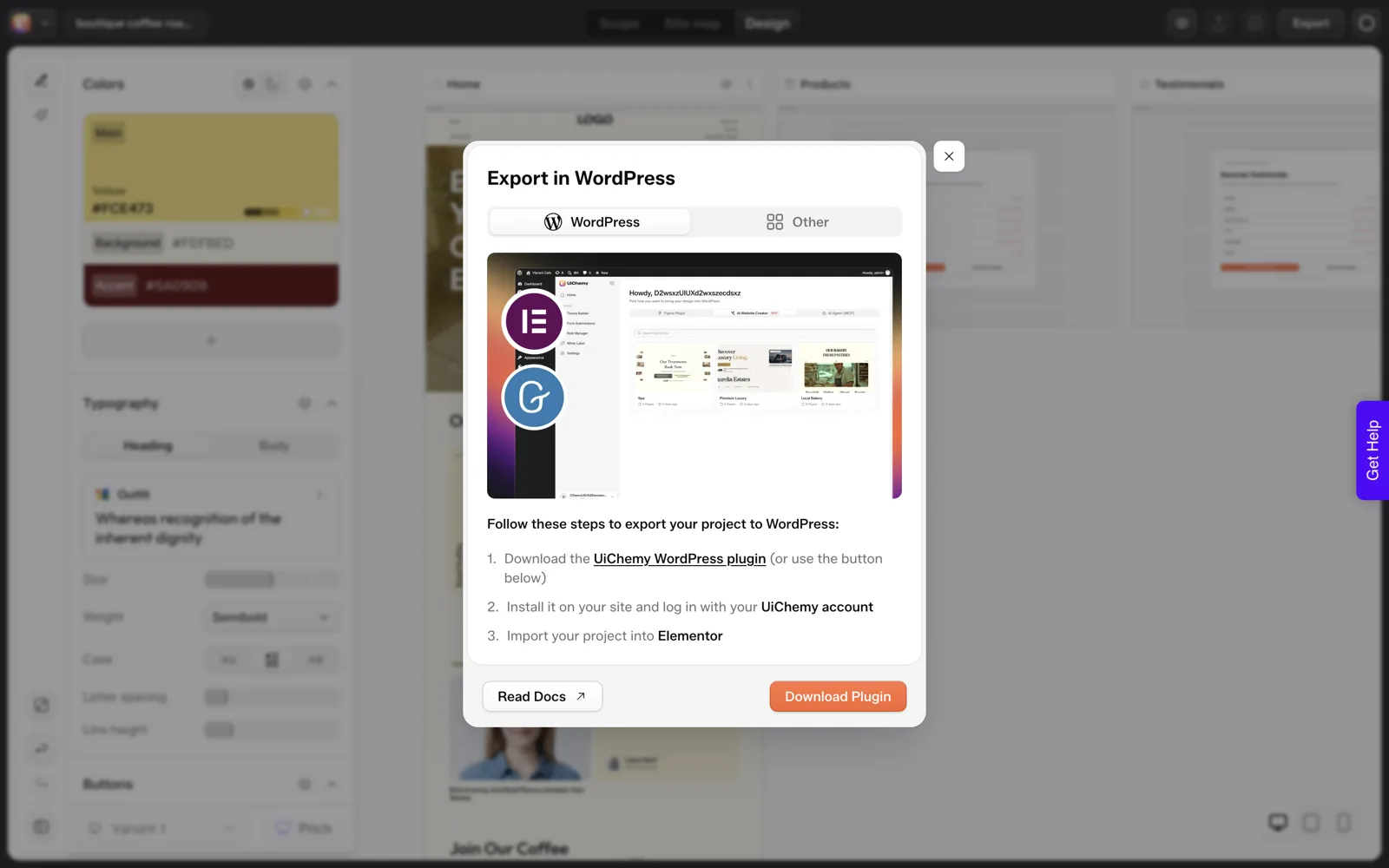
Hosting on your own WordPress gives you control of items 2 and 3 above: the files sit on infrastructure you choose, and the domain stays wherever you registered it. The full steps are in the Export to WordPress docs.
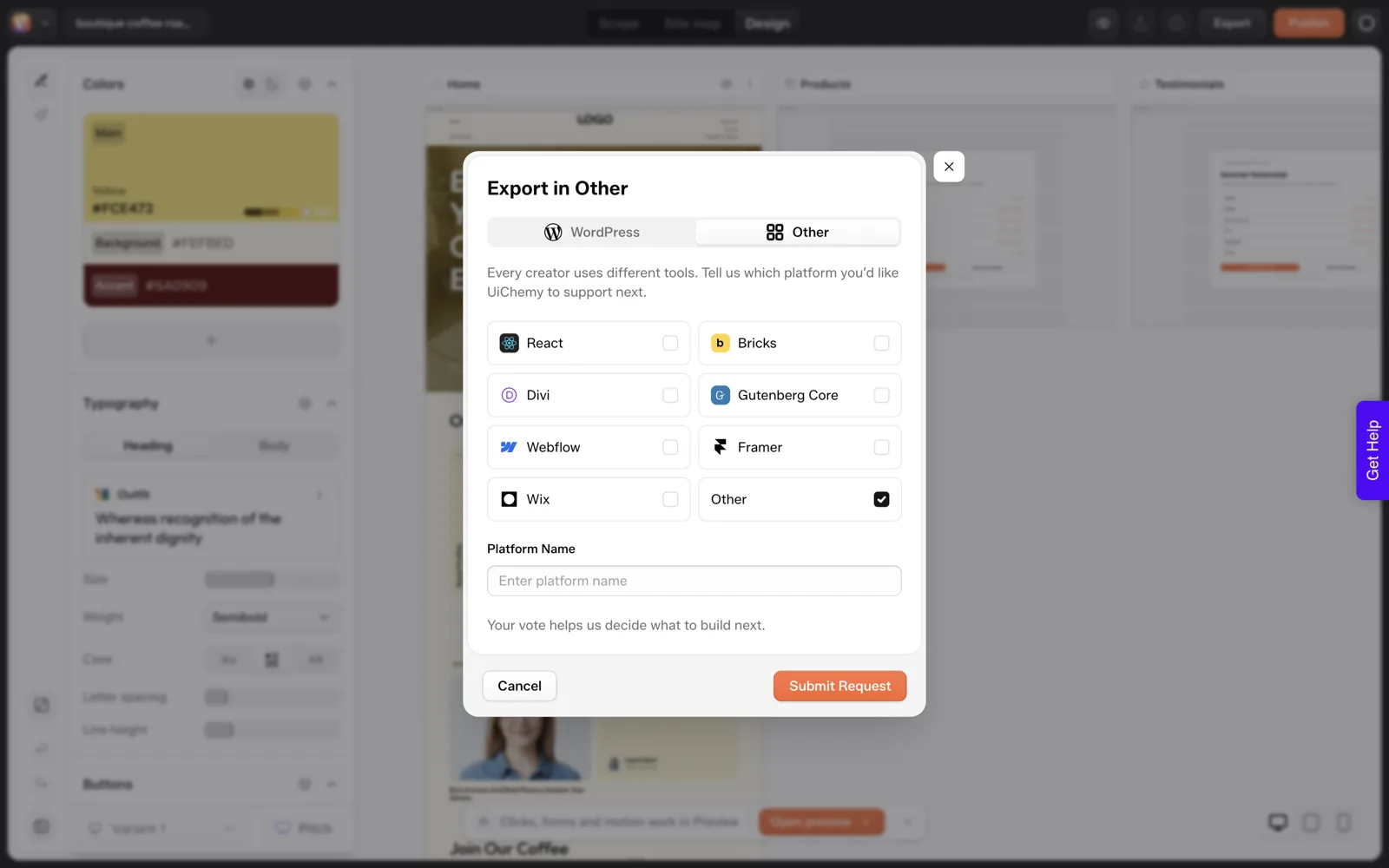
The dialog also has an “Other” tab, which is a vote form listing React, Bricks, Divi, Gutenberg Core, Webflow, Framer, Wix and Other. We read that as a signal that those targets are not available yet, so do not plan around them.
What Did We Not Verify?
Honesty about gaps matters more here than anywhere else in this series.
- We did not review any builder’s legal terms for this post. Do not treat our summary as a statement of what UiChemy’s terms say about content rights. Read the terms yourself.
- We did not run the import and cannot say how an imported site looks, or how much of it depends on the UiChemy plugin after import.
- We did not test what happens if you cancel. Ask support, or test on a throwaway project, before you promise a client continuity.
The Composer docs state that existing code in a widget keeps rendering on the Free plan, which is relevant to dependence, but they do not answer every continuity question. See the Free vs Pro docs for what each plan includes.
What Should Agencies Put in Writing?
If you build sites for clients, ownership is also a contract matter. Cover these points in your agreement, with a lawyer’s review.
- Who owns the finished site and content, and when ownership transfers (on payment, on delivery or on launch).
- Who holds the hosting, domain and plugin accounts, and in whose name each is registered.
- Which tools the site depends on, and who pays for any subscription it needs.
- What the client receives at handoff: admin access, an approved scope, and a short edit guide.
- Whether AI-generated material is disclosed, and who is responsible for checking it for accuracy and rights.
Our guide to quoting AI-built websites and the agency playbook cover the commercial side.
Questions to Ask Any AI Website Builder
Print this and ask the builder, or read their terms with it beside you. A vague answer on a row is an answer.
| Question | What a good answer looks like | Where to look |
|---|---|---|
| Who holds rights in generated text and images? | Stated plainly in the terms | Terms of service |
| Can I move the whole site to my own hosting? | Yes, with documented steps | Export docs |
| Can someone edit it without a developer after export? | Yes, in a common builder | Test an export |
| What stops working if I cancel? | A specific list | Support, a test project |
| Who is the registrant of my domain? | Me | Registrar account |
| Do forms, search or shop run on your servers? | A clear yes or no, with alternatives | Docs, support |
| What happens to my data if you shut down? | A notice period and an export route | Terms, support |
For a longer evaluation framework, our 12 questions to evaluate any AI website builder goes beyond ownership, and our look at Lovable as an AI website builder applies this lens to one popular tool.
What Does an Ownership Audit Look Like for a Real Project?
A table is more useful when it is filled in. This is the four-part ownership check applied to our coffee roaster project, with what we know and what we do not.
| Part | What we know | What we do not know |
|---|---|---|
| Rights in the content | Nothing, we did not review terms | Everything. Read the terms and ask a lawyer |
| Control of the files | The plugin imported Home into a WordPress install we control, and it opened as an editable Elementor page | How much of the site depends on the plugin after import |
| Control of the domain | Nothing. We did not test domains in a local run | Who holds your registrar login and whether it is in your name |
| Dependence | The docs say code already in a widget keeps rendering on the Free plan | What happens if you cancel a paid plan |
The import reading comes from a stage test on 2026-10-01, run after the text above was written, which says we did not import. It was one page on one throwaway install. Do the same on your own project before you rely on it.
What Should You Tell a Client in Plain Words?
Clients rarely ask about ownership until something goes wrong. A short note at handover removes most of the worry. Adapt this and have a lawyer review it, since it is a starting point and not legal advice.
ABOUT YOUR NEW WEBSITE

Where it lives:
Your site is installed on [hosting provider], in an account in
the name of [client or agency].

Who can log in:
[Names and roles]. The admin login was sent to [email].

How it was built:
The first draft of the pages was generated with an AI tool and
then reviewed and edited by [name]. Every price, hour and claim
was supplied or checked by you.

What it depends on:
[Tools and plugins the site needs, who pays for each, and what
happens if a subscription ends.]

Who makes changes:
[Agency or client], at [rate or retainer].

Your domain:
Registered with [registrar] in the name of [client].
Every bracket needs a real answer, and a blank is a decision you have not made. Our piece on the handoff problem with vibe-coded client sites explains why that conversation goes better early.
How Do You Read the Terms Without a Law Degree?
I am not a lawyer, and I will not tell you what any terms say. What I can offer is a way to read them with specific questions, so you do not skim. Search the document for each word below and read the whole paragraph around it.
- “own”, “rights” or “license”: who holds rights in generated text and images, and what license the builder keeps.
- “export”: what you can take away, and in what form.
- “cancel” or “terminate”: what happens to your content and access.
- “third party”: which outside models or services are involved, and whether their terms apply too.
- “commercial”: whether client work is allowed.
- “delete” or “retain”: how long your data is kept.
Write each answer in a single line, and mark the ones you could not find. A missing answer is a question for support, and you should keep the reply. If money or a client depends on the answer, have a lawyer read it. Our 12 questions to evaluate an AI website builder cover the product side of the same check.
FAQ
Do I own the website an AI builder creates?
It depends on the builder’s terms, your hosting and what you can export, and we cannot answer it for you. This is general information, not legal advice. Read the terms, check whether you can host a copy yourself, and have a lawyer review anything with money or a client attached.
Can I host a UiChemy-built site on my own WordPress?
The documented export installs the UiChemy plugin on your own WordPress site and imports the project into Elementor. We did not run the import for this post, so test it on a throwaway site and check the docs for the current steps.
What happens to my site if I cancel?
We have not tested it, so we will not guess. The Composer docs say existing code in a widget keeps rendering on the Free plan, but that does not cover every case. Ask support, or test on a throwaway project, before you promise a client continuity.
Should I tell clients a site was built with AI?
That is a contract and ethics decision for you and your lawyer. Many agencies put it in the agreement, along with who is responsible for checking generated content for accuracy. Whatever you decide, review every generated claim before it goes live.
If you want to see the export route for yourself, you can Get Started and look at the dialog before you build anything.
Every feature named in this post is listed by product: all UiChemy features, AI to WordPress features.