Lovable Alternatives When You Need WordPress at the End
 Sagar Patel
The best Lovable alternative depends on your end state. If the finished site must live in WordPress, choose a path that outputs editable WordPress content: an AI builder that exports to WordPress, a Figma-to-WordPress route, or keeping Lovable and converting the build afterward. Pick by who edits the site next, not by who wins the demo.
Most “Lovable alternatives” lists compare prompt boxes. This one starts from a different place: what the client will do with the site a month after launch. If the answer is “edit it in WordPress”, that single fact eliminates most of the field before you compare features. For the tool-by-tool view, Lovable, Bolt and v0 judged on what they hand you is the companion piece.
Start With the End State
Switching tools because of a limitation you have not hit yet is expensive. Switching because the end state is wrong is sensible. So write the end state down first, in one sentence: “A site on the client’s domain, in WordPress, that the client can edit in a visual editor without calling me.”
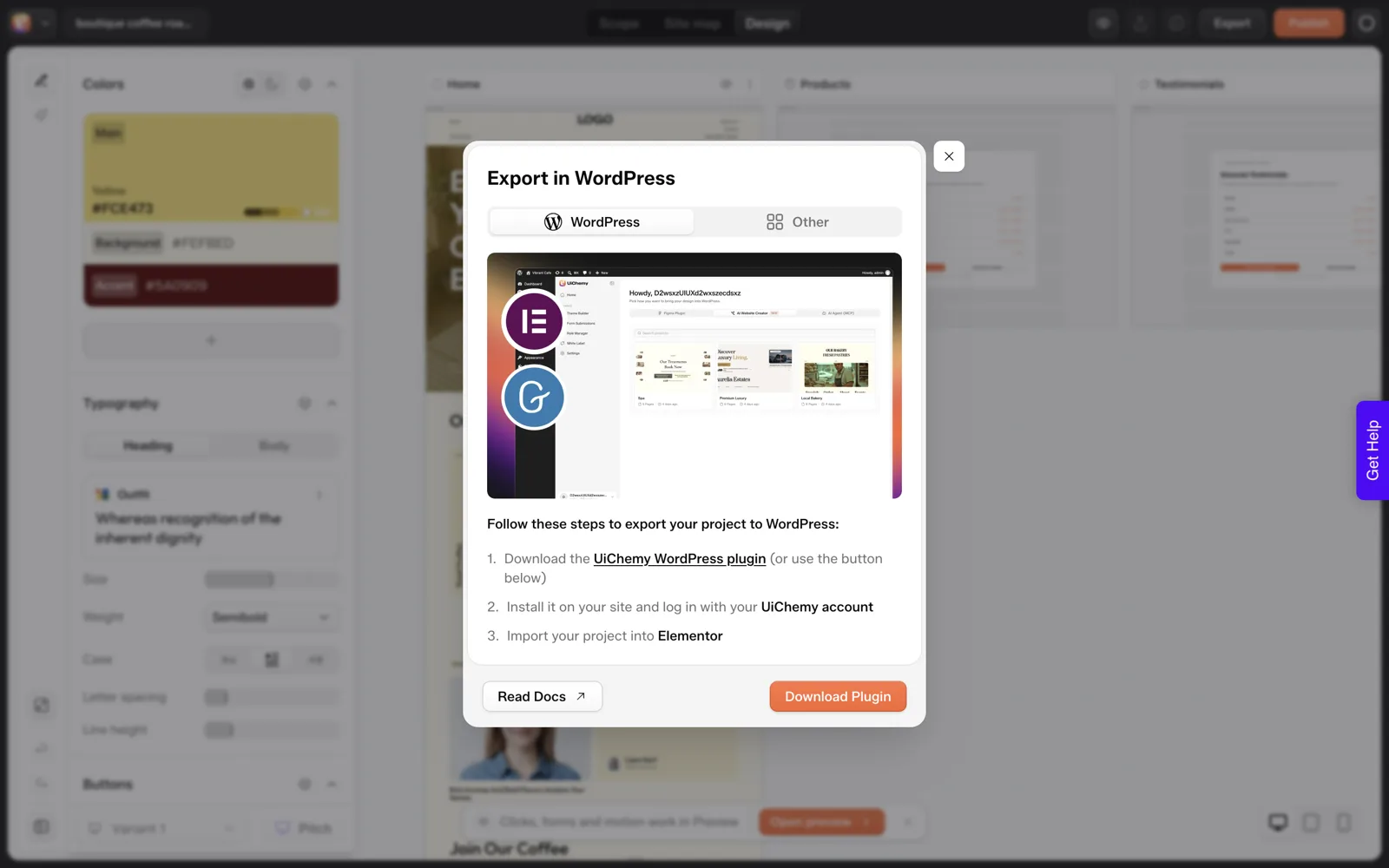
Notice what that sentence contains. A host, a CMS, an editor and an owner. A prompt-to-app tool optimizes the first draft. WordPress optimizes the long tail of edits. When the long tail matters, the question stops being which tool generates the prettiest hero and becomes how the output arrives in WordPress.
I am deliberately not comparing generation quality across other vendors here. I have not tested their latest versions side by side for this post, so I will not claim one writes better layouts than another. What I can compare is the path, and the paths differ in checkable ways.
Four Paths That End in WordPress
Path 1: Keep your current AI builder, then convert
Build in whatever you like, download the project, and bring it into WordPress. UiChemy documents this for Lovable, Bolt, v0, plain HTML and cloned sites.
The Lovable page in the docs shows the route runs through a supported MCP client such as Claude Desktop, Cursor, Codex or Antigravity. See Lovable to WordPress for the steps. Best when you already like your builder’s output and just need a new home for it.
Path 2: Generate straight into editable WordPress
Start from a prompt or a brief and end with a project you can export into Elementor. UiChemy’s AI Website Creator works this way, and it is early access, shown as “Soon” on the pricing page. Our own test of one prompt is written up in the coffee roaster test, step by step. Best when WordPress is certain from the first minute.
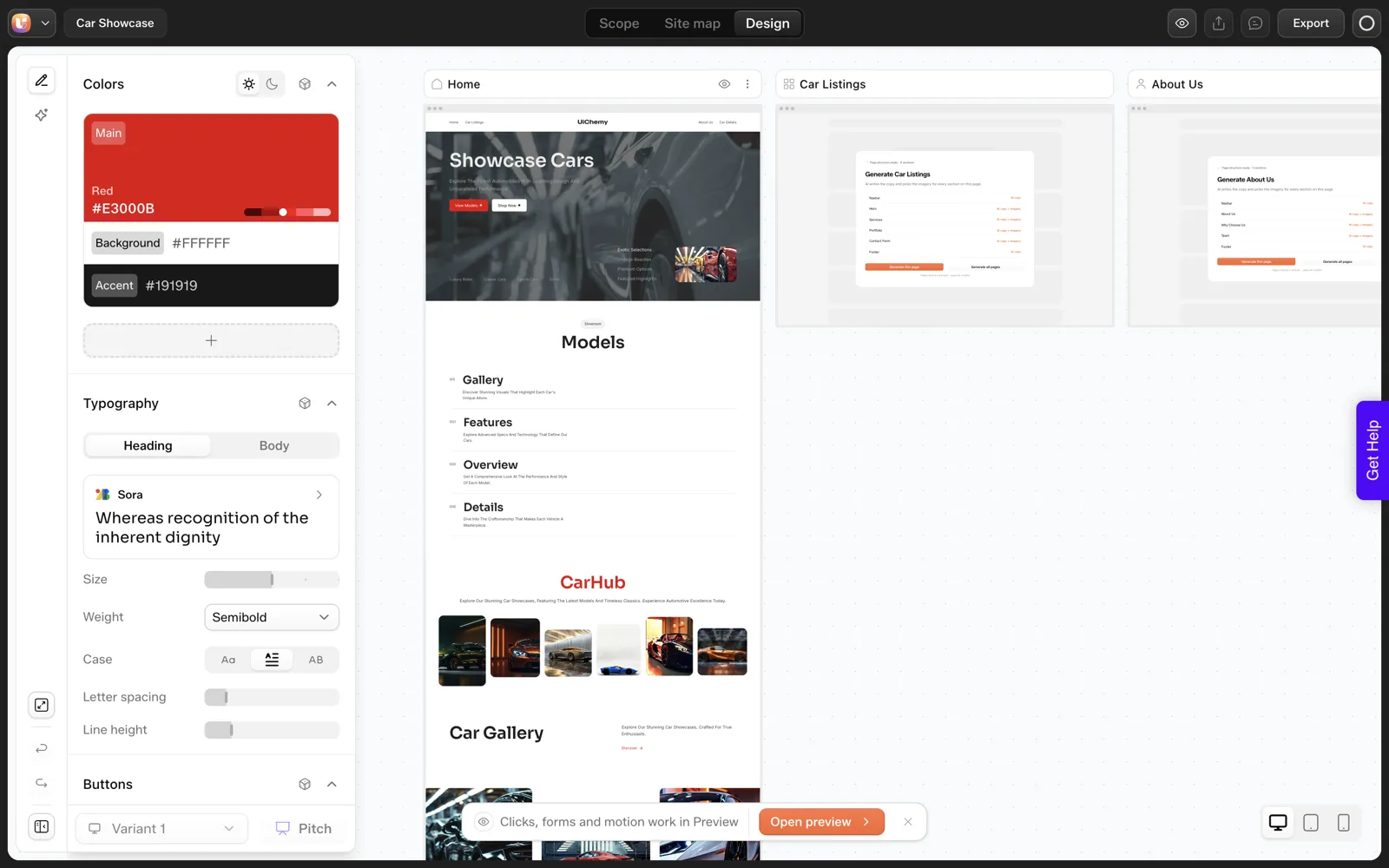
Path 3: Start from a design
If a designer already made the pages in Figma, converting the design is more faithful than describing it again in words. Figma to WordPress: what actually changed in 2026 covers that route, including the difference between AI Express Mode and Classic Mode. Best when a real design exists or the brand needs pixel control.
Path 4: Build inside WordPress with AI
Skip the external generator and work in the builder you will ship in. UiChemy Composer writes real HTML, CSS and JavaScript inside Elementor or Gutenberg. Best for custom sections and interactions on an existing site. The best AI website builder for WordPress, honestly compares the options in this lane.
The Decision Table
| Your situation | Best path | Why | Watch out for |
|---|---|---|---|
| You like the Lovable draft, client needs WordPress | 1: Keep and convert | No rebuild of the design you approved | App logic does not move with page layouts |
| Starting from nothing, WordPress certain | 2: Generate to WordPress | Review and editing happen before you export | Early access product, check current status |
| Designer delivered Figma files | 3: Design to WordPress | The design is the source of truth | Needs a clean Figma file |
| Site exists, needs one custom section | 4: Composer inside the builder | Smallest change to a working site | Review the code it writes |
| Real web app with accounts and data | Stay with an app builder | A CMS is the wrong shape for it | Link from WordPress to the app |
| Client wants to see something this afternoon | Any generator, then decide | A draft costs less than a meeting | Do not promise the draft is the final site |
When Keeping Lovable Is the Right Answer
Sometimes there is no reason to leave. If the project is a product with sign-ups and a database, stay. If it is a short-lived campaign page that nobody will edit, stay. Moving has a cost, and a throwaway page does not earn it.
The reverse case is the one that bites agencies. A brochure site for a small business gets built as an app because the tool made it easy, then sits in a repository the client cannot open.
Six months later someone needs a phone number changed. That story is the subject of the handoff problem in vibe-coded client sites, and it is the strongest reason to decide on the end state first.
The Questions Sheet
Answer these before you pick. Three or more “WordPress” answers means choose a path that ends in WordPress.
Choosing a Lovable alternative: answer in one line each

1. Who edits the site after launch? (me / client / nobody)
2. Where must it be hosted? (client's WordPress host / any)
3. Does it need a blog or growing content? (yes / no)
4. Does it need user accounts or a database? (yes / no)
5. Is there a finished Figma design? (yes / no)
6. How many pages? (1 / 2 to 10 / more)
7. Must the brand match exact fonts and spacing? (yes / roughly)
8. Which builder does the client already know? (Elementor / Gutenberg / other)
9. What happens if a plugin or tool disappears? (site keeps working / breaks)
10. Who pays for the tool after handoff? (me / client / nobody)

Scoring:
Q1 = client, Q3 = yes, Q8 = Elementor or Gutenberg, Q9 = keeps working -> WordPress end state.
Q4 = yes -> keep the app, link from WordPress.
Q5 = yes -> design-to-WordPress path.
Common Traps
- Comparing demos. Every demo is the best case. Ask for the worst case: what does the output look like after you ask for a change?
- Ignoring export. Ask what you can take with you and in what form. Who owns an AI-built website covers lock-in and portability questions in detail.
- Counting the first draft only. Time to a first draft is the least useful number. Time to a client-approved, editable site is the one that matters.
- Trusting vendor claims about other vendors. Including this post. Test one real page in each shortlisted path before you commit a project.
If you want a longer list of questions to put to any builder, how to evaluate any AI website builder in 12 questions goes further, and what the roundups miss in best AI website builder lists explains why ranked lists mislead.
Four Scenarios, Four Different Answers
The decision table above is the quick version. These four scenarios show how the same questions produce different answers. They are composite illustrations of common situations, built to show the reasoning, and they do not describe real clients.
Scenario 1: The freelancer with an approved draft
A freelancer built a five-page draft in Lovable. The client approved the look on a call and now asks, “Can you put it on my domain with WordPress, so my assistant can edit it?” The design is the approved asset, so rebuilding it would throw away the approval. Path 1 fits: convert the draft. Steps are in Lovable to WordPress.
Scenario 2: The agency starting a new client
An agency has a signed brief and no design yet. WordPress is certain, because the agency standardizes on it. There is no draft to protect, so Path 2 is worth testing: generate straight toward WordPress and review the sitemap before design. Check the status of the AI Website Creator first, since it is early access and shown as “Soon” on the pricing page.
Scenario 3: The studio with a Figma file
A studio already has finished pages in Figma. Describing them again in a prompt would lose detail, so convert the design. AI Express Mode versus Classic Mode helps you pick between automatic and tagged conversion.
Scenario 4: The product team with accounts
A team built a Lovable project with sign-in and saved data. Moving it into a page builder would remove the part that works. Keep the app, and build the marketing pages and blog in WordPress with a clear link between them.
A Test You Can Run in One Afternoon
Vendor pages cannot settle this for you, and neither can I. The reliable way to choose is to put the same real page through each shortlisted path and compare what you hold at the end. Pick the page that gave you the most trouble in the past, since easy pages flatter every tool.
One-afternoon path test

Page used: ______________________ (pick a page with a form and a card grid)
Paths tested: [ ] 1 Convert  [ ] 2 Generate  [ ] 3 Design  [ ] 4 Composer

For each path, record
Time from start to a page I could show the client: ____
Can I select and edit a single heading in WordPress? yes / no
Do colors and fonts live in global styles? yes / no
Did anything need hand repair? list: ______
What did I have to know that the tool did not tell me? ______
What would break if this tool changed its pricing next month? ______

Decision rule
Pick the path where the client can edit alone and the repair list is shortest.
If two paths tie, pick the one with fewer things in the last question.
The final question on that sheet matters most for agencies. A path that depends on a tool staying cheap and available is a different risk from a path that leaves you with ordinary WordPress content. Who owns an AI-built website goes through the portability side of that risk.
Keep the filled-in sheets. After three or four projects you will have your own comparison data, which is better evidence than any list of alternatives I could write.
What Switching Actually Costs You
People price the new tool and forget the switching bill. Before you move, list what you would pay in each of these buckets, using your own numbers.
- Re-approval. If the client signed off on the existing design, a rebuild may reopen that approval.
- Re-entry of content. Copy, images and links need to land in the new place.
- Learning time. A new tool costs hours before it saves any.
- Redirects and SEO. If the old site was live, changed URLs need redirects or the search visibility goes with them.
- Parallel running. You may pay for both tools for a while.
Converting the draft you already have usually keeps the first two buckets small, which is why it is the first path to test. It does not remove the review work, so plan for it with the help of the 12 questions for evaluating any AI website builder.
If you are an agency charging for the move, the same list becomes your estimate. How to quote AI-built websites for clients shows how to price the review and handoff hours instead of the generation.
FAQ
What is the best Lovable alternative for WordPress?
There is no single best. If you want to keep your Lovable draft, convert it into WordPress. If you are starting fresh and WordPress is certain, use a generator that exports to WordPress. If a Figma design exists, convert the design. The right pick follows from who edits the site after launch.
Can I keep using Lovable and still end up on WordPress?
Yes. The UiChemy docs describe building in Lovable, downloading the project ZIP and handing it to a supported MCP client, which brings it into WordPress. Lovable has no MCP of its own, so the conversion runs through Claude Desktop, Cursor, Codex or Antigravity rather than directly.
Is a WordPress site always better than an AI-built app site?
No. A real application with accounts and data belongs in an app. WordPress wins when content changes often, non-developers edit it and the client wants to own hosting, plugins and SEO. Choose by the work the site does and who maintains it.
Which alternative is cheapest?
I will not rank other tools by price, since prices change and I have not verified them for this post. For UiChemy, the monthly all-in-one plans are Designer $11, Studio $35 and Agency $59, with annual billing about 25 percent cheaper. Compare total cost to a finished, handed-over site, not the monthly fee alone.
Do I lose my design if I switch builders?
Not necessarily. Moving a finished build into WordPress is designed to keep the layout, colors and typography as editable content, but you should verify page by page on staging. Starting over in a new generator does lose it, which is why converting is worth testing first.
To test the convert-or-generate decision on a real project, Get Started and run one page through each path.
Every feature named in this post is listed by product: all UiChemy features, AI to WordPress features.