AI UI Generators Compared by Their Actual Output
 Sagar Patel
Type “pricing page for a project management SaaS, dark theme” into any of six tools and you get something that looks presentable inside a minute. The interesting part starts about ninety seconds later, when you try to do something with it.
That is where these tools stop resembling each other.
Most roundups on this term compare feature lists. Feature lists are close to worthless here, because every tool in this category generates a layout, every one of them offers a chat box, and almost every one of them claims to be responsive.
The differences that cost you a weekend are all downstream.
So this comparison sorts by output artefact: what you are holding when the generation finishes, who can edit it afterwards, and what it takes to get that thing onto a live client site. Prices and plan rules were checked on 7 September 2026 against each vendor’s own published pages.
The Only Question That Sorts These Tools
Ask it before you compare anything else. When the spinner stops, is the thing in front of you editable Figma layers, a React codebase, a hosted page on somebody else’s domain, or native elements inside a builder you already own?
Those four answers imply four different next weeks. Figma layers mean a design review and then a build.
A React codebase means a developer or a hosting bill. A hosted page means the platform owns your renewal.
Native builder elements mean the client can change the phone number without emailing you.
| Tool | What you hold at the end | Who can edit it after |
|---|---|---|
| Figma agent, on canvas | Native Figma layers and components | Anyone with edit access to the file |
| Figma Make | Code-backed prototype, publishable to a URL | You, by prompt or by editing code |
| Figma Sites | A published responsive site, plus a CMS view | Collaborators, inside Figma, layout locked |
| Lovable | A web app you own the code to | Whoever can prompt or read the repo |
| v0 | React components, deployable to Vercel | A developer, or Design Mode |
| UiChemy, Figma to WordPress | Native Elementor, Gutenberg or Bricks elements | Anyone who can use WordPress |
| UiChemy, AI Website Creator | A whole WordPress site from a prompt or a brief | Anyone who can use WordPress |
Generators That Hand You Figma Layers
This is the group a designer usually wants and rarely gets, because layers are the only output you can restructure without permission from an engineer. Figma’s own canvas agent sits here.
It generates and remixes designs, automates repetitive work and answers questions about the file, and it is labelled beta on Figma’s pricing page.
The remote Figma MCP server adds a second route into the same place. With the right skills installed, an agent in your editor can create and update frames, components, variables and auto layout in a real file using your design system as the source of truth.
Figma notes that this is free during the beta and will eventually be usage-based and paid.
The practical limit of this group is that layers are not a website. You have designed faster, which is real, and you have not shipped anything.
Our piece on what Figma AI agents actually do covers the seat limits on that route.
Generators That Hand You Code
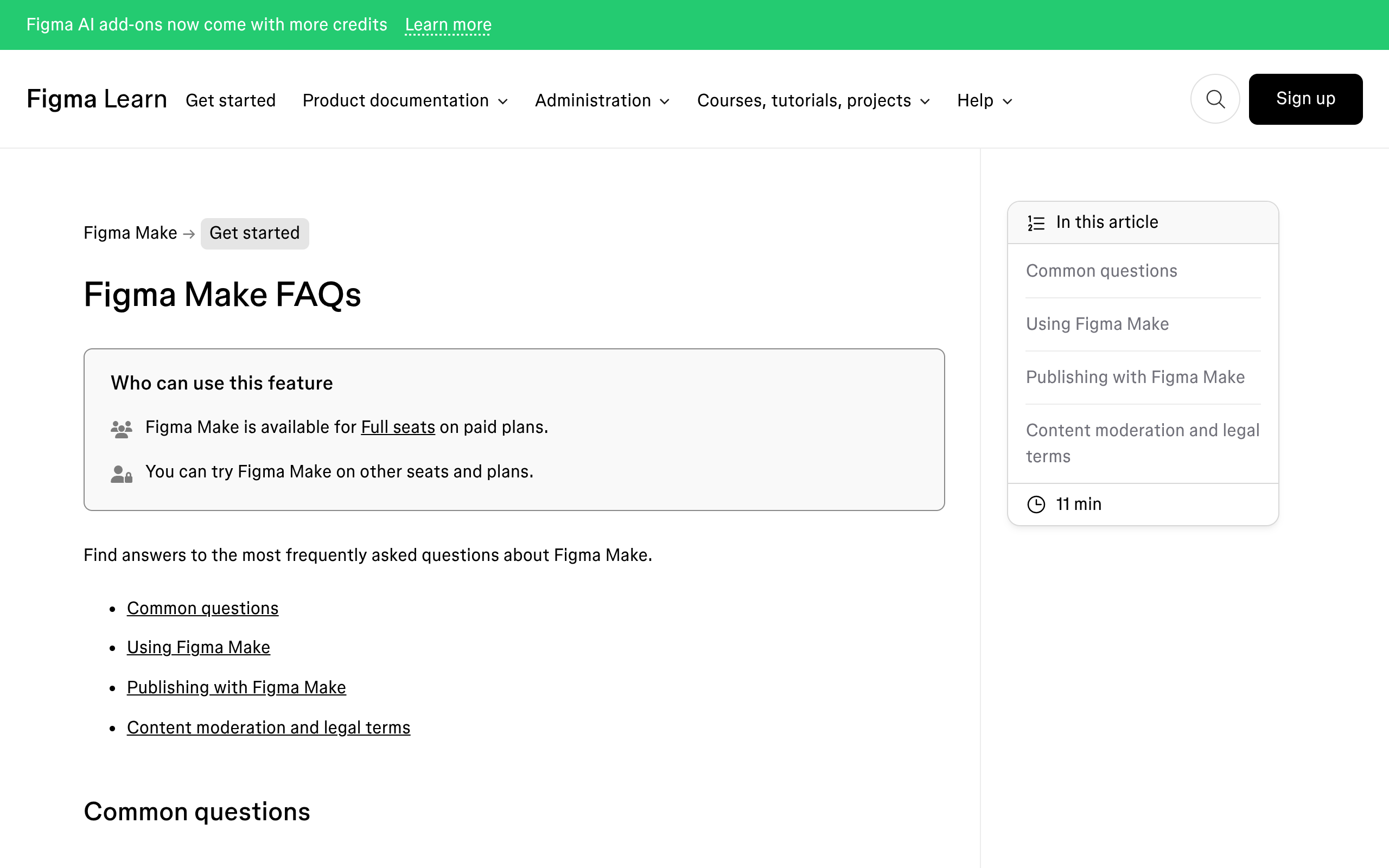
Figma Make, Lovable and v0 all belong here, and they are genuinely good at it. Figma Make is code-backed and visually editable, it can pull design context from your libraries through Make kits and npm packages, and it can open a pull request against a connected codebase.
Lovable’s own framing is an AI software engineer for the web, and its ownership answer is unusually clear.
Lovable states that you own your code, the apps and sites you build, the customer data stored there, and the AI output you generate, subject to third-party rights in the underlying models. That is a better answer than most of this category gives.
v0 sits closest to a component library. It deploys to Vercel, syncs with GitHub, and offers a visual Design Mode on top of the code.
The free tier is $5 of monthly credits with a seven-message daily limit, which is a trial rather than a workflow.
The honest problem with all three, for the reader of this blog, is that a React bundle does not drop into WordPress. You can host it separately and lose the CMS, iframe it and lose indexing, or rebuild it by hand.
Generators That Hand You a Hosted Page
Figma Sites is the clearest example and the one designers ask about most. You paste Figma Design frames in, structure the page with prebuilt blocks that already carry auto layout, add preset interactions, and publish to a personalised subdomain or a custom domain.
Its CMS is the underrated feature. Content lives in a dedicated view and the design layout stays locked, so a collaborator can change text and images without touching the canvas.
For a small marketing site with one editor, that is a defensible answer.
Two facts belong next to it. Figma Sites is still labelled beta on Figma’s own pricing page, and it is available on Full seats.
Editing after launch means the client learns Figma or comes back to you, and that is the cost line nobody puts in a comparison table.
What the Meter Costs
Every tool here is metered, and the meters are not comparable unit to unit. What is comparable is the shape of the bill and what happens when you stop paying.
| Tool | Entry price | The meter | What expires |
|---|---|---|---|
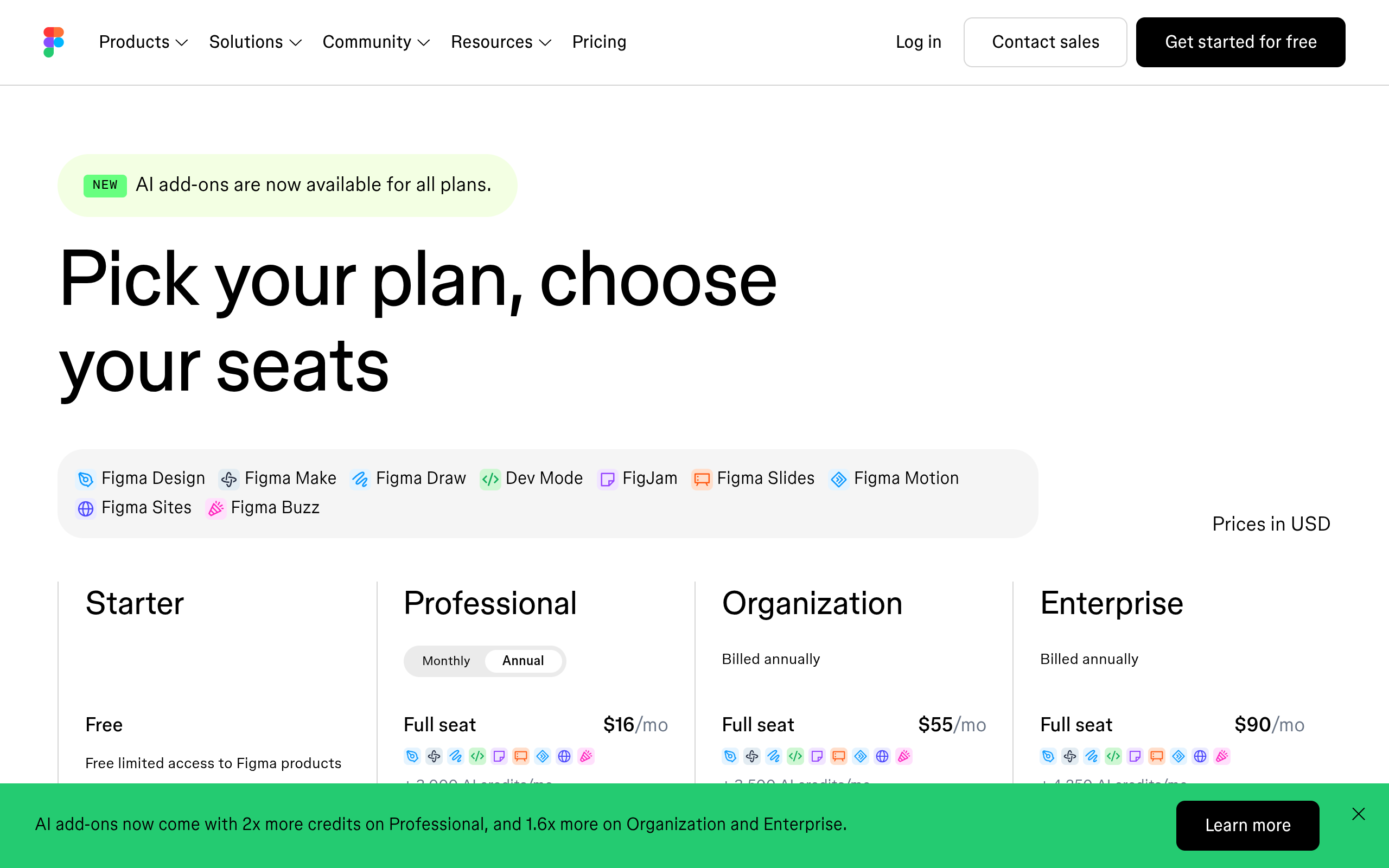
| Figma Professional | $16 a month, Full seat | 3,000 AI credits a month | Credits reset monthly, no roll over |
| Figma Starter | Free | 150 credits a day, up to 500 a month | Daily cap resets the next day |
| Lovable free | Free | 5 build credits a day, up to 30 a month | Daily grants do not roll over |
| Lovable paid | Published on their pricing page | Shared workspace credit balance | Monthly credits expire after 2 months |
| v0 free | Free | $5 of credits, 7 messages a day | Monthly |
| v0 Plus | $30 per user a month | $30 of credits plus $2 daily | Monthly |
| UiChemy Free | Free | 1,000 credits a month | Credits refresh monthly, no roll over |
| UiChemy Designer | $9 a month | 4,000 credits a month | Credits refresh monthly, top up mid-cycle |
Run those numbers against a Professional Full seat. At roughly 100 credits for a from-scratch generation, 3,000 monthly credits is about thirty serious attempts, before any of the corrections that follow.
Free tiers are smaller than they sound: 500 Figma credits a month is five such generations.
Figma’s own guidance is that the way to spend less is to spend better. Plan mode costs a separate action before the build, and a well-scoped plan tends to need fewer correction prompts, which is the actual saving.
Our note on how Figma AI credits are counted works through that arithmetic.
Where Each One Genuinely Wins
Naming a favourite for every job would be dishonest. These tools win in different places, and a fair comparison says so.
- Figma agent wins on staying in one file. No export, no round trip, and your libraries are already there.
- Figma Make wins on going from prototype to production code. Nothing else in this list opens a pull request against your repository.
- Lovable wins on ownership and on team economics. You own the output, workspaces take unlimited members on all plans, and pricing is by credits rather than seats.
- v0 wins on component quality inside a React stack. If your destination is already Next.js on Vercel, the path is short.
- Figma Sites wins on speed to a live URL for a single-editor site. Design, publish, done, with a CMS for the text.
- UiChemy wins when the destination is WordPress and somebody else maintains it. That holds whether the input is a signed-off Figma frame, a client brief, or a Lovable build you already paid for. It is a claim about the destination rather than about the prompt box, and it is the one to check against your actual job.
Generators That Hand You Native WordPress
If the client site runs WordPress, the generated UI has to become native builder elements or it becomes your problem forever. For a long time the only tools that reached that destination were converters, which meant you needed a signed-off design before you could start at all.
That is no longer the shape of it, and any comparison that still files WordPress tools under converters and everything else under generators is describing 2025.
Disclosure: UiChemy is our product. Since the 7 September 2026 rebuild it runs four routes on one engine, and the starting point picks the route.
An approved Figma design, a text prompt or client brief, an existing AI build, or a prompt typed inside the builder. Two of those four never involve Figma at all.
AI Website Creator is the prompt-origin route, and it belongs in this comparison on the same terms as everything above it.
A text prompt or a client brief goes in, it writes a scope, generates a sitemap, designs the pages, then exports.
The example prompts on its own page attach a client brief PDF and a meeting transcript rather than a one-line description, which is closer to how agency work actually arrives. Pages per site run 1 on Free, 20 on Designer and unlimited on Studio and Agency.
Export to Elementor is live and export to Gutenberg is marked Soon on all four plans, Agency included.
UiChemy Composer is the fourth route and the one that answers the React problem two sections up. You drop the Composer widget into a page once, and from then on AI writes genuine editable HTML, CSS and JavaScript inside Elementor.
Simple Mode gives plain fields for text, images, links and colours. Developer Mode gives a class editor, code tabs, a layers panel and global variables.
You bring your own key or agent, so nothing is locked to our service, and the output ships only the code you actually built.
On the Figma route, two modes ship in the same plugin. AI Express Mode reads every Figma layer with no tagging and rebuilds it automatically, handling layout styling, spacing and motion for you.
Classic Mode requires tagging and is the route when a pixel has to land exactly where you put it. Basic CSS motion is on every plan; advanced motion through GSAP, and MCP or API access, both start at Studio for $29 a month.
Builder coverage differs between them and the difference matters. AI Express outputs to Elementor today, with Gutenberg and Bricks marked as coming rather than shipped.
Classic Mode already covers Elementor, Elementor v4 Atomic, Gutenberg, Bricks, Nexter Blocks, GenerateBlocks, Spectra and Kadence.
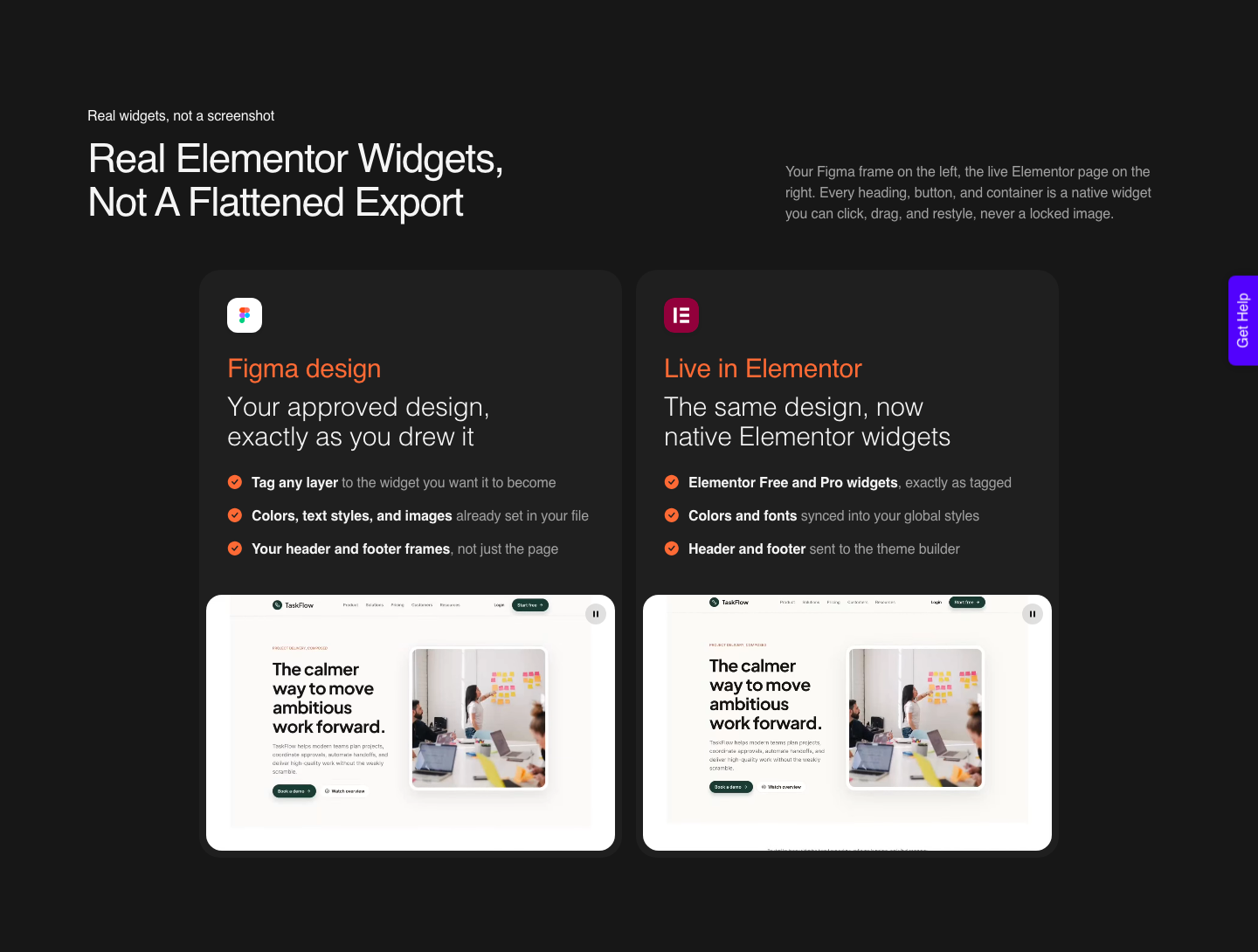
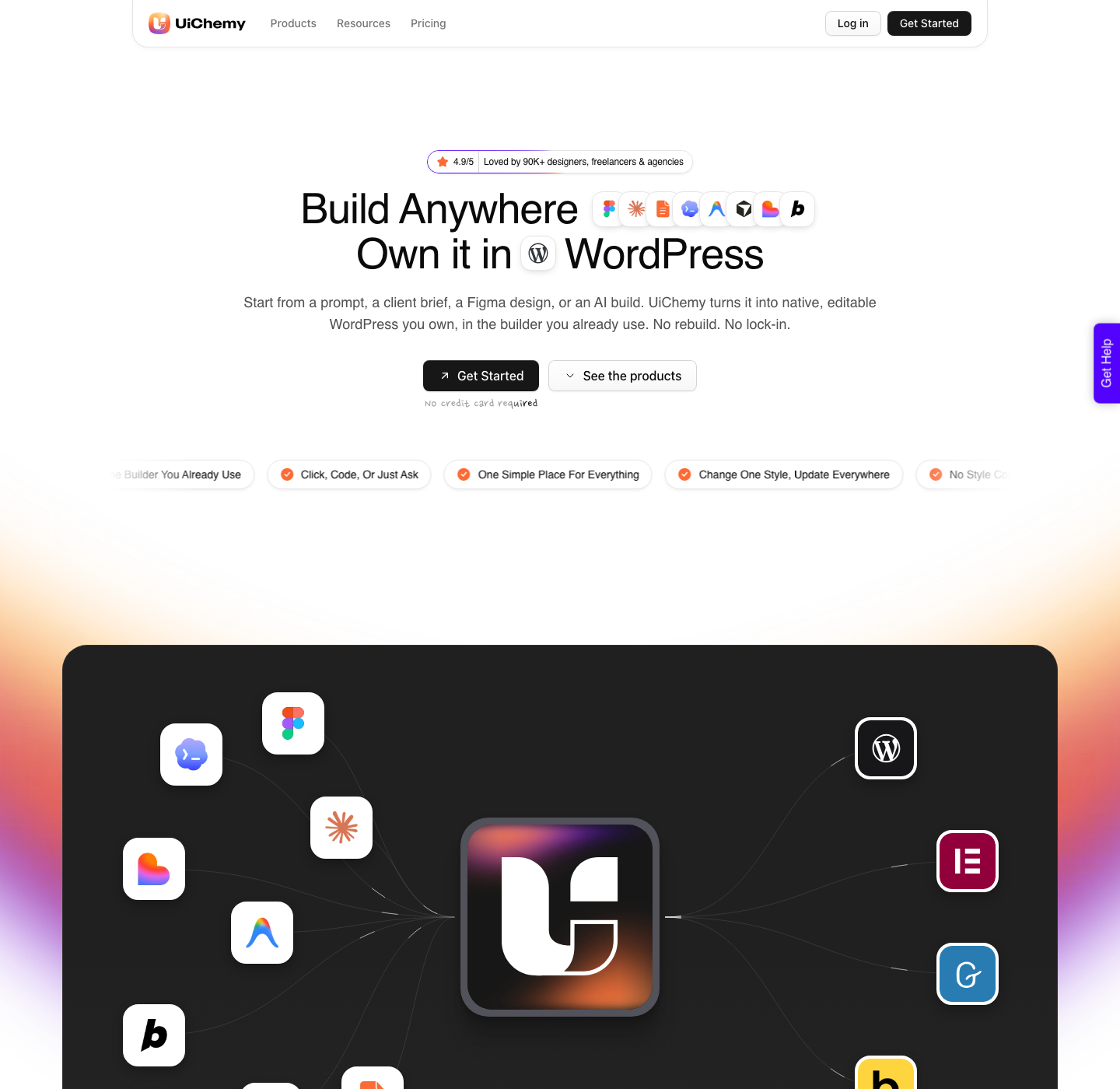
The input does not have to be Figma either. A live URL, raw HTML, Lovable, v0, Google Stitch, Relume, Claude Design and Antigravity all reach the same native WordPress output, which is the practical answer to holding a React bundle you cannot use.
Read the AI to WordPress nav carefully though, because the Soon labels there are easy to misread. Claude to WordPress has its own dedicated flow.
Lovable, Codex and Clone Site are marked Soon because their dedicated one-click pages are still being built, not because the conversion is unavailable. Those builds go through Composer today.
Honest Limits on the Conversion Route
- Conversion is not zero cleanup. A verified reviewer describes it as handling about 70% of the design work and leaving 30% to fine-tune in Elementor. Anyone promising 100% has not converted many real designs.
- A messy file converts messily. The design optimisation guide gives four rules, layer structure, media optimisation, text height and import speed, and puts a well structured file at 80 to 90% of the time saved against a badly structured one.
- Three of the four routes are Elementor-only today. AI Express Mode and AI Website Creator export to Elementor with Gutenberg marked Soon, and Composer’s own page says it runs inside Elementor. Gutenberg and Bricks today means Classic Mode.
- The Free plan is real but small. $0 a month buys 1,000 credits, one Figma seat, one AI Website Creator project of one page and one Composer site. It is an evaluation, on the same terms as every other free tier in the table above.
- Credits are consumed per conversion. An AI Express run costs more than a Classic one, and both draw from the same monthly pool.
Frequently Asked Questions
What is the best AI UI generator?
There is no single answer, because the tools produce different artefacts. Pick by destination.
Figma layers for a design review, Figma Make or v0 for application code, Figma Sites for a fast standalone site, and a WordPress-native tool when the page has to be edited later by someone who does not open Figma.
Within that last group, pick again by starting point: a signed-off design goes through the Figma route, a client brief goes through AI Website Creator.
Is there a free AI UI generator worth using?
Several have free tiers, and all of them are small. Figma Starter gives 150 AI credits a day up to 500 a month, Lovable’s free plan grants 5 build credits a day up to 30 a month, and v0’s free plan is $5 of credits with a 7 message daily limit.
Treat them as evaluations rather than as a month of work.
Can an AI UI generator output WordPress?
None of Figma’s own tools, Lovable or v0 does. They produce Figma layers, code, or a hosted page on their own platform, so getting to native builder elements is a second step.
UiChemy’s AI Website Creator does produce WordPress from a prompt or a client brief directly, exporting to Elementor, with Gutenberg export marked Soon on every plan.
Do I keep the output if I cancel?
It depends entirely on the artefact. Lovable states plainly that you own your code and can keep using remaining credits until the end of the billing period.
A hosted page usually stops being hosted. Pages converted into your own WordPress install stay on your server whether or not the plan continues.
How many pages can I actually generate a month?
Using Figma’s own published figures, a from-scratch generation in Make runs about 100 credits or more, so a 3,000 credit Professional seat is roughly thirty attempts before corrections. Corrections are where budgets go, which is why plan mode and a tidy source file pay for themselves.
The Short Version
Stop comparing prompt boxes. Write down where the page has to live in six months and who is going to change the pricing on it, then pick the tool whose output already lives there.
Every other difference between these products is smaller than that one.
If the answer is a WordPress site somebody else maintains, generating the UI is the cheap half and the conversion is the half worth budgeting for. The companion piece on Figma AI tools ranked the same way covers the wider set of AI features inside Figma itself.
Primary sources for this piece: Figma’s pricing page, how AI credits work, the Figma Make product page, the Figma Sites product page and Figma’s AI workflows page, together with the published pricing pages of Lovable and v0, all fetched on 7 September 2026.