Figma Sites CMS: What It Does and Where It Stops
 Sagar Patel
A restaurant client wants their menu on the site, and they want to change the specials themselves every Thursday. You designed the whole thing in Figma and Figma Sites can publish it this afternoon.
Then somebody asks who logs in to edit the specials, and the afternoon gets longer.
Figma Sites does have a CMS. It went into public beta and it does real work, so the honest version of this post is not that the CMS is missing.
It is that a beta content layer inside a design tool is a different thing from a CMS a client’s staff can run without you.
Everything below was checked against Figma’s own product page and help centre on 8 September 2026. The limits quoted are Figma’s own numbers, and where Figma Sites is the better answer this post says so plainly.
What Figma Sites CMS Actually Gives You
Figma’s help centre describes a collection as a set of fields and items grouped by a topic, and tells you to think of it as a spreadsheet of your content. Fields are the column headers and items are the rows.
That model is clear, and for a blog index or a portfolio grid it is exactly right.
Three pieces make it work: the CMS collection holding the data, a CMS page acting as the template for a single item, and a CMS list, a repeating design block that shows many items.
You can import existing content from a CSV, and Figma notes that column headers may need adjusting before the import takes. It is available on all plans, and the requirement is edit access to the site file.
The design side is the part that genuinely has no WordPress equivalent. Your layout stays locked while collaborators update text and visuals, so nobody drags the hero out of alignment while fixing a typo.
That is a real answer to a real problem, and it is worth saying before the criticism starts.
The Numbers That Decide It
Two of Figma’s own facts settle most client conversations before they start. The field list runs to seven types and no more: Title and Slug, both required, then plain text, rich text, link, image and date.
Images accept JPEG, PNG and GIF.
The second is the seat. Figma’s beta documentation states that editing and publishing a site file requires a Full seat, and that Dev, Collab and View seats can only view site files.
Publishing to a live domain also needs a paid plan. So every person who touches the content is a Full seat on a paid plan, which is $16 a month each on Professional.
Read that field list against a real brief. A property site needs a number field for price and a relation to an agent.
A course catalogue needs a boolean for enrolment open. Neither exists in seven fields, so both get faked in plain text and stop being sortable.
Figma does not publish an item limit for a collection, and it states there are no limits on how many sites you publish, so do not plan around a number nobody has printed. Plan around the schema instead.
Ask what fields the content actually needs, and if two of them are a price and a relation, the seven types have already decided the platform.
| Figma Sites CMS | WordPress | |
|---|---|---|
| Status | Beta, inside a product also labelled Beta | Stable, and the editor most client teams have already used |
| Cost of one more content editor | A Full seat on a paid plan, $16 a month on Professional | A user account, no per-seat fee |
| Field types | 7: title, slug, plain text, rich text, link, image, date | Core fields plus custom fields and custom post types |
| Who can edit content | Anyone with edit access to the site file | Six documented roles from Administrator down to Subscriber |
| Editorial workflow | Not documented | Draft, pending review, scheduled, published |
| Content import | CSV, with column headers sometimes needing adjustment | Importers, WP-CLI, the REST API |
| Where the design lives | The same file as the content | Theme or builder, separate from the content |
The Permissions Question Nobody Asks Early Enough
Figma documents the CMS requirement as edit access to the site file. That is one level of access, and it is the same level that lets somebody move a frame.
There is no documented content-only role, no reviewer who can suggest a change without publishing it, and no separate login for a person who should never see the canvas.
WordPress solved this in 2005 and the solution is still the reason agencies keep handing sites over successfully. The documentation lists six roles: Super Admin, Administrator, Editor, Author, Contributor and Subscriber.
A Contributor writes and cannot publish, an Author publishes their own work and nothing else, and an Editor handles everyone’s.
That granularity is not a feature anyone demos. It is the thing that stops a marketing intern from breaking a homepage, and it is the reason a client’s legal team signs off on the handover.
If the brief includes more than two people touching content, the permissions model is the decision and everything else is detail.
Where Figma Sites Is Genuinely The Better Choice
Being fair here costs nothing and makes the rest credible. For a personal portfolio, a conference microsite, a launch page or a photo essay, Figma Sites is faster than any WordPress route and the result is often better.
You keep your existing libraries, styles and components with no rebuilding, and the design system you already maintain is the design system on the live site.
The interaction work is the other genuine advantage. Figma ships preset interactions including marquee scrolling, custom cursors and hover effects, applied with a click rather than a plugin and a stylesheet.
Add AI-generated interactions with editable code underneath, and the expressive end of web design is easier there than in most builders.
The template library is real too, sorted into events, landing pages, personal sites, business sites and portfolios. If the site is one designer publishing their own work, the CMS limits never bite and the whole objection evaporates.
The trouble starts at the exact moment a second person needs a login.
What To Do When The Client Needs A Real CMS
The useful move is not to argue the client out of the design. It is to keep the design exactly as approved and put it on a platform their team already knows.
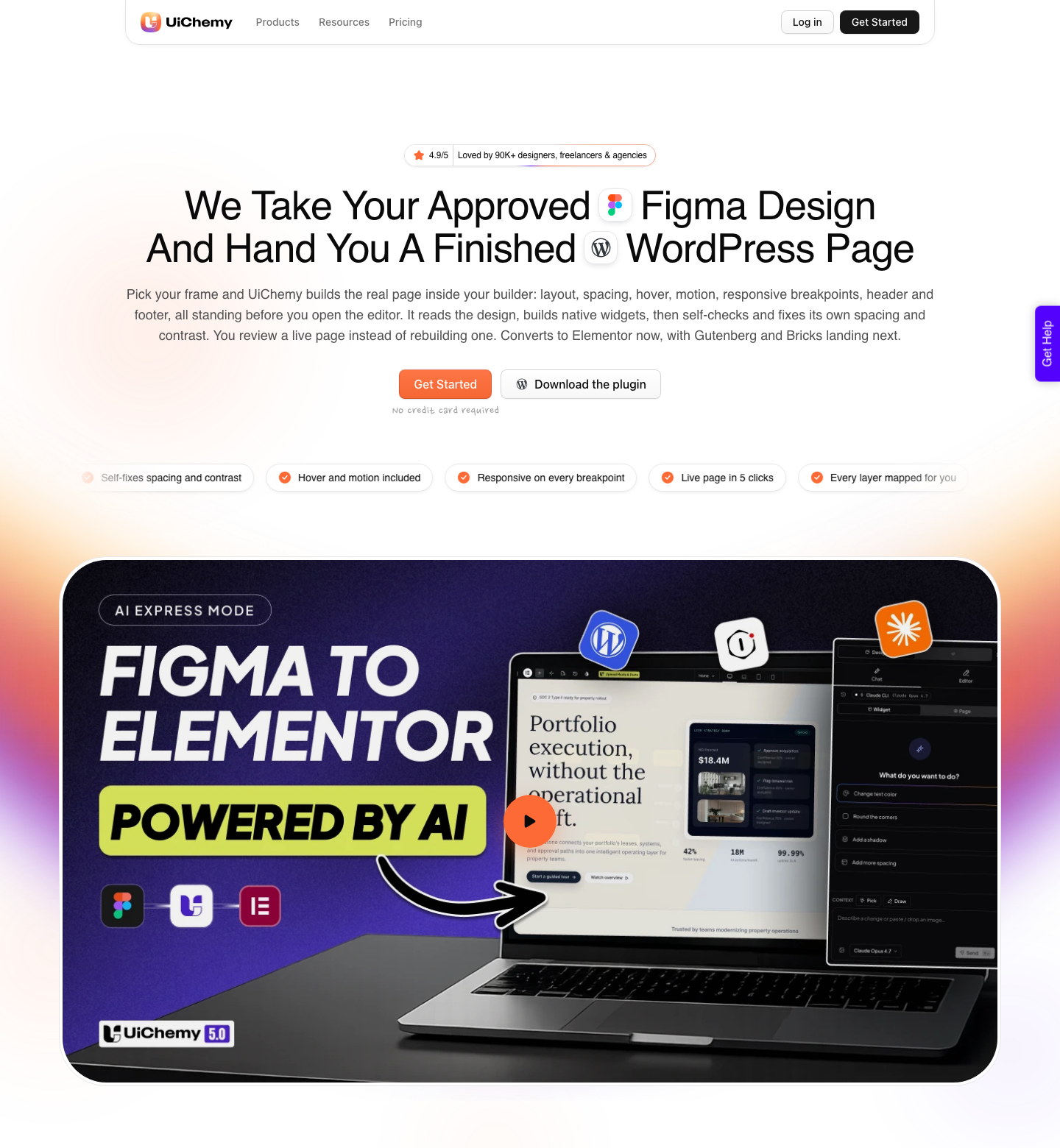
That means converting the Figma frame into native WordPress rather than rebuilding it by hand or screenshotting the Figma Sites result.
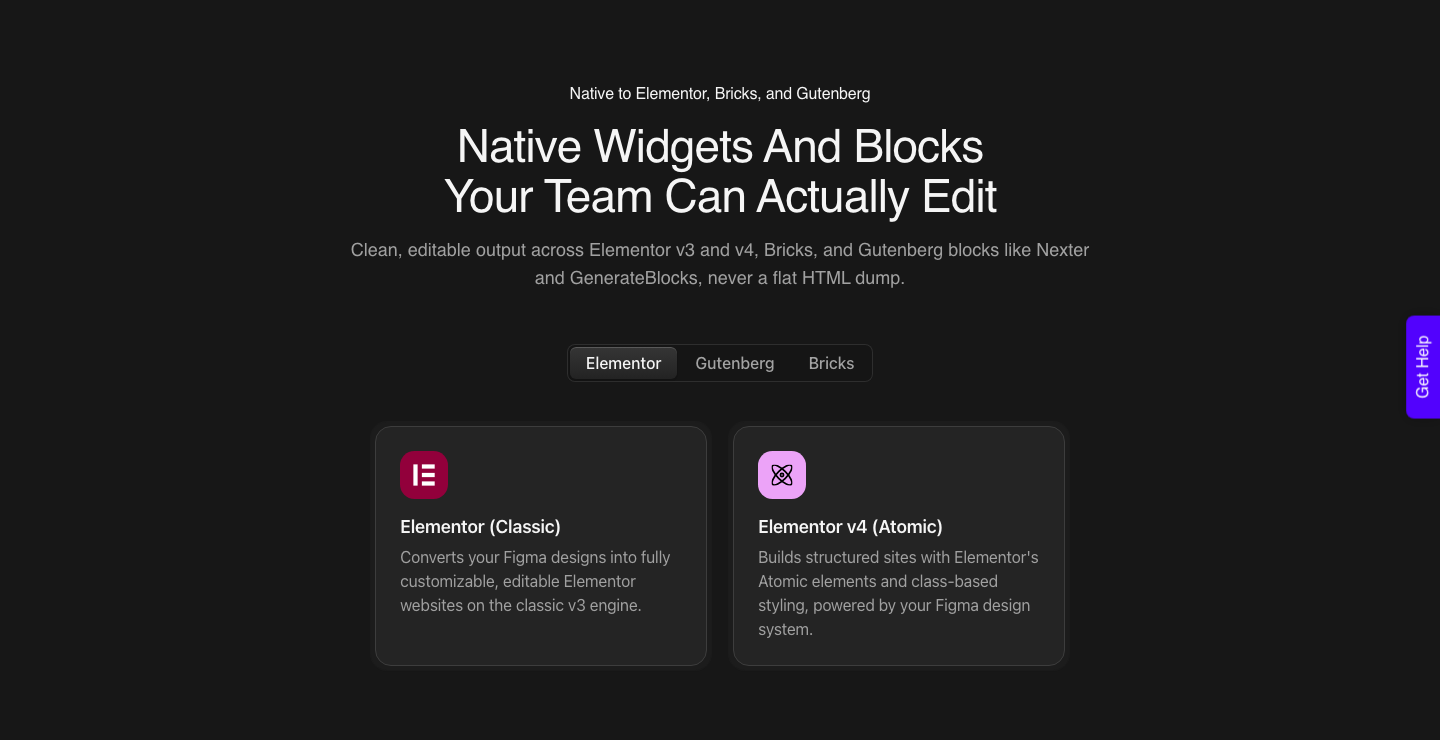
UiChemy converts the frame into real Gutenberg blocks, Elementor widgets or Bricks elements, so the page is ordinary WordPress content afterwards. The Gutenberg route needs no third-party block plugin, which matters on a site a client will maintain for five years.
Your Figma colors and typography sync into the builder’s global styles, so a brand change is still one edit.
The Figma frame is one of four ways in. AI Website Creator takes a text prompt or a client brief, the kind you already have as a PDF and a set of meeting notes, and produces a scope, a sitemap and pages, exporting to Elementor with Gutenberg marked Soon on every plan.
UiChemy Composer writes real HTML, CSS and JavaScript inside Elementor for the sections a design never covered, and AI to WordPress moves an existing Lovable, Claude, Bolt or v0 build across. All four end in the same place, which is native WordPress content.
Once the design is native WordPress, the CMS question answers itself. Posts, pages and custom post types handle the content, the six roles handle the people, and the design you spent three weeks on is untouched.
The design tool did the design and the content system does the content, which is the arrangement that survives handover.
| The brief in front of you | Build it in | The deciding fact |
|---|---|---|
| Designer portfolio, 20 projects, one editor | Figma Sites | One person holds the file and the Full seat |
| Conference microsite, live for eleven weeks | Figma Sites | Short life, heavy motion, no handover |
| Restaurant with weekly specials, staff editing | WordPress | Non-designers need a login that is not file edit access |
| Property listings with price and agent | WordPress | Numbers and relations are not in the seven field types |
| Blog with six years of archives | WordPress | Categories, tags and scheduled drafts are not in the seven fields |
| Marketing site, agency maintains it | Either, then convert | Design in Figma, convert once the team needs roles |
The Honest Limits On The Conversion Route
Converting is not free of friction either. UiChemy’s docs list Figma properties that do not carry into a WordPress builder: masks on any element, layer blur and background blur, video fills, and blend modes on text and images.
If your design leans on those, plan to export those pieces as images or rebuild them.
A verified reviewer on the plugin listing describes the realistic result as roughly 70% of the design work handled with the remaining 30% fine-tuned in the builder. That is the number to put in front of a client.
Anyone promising a finished page with no cleanup has not converted a real client design.
There is also a copy-side limit worth knowing before you plan a hybrid.
Figma states that the direct copy to Figma Sites shortcut needs designs between 1200px and 1600px wide and is available only to file creators, and that code layers, embeds and certain interactions do not fully transfer between the two products.
A hybrid workflow inherits every one of those constraints.
A Sequence That Keeps Both Tools
Design the site in Figma as usual, and if you want a client to see it moving, publish it to Figma Sites first. That is the cheapest possible prototype with real motion, real breakpoints and a real URL to send.
Nobody has to imagine the marquee.
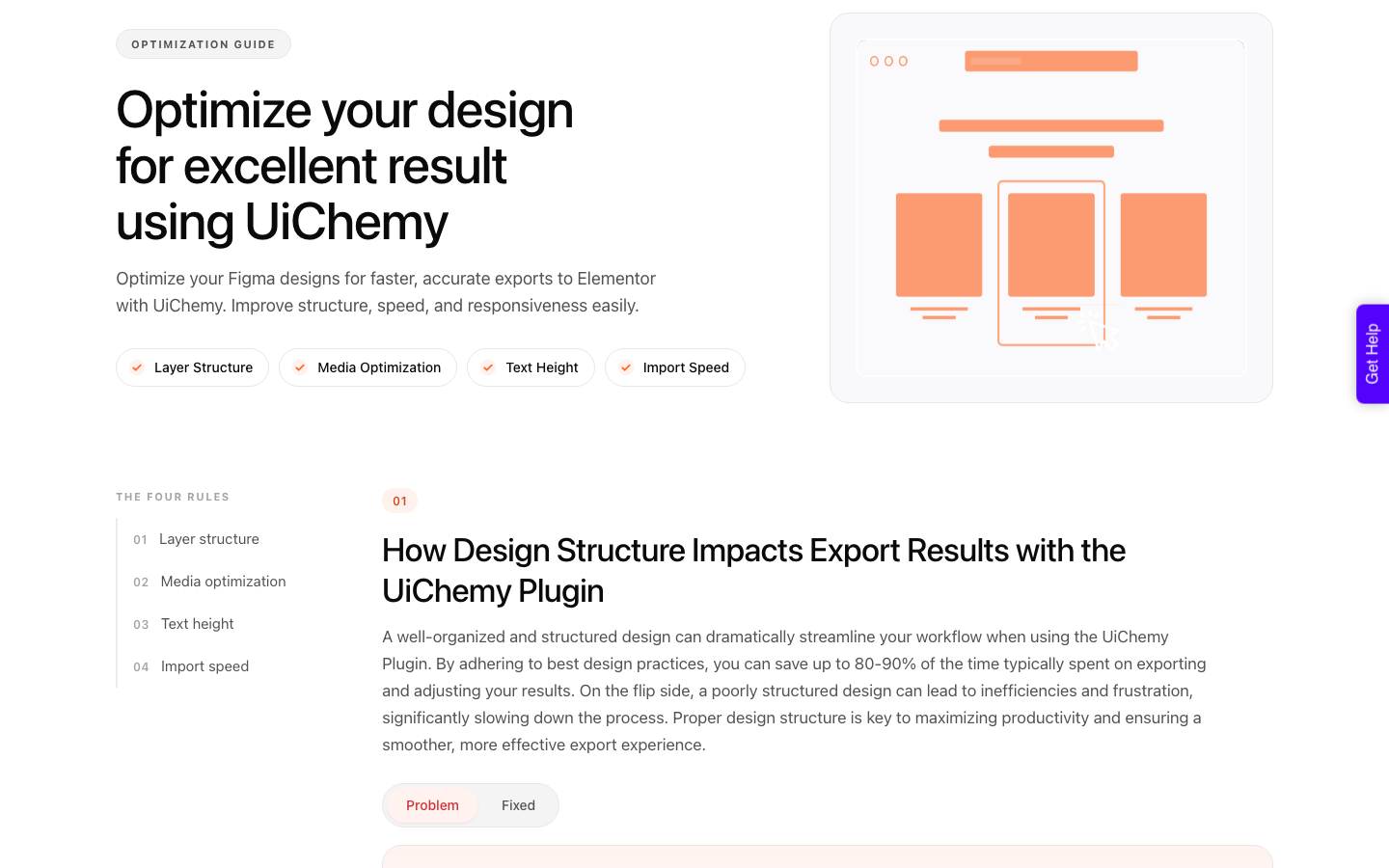
Once the design is approved, run the optimizer over the frame before converting. It flags groups that should be frames, redundant wrapper layers, line heights above 160%, and frames with no auto layout.
Twenty minutes there is what decides your 70/30 split.
Then convert into the builder the client’s team uses, and spend the remaining time on the content model rather than the layout.
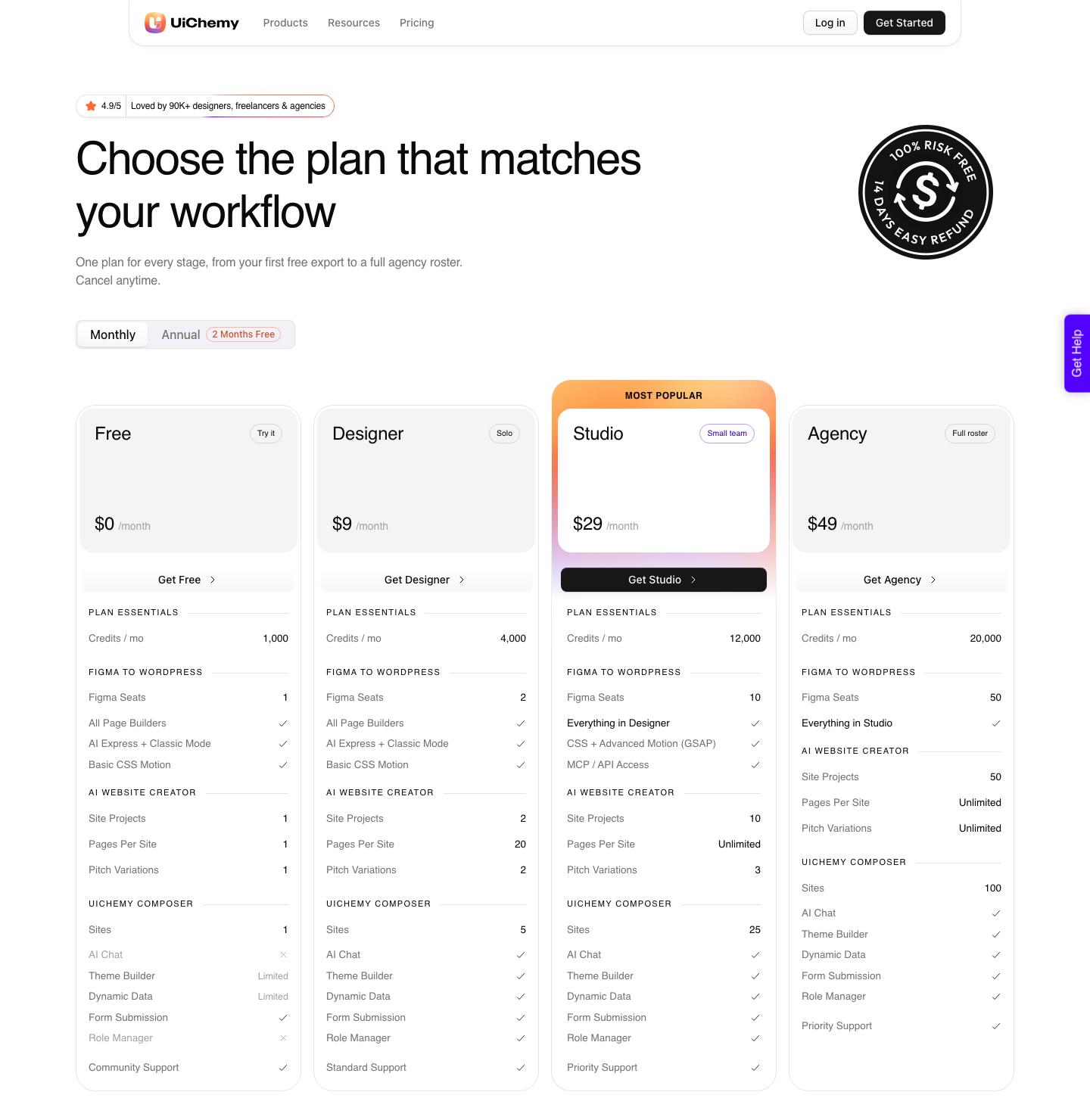
The Free plan is $0 a month with 1,000 Credits, one Figma seat and one page in an AI Website Creator project, which is enough to convert a section and see the output on your own site.
Designer is $9 with 4,000 Credits, Studio $29 with 12,000, Agency $49 with 20,000, and there is a 14-day refund on every paid plan.
Questions People Actually Ask
Does Figma Sites have a CMS at all?
Yes. Figma Sites CMS is in beta and is available on all plans, with collections, CMS pages and CMS lists.
The distinction that matters is between storing content and running an editorial team, and the beta covers the first of those.
Does a collection have an item limit?
Figma does not publish one, and its beta documentation states there are no limits on published websites. That is not the same as a promise, because a beta can gain a limit it did not have.
The constraint you can actually read off the page is the schema, seven field types, and that is the one worth checking against the brief.
Can my client edit content without touching the design?
Partly. Figma keeps the layout locked while content is edited, which protects the design, but the documented requirement is still edit access to the site file.
WordPress separates this properly with roles, so a Contributor can write without being able to publish or reach the theme.
Can I move a Figma Sites project to WordPress later?
You move the design, not the site.
Convert the original Figma frame into Gutenberg, Elementor or Bricks, then rebuild the content model in WordPress.
Keeping the Figma file as the source of truth is what makes that migration cheap rather than painful.
Is it worth waiting for the beta to finish?
If the project can wait, watching is reasonable, because Figma says openly that beta features can change during the beta period. If a client is paying this quarter, a beta label is not something to build a five year site on.
Ship on what is stable and revisit when the label changes.
Deciding On Your Next Brief
Count the people who will edit content after launch. One person who also owns the Figma file means Figma Sites is a genuinely good answer and the CMS beta will not trouble you.
Two or more, with different levels of trust, means WordPress and it means deciding that now rather than after the invoice.
Design in Figma either way.
Related reading: what Figma Sites templates carry across, what changed for Figma to WordPress in 2026, and designing a Figma file that converts cleanly.
Figma’s own guide to Sites CMS, its collection field reference and the WordPress roles documentation are the three pages to read before you choose.
Then convert one real section as a test rather than the whole site. The Free plan costs nothing and carries 1,000 Credits, so the only thing you risk is twenty minutes, and you learn exactly which parts of your design need a rethink.