Figma Starter Plan Limits That Break Client Work
 Sagar Patel
It is the third week of the month and a new client has approved a scope. You go to create their file inside your team, and Figma tells you the team is full.
Not full of gigabytes, full of three files, which is the entire allowance a Starter team gets.
The Figma Starter plan is genuinely good at what it was built for, and genuinely unsuited to running client work through. This post names the specific limits that break a real project rather than listing every row of the comparison table.
Every figure below was re-checked against Figma’s pricing page, help centre and developer documentation on 7 September 2026.
What the Starter Plan Actually Gives You
Start with the generous part, because it is larger than most write-ups admit. Starter includes unlimited drafts, unlimited file storage, unlimited viewers, UI kits and templates, and the full Figma editor.
Auto layout, components, prototypes, and inspecting design and prototype properties are all present.
You also get community plugins, widgets and files, and 150 AI credits a day up to a ceiling of 500 a month. For learning the tool, for a personal portfolio, or for a single project you never revisit, none of that is a compromise.
The trouble starts at the word team. Drafts are unlimited and private to you.
The moment work needs to live somewhere a collaborator can reach it, it moves into a team, and Figma’s own plans and features table caps a Starter team at a single team with one folder and three files.
The Three File Limit Bites First
Three files in one folder is not three clients. A normal client engagement produces a wireframe file, a design file, and an asset or handoff file, which is the whole allowance for one project.
Add a second client and you are archiving work into drafts, where nobody else can collaborate on it.
The workaround people reach for is keeping everything in drafts and sharing view links. That works until a client asks for edit access, or a contractor joins for a week, or you want two files open side by side that reference the same components.
At that point the plan stops bending.
| Capability | Starter | Professional | Bites when |
|---|---|---|---|
| Team files | One team, one folder, 3 files | One team, unlimited folders | The second client arrives |
| Libraries for components, styles and variables | Not included | Included | A brand colour changes |
| Variable modes | Not included | Up to 10 per collection | A dark theme is requested |
| Version history | 30 days | Unlimited | A client returns after five weeks |
| Dev Mode | Not included | Included | Handoff day |
| Password protection on files | Not included | Included | A draft goes to a stakeholder |
| AI credits per month | 150 per day, up to 500 | 3,000 on a Full seat | Any sustained AI work |
| MCP server tool calls | Up to 20 per month | 200 per day, 10 per minute | The first real agent session |
The last column is the point of the table. Every one of these is invisible on day one and unavoidable by week three, which is exactly the wrong shape for a limit to have when you have already quoted a fixed price.
Two more entries deserve a note because they are easy to misread. Dev Mode is not simply reduced on Starter, it is absent, and the pricing table’s Starter column offers only marking work ready for dev on the canvas and community plugins.
Figma Make behaves similarly: publishing a Make file from a Starter account routes through the Figma Community rather than a private link.
The MCP allowance is the smallest number on the whole table. Twenty tool calls a month is roughly one exploratory session, and Figma’s rate limits and access documentation answers the question of what to do about it in one line: move to a paid plan and hold a Full or Dev seat on it.
No Libraries Is the Expensive One
Team libraries for components, styles and variables are not available on Starter. In practice that means every file is its own island.
A button you built in the wireframe file is a different button in the design file, and changing the brand blue means changing it everywhere by hand.
Variable modes are absent too, so there is no clean way to hold a light and a dark version of the same system. Professional allows up to 10 modes per collection, Organization allows 20, and Enterprise allows unlimited modes through extended collections.
On Starter the count is zero, and the substitute is duplicated frames.
This matters beyond Figma. A converter reads bound variables and turns them into global colours and typography on the WordPress side, so a file with no variables produces a page full of literal hex values.
That is a real cost paid later, in an editor, on a client’s clock.
The Rate Limit Nobody Reads Until an Export Stalls
This is the limit that surprises people, because it is not on the pricing page. Any tool that exports your design, including a Figma to WordPress converter, reads the file through the Figma REST API.
Those requests are rate limited, and the rate limits documentation is explicit about what determines the ceiling.
Three factors set the limit: the seat type of the user, the tier of the endpoint, and the plan of the resource being requested. That third factor is the one that catches people out.
Figma’s own worked example is blunt about it: a personal access token reading the content of a file in a Starter plan is limited to up to 6 requests per month, even if the same person holds a Full seat on a different plan.
The endpoints an exporter leans on hardest are Tier 1: GET file, GET file nodes and GET image. On paid plans a Full or Dev seat measures those per minute, at 10 a minute on Professional, 15 on Organization and 20 on Enterprise.
On a Starter-plan file the equivalent budget is counted per month instead, which is a different order of magnitude.
When you cross it you get a 429 response carrying a Retry-After value, a plan tier header and an upgrade link. A larger export that fetches many nodes and many images can meet that wall part way through a page.
This is why a Figma Professional account is recommended for conversion work rather than strictly required, and it is a recommendation with a number behind it rather than an upsell.
Thirty Days of Version History
Starter keeps 30 days of version history. Paid plans keep it without limit.
Thirty days sounds like plenty until you meet the normal rhythm of client work, where a project is signed off, goes quiet through a development phase, and comes back six weeks later with a request to revert one section.
There is no recovery for a version older than the window. The practical defence on Starter is to duplicate a file at every milestone and name it, which burns against the three file allowance you are already short on.
The two limits compound rather than sit side by side.
What Removing the Ceiling Costs
A Professional Full seat is $16 a month and carries 3,000 AI credits, according to Figma’s pricing page. Organization is $55 with 3,500 credits, and Enterprise is $90 with 4,250.
Dev and Collab seats sit at 500 credits a month on every plan, so the credit allowance follows the seat type rather than the plan name.
The cheaper seats are worth knowing about before you buy a Full one for everyone. A Dev seat is $12 a month on Professional and a Collab seat is $3, and both give view and comment access to design files.
For a client who only ever comments, that is the honest line item rather than a full editor.
| What you are buying | Starter | Professional Full seat |
|---|---|---|
| Monthly cost | $0 | $16 |
| AI credits per month | Up to 500 | 3,000 |
| Team files | 3 | Unlimited folders |
| Version history | 30 days | Unlimited |
| Shared libraries | No | Yes |
| Dev Mode and advanced inspection | No | Yes |
| REST API Tier 1 budget | Counted per month | 10 per minute |
Set against one hour of billable design time, $16 a month is not a real decision. The reason people stay on Starter is rarely the money, it is that the limits arrive one at a time and each feels small enough to work around.
Our breakdown of what each Figma plan actually costs puts the seat types side by side, and the free tier question is covered separately.
Where This Meets a WordPress Handoff
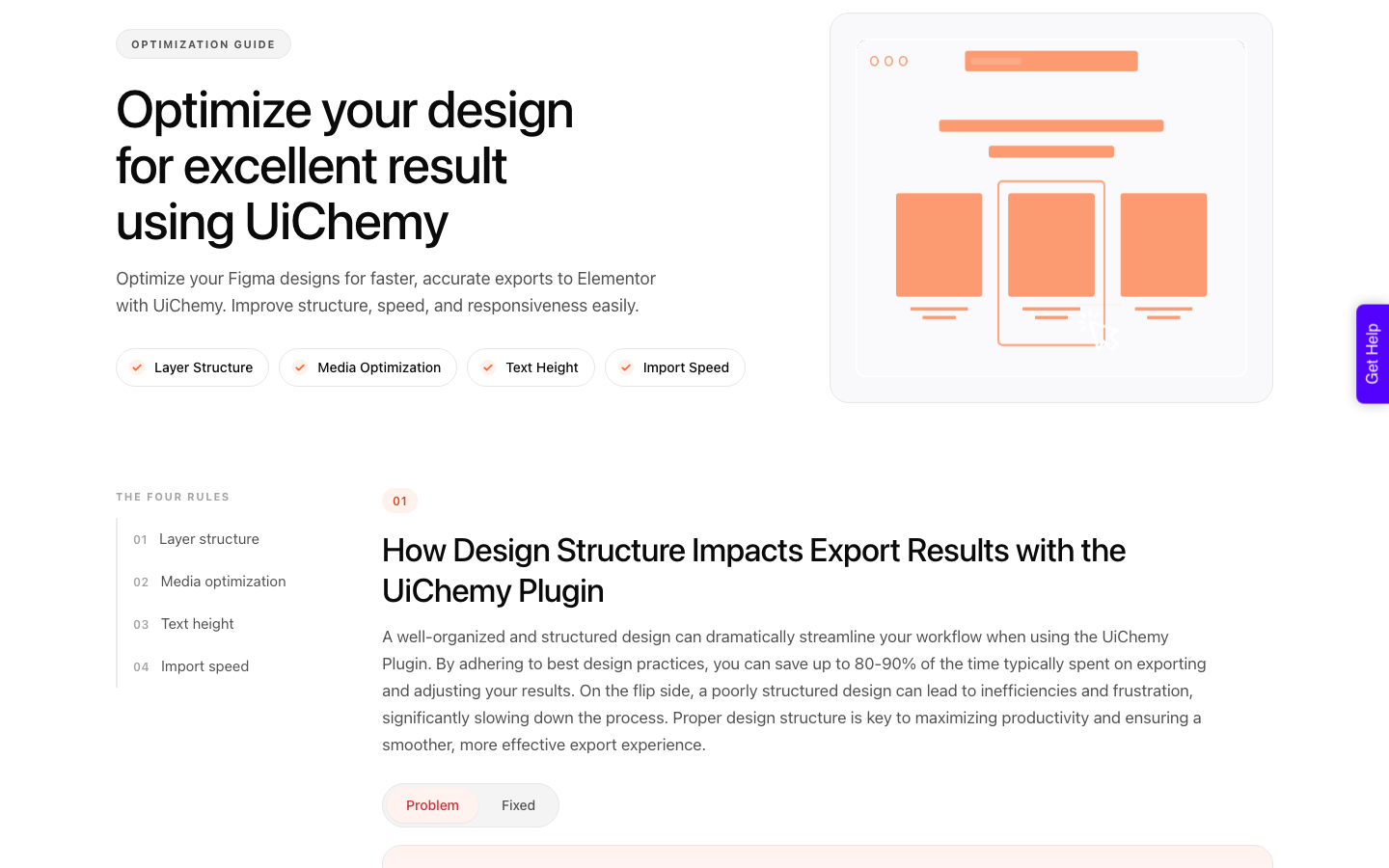
A conversion reads structure. It looks for one top level frame with auto layout, sections stacked vertically inside it, and bound variables it can map to global colours and typography.
Auto layout is available on Starter, so the core requirement is met, and that is worth stating plainly.
What Starter removes is everything that makes that structure reusable. No libraries means no shared components across files.
No variable modes means no theming.
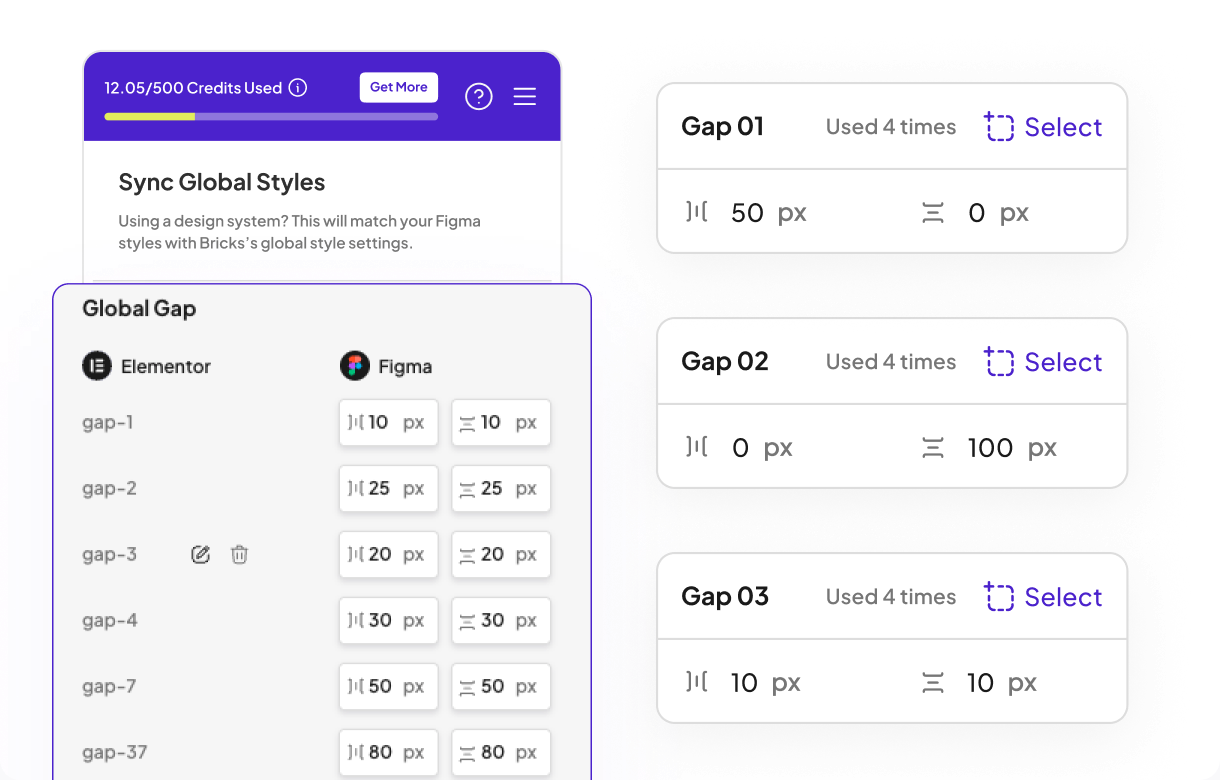
The auto layout guide is specific: the top level frame needs auto layout on, vertical layout, align top centre, horizontal padding, vertical padding and vertical gap all at zero, and a fixed width.
Anything placed outside that container is ignored during export.
None of those rules cost money. They cost attention, and a Starter file that follows them converts about as well as a Professional file that does not.
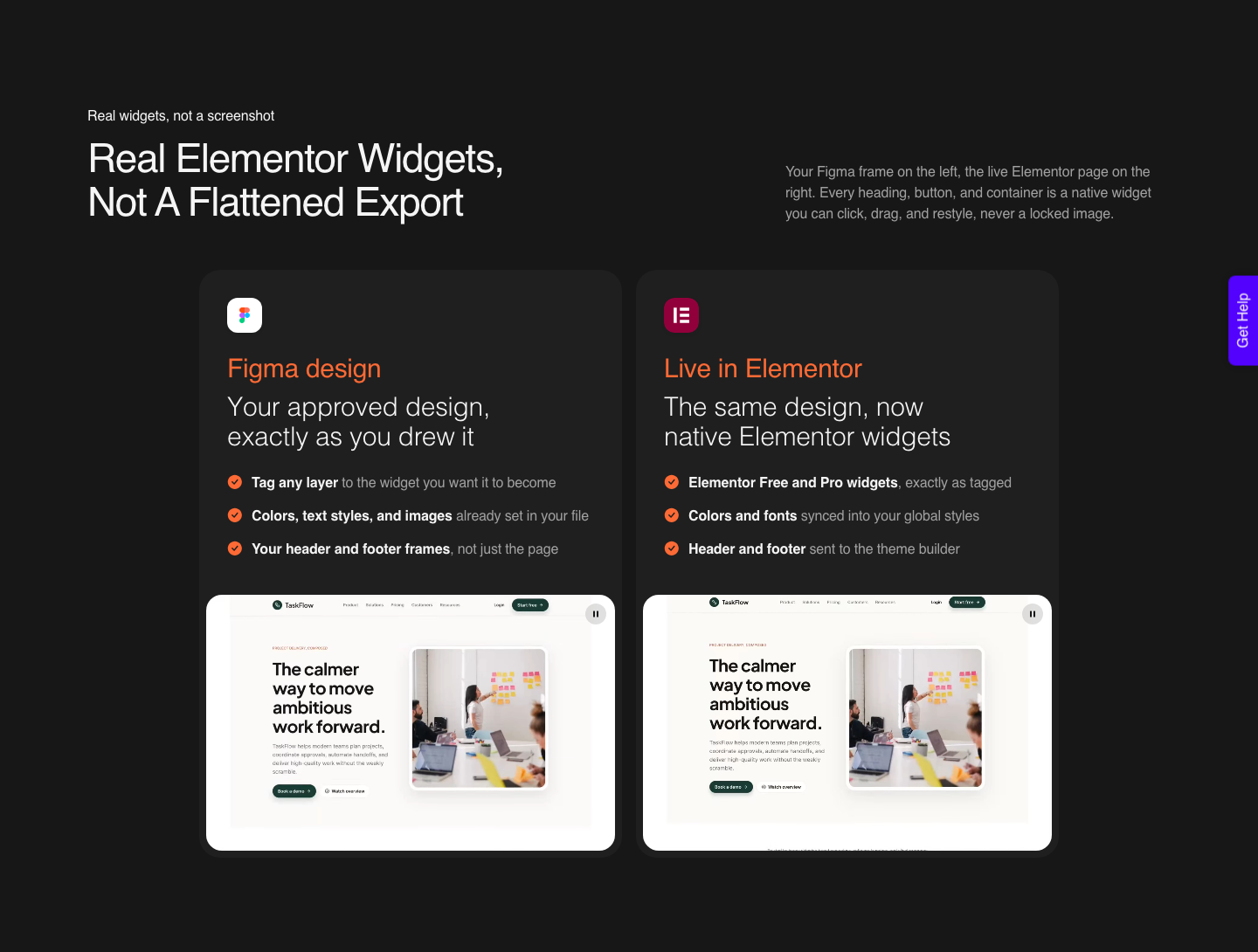
Worth saying plainly, because it changes what a plan ceiling actually blocks: a Figma frame is one of four starting points into WordPress, not the only one.
UiChemy also takes a written prompt or a client brief through AI Website Creator, which produces a scope, a sitemap and a full set of pages and exports them to Elementor, with Gutenberg export marked Soon on every plan.
UiChemy Composer is a single widget inside Elementor where AI writes real, editable HTML, CSS and JS for a section. And an existing Lovable, Claude, Bolt or v0 build comes across through Composer too.
That matters here for a boring reason. If your Figma team is full and version history has already eaten a revision you wanted back, the pipeline into WordPress does not stall with it.
On the UiChemy side the Free plan is $0 a month with 1,000 Credits, one Figma seat, one AI Website Creator project of one page and one Composer site, which is enough to see real output on your own install before anyone buys a Figma seat.
Paid plans start at $9, and the balance refreshes monthly with the option to top up between refreshes.
The Honest Limits
Starter is not a crippled plan and it should not be described as one. Unlimited drafts, unlimited storage, unlimited viewers, the full editor and auto layout cover a serious amount of ground.
A solo designer building one site, learning the tool, or working entirely alone can go a long way without paying.
Some constraints are not plan limits at all and upgrading will not move them. Figma runs in a browser engine with a hard memory ceiling per tab, and files carrying many hidden layers, sprawling variant sets or high resolution images can hit it on any plan.
That is a file hygiene problem, not a billing one.
The same honesty applies on the conversion side. A verified reviewer puts the realistic outcome at about 70% of the design handled with the remaining 30% fine-tuned in Elementor, and that is the number I would quote rather than a promise of a finished page.
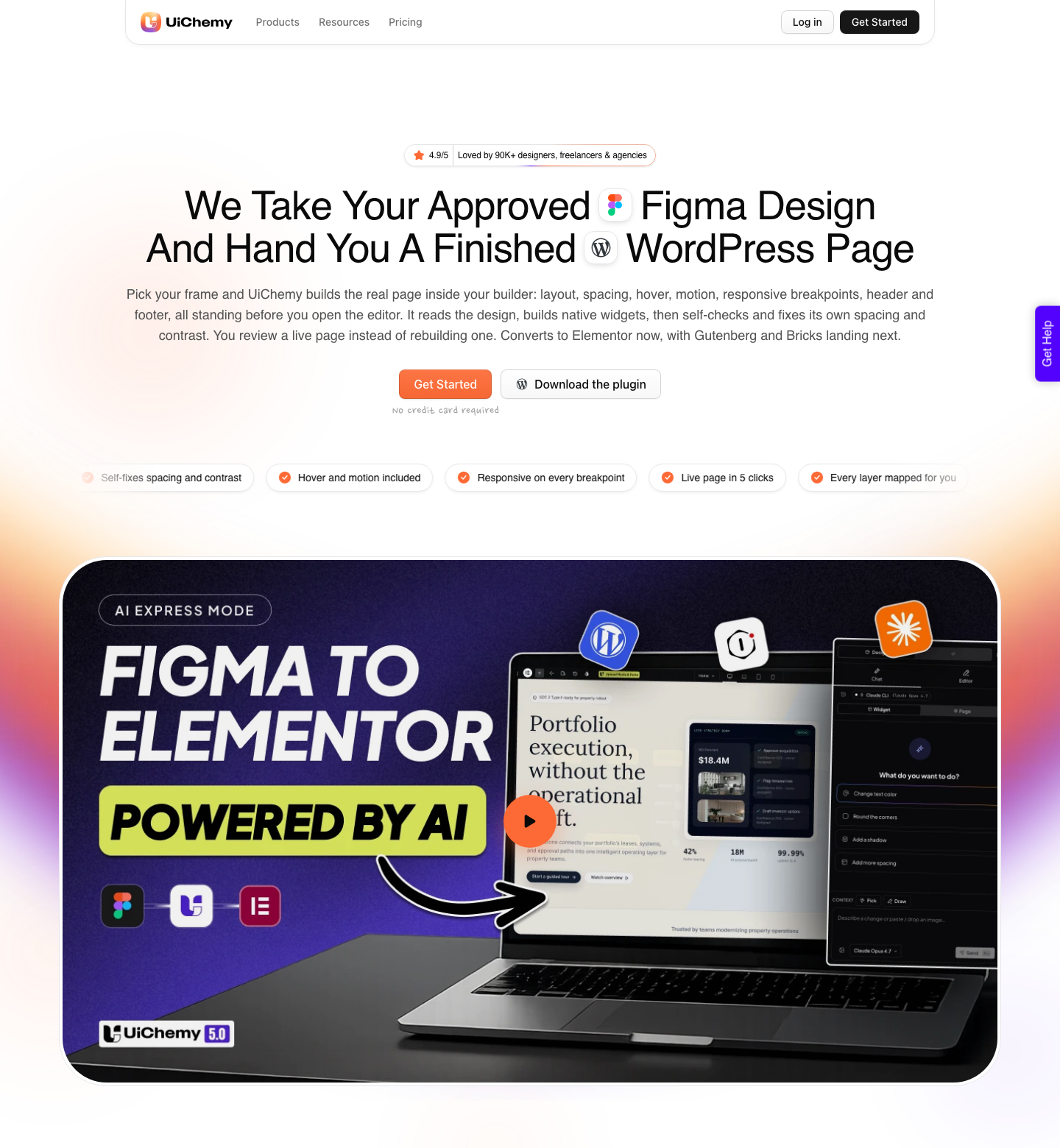
AI Express outputs to Elementor today, with Gutenberg and Bricks still coming. MCP and API access start on the Studio plan at $29 a month, not on Free and not on Designer, so nobody should read it as included everywhere.
Questions People Ask About the Figma Starter Plan
How many files does the Starter plan really allow?
Drafts are unlimited. The limit is on team files, where Starter gives a single team with one folder and three files.
Since collaboration happens in teams rather than drafts, three is the number that governs client work.
Can I use Dev Mode on Starter?
No. Dev Mode is a Professional feature and above.
You can still inspect design and prototype properties on Starter, copy CSS and export assets, so basic handoff information is available without the dedicated developer view.
Will a Figma to WordPress export work on a free account?
It can, and a small page usually completes. The risk is the REST API rate limit, which on a Starter-plan file is metered monthly on the file and image endpoints an export depends on.
A larger multi-section page is where that becomes a real interruption.
Does upgrading raise my API limit immediately?
The limit follows the plan the file lives in, not only the seat you hold. Holding a Full seat somewhere else does not raise the ceiling on a file that still sits in a Starter plan, so the file needs to move to the paid plan as well.
Is 500 AI credits a month enough to try Figma AI?
It is enough to form an opinion and not enough to build a habit. The daily cap of 150 also shapes the experience, since a heavy afternoon can end before the month does.
Credits reset monthly and do not roll over.
What to Take From This
The Starter plan does not fail loudly. It fails as a series of small detours, each of which looks cheaper than $16 until you add up the hours spent duplicating files, re-picking hex values and re-running an export that stopped at a 429.
Three files, no libraries, 30 days of history and a monthly API budget are the four that decide it.
If Figma is where your client work starts, put it on a paid plan and spend the attention you save on file structure instead. A well-structured file is what makes the rest of the pipeline predictable, and that structure is free on every tier.