Figma Weave: What The New AI Workflow Tool Is For
 Sagar Patel
A client signs off on a homepage, then asks for twelve product shots lit the same way and a hero image that does not exist on anyone’s hard drive. That job used to mean a photographer, a stock subscription, or an afternoon of masking.
Figma now ships a product aimed straight at it, and the name confuses people because it arrived through an acquisition rather than a launch.
Figma Weave is the product that was called Weavy. Figma announced the acquisition in October 2025 and reintroduced it under the Figma name, and it is a node based canvas for generating and editing imagery, video, audio and 3D.
It is not a page builder and it does not produce a website.
Everything below was checked against Figma’s own product pages and help centre on 7 September 2026. Where a feature carries a beta label, that label is stated, because a beta label is the difference between a tool you can experiment with and one you can put on a client invoice.
What Figma Weave Actually Is
Weave is a node based canvas. Instead of typing one prompt and accepting whatever comes back, you wire generation steps to editing steps and run the whole chain on new inputs.
Figma’s own framing on the Weave site is a platform for turning a creative direction into a repeatable workflow, with the models and the editing tools sitting on the same canvas.
The useful part for a designer building websites is the second half of that sentence. Generation is commodity now.
Compositing, masking, relighting and colour work attached directly to the generation step is the part that turns a passable AI image into one you can put above the fold on a client’s homepage.
The confusion worth clearing up first is that the name covers two different things. There is a standalone platform at weave.figma.com with its own account and its own billing, and there is a curated set of Weave tools that runs inside Figma Design.
They are related, they are not the same, and the rules differ.
| Weave tools inside Figma Design | Figma Weave standalone | |
|---|---|---|
| Where it lives | The Tools panel in a Figma Design file | weave.figma.com |
| Account needed | Your existing Figma account | A separate Figma Weave account, though your Figma login works |
| Status | Open beta | Live, with a free tier |
| What it costs today | Free during the beta, no AI credits consumed | Actions consume Figma Weave AI credits |
| Which credits | Figma AI credits, once the beta ends | Figma Weave AI credits, a separate pool |
| Plans | Professional, Organization and Enterprise | Free to start, paid plans for higher usage |
| What you can build | Run curated tools on an image | Build and edit the underlying node workflows |
The Weave Tools You Get Inside Figma Design
This is the part most designers will touch first, because it needs no new account. Figma curates a subset of Weave workflows and exposes them as tools you run on an image already sitting on your canvas.
The help centre lists the requirement as a paid plan plus can edit access to the file.
The route through the interface is short. Select Tools from the navigation bar, click the Filter icon, choose the Weave resource type, pick a tool, configure it, choose how many runs you want, and click Generate.
Choosing the number of runs before generating is the small detail that matters, because comparing four outputs side by side is how you avoid accepting the first mediocre one.
| Weave tool | What it does | Where a website build uses it |
|---|---|---|
| Generate mockup | Places your design into a physical setting | Product packaging or out of home shots for a case study page |
| Transfer style | Applies the look of a source image to a target | Making a stock photo match the two brand photos you actually own |
| Replace background | Describes and swaps the background of an image | Team headshots taken in six different rooms |
| Change lighting | Applies a chosen lighting option to an image | A product grid where half the shots were taken at dusk |
| Text to vector illustration | Turns a prompt into a minimal vector illustration | Feature icons for a services section |
| Apply color palette | Takes the palette from one image and applies it to another | Holding a blog header set to one brand palette |
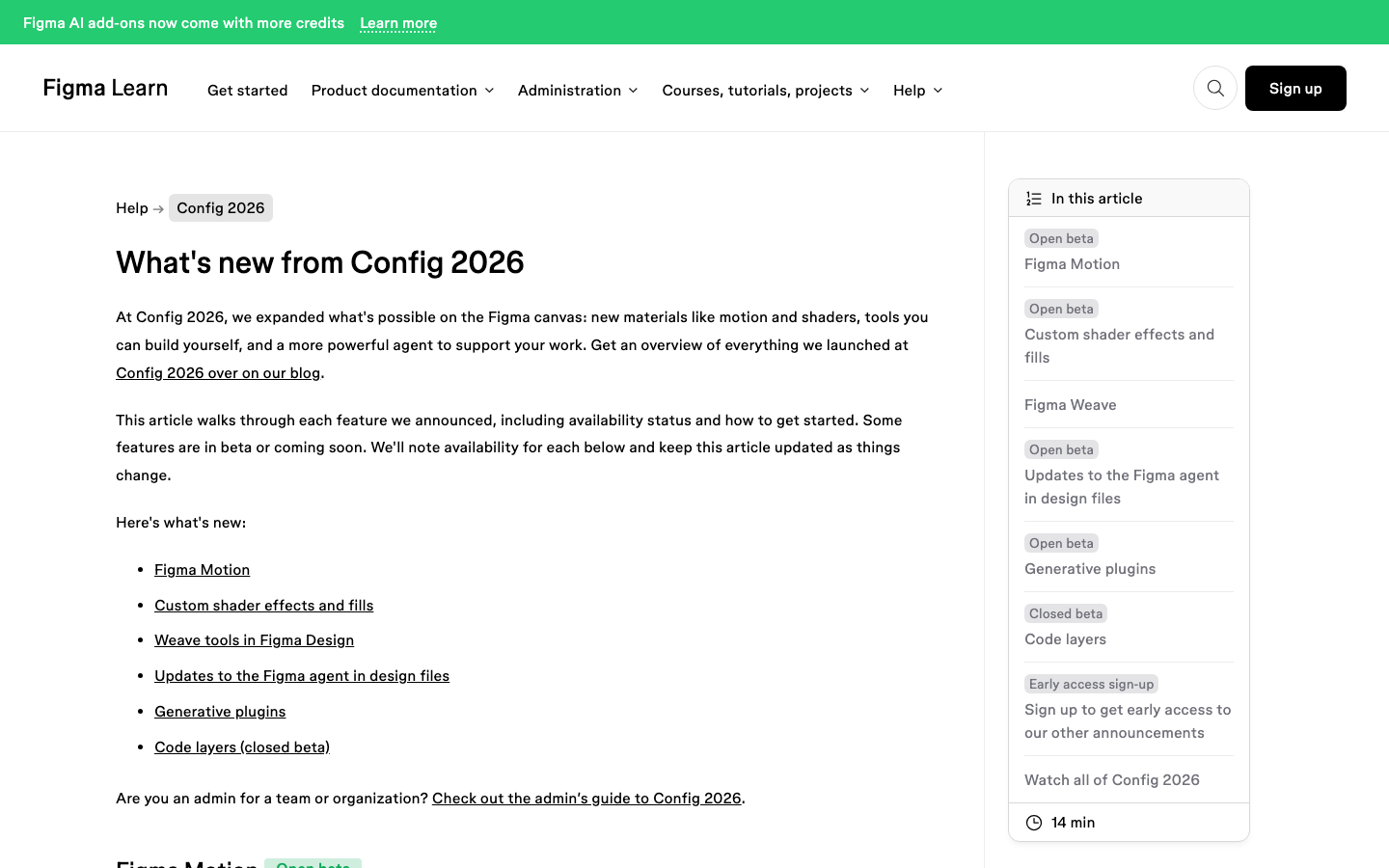
Every one of those tools is a node workflow underneath. Hover a tool, open the three dot menu and pick Open in Weave, and you land in the standalone platform looking at the graph that produces the result.
You can duplicate it and change it, which is the honest reason the standalone product still exists.
The Model List Is Most of the Value
Weave’s own homepage names twelve model providers on the canvas: Google, Kling, OpenAI, Bytedance, Black Forest Labs, Runway, Luma, LTX, Wan, Grok, Recraft and Bria. Nobody needs twelve.
The point is that a single workflow can call a different one at each step, so image generation, video and 3D do not each require their own subscription.
Alongside them sit eleven named editing nodes: invert, outpaint, crop, inpaint, mask extractor, upscale, z depth extractor, image describer, channels, painter and relight. Those are the nodes doing the work that separates a usable asset from an obviously generated one.
If you have read our note on how Figma AI credits are counted, the same instinct applies here. Free during a beta is a real number, and it is a temporary one.
Figma has said in writing that credit usage will apply when Weave tools become generally available.
A Worked Sequence for a Real Page
Here is the shape of a job where Weave earns its place, using a services page with six feature cards and one hero. The client has two usable photographs and a logo.
- Design the page in Figma Design first, at a fixed width, with the image frames sized exactly as they will display. Guessing image dimensions later is where quality gets lost.
- Drop the two real photographs onto the canvas. These are your style reference, not your final assets.
- Run Transfer style on any stock or generated image so it matches the two real ones. Ask for four runs, not one.
- Run Text to vector illustration for the six feature card icons, then flatten each result to a single path before it leaves Figma.
- Run Change lighting across the set so the hero and the cards agree with each other.
- Export at the display size. A 1200 pixel wide card image exported at 3600 pixels is three quarters wasted bandwidth on every page load.
- Place the finals back into the design frames, replacing the placeholders rather than sitting on top of them.
Step seven is the one people skip, and it costs them later. Anything left loose on the canvas outside the page container is ignored when the frame is converted to WordPress, and a generated image floating next to a card rather than inside it simply will not arrive.
Our design optimisation checklist covers the rest of that discipline.
What Figma Weave Does Not Do
This section exists because the marketing pages will not write it for you.
- It does not build a website. Weave produces images, video, audio and 3D. There is no layout, no page, no markup. That is Figma Sites, Figma Make, or a WordPress builder.
- Weave tools in Figma are beta, and free is temporary. Figma’s documentation says AI credits are not consumed during the open beta and that they will be once it ends.
- You cannot publish your own Weave tools into Figma yet. Figma’s FAQ says that is coming, not that it is here.
- Two accounts, two bills. Figma and Figma Weave remain separate products with separate billing, and Figma says so directly in its own FAQ.
- Starter plans are out. Weave tools inside Figma Design need a Professional, Organization or Enterprise plan and edit access to the file.
- Pricing is unsettled. Figma states it has not made pricing changes yet and expects to define the longer term shape over the next year.
None of that makes Weave a bad tool. It makes it a tool with an expiry date on its current pricing, which is a fine reason to learn it now and a poor reason to build a client retainer around the current cost.
Getting the Finished Page Into WordPress
Assets are the easy half. The page still has to become something a client can edit next March without opening Figma.
That is the gap UiChemy closes, and it closes it from four directions: an approved Figma frame, a written client brief, a prompt inside the builder, or an existing AI build from Lovable, Claude, Bolt or v0. All four come back as real, editable WordPress rather than a flat export.
Which one you want depends on what Weave left you holding. If Weave supplied imagery for a frame you already designed, convert the frame.
If the client sent a brief and some generated art but no layout, AI Website Creator writes the scope, the sitemap and the pages from that brief and exports to Elementor.
If one section needs behaviour no widget has, UiChemy Composer writes the HTML, CSS and JavaScript for it inside the page.
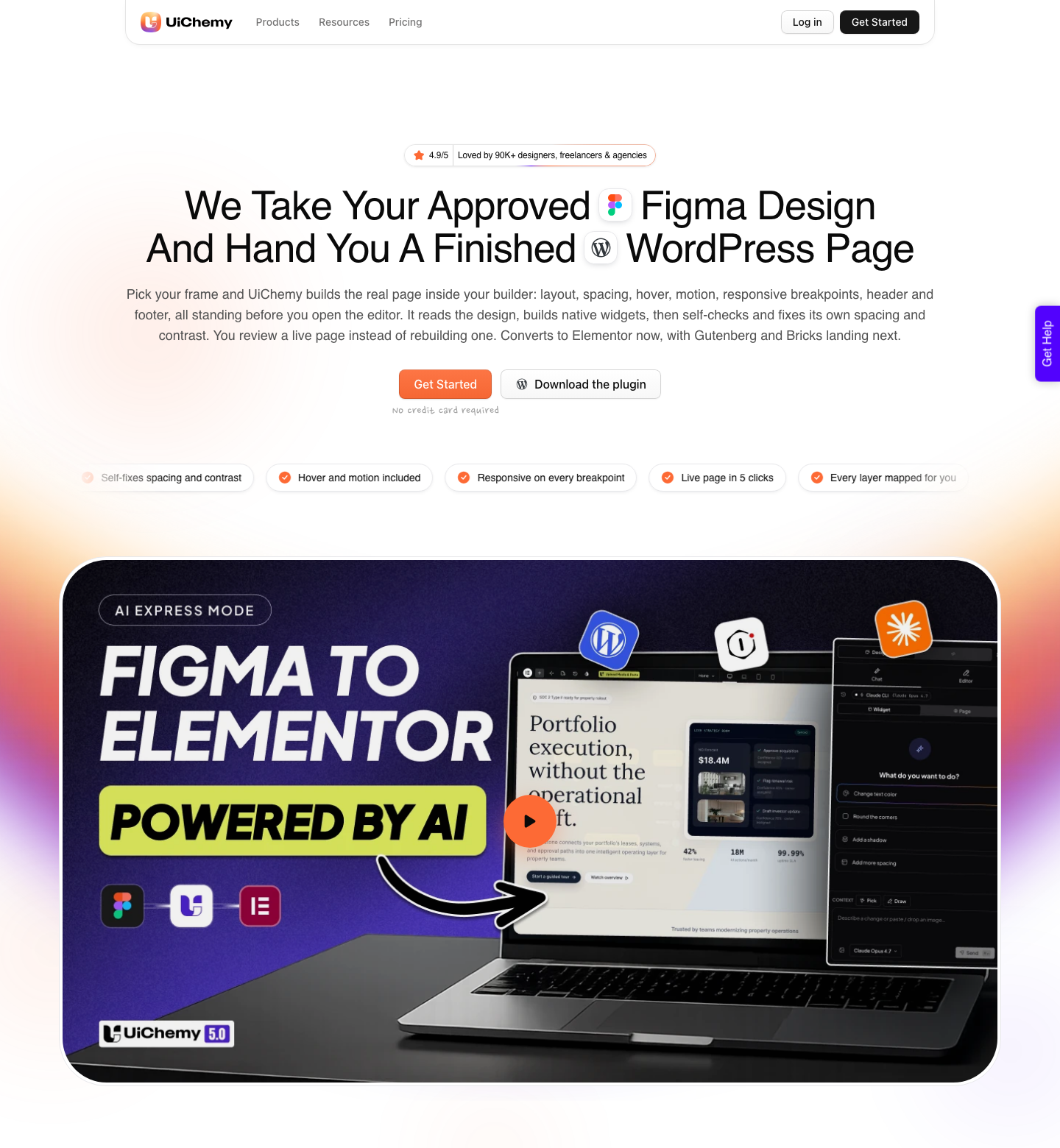
Two modes ship in the same plugin. AI Express Mode reads every layer without any tagging and rebuilds it automatically, and it outputs to Elementor today with Gutenberg and Bricks marked as coming.
Classic Mode requires layer tagging and covers Elementor, Elementor v4 Atomic, Gutenberg, Bricks, Nexter Blocks, GenerateBlocks, Spectra and Kadence right now.
A verified reviewer describes the split honestly: it “handles about 70% of the design work and leaves the remaining 30% for us to fine-tune using Elementor”, which they call a fair trade for the time it saves. Responsive behaviour comes across and there is a manager for tuning it.
Anyone promising 100% has not converted many real designs.
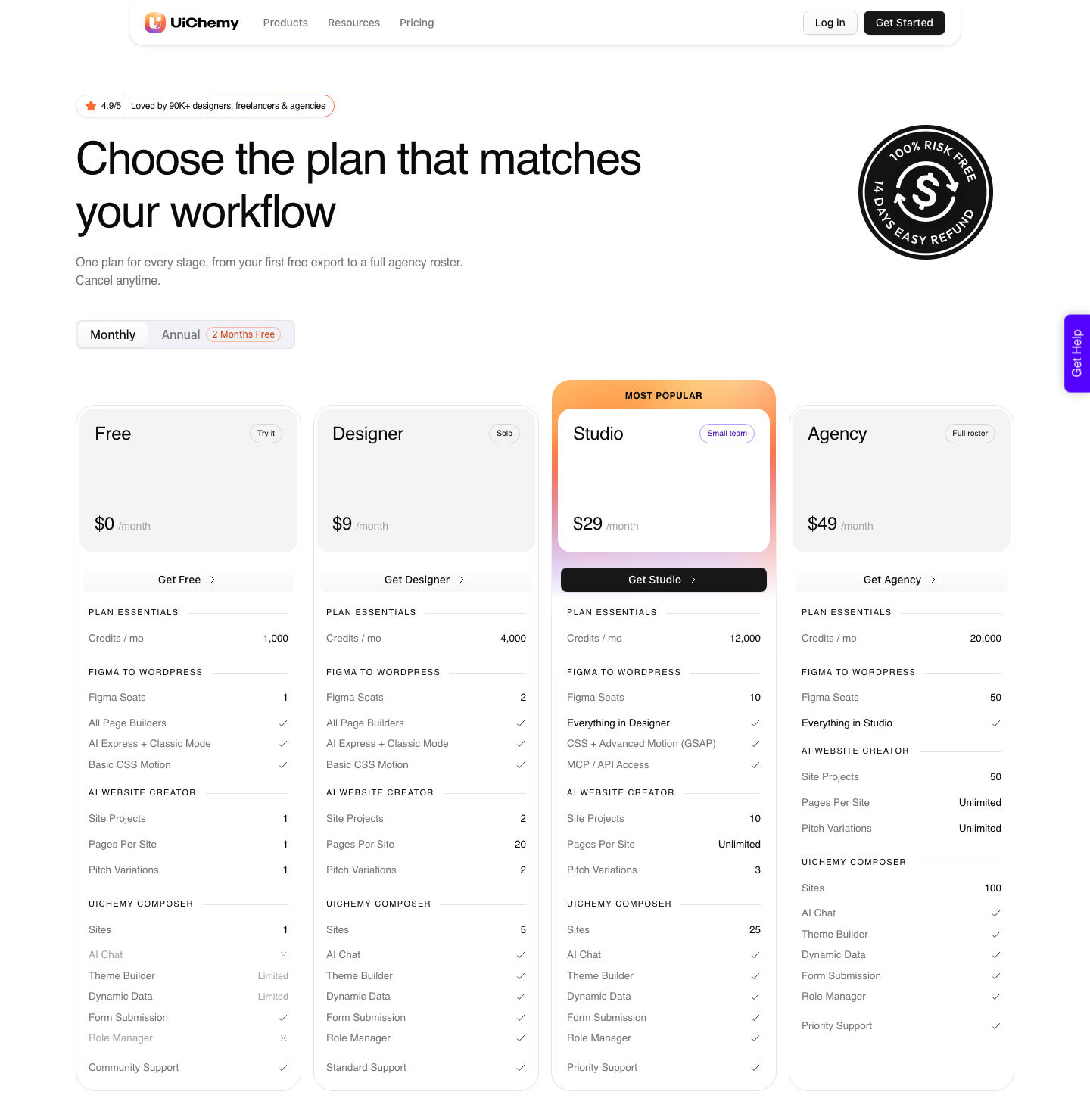
Every plan including the $0 Free tier carries both modes and every builder, and one credit balance covers all four products. The tiers change how much you ship rather than what you can do, and paid plans carry a 14-day money-back guarantee.
The balance refreshes monthly and you can top up between refreshes. Full detail sits on the pricing page.
How Weave Fits Next to the Rest of Figma
Figma now ships enough products that knowing which one you are meant to be in saves real time. Weave is the imagery and media product.
It is not where layouts happen and it is not where code happens.
| Product | What it is for | Status on 7 September 2026 |
|---|---|---|
| Figma Design | The canvas. Design and prototype | Generally available |
| Figma Weave | AI workflows for imagery, video, audio and 3D | Standalone product, Weave tools in Figma are open beta |
| Figma Make | Prompt to code, including pull requests to a codebase | Generally available |
| Figma Motion | Animating existing designs | New |
| Figma Sites | Publishing responsive websites from Figma | Beta |
| Figma Buzz | On-brand assets at volume | Beta |
| Dev Mode | Translating designs into code, plus the MCP server | Generally available |
If your output is a WordPress site, the practical route is unchanged. Design in Figma Design, use Weave for the imagery that does not exist yet, and convert the finished frame.
Our longer piece on Figma for UI and UX work on real websites covers the file structure that makes that conversion clean.
Frequently Asked Questions
Is Figma Weave free?
Two answers, because there are two products. The Weave tools inside Figma Design are free during the open beta and consume no AI credits, and Figma has said credits will apply at general availability.
The standalone platform at weave.figma.com has a free tier, with paid plans for advanced features and higher usage, and its actions draw on Figma Weave AI credits.
Does Figma Weave use my Figma AI credits?
No. Figma’s FAQ is explicit that Figma Weave AI credits and Figma AI credits are separate pools today, because the products are not yet integrated and each manages its own usage and billing.
Figma has said it will share more as that integration progresses.
Do I need a separate account for Figma Weave?
For the standalone platform, yes, though you can sign in at weave.figma.com using your existing Figma credentials. For the curated Weave tools inside Figma Design, no.
Those run in your Figma file on a Professional, Organization or Enterprise plan with edit access.
Can Figma Weave build a website?
No, and it does not claim to. Weave generates and edits media.
Figma Sites publishes websites and is in beta, Figma Make writes code from prompts, and a WordPress builder is what you want if the site has to be maintained by someone who does not use Figma.
Can I build my own Weave tool and share it with my team?
Inside Figma Design, not yet. Figma’s FAQ says creating and publishing your own Weave tools is coming.
In the standalone platform you can already open any curated tool’s underlying workflow, duplicate it, and build on top of it, and Figma’s community page hosts pre-built workflows you can duplicate into your own Weave account.
The Short Version
Figma Weave answers the asset problem, not the website problem. Learn the six curated tools while they are free, keep the design file structured for whatever comes after, and treat the current pricing as a beta price rather than a plan.
Primary sources for this piece: Figma’s AI workflows page, the help centre article on using Weave tools in Figma, the Figma Weave FAQ and the Figma Weave product site, all fetched on 7 September 2026.