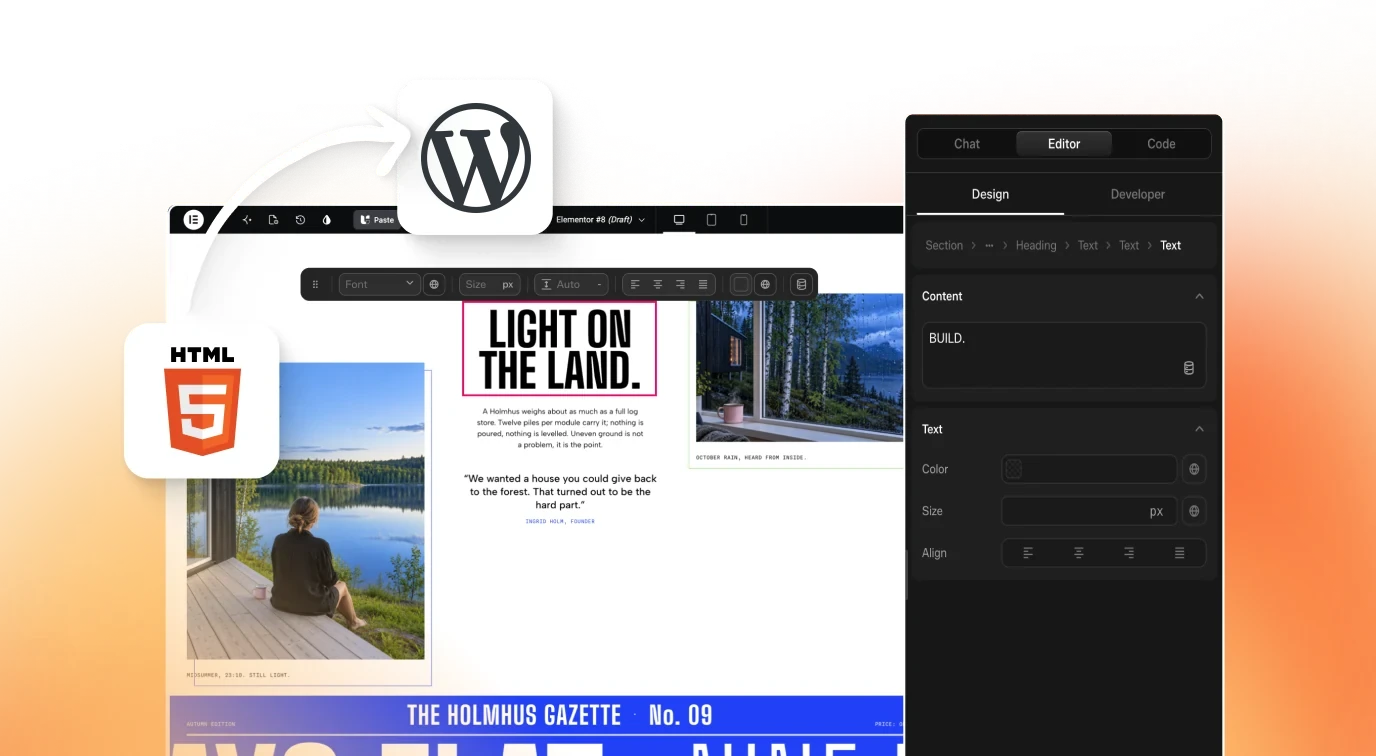
Moving a Hand-Coded or Cloned Site Into WordPress: Your Options
 Sagar Patel
To convert a hand-coded HTML site to WordPress you have five routes: rebuild it by hand in a builder, turn it into a custom theme, embed the static files, run it headless, or convert it into native builder content. Pick by how much of the design must survive and who edits the site afterward.
Static HTML sites are easy to love and hard to hand over. A cloned site has the same shape, a folder of markup, styles and scripts with no admin screen.
Moving it into WordPress adds one: a login, an editor and a place for content to grow. This guide compares the routes honestly, including the ones that are not ours. For the React version of this question, see three routes for converting React to WordPress.
First, Know What You Have
“HTML site” covers a wide range. Sort yours into one of three buckets before you pick a route.
- Pure static. HTML, CSS and a little JavaScript. No build step. The easiest case.
- Generated static. Output of a site generator or a build tool. You may have both source and built files, and the source is the better thing to convert.
- Cloned. A copy of someone’s site markup, often messy, with absolute paths and tracking scripts mixed in.
Count pages, count unique page types (home, listing, detail, form) and note anything dynamic: forms, search, carts, logins. Those dynamic parts rarely transfer as layout and need their own plan in WordPress.
The Five Routes
Route 1: Rebuild by hand in a builder
Open the old site in one tab and Elementor or the block editor in another and recreate each section. It gives the cleanest result and takes the longest. It is the right call for a five-page site where you want to improve things anyway.
Route 2: Convert to a custom theme
A developer splits the HTML into PHP templates and registers the content as pages, posts or custom fields. This gives full control and the best performance potential. It also needs a developer, and the client usually ends up with a theme only that developer understands unless the content is wired to real fields.
Route 3: Embed or host the static files
Drop the static files into WordPress, or serve them from a folder, and call it done. It is fast, and the site is still not editable in WordPress. You have moved the file location without changing who can edit it, so for client work this rarely solves the real problem.
Route 4: Headless
Keep the front end as it is and use WordPress only as a content source. It suits teams with developers on both sides. For a small business site whose owner wants a visual editor, it adds a moving part. MCP versus the REST API touches on the API side of that choice.
Route 5: Convert into native builder content
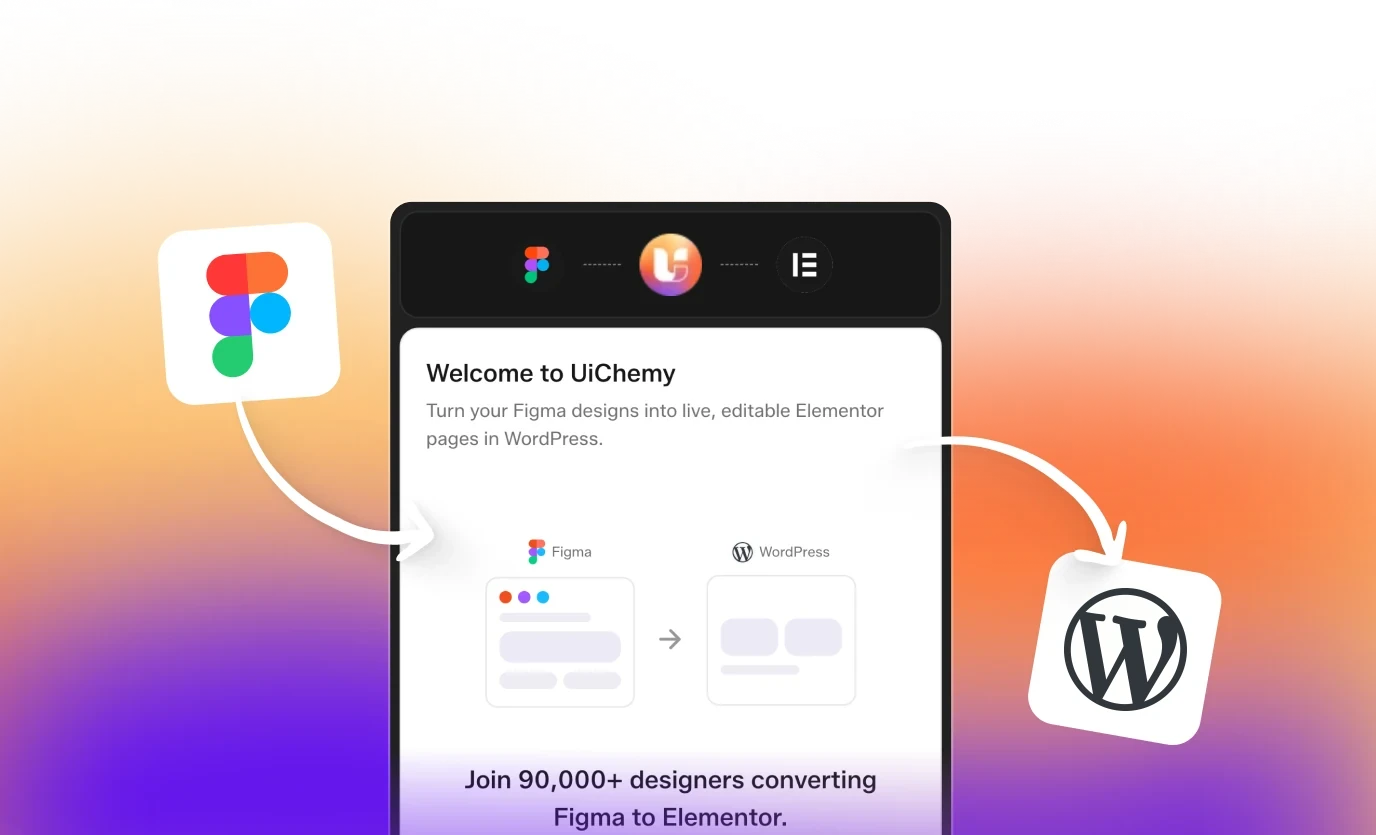
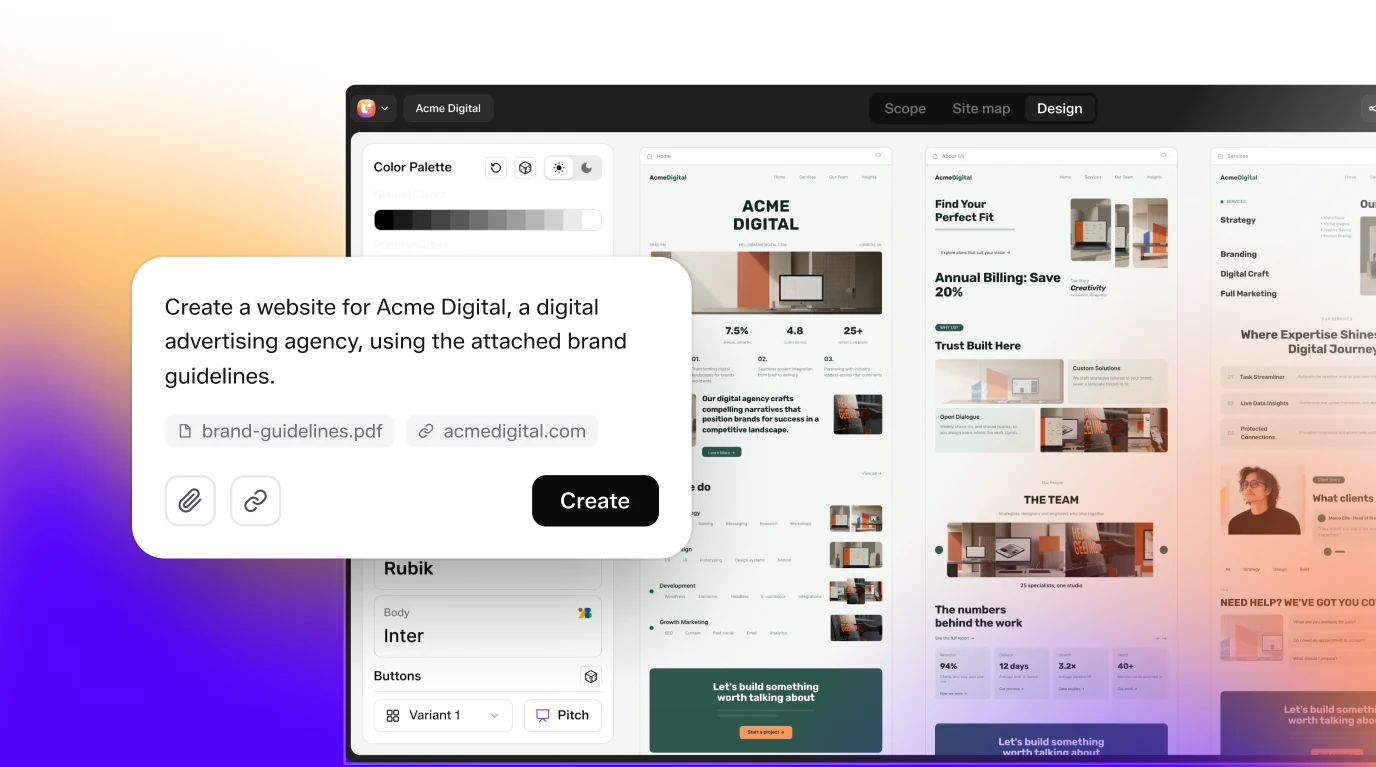
Use a tool that reads the project and rebuilds the design as native Elementor or Gutenberg content. UiChemy documents this for HTML, CSS and JS builds and for cloned sites. The next section covers how it works.
The Chooser Table
| Route | Editable in WordPress? | Needs a developer? | Best for | Where it breaks |
|---|---|---|---|---|
| 1. Rebuild by hand | Yes | No | Small sites, redesigns | Time grows with pages |
| 2. Custom theme | Depends on how fields are wired | Yes | Performance-critical, unique builds | Handoff to non-developers |
| 3. Embed static files | No | Light | Archives, throwaway pages | Client cannot edit |
| 4. Headless | Content only | Yes | Teams with front-end developers | Two systems to maintain |
| 5. Convert to builder content | Yes, per the docs | Light | Many pages, existing design to keep | Interactive code and app logic need review |
The AI Conversion Route in Detail
Here is what the UiChemy docs describe on the HTML to WordPress page. A plain project has no MCP of its own, so you gather the files into a zip and bring them in through one of the four supported clients: Claude Desktop, Cursor, Codex or Antigravity.
- Build or gather your HTML, CSS and JS and package them as a zip.
- Install the UiChemy plugin in WordPress and paste the Connection Link once.
- Connect the UiChemy MCP to your AI client. You need Node.js 18 or newer and an Administrator login. If setup misbehaves, read the Node.js and npx prerequisite that quietly breaks MCP setups.
- Attach the zip and ask the client to convert it, with each page landing as native, editable content in Elementor or Gutenberg.
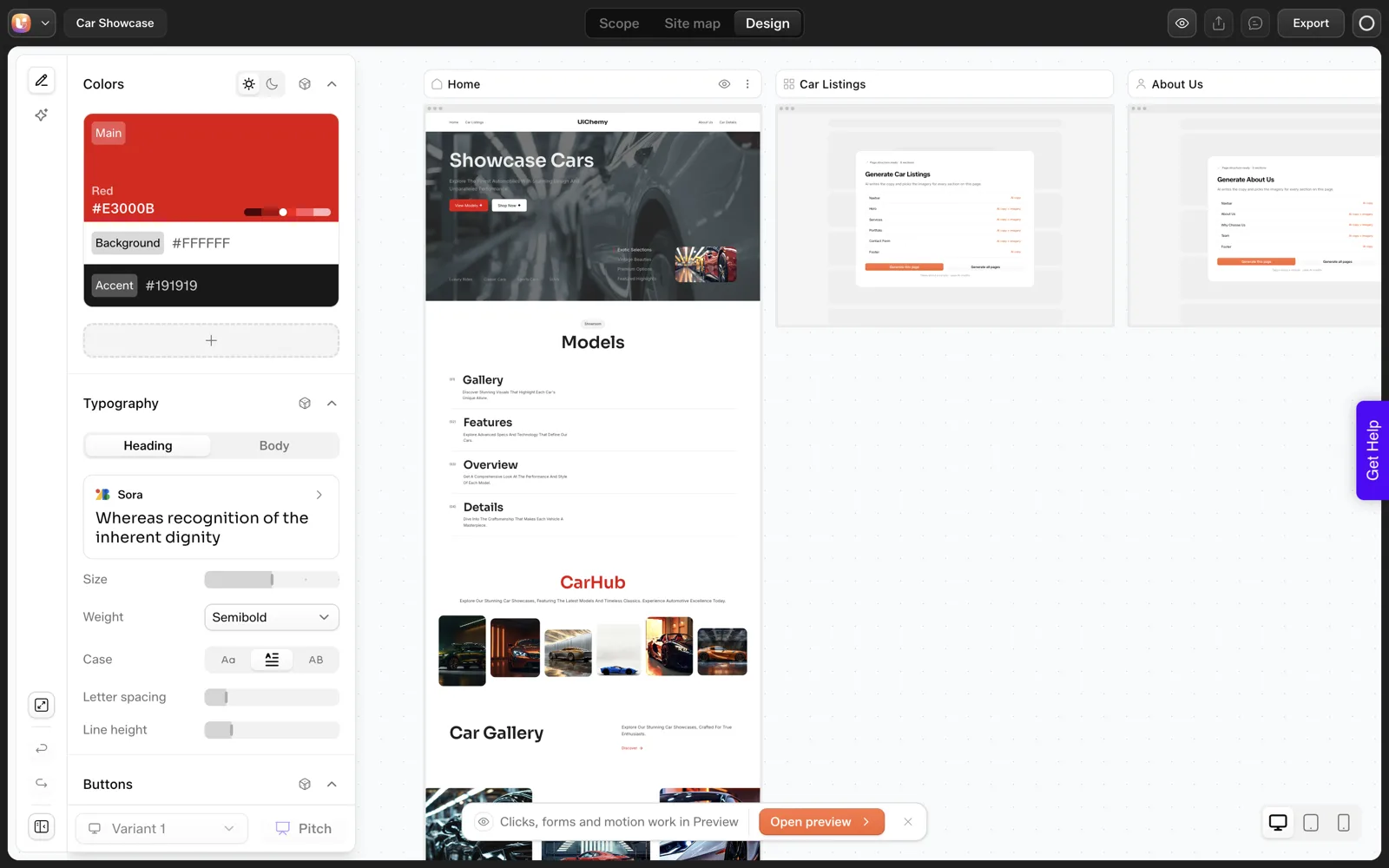
- Edit in UiChemy Composer.
The docs prompt for this case reads, in short: here is my site as HTML, CSS and JS, connect over the UiChemy MCP, move all pages in, put header, footer and templates into the Theme Builder, keep global styles, make it native and editable, and list the pages when done.
That video, titled Clone Any Animated Website Into Editable WordPress With AI, walks through the clone variant. I will not describe its results here beyond its title, so watch it and judge the output yourself. For how the mapping from code to builder elements works in general, see AI-generated code to Elementor or Gutenberg blocks.
A Note on Cloned Sites
The docs say you do not need the original source files, because Claude can be pointed at a site you like and asked to clone the design. Technically that is true.
Practically, there is a rule I would add: only clone sites you own, or sites where you have written permission. Copying another business’s design and copy is a legal and ethical problem no tool fixes.
The legitimate uses are common enough. Moving your own old site off a platform you are leaving, bringing a client’s existing site into WordPress as part of a migration, or using a site you are licensed to adapt as a starting point.
The Clone Site docs page has the steps. For the broader picture of what you own after an AI-assisted build, read who owns an AI-built website.
Pre-Flight Checklist
Moving an HTML or cloned site into WordPress

Inventory
[ ] Page count: ____   Unique page types: ____
[ ] Dynamic parts (forms, search, carts, logins): ____
[ ] Scripts and animations that must keep working: ____
[ ] Tracking or third-party scripts to keep or remove: ____
[ ] Rights to the design and content confirmed (own it / licensed / permission)

Target
[ ] Staging WordPress site created
[ ] Builder chosen: Elementor / Gutenberg
[ ] Permalink structure decided; old URLs mapped to new ones
[ ] 301 redirects planned for any URL that changes

Convert
[ ] One page converted first and checked at 1440, 768 and 390 px
[ ] Header, footer and templates present on every page
[ ] Global colors and fonts set once

After
[ ] Forms rebuilt and test submission received
[ ] Per-page SEO titles and descriptions set
[ ] Speed test run and recorded
[ ] Client editor account tested with a real edit
[ ] Backup taken, old site kept offline-ready for 30 days
The redirect lines matter more than they look. Changing URLs without redirects quietly discards the search visibility the old site earned. Our guide on AI workflows for WordPress agencies shows where migration checks fit into a larger workflow.
URL Mapping and Redirects: The Step People Skip
A hand-coded site often has URLs like /about.html or /services/index.html. WordPress prefers clean permalinks like /about/. If the old site is live and has any search visibility, changing URLs without a plan can lose it.
Build a URL map before you convert anything. It takes a few minutes per page and removes a whole category of launch-day problems.
URL MAP

Old URL                      | New URL          | Redirect type | Checked
-----------------------------|------------------|---------------|--------
/index.html                  | /                | 301           | [ ]
/about.html                  | /about/          | 301           | [ ]
/services/index.html         | /services/       | 301           | [ ]
/contact.html                | /contact/        | 301           | [ ]
(add a row for every old URL, including images people link to)

After launch
[ ] Click every old URL and confirm it lands on the right new page
[ ] Submit the new sitemap in your search console
[ ] Watch for 404 errors for the first two weeks
A 301 is the permanent redirect type, and it tells search engines the move is final. Many SEO plugins, redirect plugins and hosts offer redirect tools. Pick one place for redirects and keep them there.
If the site is brand new with no history, you can skip the redirects and keep only the clean permalink structure. The URL structure itself is worth settling early, and information architecture for AI-generated sites shows how to keep it tidy.
Forms, Tracking Scripts and Fonts
The pieces that are not layout need their own inventory, since they often arrive from the old site without anyone remembering they exist.
Forms
An HTML form needs something on the server to receive it. In a static project that was probably a third-party form service or a small script. In WordPress you choose a form tool, build the form again, set the email destination and send a real test message. Do not mark the page done until a message arrives in the right inbox.
Tracking and third-party scripts
List every analytics, chat or advertising snippet in the old markup. Decide for each one whether to keep it. Add the ones you keep through your tag manager or a header and footer setting, and avoid pasting them into individual pages. Cloned sites are the worst case, since they can carry the original owner’s tracking code. Remove anything that is not yours.
Fonts and media
Check where fonts load from. If the old site pointed at a font service, decide whether the new site will too. Re-upload images to the media library so they are managed in WordPress, and add alt text while you do it.
These tasks are plain WordPress work, and none is specific to any tool. They are the difference between a site that looks converted and one that is ready to launch. Keeping AI-written code clean includes accessibility checks that fit this stage.
Worked Example: Choosing a Route for a Twelve-Page Site
This is an illustration with invented numbers chosen for the exercise, so use it as a method and not as a benchmark. Suppose you have a pure static site with twelve pages, three page types and one contact form. The owner wants to edit text and add news posts.
- Rule out Route 3. Embedding static files fails the first requirement, because the owner cannot edit in WordPress.
- Rule out Route 4. Headless leaves the owner with content fields and no visual layout control, and adds a second system.
- Compare Routes 1, 2 and 5. Twelve pages with three page types means a lot of repetition, which favors converting the design as a whole over rebuilding each page by hand.
- Check the dependencies. One form and no accounts means nothing blocks conversion.
- Choose and test. Convert the home page first on staging, then decide whether to continue.
If the same site had a search feature and a member login, step four would change the answer. Those parts would need plugins or a separate app, and the conversion would cover only the page layouts.
The method matters more than the example. Eliminate by requirement first, compare what remains, and test one page. How to evaluate any AI website builder in 12 questions gives you a longer list of requirements to eliminate with.
FAQ
How do I convert an HTML site to WordPress?
You can rebuild it by hand in a builder, turn it into a custom theme, embed the static files, run WordPress headless, or convert it into native builder content. The last route uses a tool such as UiChemy with an AI client. Choose by how much design must survive and who will edit the site.
Can I clone a website into WordPress?
Technically yes. UiChemy documents cloning a site in Claude and converting the result into editable WordPress content. Legally, only clone sites you own or have permission to use. Copying someone else’s design and text is infringement regardless of the tool, so treat the clone route as a migration method, not a shortcut.
Will my JavaScript animations survive the move?
Layout usually transfers more reliably than scripted behavior. Check every animation and interaction on a staging site after converting. Some need to be rebuilt as native widgets or as custom code inside the builder. Test on a real phone, since animations that run on desktop can behave differently on mobile.
Do I need a developer to move a static site into WordPress?
Not always. A custom theme needs one. Rebuilding by hand or converting into builder content does not, though you still handle setup like Node.js and an Administrator login for the AI route. Someone should review the result, especially forms, scripts and redirects.
What happens to my old URLs?
They change unless you plan otherwise. WordPress uses its own permalink structure. List old and new URLs side by side and set up 301 redirects for any that differ. Skipping this step is the most common way a migration loses the search traffic the old site had earned.
If you have a static site waiting for an editor, Get Started and convert one page on staging before you commit to the full move.
Every feature named in this post is listed by product: all UiChemy features, AI to WordPress features.