AI Website Builders and the Editability Problem
 Sagar Patel
The generated page looked right. It went live on a Tuesday, the client was pleased, and three weeks later they emailed asking for one more row in the pricing table. Their marketing person opened WordPress, found the section, and saw a single grey panel labelled Custom HTML with a wall of markup inside it. She closed the tab and sent you a ticket instead.
That moment is the real test of an AI website builder, and almost no comparison scores it. The first screen is the part every tool now does well. What separates them is the shape of the thing they hand over, because that shape decides whether the next hundred small edits are self-serve or billable.
Everything below was checked on 8 September 2026 against Figma’s own product and help centre pages, the WordPress documentation on roles and capabilities, the block editor’s core blocks reference, Elementor’s HTML widget article, and the UiChemy pricing and mode pages. Where a vendor publishes a qualifier, the qualifier is quoted rather than smoothed over.
What An AI Website Builder Actually Hands You
Strip away the marketing and there are only three possible outputs. A hosted page that lives on the vendor’s infrastructure. A code bundle you deploy yourself. Or native elements inside a builder your team already uses. Everything else is a variation on those three.
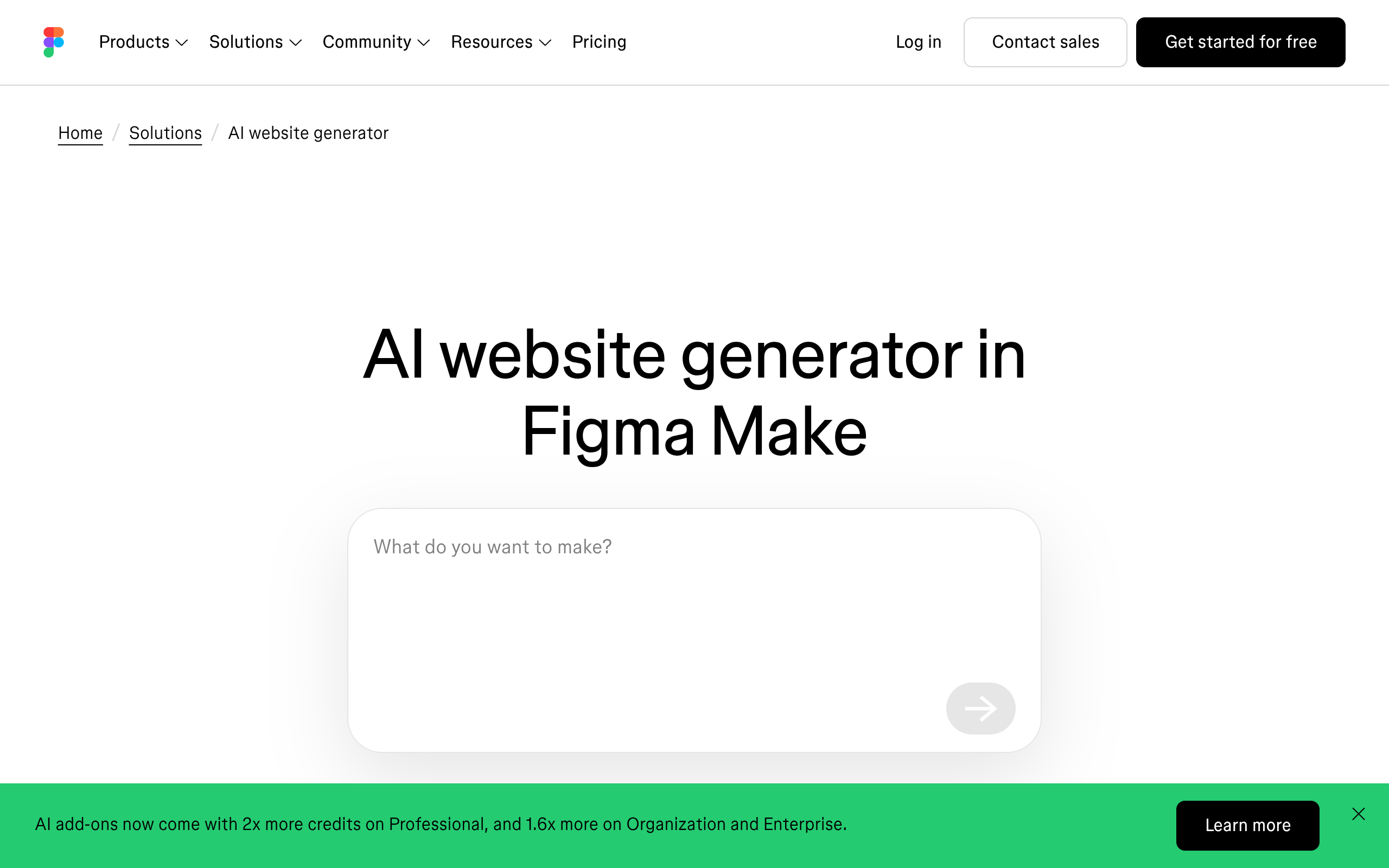
Figma is unusually direct about which of the three it produces. The Figma AI website generator page describes Figma Make as building a site with “real layout, real content, and real code”, refinable visually or in the code itself. That is an accurate description of a code artefact, and it is a genuinely good one.
The trouble starts at the border between that artefact and WordPress. A code bundle has to enter WordPress through something, and the only doors are a raw code block, a builder’s HTML widget, or a rebuild. The first two are where the editability problem lives.
The Black Box, Described Precisely
Take the Gutenberg route first. The block editor’s core blocks reference lists the Custom HTML block as core/html with exactly one attribute: content. One attribute means one control. Its supports list runs to className, customCSS, listView and visibility, with no colour, no spacing and no typography entry, because as far as the editor is concerned the whole section is a single string.
Compare that with the Button block or the Columns block, each of which exposes a list of attributes the interface turns into panels. The difference is not cosmetic. It is the difference between a client changing a background colour in four seconds and a client filing a ticket.
Elementor’s route ends in the same place for a different reason. Its HTML widget documentation, last updated 15 June 2025, says you can embed HTML, CSS, shortcodes and JS scripts inside it, then adds a warning: the code in an HTML widget “can potentially contain malware so access to the widget is restricted to admins”. The same article says that can be changed in the Role Manager, with care. Almost nobody changes it, and your client’s marketing person is almost never an admin.
WordPress core enforces a similar boundary one level down. The roles and capabilities documentation defines unfiltered_html, present since WordPress 2.0, as the capability that “allows user to post HTML markup or even JavaScript code in pages, posts, comments and widgets”. Editors have it on a single site. On Multisite, only Super Admins do.
Put those three facts together and the picture is concrete rather than rhetorical. Generated markup pasted into WordPress produces a section with one attribute, gated behind an admin-only widget, governed by a capability that a Multisite Editor does not hold. Nobody designed that to be hostile. It is simply what happens when a code artefact meets a content management system built around structured fields.
Where AI Website Builders Genuinely Win
None of that makes these tools bad, and pretending otherwise would be dishonest. For a landing page that exists for six weeks, a hosted generated site is the cheapest correct answer available. There is no host to buy, no plugin stack to maintain and no update schedule to own.
They are also very good at the blank page. Figma’s own FAQ advice on prompting is worth reading even if you never use the tool: it contrasts “A website for my business”, which “gets you something generic”, with a prompt naming the audience, the sections and the call to action. That is a real craft skill and the tools reward it.
The third genuine win is exploration speed. Generating four structurally different versions of a page before a client meeting used to cost a day of wireframing. Where the output is a throwaway artefact, its unmaintainability costs you nothing, because nobody was going to maintain it.
| Job | Generated hosted page | Generated code into WordPress | Converted native elements |
|---|---|---|---|
| Pitch concept in a day | Strong | Overkill | Overkill |
| Six-week campaign microsite | Strong | Workable | Workable |
| Client site edited monthly | Weak | Weak | Strong |
| Handover to a non-technical owner | Weak | Weak | Strong |
| Page that must live in an existing WordPress site | Not applicable | Workable | Strong |
Four Questions To Ask Before The Build, Not After
Each of these has a documented answer for any tool on your shortlist, and the answers vary far more than the hero sections do. Ask them in writing, at the proposal stage, while changing the answer is still free.
- Who on the client’s side can edit this page without calling you, and what role do they hold?
- Where is the published page hosted, and what happens to it if the source file is deleted?
- Can search engines see the page by default, or is that a setting someone has to remember?
- What does the tool cost at your real monthly volume rather than at one trial conversion?
The second and third questions have published answers for Figma Make. The Figma Make FAQs state that published prototypes and web apps are hosted by Amazon Web Services with domain and routing served by Cloudflare, and that a published file “won’t be indexed by search engines” by default until you change the discoverability setting. The same page notes that deleting the Make file unpublishes what was published from it.

The Week Three Test, With Real Numbers
Run a small thought experiment against a real page. A pricing section has three plan cards, and the client wants a fourth. Count the steps in each of the three output shapes and the gap stops being abstract.
With native builder elements, the client duplicates a card, edits four text fields and saves. With a Custom HTML block, someone with unfiltered_html opens the markup, finds the repeated card structure, copies it, checks the grid column count, and tests three breakpoints by hand. With a hosted generated page, the edit happens in the generating tool and the page is republished, which means the change lives outside the site’s own revision history.
The first path costs a client four minutes. The second costs a developer half an hour plus the round trip of asking. Multiply the second by a year of small requests across a client roster and you have the actual cost of the editability problem, paid in tickets rather than in licence fees.
| Output shape | Editor controls exposed | Who can edit it | Survives cancellation |
|---|---|---|---|
| Custom HTML block in Gutenberg | One attribute, content | Roles holding unfiltered_html | Yes, in your database |
| Elementor HTML widget | Code area plus the Advanced tab | Admins by default, per the docs | Yes, in your database |
| Hosted generated page | The generating tool’s own editor | Anyone with a seat in that tool | Depends on the account and the source file |
| Native converted widgets | The builder’s full control set | Anyone who can edit that page | Yes, in your database |
The Fourth Shape, And The Four Ways Into It
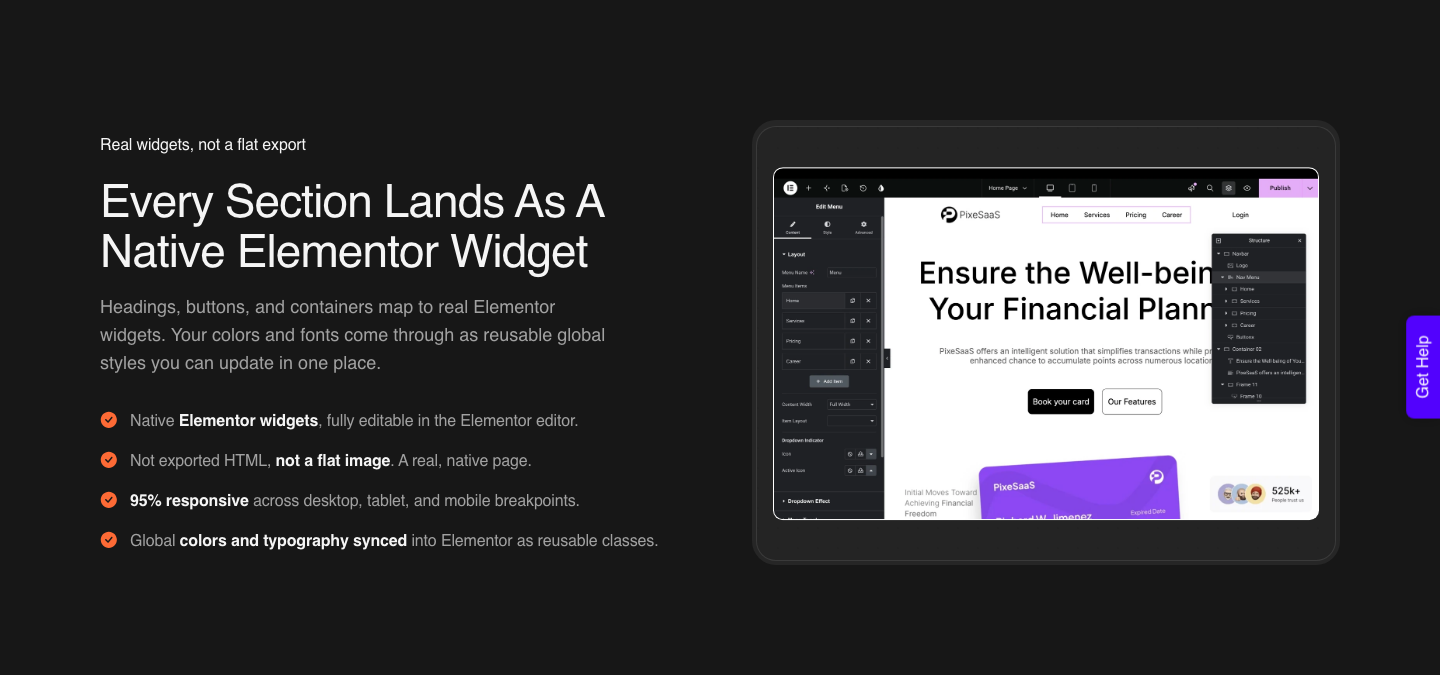
The fourth shape exists specifically to avoid the code block. Rather than handing WordPress a finished artefact and asking it to swallow the thing whole, the page is built as the native widgets, blocks or elements the builder already understands. The output carries the same controls as anything you assembled by hand, because structurally it is the same thing.
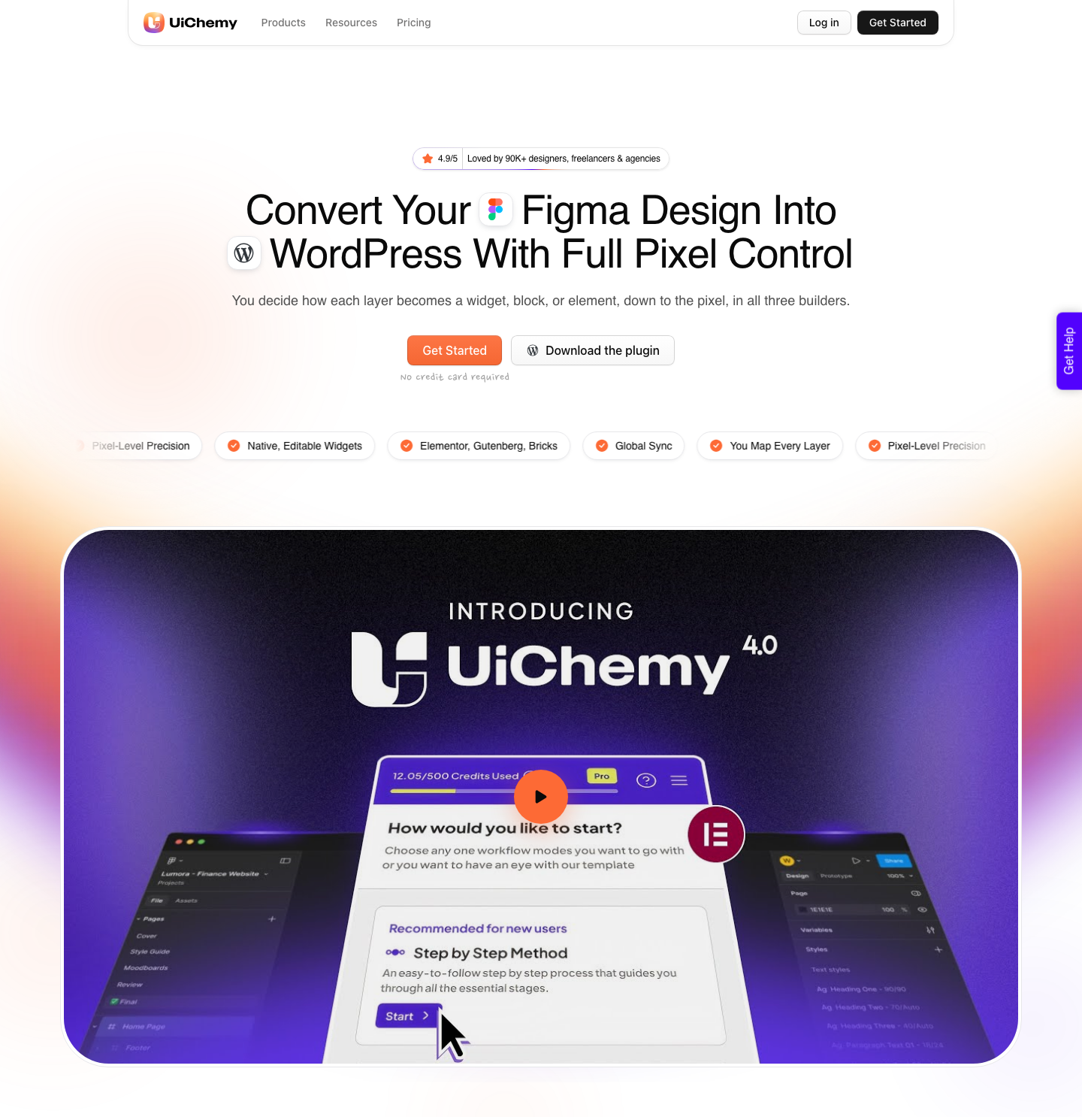
UiChemy works this way, and since the 7 September 2026 rebuild it does it from four different starting points rather than one. The site’s own framing is “four products, one engine, one destination: real, editable WordPress in your builder”, and the promise it hangs on that is blunt: the marquee slides, the accordion opens, and every block stays fully editable. Responsiveness is automatic in AI Express Mode and tuned afterwards in the responsive manager.
The four ways in matter more than the label. Figma to WordPress starts from an approved design file. AI Website Creator starts from a text prompt or a client brief and walks brief, sitemap, design, export. UiChemy Composer starts from a prompt inside Elementor, where one widget writes genuine HTML, CSS and JavaScript you can then edit by hand or by prompt. AI to WordPress starts from a build you already made in Lovable, Claude, Bolt or v0 and brings it across through Composer.
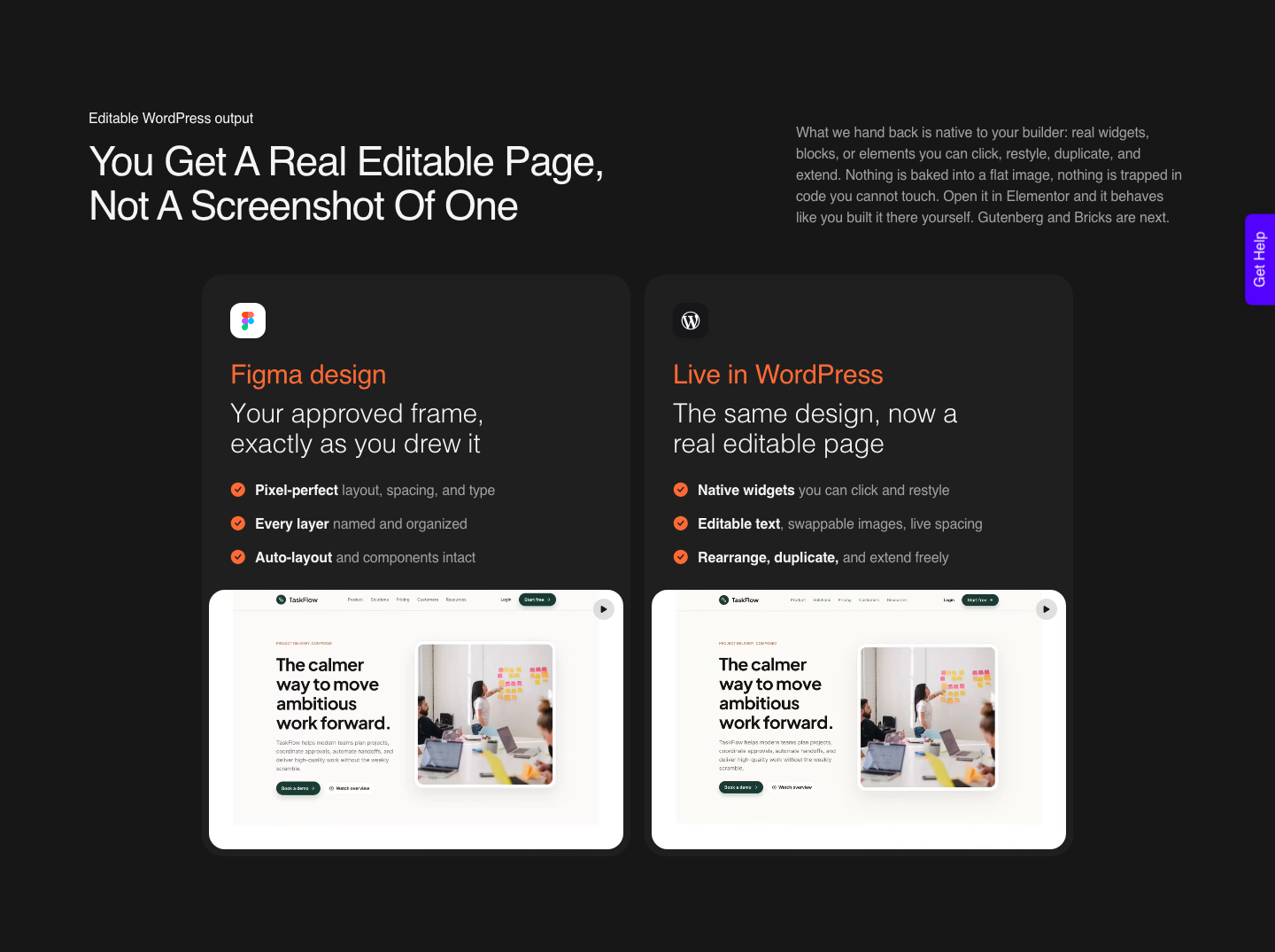
Which one you pick is a question about where the approval happens, not about which side of a generator-versus-converter line the tool sits on. Start from a Figma file and the client signed off before any code existed, which removes a review cycle rather than adding one. Start from a prompt or a brief and the sitemap arrives first, which is faster but puts the sign-off after the generation instead of before it.
Sources are not limited to Figma either. The same pipeline accepts a live URL, raw HTML, and generations from Lovable, v0, Google Stitch, Relume, Claude Design and Antigravity, each rebuilt into native WordPress rather than pasted in as code. Claude to WordPress has its own dedicated flow and the rest arrive through Composer. That matters if your team likes generating in one tool and shipping in another, which is the common pattern now.
What A Conversion Costs To Run
The meter matters more than the sticker price, because a tool you can only afford to use twice is a tool you will not adopt. There is a real Free plan at $0 a month with 1,000 credits, one Figma seat, one AI Website Creator project of one page, one Composer site and community support. Paid plans start at Designer, $9 a month with 4,000 credits, then Studio at $29 with 12,000 and Agency at $49 with 20,000. Yearly billing is advertised as two months free.
Every plan, Free included, carries all page builders, both conversion modes and basic CSS motion, so the tiers are bought for volume rather than for features. The numbers that actually move are on the pricing page: pages per site run 1 on Free, 20 on Designer and unlimited on Studio and Agency, Composer sites run 1, 5, 25 and 100, and Figma seats run 1, 2, 10 and 50.
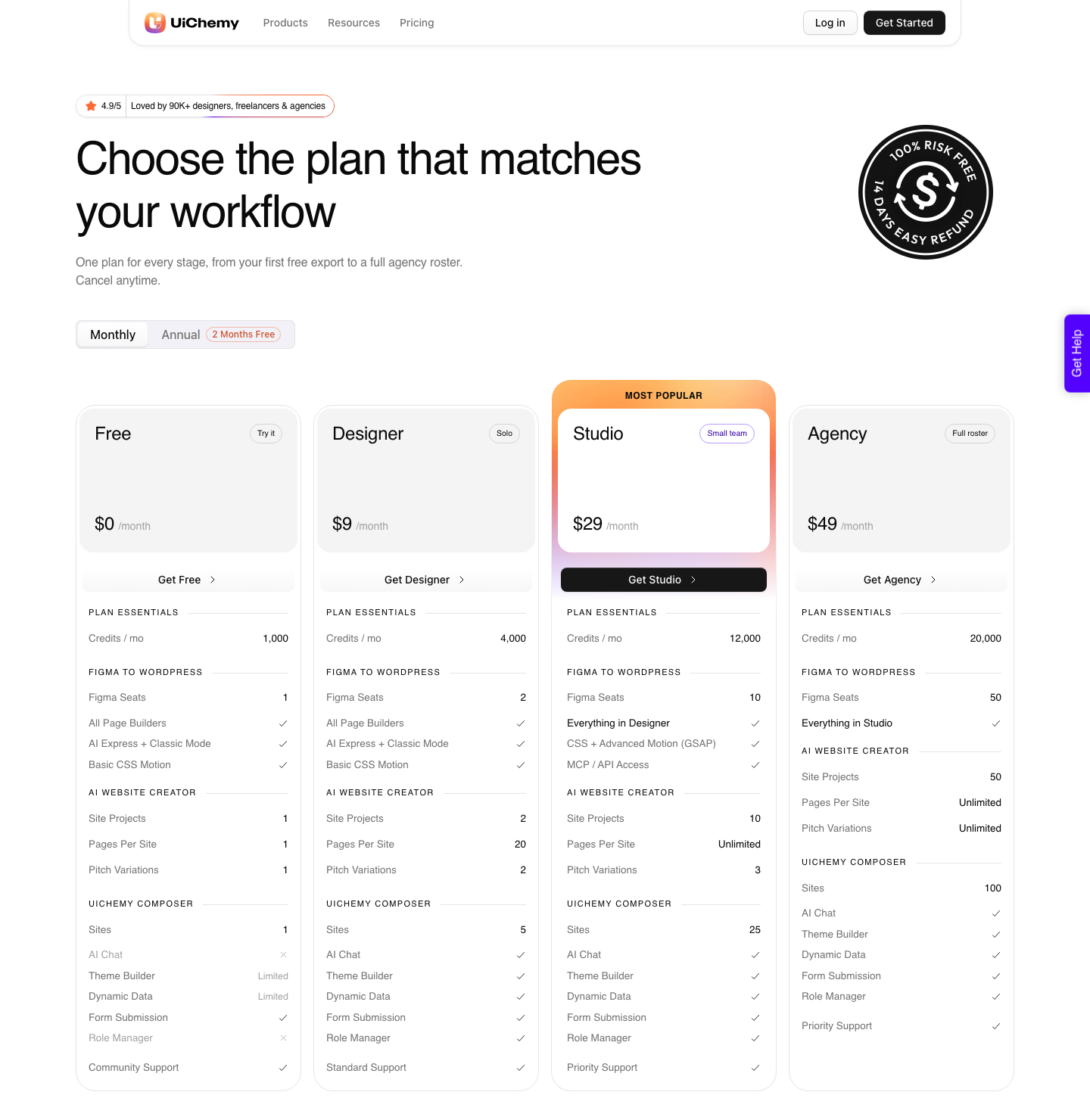
Two gates sit above Designer and both catch people out. MCP and API access start at Studio, $29, which is the tier you need if you want to fire conversions from Claude, Cursor, Codex or Antigravity. Advanced motion with GSAP starts on the same tier. The MCP is a developer convenience rather than the main event, so treat it as a bonus rather than a reason to buy.
Honest Limits Of The Converter Route
This route has its own failure modes, and they are worth naming before you promise anything. AI Express outputs to Elementor today; Gutenberg and Bricks are on the roadmap and not live in that mode yet. Classic Mode already covers Elementor, Elementor v4 Atomic, Gutenberg, Bricks, Nexter Blocks, GenerateBlocks, Spectra and Kadence, so the coverage gap is mode-specific rather than product-wide.
The same caution applies to the other three products. AI Website Creator exports to Elementor and its Gutenberg export is marked Soon on every plan, Agency included, so do not sell a Gutenberg client site on it yet. Composer’s own product page says it runs inside Elementor, which is the claim to repeat rather than the broader one on the homepage card.
Nor is any of it a zero-cleanup promise. A verified reviewer on the product page puts the split at roughly 70% of the design work handled, leaving “the remaining 30% for us to fine-tune using Elementor, which is completely fine because it saves a tremendous amount of time”. That is the honest number to quote a client, and it is still a large saving against a full manual rebuild.
The input quality decides the output quality, too. A design with loose layer structure and inconsistent spacing converts worse than a tidy one, which is why the docs carry a whole page on optimising designs before export. Converting a file you have not cleaned up wastes more time than it saves.
Picking The Right Shape For The Job
None of this collapses into one recommendation, and a post that pretended otherwise would be selling rather than helping. The decision follows the lifespan of the page and the skill level of whoever maintains it after you leave.
Short-lived and owned by you, generate it and move on. Long-lived and owned by a client, the page needs to arrive as native elements, whichever route gets it there. That is the whole rule, and the four questions above are just it applied to a specific brief.
AI Website Builder Questions People Actually Search
Can you edit an AI generated website afterwards?
Inside the tool that generated it, yes. Figma Make lets you point at an element and prompt a change or open the code editor directly. The harder question is whether it stays editable after it moves, and the Figma Make FAQ is clear that layers copied back into Figma Design are not applied back to the Make file and are not tied to your design system.
Will an AI generated site rank on Google?
Figma’s own answer is “It can, but not on its own”, and the page lists specific copy, clean semantic markup and strategic headings as the work that is still yours. Add the default that a published Make file is not indexed by search engines until you change the setting, and you have two facts to check before promising a client anything about visibility.
Why can my client not edit the section I pasted in?
Almost always a permissions boundary rather than a bug. Elementor restricts the HTML widget to admins by default because embedded code can carry malware, and WordPress reserves unfiltered_html for Super Admins on Multisite. Check the client user’s role before assuming the plugin is at fault.
Is there a free way to test this before paying?
Yes on both sides. Figma Make can be explored on the Starter plan, with the caveat that Starter users can only publish publicly by also publishing to the Figma Community. UiChemy has a Free plan at $0 a month carrying 1,000 credits, one Figma seat, one AI Website Creator project of a single page and one Composer site, which is enough to run a real page through and judge the output. Paid plans carry a 14-day money-back guarantee. Our free AI website builder breakdown covers what each free tier really includes.
Does a converter replace the developer entirely?
No, and treating it that way is how projects go wrong. It removes the mechanical rebuild, which is the largest and least interesting slice of the work. Integration, custom functionality, performance and accessibility review all remain human jobs, and the 70/30 split named above is the realistic expectation.
The Short Version
An AI website builder is judged on the first screen and lived with on the hundredth edit. Ask who can edit the output, what role they hold, where the page is hosted and what the meter costs at your real volume. Those four answers are published, checkable, and far more predictive than another opinion about a hero section.
If the destination is WordPress and someone else will maintain the page, the output has to arrive as native elements, and the starting point can be a prompt, a brief, a Figma file or a build you already made elsewhere. Related reading: what the best AI website builder roundups miss, Figma Make alternatives for people who need a real website, and the Figma to Elementor workflow itself.