Google Stitch and Prompt to UI, Assessed
 Sagar Patel
You describe a booking page for a physiotherapy clinic in one sentence and get back a plausible interface in under a minute, complete with a colour theme and a component hierarchy. It is genuinely impressive the first three times.
Then you remember the client’s site is WordPress running Elementor, and the interesting question starts.
This is an assessment of prompt-to-UI as a real step in a WordPress build rather than a demo. What Google Stitch actually produces, which of its two exits is worth taking, and what a machine-generated layer tree does to a conversion afterwards.
Checked against Google’s own announcement on 8 September 2026.
The short version, if you only read one paragraph: Stitch is a fast way to get past the blank canvas and a poor way to get to a finished page. Its Figma exit is the one that leads somewhere, and its code exit leads to a rebuild.
What Google Stitch Is, Precisely
Stitch is an experiment from Google Labs, announced on 20 May 2025 alongside Google I/O. Google’s own description is turning prompt and image inputs into UI designs and front-end code in minutes, built on the multimodal capabilities of Gemini 2.5 Pro.
Four capabilities are named in the launch post. Generate a UI from natural language.
Generate a UI from an image or a whiteboard wireframe. Produce multiple variants to compare.
And then two ways out: paste to Figma, or export front-end code.
Hold on to the word experiment. Google Labs products carry no support commitment and no roadmap obligation, which is a real consideration if you are about to make one a permanent step in a client pipeline.
Design your process so that losing it costs you an afternoon rather than a quarter.
The Two Exits, And What Each One Costs You
| Paste to Figma | Export front-end code | |
|---|---|---|
| What you receive | Layers on a Figma canvas | HTML and CSS for the generated screen |
| Who can edit it next | Any designer on the team | Whoever reads the code |
| Route into WordPress | Convert the frame into builder elements | Convert the HTML, or rebuild by hand |
| What the client can change later | Everything, in the builder | Nothing, without you |
| Where the design system lives | Your Figma library, once you apply it | Nowhere, it is per screen |
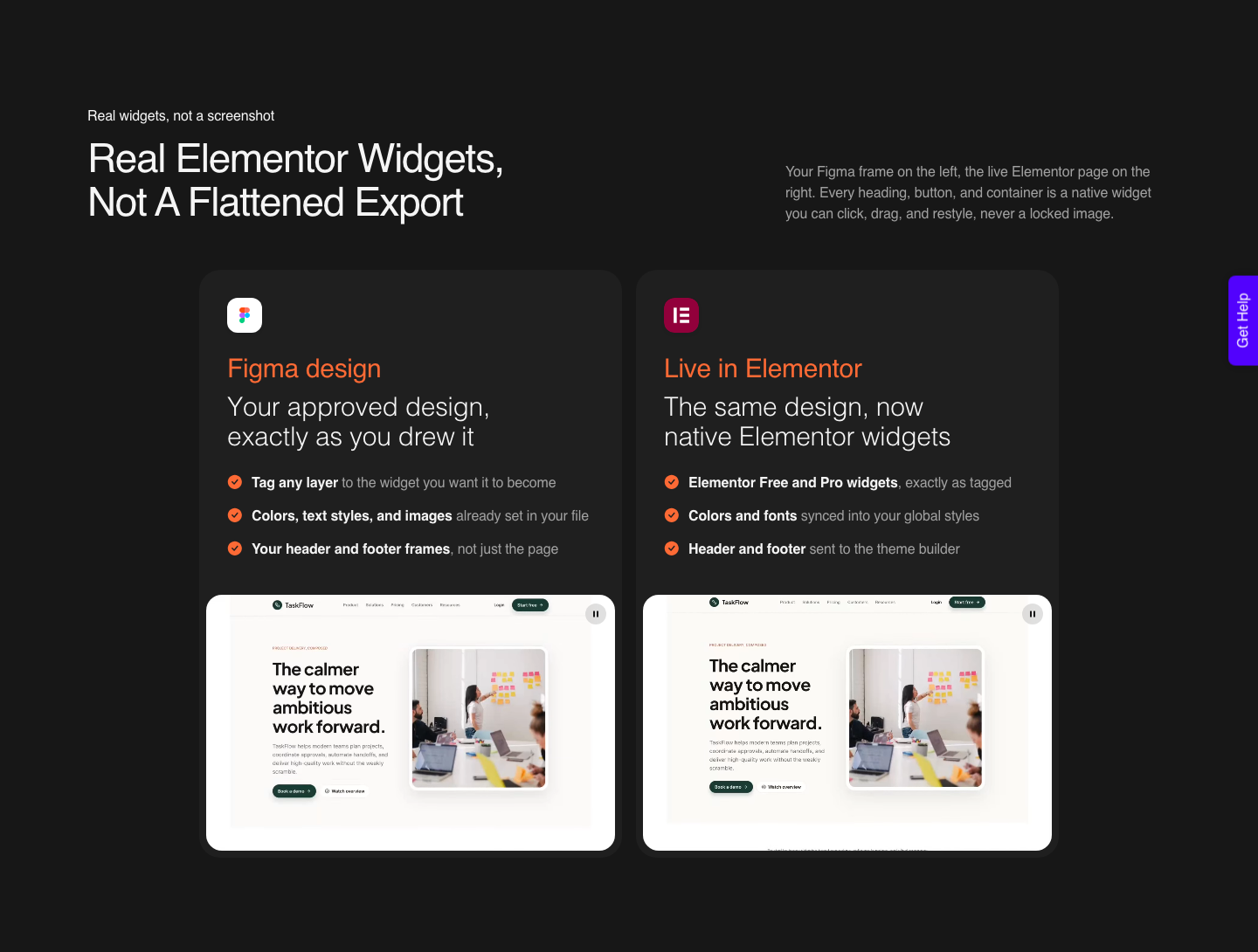
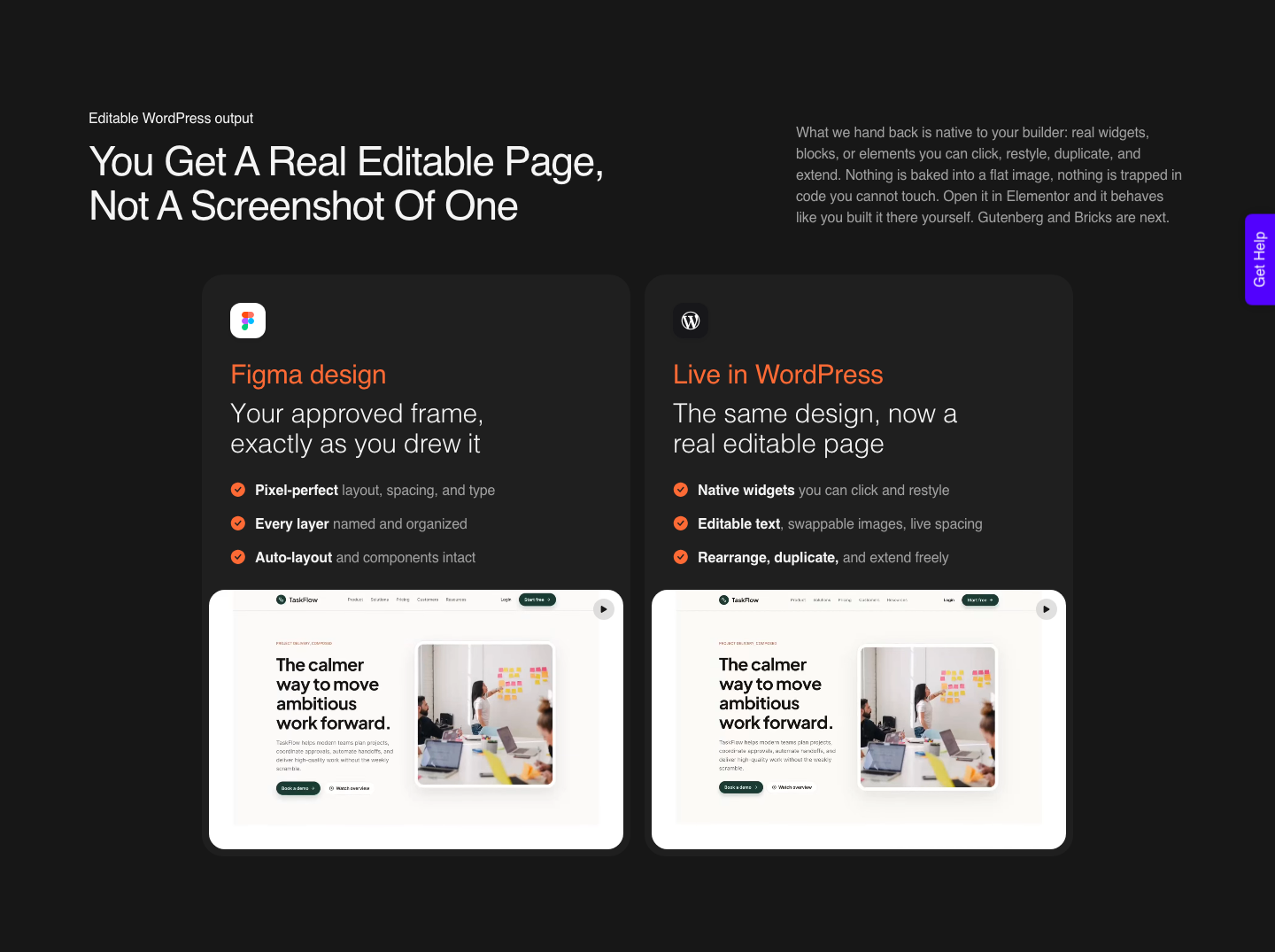
The Figma exit wins for a specific reason that has nothing to do with preference. A Figma frame is a structure a converter can read and rebuild as native builder elements.
Generated HTML is a finished artefact, and rebuilding a finished artefact into editable widgets is a harder problem than rebuilding a design.
I should say plainly which side of this I am on, because the tool I am about to describe is ours.
UiChemy is what fills the gap between a generated screen and a live WordPress page, and it now has four doors rather than one: Figma to WordPress for an approved frame, AI Website Creator for a prompt or a client brief, UiChemy Composer for writing real HTML, CSS and JavaScript sections inside Elementor, and AI to WordPress for moving an existing AI build across.
A Stitch screen goes through the first door if you take the Figma exit, and through Composer if you take the code exit.
What A Generated Layer Tree Does To A Conversion
A conversion reads structure, not pixels. That means the quality of a Stitch output for WordPress purposes is decided by things you cannot see in the preview: whether frames use auto layout, how deeply they nest, whether anything sits outside the top level frame, and what the layers are called.
Generated files tend to be strong on the first of those and weak on the rest. Auto layout is usually present, because that is how a model produces something that holds together at different widths.
Naming is generic, nesting is generous, and both cost you later.
Nesting is the expensive one. Every frame becomes a container in the builder, so a screen that arrives eight levels deep produces a page where changing a heading means clicking through eight containers.
That is not a conversion failure, it is a design file failure that the conversion faithfully reproduces.
| What arrives from a prompt | How it converts | The fix, in Figma, before converting |
|---|---|---|
| Auto layout frames | Well, into builder containers | Nothing, leave it |
| Deep nesting of single-child frames | Correctly, and painfully | Delete wrappers that hold one child |
| Generic layer names | Fine automatically, badly if you tag by hand | Run the free AI rename, then check the headings |
| Placeholder images | As images, at whatever weight they are | Replace with web-optimised client assets |
| Absolutely positioned decoration | Unpredictably at other widths | Convert to auto layout or accept it as an image |
| Text with a gradient fill | It does not carry across | Use a solid fill, or export that text as an image |
The Sequence From Stitch To A Live Elementor Page
Step one is to stop generating. Two or three variants is a comparison; nine is procrastination with a progress bar.
Pick one, paste it to Figma, and treat everything after that point as your own design file rather than as output you are reviewing.
Step two is the top level frame. Enable auto layout on it, set the layout to vertical and alignment to top centre, set horizontal padding, vertical padding and the item gap to zero, and give it a fixed width you chose.
Everything else lives inside as stacked sections.
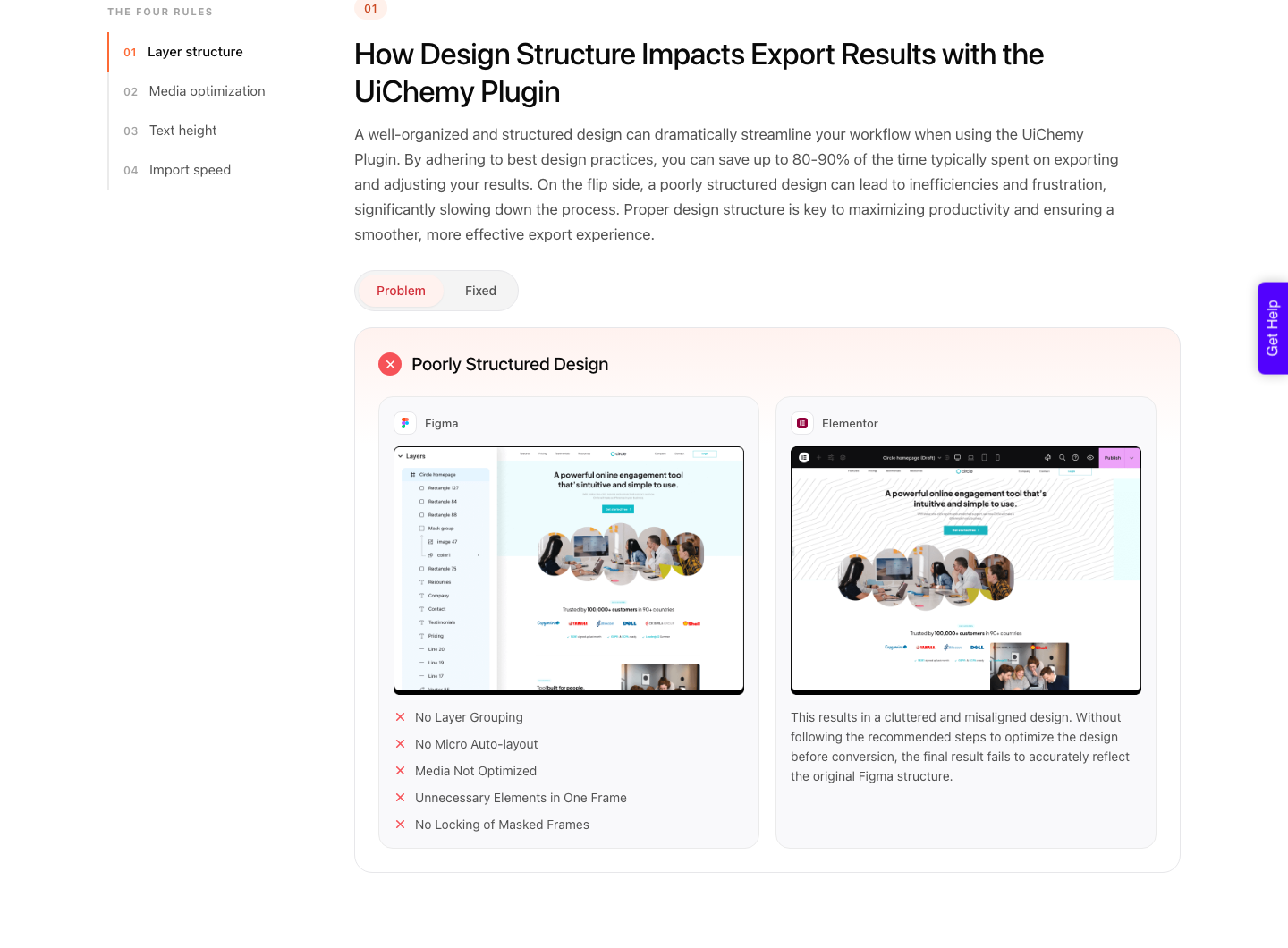
Step three is the prune. Delete wrapper frames with a single child, remove anything sitting outside the top level frame because it will be ignored on export anyway, and check for negative item gaps.
A negative gap works in Figma and becomes zero in CSS, so it silently changes the design.
Step four is brand. Generated colour themes are competent and anonymous.
Apply the client’s real palette and type as Figma styles or variables so the sync into the builder’s global styles has something correct to map, rather than carrying a generated theme into a live site.
Step five is the conversion itself. Pick your builder, pick a motion level, and convert.
What lands is native Elementor widgets you can restyle rather than a flat export, which is a different proposition from what Elementor’s own AI generates inside the editor.
That side is now branded Angie, the agentic AI Elementor introduced on 12 May 2026 and ships free on the WordPress repository; its first capability, Angie Code, builds custom widgets, snippets and apps from a description, a screenshot or a pasted URL, in a sandboxed test environment before anything reaches the live site.
It is a different job from moving a whole approved screen across. AI Express outputs to Elementor only, for now.
Gutenberg and Bricks are available today through Classic mode, and are on the roadmap for AI Express.
Where Prompt To UI Genuinely Earns Its Place
The honest case for Stitch is not that it designs well. It is that it removes the most expensive twenty minutes of a small project, which is the ones spent staring at an empty artboard deciding what a page even contains.
A mediocre first draft you can argue with beats a blank canvas.
The image input is the underrated half, and it is the same problem as turning a flat mockup into an editable page. A whiteboard photo from a client workshop becomes a digital screen without anyone retyping the ideas, which turns a meeting artefact into something you can react to the same day.
Where it does not earn its place is anywhere the design is the deliverable. A generated interface has no opinion, and a client paying for a site is paying for one.
Use it for structure and speed, then do the part they are actually buying.
How It Sits Against The Other Prompt Tools
Stitch is one of several tools that will hand you a screen from a sentence, and they differ mainly in what the output is made of. That difference decides your next step far more than the quality of the first draft does.
| Tool | What its output is made of | Route into WordPress |
|---|---|---|
| Google Stitch | A Figma paste, or HTML and CSS | Convert the Figma frame |
| Figma Make | A code-backed prototype or web app | No builder output, design the frame separately |
| Lovable | A working app | Through UiChemy Composer |
| v0 | Generated components | Through UiChemy Composer |
| Claude | A design you can iterate on in chat | Its own Claude to WordPress flow |
| A live URL you have rights to | A rendered page | Through UiChemy Composer |
Stitch’s specific advantage over the app builders is that it stops at the interface. It does not try to give you a backend you did not ask for, which for a marketing page is exactly right, and it is why the Figma paste feels like a design rather than a project.
Its specific disadvantage is that it has no memory of your design system between generations. Every screen is generated fresh, so a five page site produced screen by screen will disagree with itself on spacing and type until you impose consistency by hand in Figma.
Honest Limits Worth Saying Out Loud
The first limit is the experiment label, which is Google’s own word rather than a criticism. A Labs product can change or close, so anything that must still work in eighteen months should not depend on it as a required step.
The second is that no conversion is a zero-cleanup conversion. A verified reviewer describes the realistic split as roughly 70 percent of the design work handled and 30 percent left to fine-tune in Elementor, and calls that a fair trade for the time saved.
Pages arrive responsive across the desktop, tablet and mobile breakpoints and then get tuned in the Responsive Manager, which expresses tablet and mobile values as a percentage of the desktop one.
The third is authorship. A generated layout you have not restructured is a layout you cannot explain in a client review, and the first question about why a section is ordered that way will expose it.
Restructure enough that the answer is yours.
Questions People Ask About This Route
Can Google Stitch export directly to Elementor?
No. Google documents two exits, paste to Figma and export front-end code.
Neither produces Elementor widgets, so a converter sits between Stitch and a live WordPress page whichever exit you take.
Is it better to convert the Figma paste or the exported HTML?
The Figma paste, in almost every case. It stays editable as a design, it carries your styles and variables, and you can fix the structure before conversion rather than after.
HTML is a valid starting point, but you inherit whatever the generator decided.
Does the generated theme become my WordPress global styles?
Only if you want it to, and usually you do not. Replace the generated palette with the client’s own as Figma styles and variables first, and then the colours and typography sync into Elementor as reusable global styles you can change in one place afterwards.
What does the conversion cost?
Credits, from one shared pool. There is a Free plan at $0 a month with 1,000 Credits and 1 Figma seat, which is enough to run this experiment on one page.
Designer is $9 a month for 4,000 Credits, Studio is $29 for 12,000 and Agency is $49 for 20,000, all listed on the pricing page.
An AI Express conversion draws more Credits than a hands-on Classic one, and the balance refreshes monthly with the option to top up between refreshes.
Is prompt-generated design good enough for client work?
As a starting structure, yes. As a shipped design, not without a real pass from you.
The difference is visible to anyone who has seen three generated sites, and clients are seeing them now too.
What To Do With This On Monday
Take one page you were going to sketch anyway, generate three variants, paste the best into Figma, and time how long the prune and rebrand take. That number is the real cost of this route, and it is the only one worth quoting to a client.
Then convert one page rather than the whole site, look at the container depth in the editor, and go back to the Figma file to fix what you did not like. The second conversion is where you find out whether prompt-to-UI belongs in your process at all.
Sources checked on 8 September 2026: Google’s Stitch announcement for the capability and export list, our documentation on auto layout for accurate conversion, things to avoid in a Figma design and properties that do not connect to Elementor, plus Figma’s own guidance on variables and the free AI layer rename.