What Figma Make Actually Produces, and What You Do With It Next
 Sagar Patel
You type “onboarding flow” into a prompt box and ninety seconds later a working thing exists in a browser tab, with real buttons that do real transitions. It looks finished.
Then the founder asks whether it can go on the company website next week, and the answer is more complicated than the demo suggested.
Figma Make is a prompt-to-code tool inside Figma. Figma’s own description of what it produces is precise and worth taking literally: functional prototypes, web apps and interactive UI.
Every word in that list is a prototype word, and none of them is the word website.
Everything below was checked against Figma’s product page and help centre on 8 September 2026. The credit figures are Figma’s own, and the limits section quotes Figma’s warnings rather than inventing new ones.
What Figma Make Actually Produces
Figma describes Make as prompt to code anything you can imagine, and describes the result as code-backed and visually editable, so you can move between code and canvas. That combination is the interesting part.
You get something that runs, and you can open the code behind it rather than being handed a black box.
What you can do with the result comes down to three routes, all documented. You can publish it as a website with a dedicated URL, or assign a custom domain you already own.
You can copy a snapshot of a preview as layers and paste those layers into Figma Design. Or you can edit the code directly inside Make.
The word snapshot in that middle route deserves attention. Pasting into Figma Design gives you layers as they looked, not a live link back to the app.
Change the Make file afterwards and the pasted layers do not follow, which is exactly the behaviour you want for design work and exactly the wrong assumption to build a workflow on.
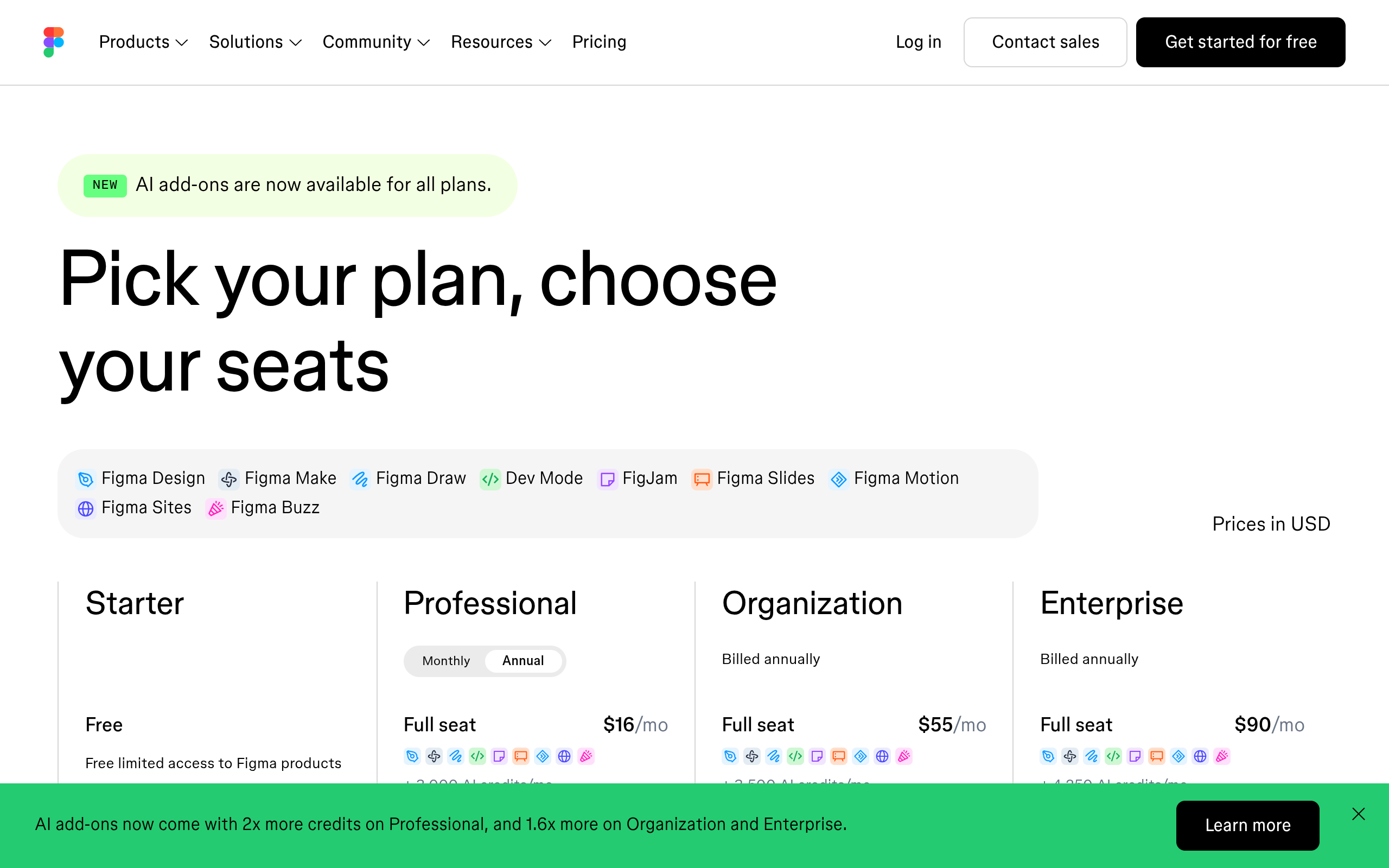
Access is tied to seats. Figma states that Make is available for Full seats on paid plans, and that you can try it on other seats and plans.
A Professional Full seat is $16 a month, which is the real entry price for using Make in earnest rather than sampling it.
What Each Prompt Costs You
Figma meters Make in AI credits, and the help centre is unusually direct about the ranges. It states that consumption varies with the underlying model, the complexity of the task and the context materials, then gives approximate figures.
Those approximations are the most useful numbers in the whole product.
| Action | Approximate credits | What that means in practice |
|---|---|---|
| Generating an app from scratch | 100 or more | A Professional Full seat’s 3,000 monthly credits covers roughly thirty cold starts |
| Adding interactivity to a Make file | 75 or more | The second most expensive thing you will do, and the easiest to repeat |
| Changing a font | 30 or more | A cosmetic tweak costs about a third of a whole generation |
| Add interactions in Figma Design | 20 | A fixed price rather than a range |
| Image generation, certain models | Up to 16 per image | Twelve hero options is roughly 190 credits |
| Background removal | 1 to 5 | Cheap enough to ignore in planning |
| AI search, layer renaming, FigJam summaries | 0 | Free actions, no credit drawn |
The monthly allowances set the ceiling. Full seats get 500 credits a month on Starter, 3,000 on Professional, 3,500 on Organization and 4,250 on Enterprise, while Dev, Collab and View seats get 500 a month on every plan.
Figma states plainly that credits reset monthly, do not roll over, and cannot be shared or transferred to other users.
Run out and the product tells you so, and you cannot complete further AI actions until credits return or an administrator grants more. On a fixed-fee client project that is a hard stop in the middle of a build, which is a different kind of risk from an overage bill.
The Features Worth Knowing Before You Start
Make kits are the feature that changes output quality most. They sync npm packages, library styles and guidelines directly into Make so generations use your design system rather than a generic one.
If you have a real component library, feeding it in is the difference between a demo and something on brand.
Plan mode is the second. It has you clarify intent and produce a structured, editable plan before generation starts, which is the cheapest way to avoid spending 100 credits on the wrong thing.
Custom skills package your frequent workflows into a reusable set of instructions, and MCP connectors let Make pull documents, tasks and data from other apps as context.
Attachments round it out: designs, images, videos, audio, text files and PDFs can go into a prompt to steer the result. Version history tracks every AI and manual edit so you can preview or restore any iteration.
Point and edit lets you click an element in the preview and prompt a change to that element rather than the whole file.
What You Do With It Next
Route one is to leave it as a prototype. This is the honest majority case and it is not a failure.
A prototype that a stakeholder can click through, comment on, and open on a phone has done its job, and Make is very good at it.
Route two is to publish it at a Figma URL or a custom domain. That works for a launch page or an internal tool.
It stops working the moment somebody needs to edit content without opening Figma, because there is no separate content editor and no role that grants content access alone.
Route three is to take the design somewhere with a content system behind it. This is where it is worth updating a description of UiChemy that a lot of people still carry around.
It is no longer only a Figma converter.
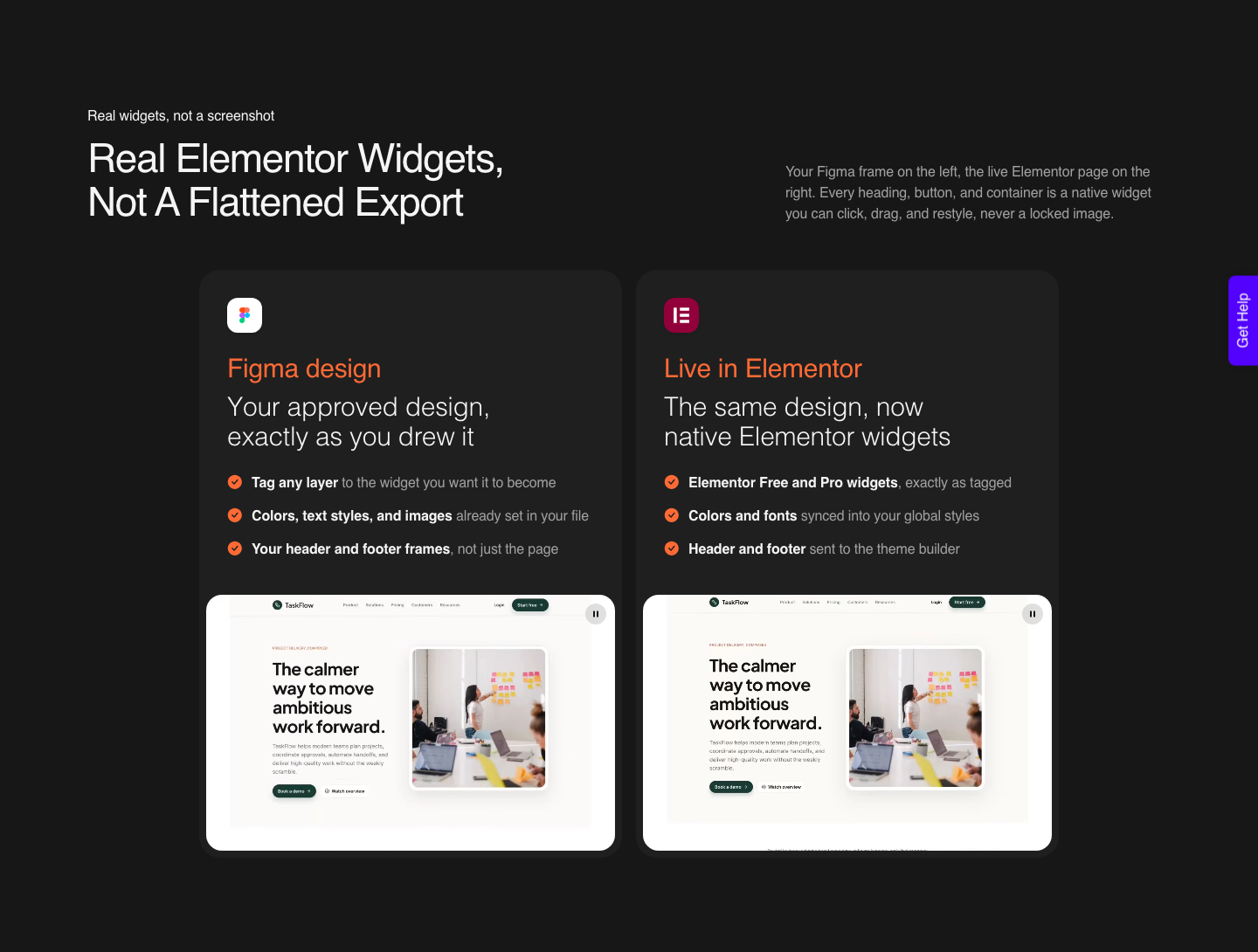
It is one platform with four ways in: an approved Figma design, a text prompt or client brief through AI Website Creator, an existing AI build through AI to WordPress, or a prompt inside the builder through UiChemy Composer, which writes real HTML, CSS and JavaScript as a single widget in Elementor.
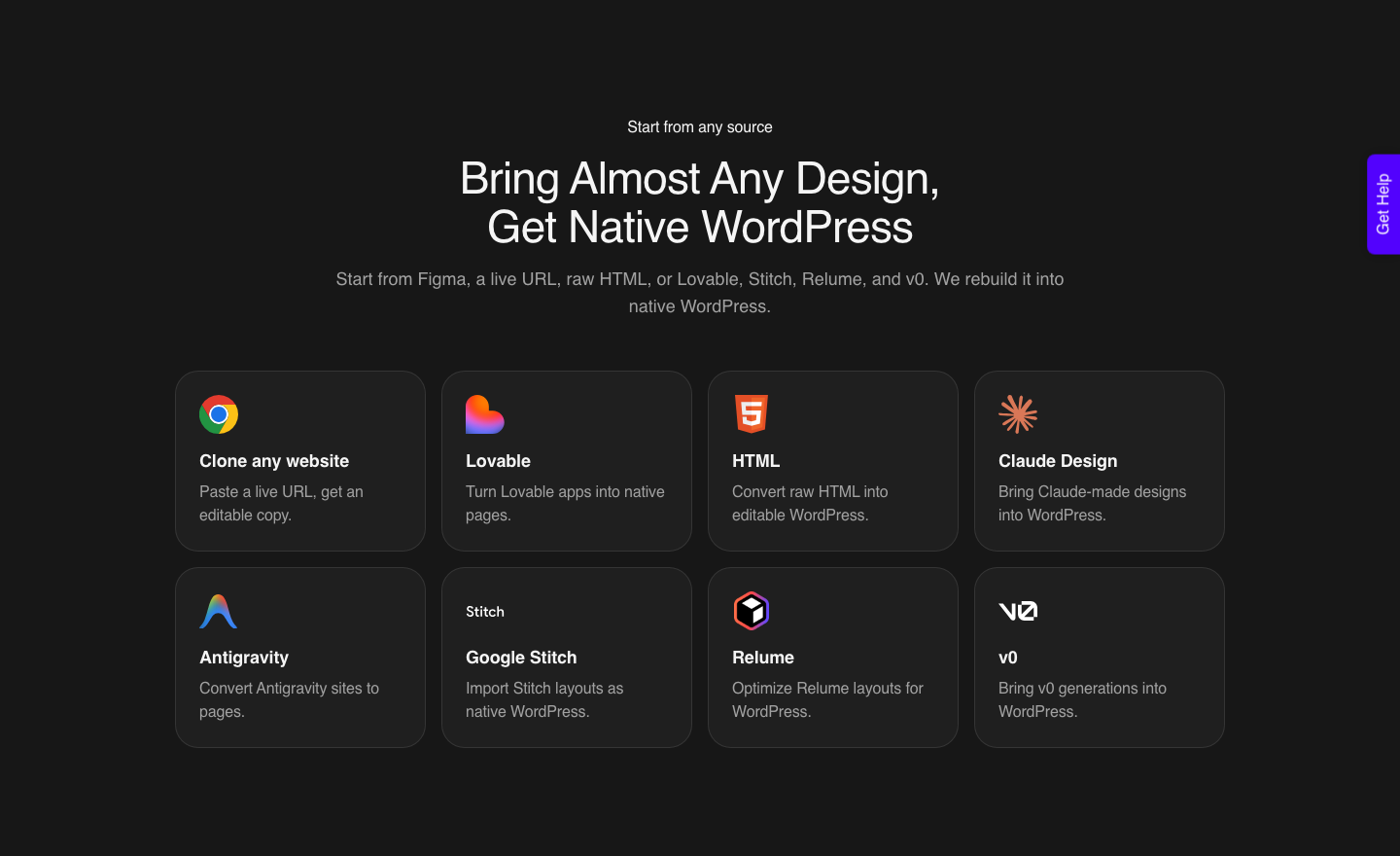
That matters here because a Make result can arrive by more than one door. The accepted sources include a live URL, raw HTML, and builds from Claude, Lovable, Bolt, v0, Codex, Google Stitch, Relume, Claude Design and Antigravity, alongside Figma frames.
A published Make URL is a live URL. The AI build route runs through Composer today; the dedicated per-tool landing pages with their one-click buttons are what is still marked Soon, which is a different thing from the conversion being unavailable.
Prototype Output Against What A Site Needs
| What a client site needs | Figma Make | WordPress after conversion |
|---|---|---|
| Content editing by a non-designer | No separate content editor | Six documented roles |
| Editable page structure | Editable code and canvas, inside Figma | Native widgets or blocks in the site editor |
| Ongoing cost | Figma seats plus AI credits per action | Hosting, plus credits only when you convert |
| Running out mid-project | AI actions stop until credits return | Balance refreshes monthly, and you can top up before it does |
| Third-party assets | You are responsible for rights before publishing | Same responsibility, but assets are in your media library |
| Handover to another agency | They need the Figma file and a seat | They need a WordPress login |
The Limits Figma Names Itself
The intellectual property warning is the one to read twice.
Figma states that Make may incorporate third-party content from the internet, such as fonts, code packages or images, into your prototype or web app, and that you are responsible for ensuring you have appropriate rights to all content before publishing.
On client work that sentence is a review step, not a footnote.
The second is rollout behaviour. Figma notes that the edit tool, properties panel and annotations are rolling out over several weeks and are only available in new Make files.
An older Make file may not have the controls a tutorial shows, which is worth checking before you conclude you are doing it wrong.
The third is the credit model itself. Credits do not roll over and cannot be transferred, so a quiet month buys nothing toward a busy one, and a colleague’s unused allowance cannot rescue your deadline.
Plan mode exists partly because of this, and using it is the cheapest habit in the product.
The conversion route has its own limits and they should be stated in the same breath. Masks, layer blur, background blur, video fills and blend modes do not carry from Figma into a WordPress builder.
A verified reviewer describes the realistic outcome as roughly 70% of the design work handled with the remaining 30% fine-tuned by hand.
A Sequence That Uses Make Well
Start in plan mode rather than with a cold prompt, and attach whatever context exists: the brief as a PDF, reference images, a Make kit carrying your design system. This costs nothing extra and it is what stops the first 100 credit generation from being a throwaway.
Generate, then iterate with point and edit on specific elements rather than re-prompting the whole file. Publish to a Figma URL and put that link in front of the client, because a clickable prototype gets a decision faster than a static frame.
Use version history rather than regenerating when you want to compare two directions.
Once the direction is approved, move the design into Figma Design as proper frames and clean it there: auto layout, real components, text stored as text rather than baked into an image. Then convert into WordPress.
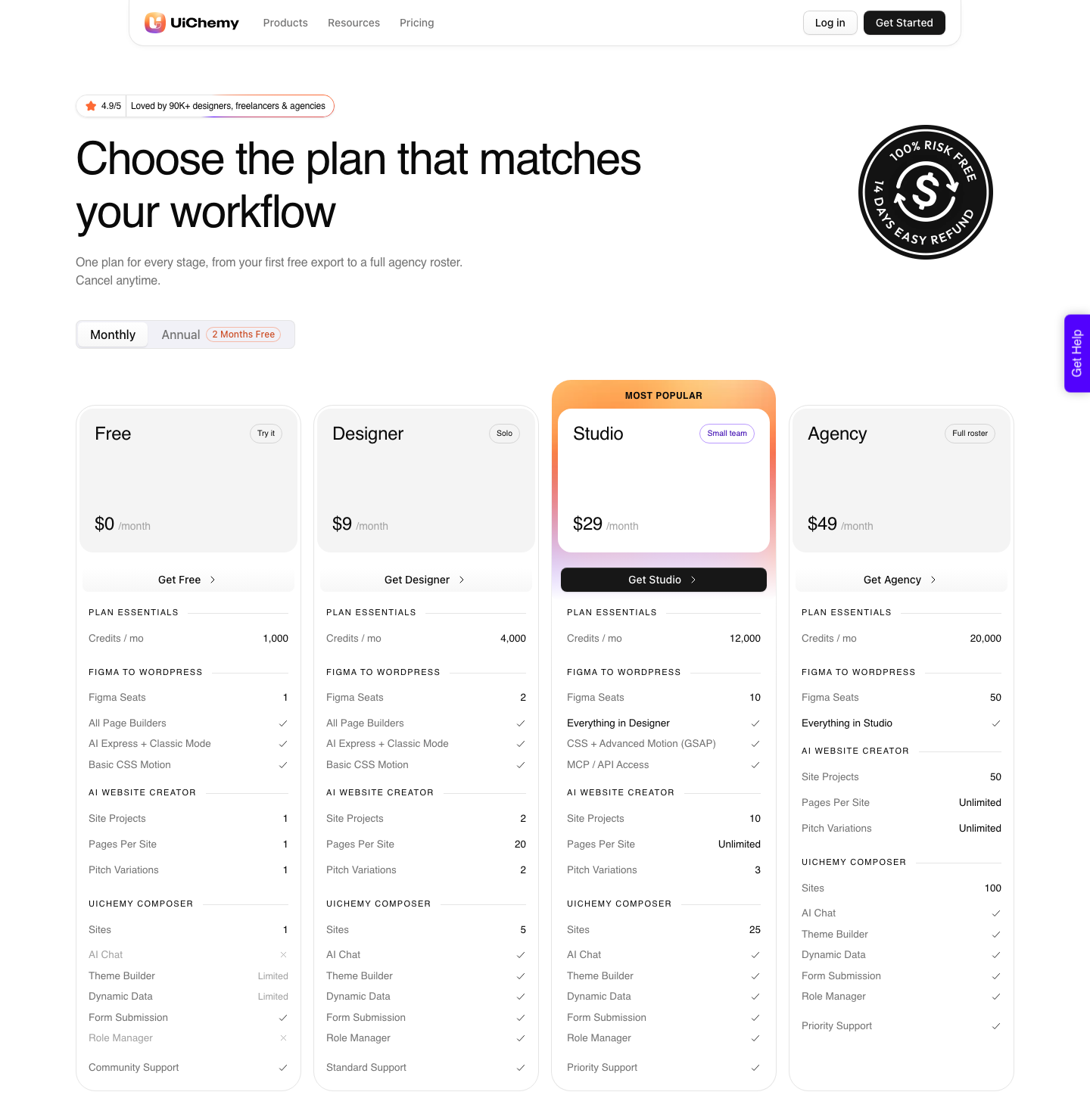
There is a Free plan at $0 a month carrying 1,000 Credits, one Figma seat and one Composer site, which is enough to put a real section through before you decide anything.
Paid plans start at $9 for Designer with 4,000 Credits a month, then Studio at $29 with 12,000 and Agency at $49 with 20,000. Your balance refreshes every month and you can top up between refreshes.
Questions People Actually Ask
Is Figma Make a website builder?
Not in the sense most people mean. Figma describes the output as functional prototypes, web apps and interactive UI, and you can publish that at a URL or a custom domain.
What is absent is a content system, so anything that needs editing by someone who does not open Figma needs a different home.
Can I get the code out of Figma Make?
You can edit the code inside Make, and Figma has documented Make working on a local codebase in beta. Treat published output as something you own the responsibility for rather than something that arrives ready for production, particularly given the third-party content warning.
How many apps can I generate on a Professional seat?
Roughly thirty cold starts a month, using Figma’s own figure of 100 or more credits per generation against a 3,000 credit Full seat allowance. Iteration eats into that quickly, since adding interactivity runs 75 or more and a font change 30 or more.
Plan mode is how you keep that count honest.
Do unused Figma AI credits carry to next month?
No. Figma states that credits reset monthly, do not roll over, and cannot be shared or transferred between users.
Plan the busy month around the allowance you have in that month rather than one you saved earlier.
Can a Make result end up on WordPress?
Yes, by way of the design or the published URL.
UiChemy converts a live URL, raw HTML and Figma frames into native Elementor, Gutenberg or Bricks, and Composer will write a section as real code inside Elementor from a prompt.
The cleanest path is still through a tidy Figma frame, because a frame carries structure that a rendered page does not. Note that AI Express Mode outputs to Elementor today, with Gutenberg and Bricks on the roadmap, so Classic Mode is the route to those two right now.
Where To Point Figma Make On Your Next Project
Use it for the part of the job that is genuinely uncertain: the flow nobody has agreed on, the interaction that is hard to describe in a static frame, the internal tool that will never have a second editor. That is where 100 credits buys a real answer instead of a picture of one.
Then stop and ask who maintains this in a year.
Related reading: how Make credits are metered in detail, the alternatives worth comparing, and what changed for Figma to WordPress in 2026.
Figma’s own Make page, its Explore Figma Make article and the AI credits documentation are the primary sources behind every number here.
If the answer is a client’s marketing team, the design belongs in a builder they can open. Clean the frame first, convert one section as a test, and only then commit the whole page.
And if the prototype was only ever a way of answering a question, do not migrate it at all: hand the approved brief to AI Website Creator and let the real site be planned from the brief rather than reverse-engineered from a prototype.