No-Code AI Website Builders: The Category Nobody Defined
 Sagar Patel
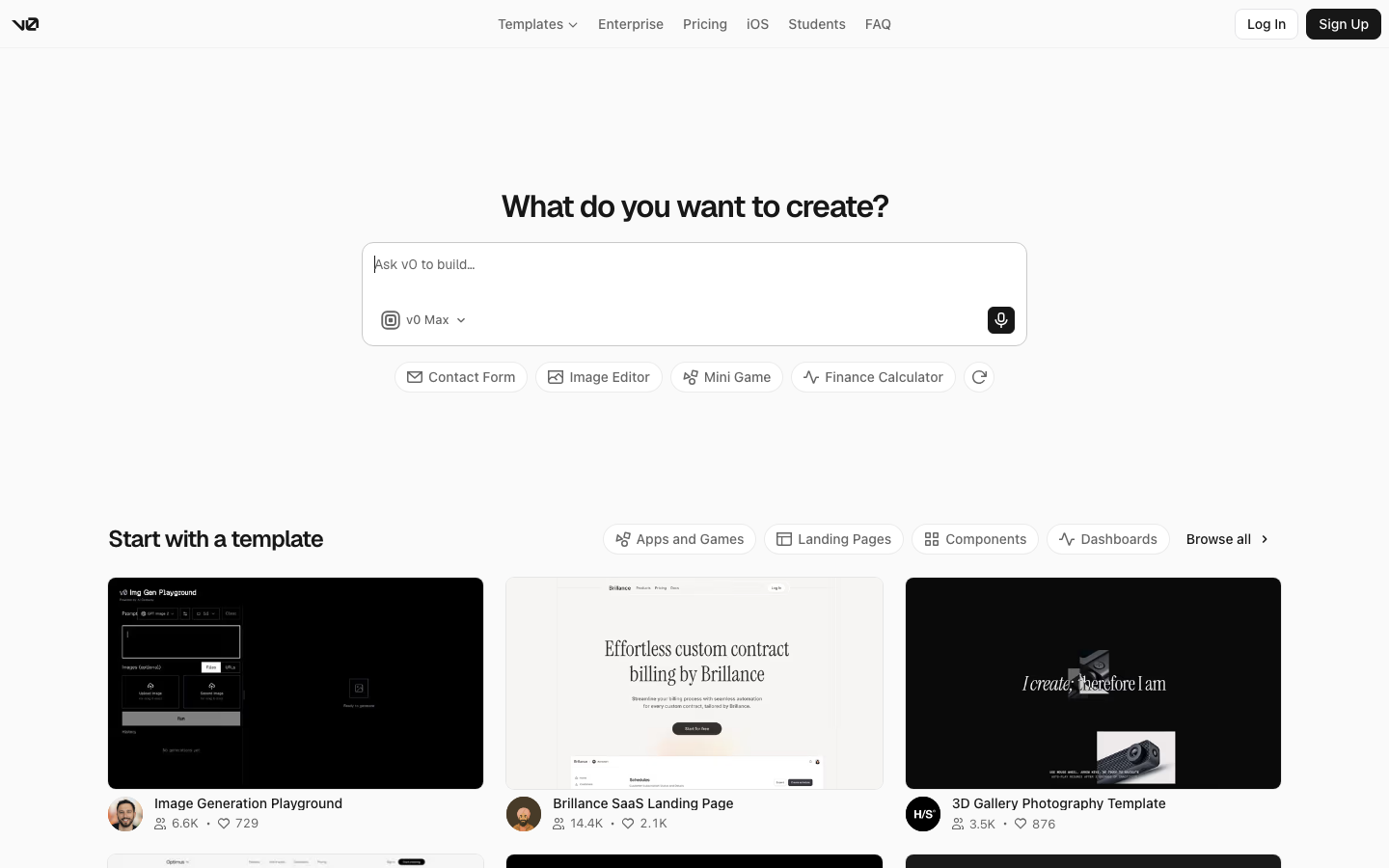
A client sends three links and says she wants “one of those no code AI website builders”. The first is a prompt box that returns React code.
The second publishes a hosted site from inside a design tool. The third is a WordPress plugin.
All three are described, by their own marketing or by somebody else’s roundup, as a no code AI website builder.
They are not competitors. They are four different product categories wearing one label, and the label is doing no work at all.
This is an attempt to define the term properly, using what each product’s own documentation says it does, checked on 8 September 2026.
Where The Phrase Came From And What Broke It
No code originally described a specific promise: a visual editor where a person who cannot write code can build and then keep maintaining the thing they built. The maintenance half was the whole point.
A tool that produced a site nobody could edit afterwards would have failed the definition instantly.
AI generation broke that in one move. Several of the most popular tools now called no code AI website builders take a prompt and return source code.
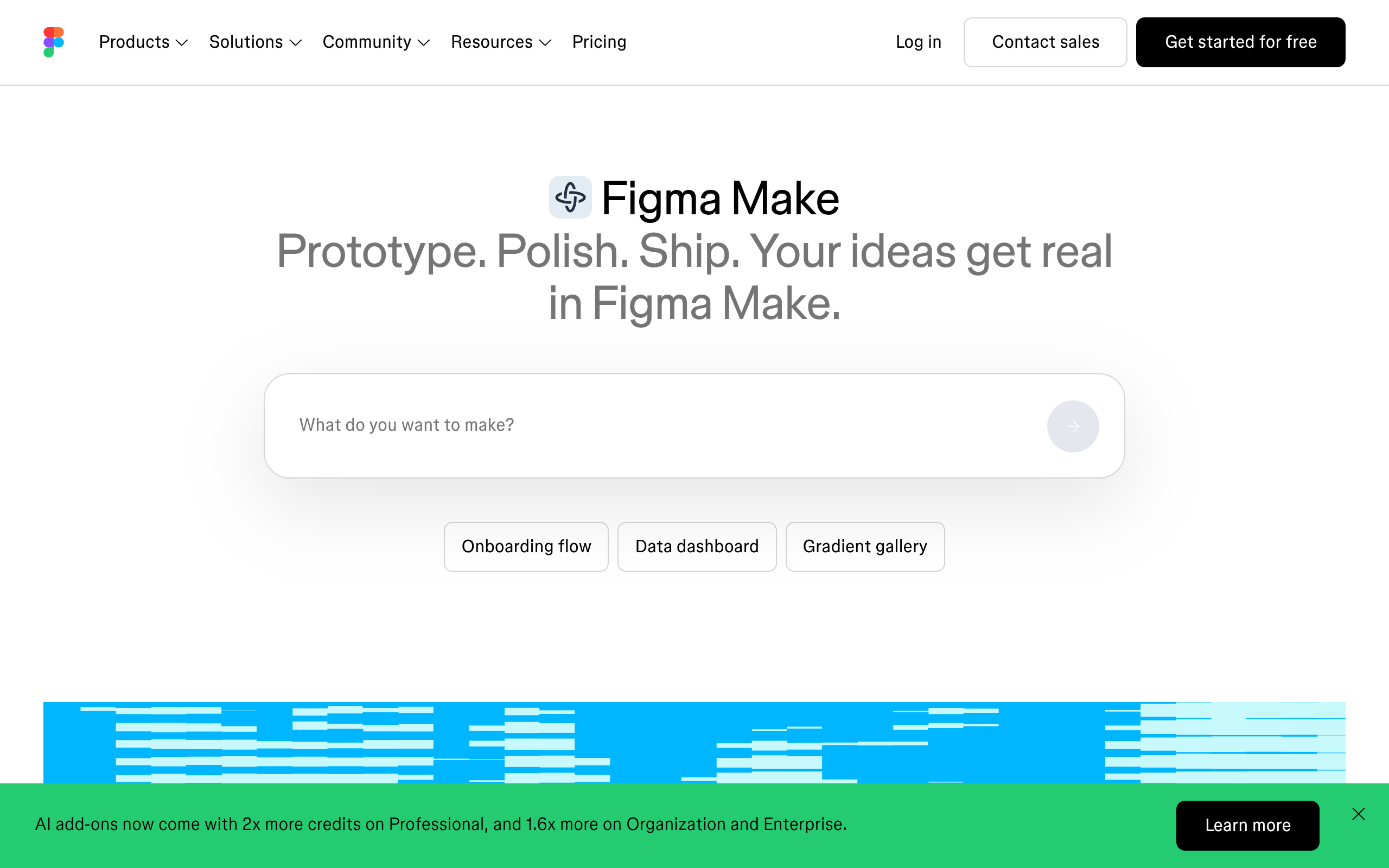
Figma is explicit about it on its own product page, describing Figma Make as prompt to code, and the help centre calls it a prompt to app tool for functional prototypes, web apps and interactive UI.
Code as the deliverable is a legitimate product. It is just not no code, because the person holding it now needs a developer for every subsequent change.
The phrase survived the shift and stopped meaning anything.
Four Product Shapes Sold Under One Name
Sort them by the artefact you are holding when the tool is finished, not by the interface you used to get there. The interfaces look almost identical.
The artefacts have nothing in common.
| Shape | Examples | What you hold at the end | Who owns the hosting |
|---|---|---|---|
| Prompt to code | Figma Make, Lovable, Bolt, v0 | A repository or an exported bundle | You, once a developer deploys it |
| Prompt to hosted site | Figma Sites, and most builders with a free tier | A live site inside the vendor’s platform | The vendor |
| AI inside a page builder | Generative features in WordPress builders, UiChemy Composer | Native blocks, widgets, or real HTML, CSS and JS on your own site | You |
| Design or brief origin, into your own CMS | UiChemy Figma to WordPress, AI Website Creator, AI to WordPress | Native elements on your own WordPress install | You |
Figma Sites sits in the second row and is still in beta, available on Full seats, with a CMS view for content updates and code layers for custom interactivity. It is a real product with a clear job.
It is also a place your client’s site would live at Figma’s discretion rather than on hosting they control.
The last two rows deserve a word, because our own product used to sit in only one of them and no longer does. UiChemy is one platform with four ways in.
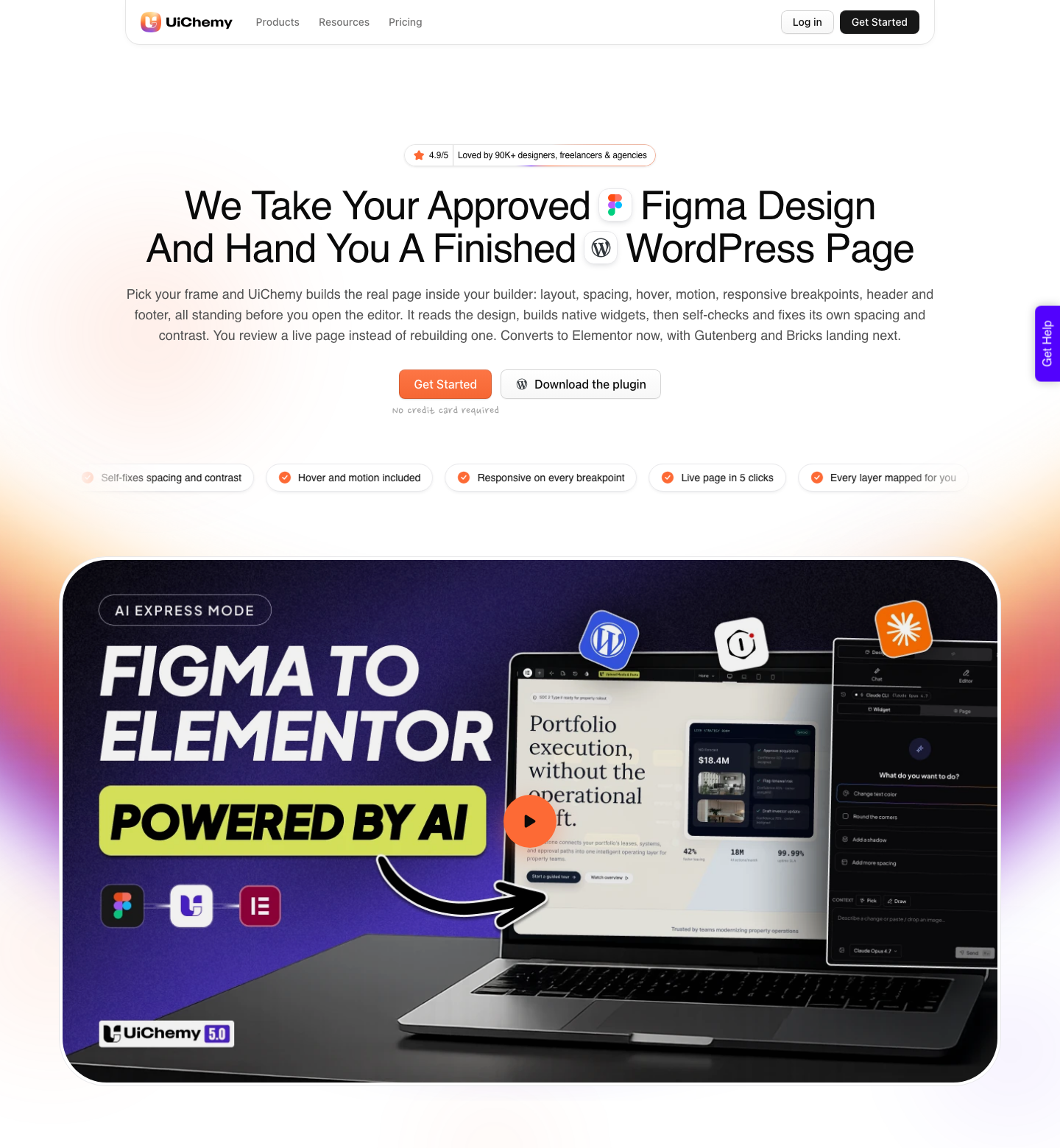
Figma to WordPress takes an approved design. AI Website Creator takes a text prompt or a client brief and works through scope, sitemap, design and export.
AI to WordPress moves an existing Lovable, Claude, Bolt or v0 build across.
And UiChemy Composer is one widget inside Elementor where AI writes real HTML, CSS and JavaScript you can then edit by hand, by prompt, or through Design Mode fields for text, images, links and colours.
Four starting points, one destination.
The Second Change Test
Generation is not the hard part any more, and comparing tools on how good the first output looks is a waste of an afternoon. The question that separates them is who makes the second change, four months later, when the client wants the pricing table updated and you are on holiday.
Run every candidate through it. If the answer is “a developer opens the repo”, the tool is a code generator and should be priced and staffed like one.
If the answer is “whoever has an account on the vendor platform”, the site is a tenant. If the answer is “the client, in the editor they already log into”, you have something that survives you.
This test is also why the category confusion costs real money. A quote written on the assumption of the third answer, delivered against a tool that gives the first, eats its own margin in support tickets.
Prompt Origin And Design Origin Are Not The Same Product
There is a second split inside the category that nobody labels either. Some of these tools start from a sentence.
Others start from a design that has already been reviewed, argued over and signed off by a client who paid for it.
Prompt origin is genuinely useful when the direction is still open and you want ten options by lunch. It is a poor fit for the case where a Figma frame is already approved, because the model reinterprets rather than reproduces, and every reinterpretation is a conversation with the client you have already had once.
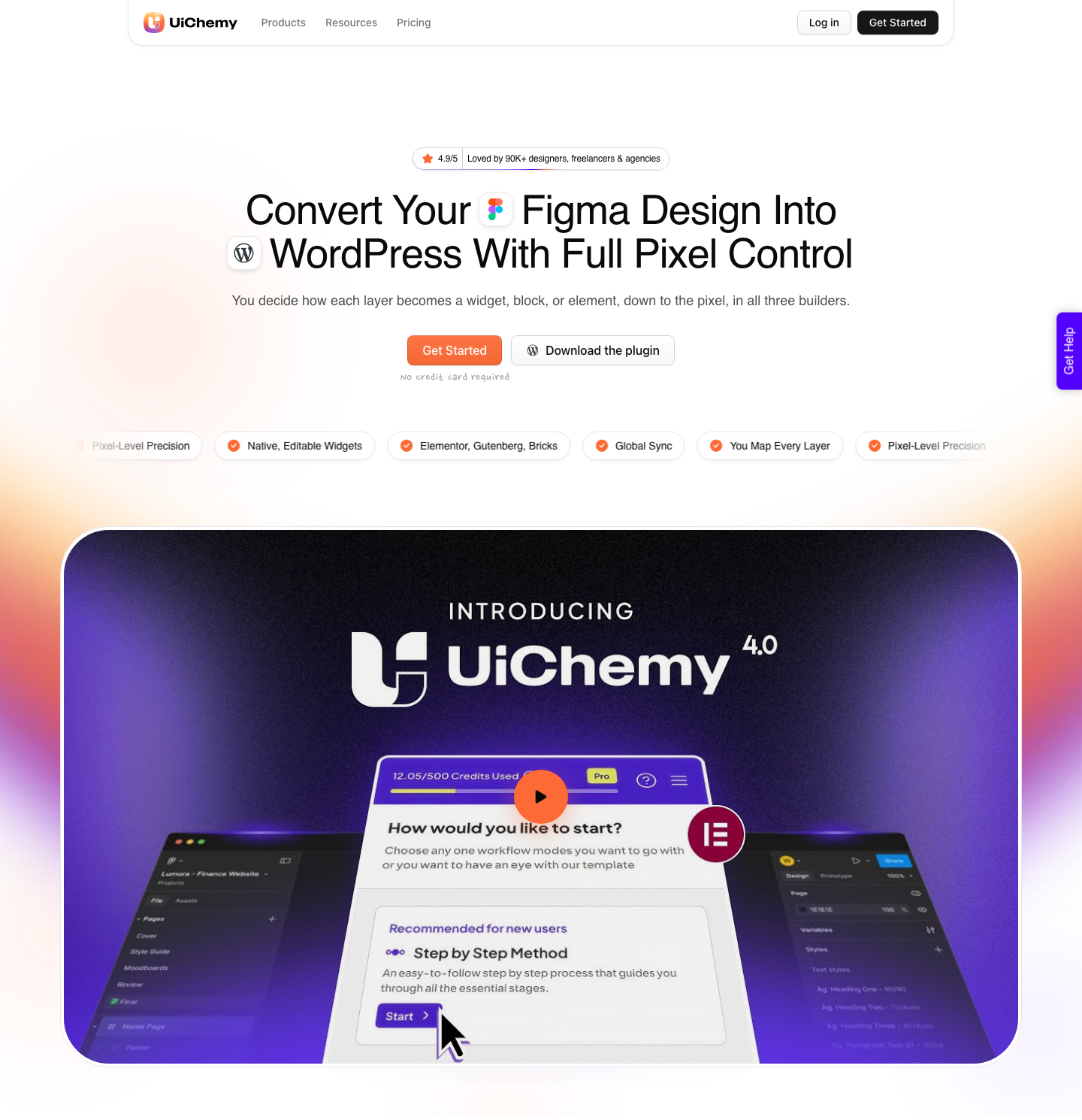
Design origin conversion does the boring thing instead. It reads the frame you approved and rebuilds it as native Elementor elements.
That is why the two halves of this category should not be compared on output quality at all: they are answering different questions.
How The Two Kinds Of Credit Behave
Almost everything in this category meters usage, and the meters are not built the same way.
Figma’s help centre is unusually direct about the rules: AI credits are assigned to an individual user, reset monthly, do not roll over, and cannot be shared or transferred to another person.
Credits tied to separate plans do not stack either.
The published consumption figures are worth reading before you promise a workflow to a team. Adding interactions costs 20 credits per use.
In Figma’s own examples for Figma Make, changing a font is roughly 30 credits or more, making an attached design interactive is roughly 75 or more, and generating an app from scratch is roughly 100 or more. Undoing an AI action reverts the file but does not refund the credits.
| Meter | Monthly allowance | Rollover | Shared across a team |
|---|---|---|---|
| Figma AI, Starter | 500 a month, capped at 150 a day | No | No, per seat |
| Figma AI, Professional Full seat | 3,000 a month | No | No, per seat |
| Figma AI, Enterprise Full seat | 4,250 a month | No | No, per seat |
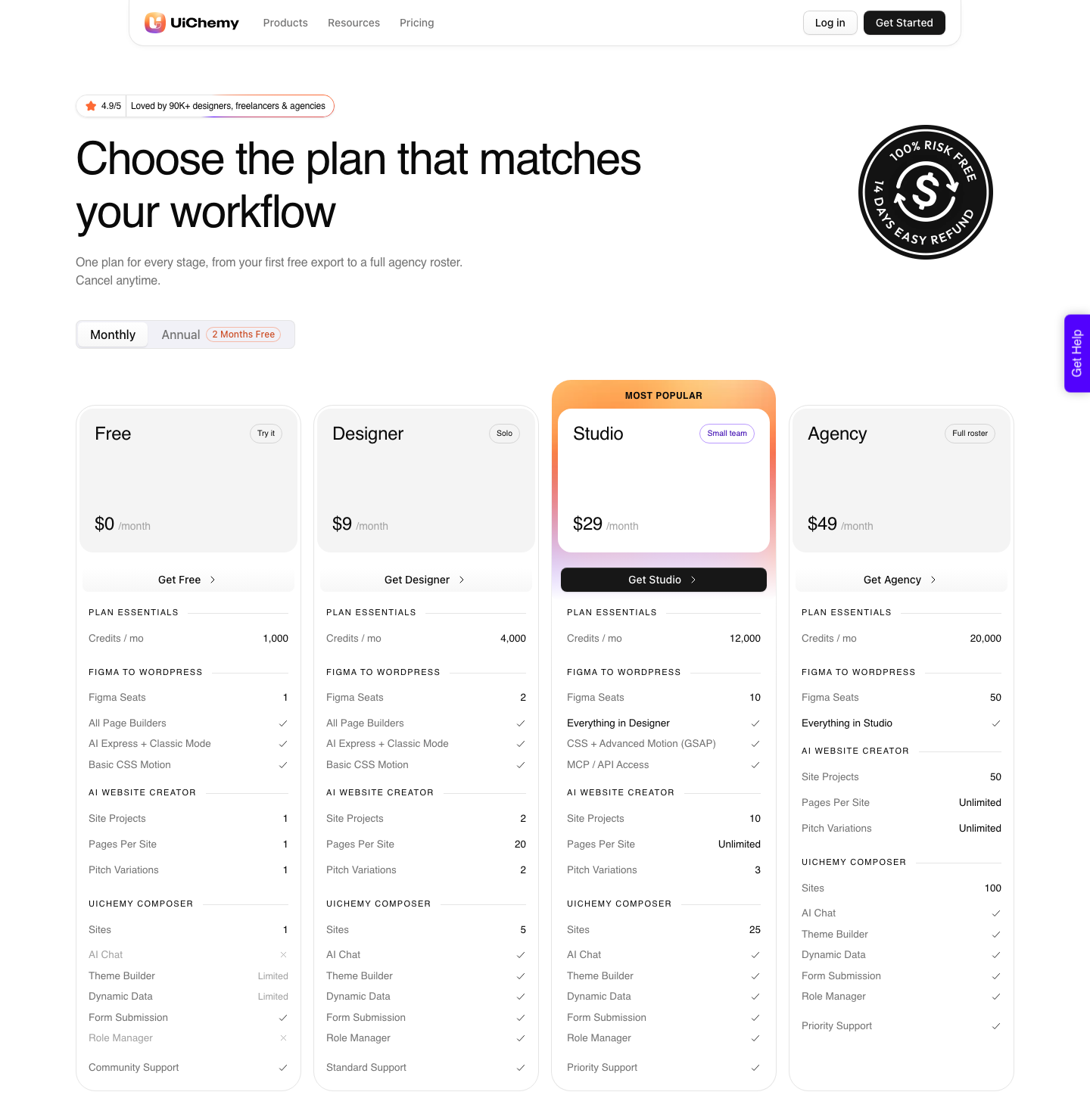
| UiChemy Free, $0 | 1,000 credits | Refreshes monthly, top up between refreshes | 1 seat or site |
| UiChemy Designer, $9 | 4,000 credits | Refreshes monthly, top up between refreshes | 2 seats or sites |
| UiChemy Studio, $29 | 12,000 credits | Refreshes monthly, top up between refreshes | 10 seats or sites |
| UiChemy Agency, $49 | 20,000 credits | Refreshes monthly, top up between refreshes | 50 seats or sites |
Two details in that table decide most agency budgets. A per seat meter that does not transfer means a second designer needs a second allowance, and a failed generation on either meter still costs something in time even where it does not cost credits.
Where The Site Lives, And Who Can Move It
This is the question clients never ask and always care about later. A hosted builder means the running site is a tenant of the vendor.
That is fine until a renewal, a pricing change or a feature deprecation lands, at which point moving is a rebuild rather than a migration.
Figma is clear that a published Figma Make prototype goes onto the public web at a dedicated URL and that access to the published version cannot be restricted. Organisation admins get a toggle to turn publishing off for the whole organisation, which tells you how seriously large teams take this.
The WordPress answer is duller and, for client work, usually better. The pages land in a database you control, on hosting you chose.
UiChemy’s own pricing FAQ states it plainly: everything you convert lives on your own site and stays yours whether or not you keep the plan.
Honest Limits On The WordPress Route
Being in the fourth row of that table is not a free pass. Design origin conversion has its own list of things it does not do, and pretending otherwise is how a category earns a bad reputation.
AI Website Creator is new, so the honest advice is to run it against a brief whose shape you already know before you sell it to a client.
Its Export To Elementor is live and Export To Gutenberg is marked Soon on every plan, Agency included, so do not promise a Gutenberg site out of a prompt yet.
On the Figma side, AI Express Mode outputs to Elementor today with Gutenberg and Bricks marked as coming, which means anyone on those two builders is using Classic Mode and its manual tagging. Composer runs inside Elementor and nowhere else so far.
Output is responsive across the builder’s breakpoints with a manager for adjusting them, which is not the same claim as fully automatic.
The most useful review of the plugin puts the number on it: it handles “about 70% of the design work” and leaves “the remaining 30% for us to fine-tune using Elementor”. Plan the last 30 percent into the estimate and the workflow holds.
Assume zero cleanup and it will not.
A Definition You Can Use In A Client Call
Five questions, asked in this order, sort any product in this category in about four minutes. None of them are about output quality, because output quality is the part you can see in a demo and the part that improves every quarter anyway.
- What is the artefact at the end: code, a hosted page, or native elements in a CMS you already run?
- Who makes the second change, and do they need a developer to do it?
- Where does the running site live, and what happens to it if you stop paying?
- Is the meter per person or per site, and does anything roll over?
- Does it start from a prompt or from a design that a client has already approved?
Frequently Asked Questions
Is a no code AI website builder the same as an AI website generator?
Usually not, although the terms are used as if they were. A generator produces a first draft from a prompt.
A no code tool, in the original sense, is one where a non developer can keep editing afterwards. A product can be one, both or neither, and the marketing rarely tells you which.
Can I use a free plan for real client work?
For evaluation, yes, and the exact size of each free tier is the thing to check before relying on one.
Figma’s Starter plan gives 500 AI credits a month with a 150 a day ceiling, and Starter users can only publish a Figma Make project to the public web if they also publish it to the Figma Community.
UiChemy has a Free plan at $0 a month with 1,000 credits, one Figma seat, one AI Website Creator project of a single page and one Composer site, and it carries all page builders plus both conversion modes, so what you test is the real output rather than a demo.
Neither is a production budget.
Which shape is right for a client who already has WordPress?
The third or fourth row, almost always. A client with an existing WordPress site has a theme, plugins, forms and tracking that a hosted builder cannot absorb and a code bundle cannot inherit.
Converting into native blocks or widgets keeps every one of those in place.
Do I still need a designer if the AI generates the layout?
For anything with a brand attached, yes. Generation is fast at plausible and slow at specific.
The teams getting the most out of this category use prompts to widen the set of directions they can afford to explore, then take the chosen direction through a real design file before anything is built.
The Short Version
No code AI website builder is not a category, it is four categories sharing a search term. Sort candidates by the artefact, by who makes the second change, and by where the running site lives, and the shortlist writes itself in minutes.
If the client already runs WordPress, the honest answer is whichever route ends in their own database: the approved Figma frame if there is one, the client brief if there is not, and Composer if the thing you are moving was generated somewhere else.
More on the neighbouring questions in what the AI website builder roundups leave out, the Figma Make alternatives breakdown, and the AI Express Mode and Classic Mode overviews.